
Find your way on day one
Building and classroom finders, library resource location, and orientation routing for new students and visitors.
See you at MCN 2026! We'll be in Seattle from Oct. 21-23, 2026. Book a meeting
Your building finder, library programming board, and maker space schedule are one system—not three IT tickets. Zibit keeps them in sync so campus teams can publish once and reach every touchpoint.
Building and classroom finders, library resource location, and orientation routing for new students and visitors.
Library, facilities, and student life staff publish maps and schedules themselves—no developer, no IT ticket.
Library events, campus calendars, and workshop schedules updated across every screen from one place.
A new student's first week shouldn't include getting lost between buildings. Building and classroom finder for large campuses, book and resource location within libraries, and new student and visitor orientation routing for first-week campus tours. Tag buildings, classrooms, and library stacks on your campus map and publish at every entrance and junction.
Explore wayfinding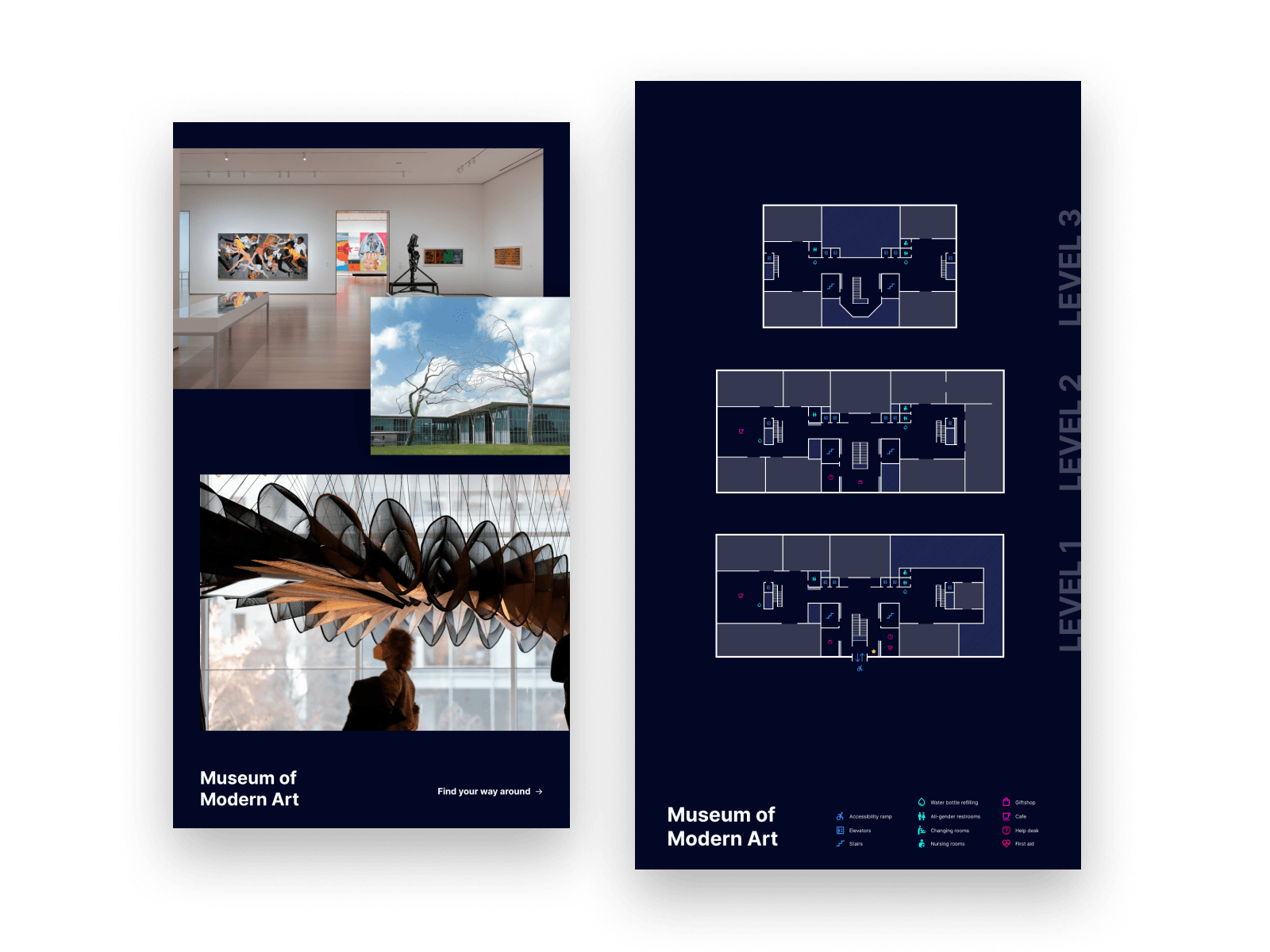
A capital campaign wall shouldn't require a facilities request to add a new name. Celebrate your communities in real time with capital campaign donor walls, grant and foundation funder acknowledgment, and volunteer and community partner recognition. Add a donor or partner without reprinting plaques or waiting on a vendor.
Explore donor recognition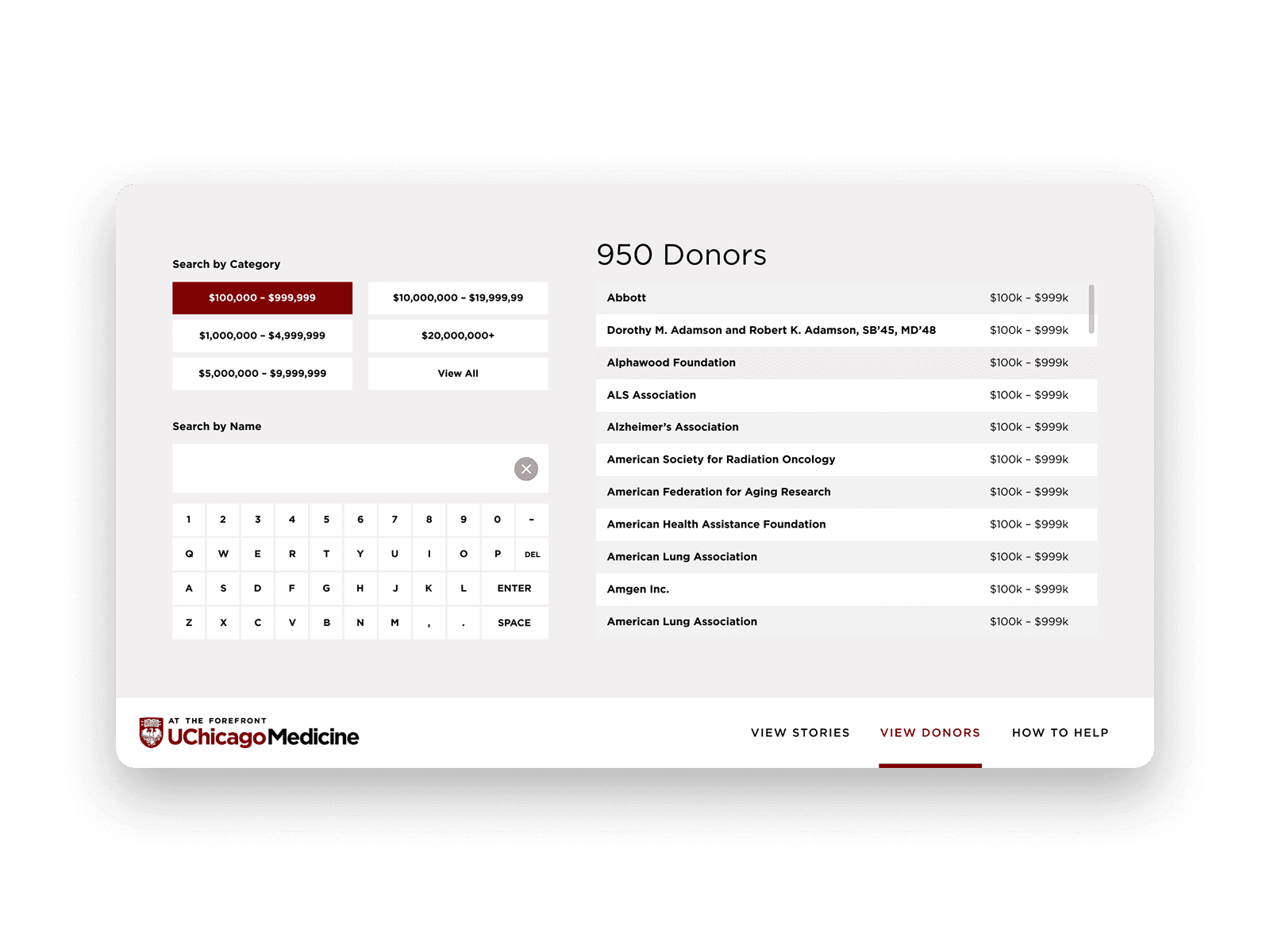
Every campus has a history worth telling and special collections worth exploring. Campus history and notable alumni content, and special collections and archive interpretive content in libraries. Surface labels for casual visitors and deep dives for researchers, all from one content block.
Explore storytelling kiosks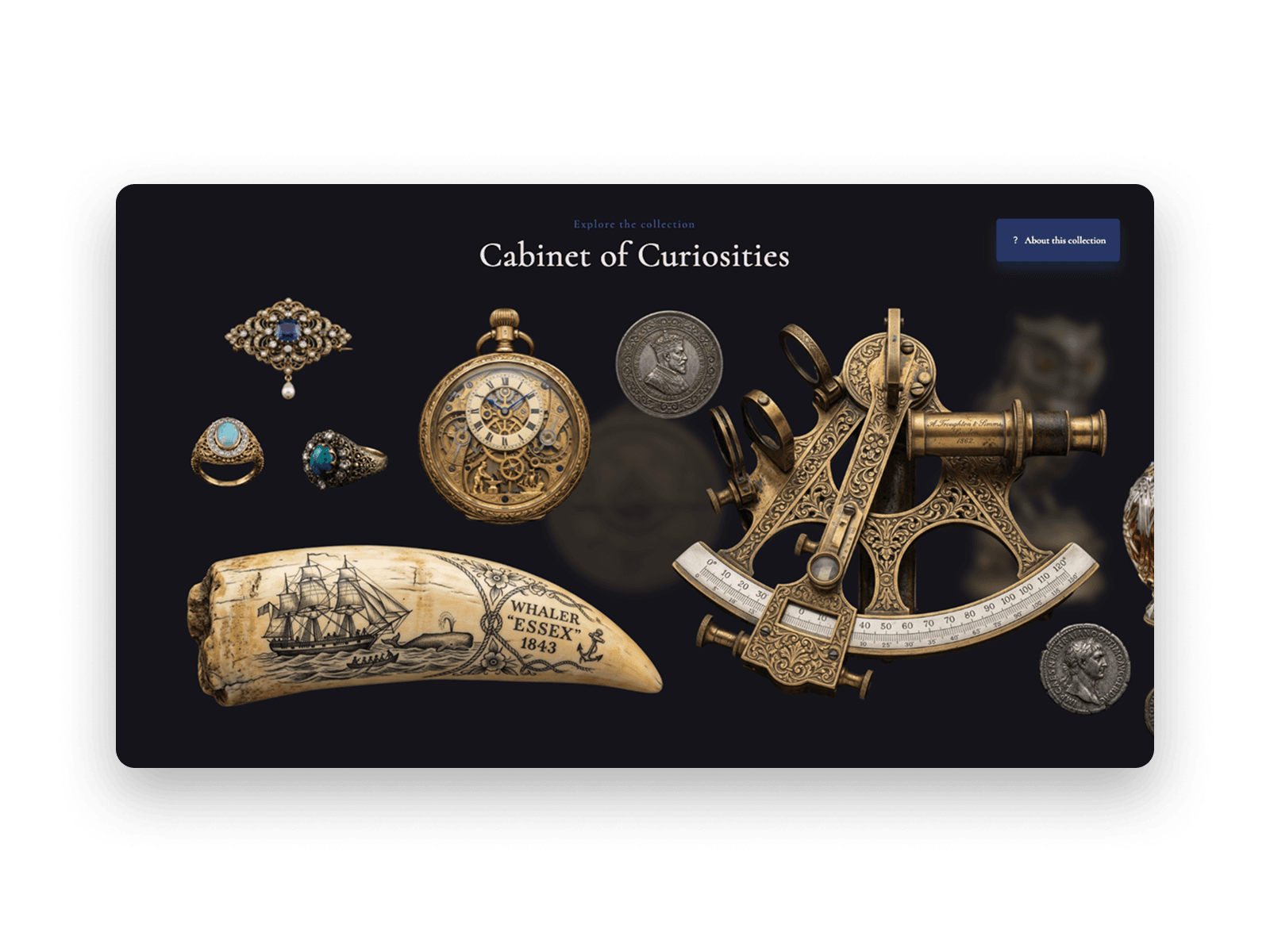
Author talks, guest speakers, and maker workshops change every week. The board in the lobby should know—with library programming like author talks, workshops, and story time; campus event calendars for guest speakers, games, and orientation events; and workshop and class schedules at maker spaces. One calendar update pushes to every lobby screen, library kiosk, and website embed at once.
Explore event promotion
Practical reads for campus and library teams planning digital experiences.
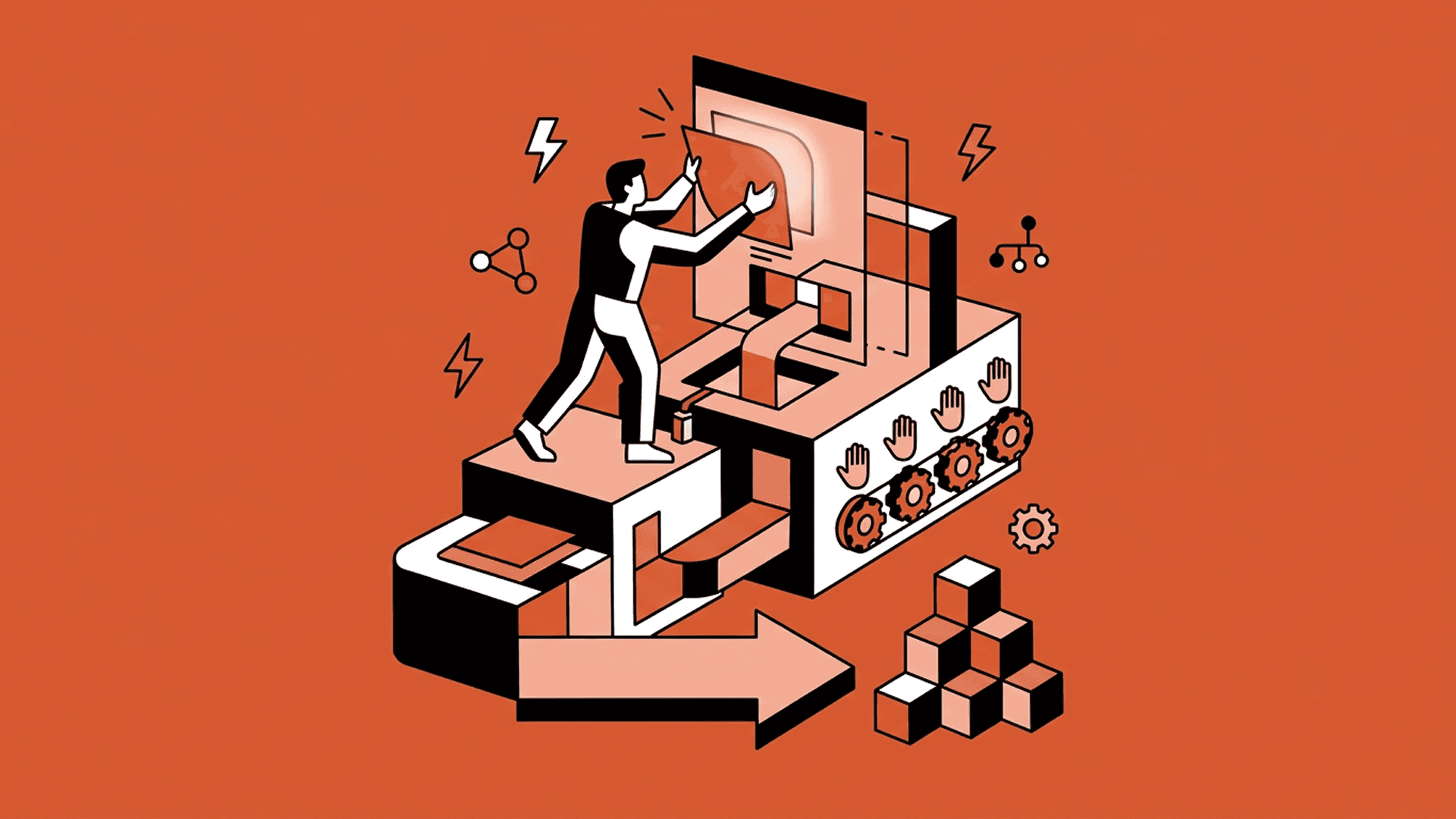
The playbook for digital experiences in physical spaces is broken. No-code and Zibit is the future.


Campus screens fail because every update waits on IT. A no-code platform lets each building own its content while IT keeps one dashboard.
Yes. Libraries, campuses, schools, and maker spaces use Zibit for building finders, programming boards, donor recognition, and safety displays—published by the teams who run the space.
Yes. Library, facilities, and student life staff publish directly in Zibit—classroom maps, author talks, workshop schedules, and emergency routes go live from one place.
No. Zibit is fully no-code. You build interactive experiences with a drag-and-drop editor, templates, and shared style sets—no developers required.
Zibit's Basic plan is $89/month, or $80/month billed annually ($960/year). Professional and Organization plans add more player installations and features, and every plan starts with a free 14-day trial.
See full pricingStart a free 14-day trial or schedule a demo, then build your first project in the editor—from scratch or from a template—and deploy it to your device with the Zibit player app.
Try for free