Key Features
Dream as big as you want
Zibit is a no-code platform for building digital signage, interactive kiosks, and touchscreen exhibits. Start from a template or a blank canvas, design in a drag-and-drop editor, and publish to multiple synced screens—with accessibility defaults and no developers required.
Editor
Build interactives in the editor without writing code.
Drag-and-drop building blocks
Create any layout you can imagine. Drag-and-drop components, snap to the grid, and preview your changes in a virtual canvas. Easily add, remove, and rearrange components to create the perfect layout for every screen.
Learn how: Navigating the Project Editor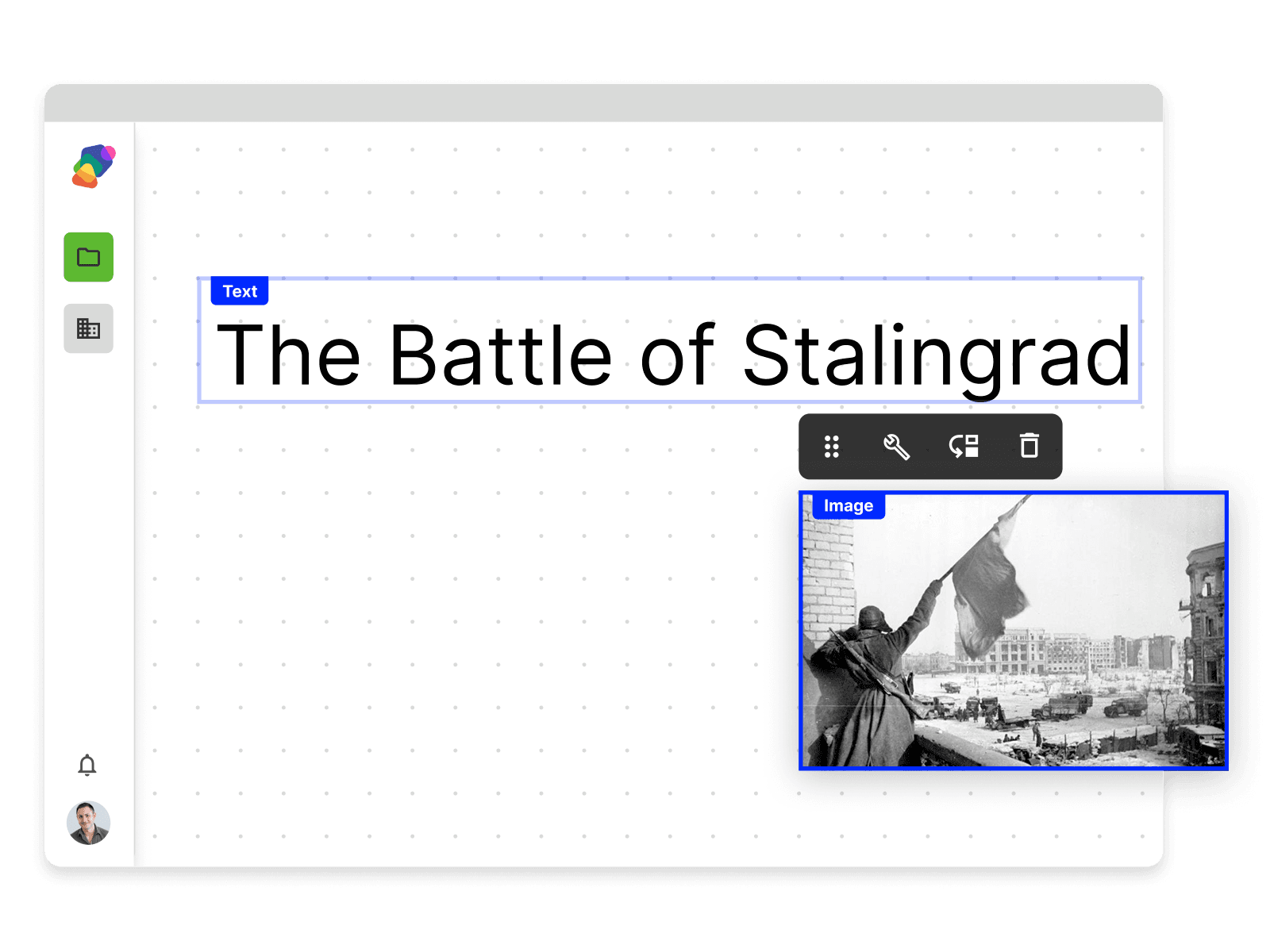
Deployments
Design once, launch anywhere and everywhere.
One-click install, then keep every display online
Design your project and launch it on any device in one click using the Zibit player app. Zibit handles updates, security, and built-in uptime monitoring so you know when a display goes offline and can address issues before visitors notice.
Learn how: Setting Up the Player App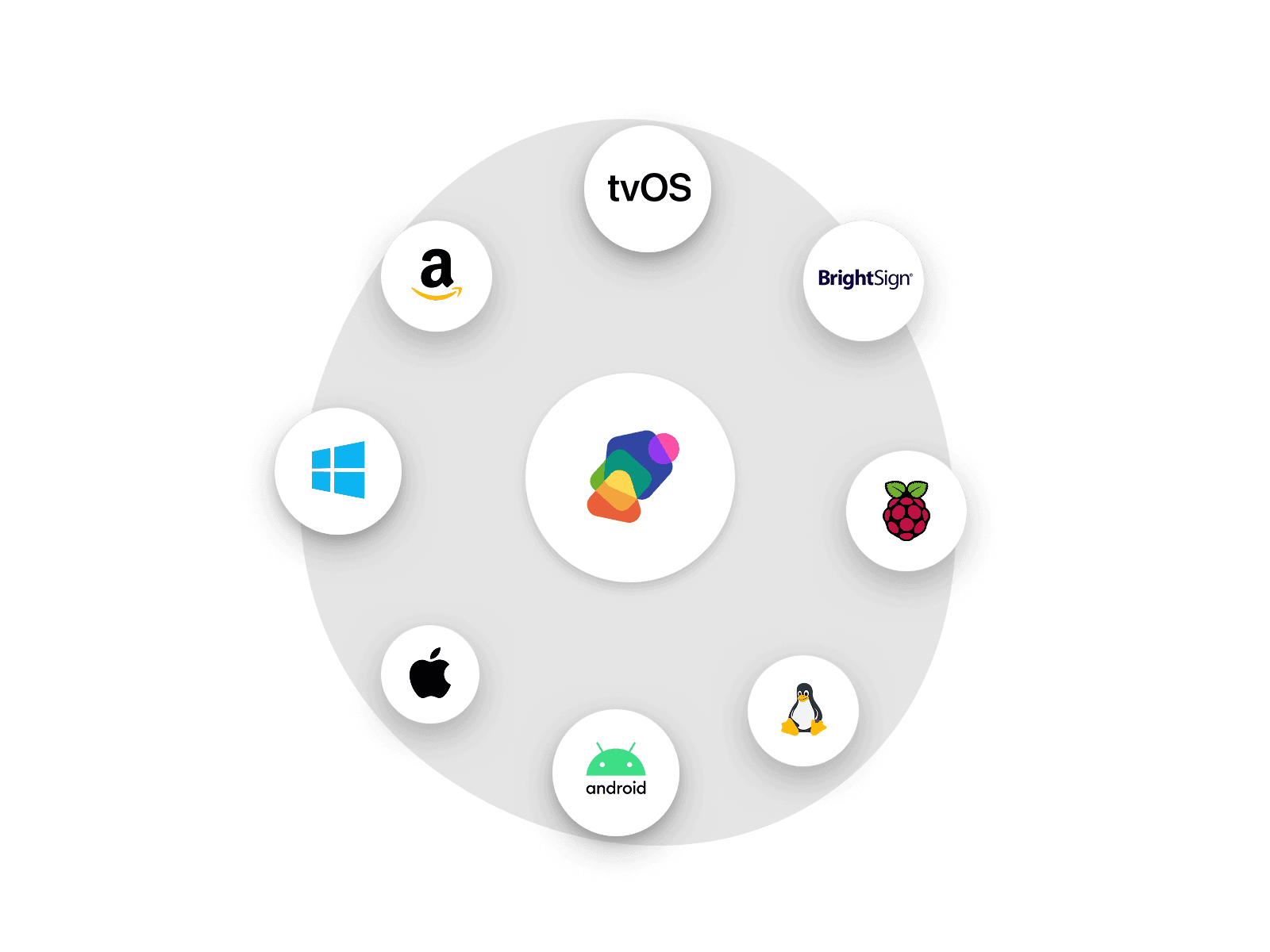
Accessibility
Reach every visitor with inclusive defaults.
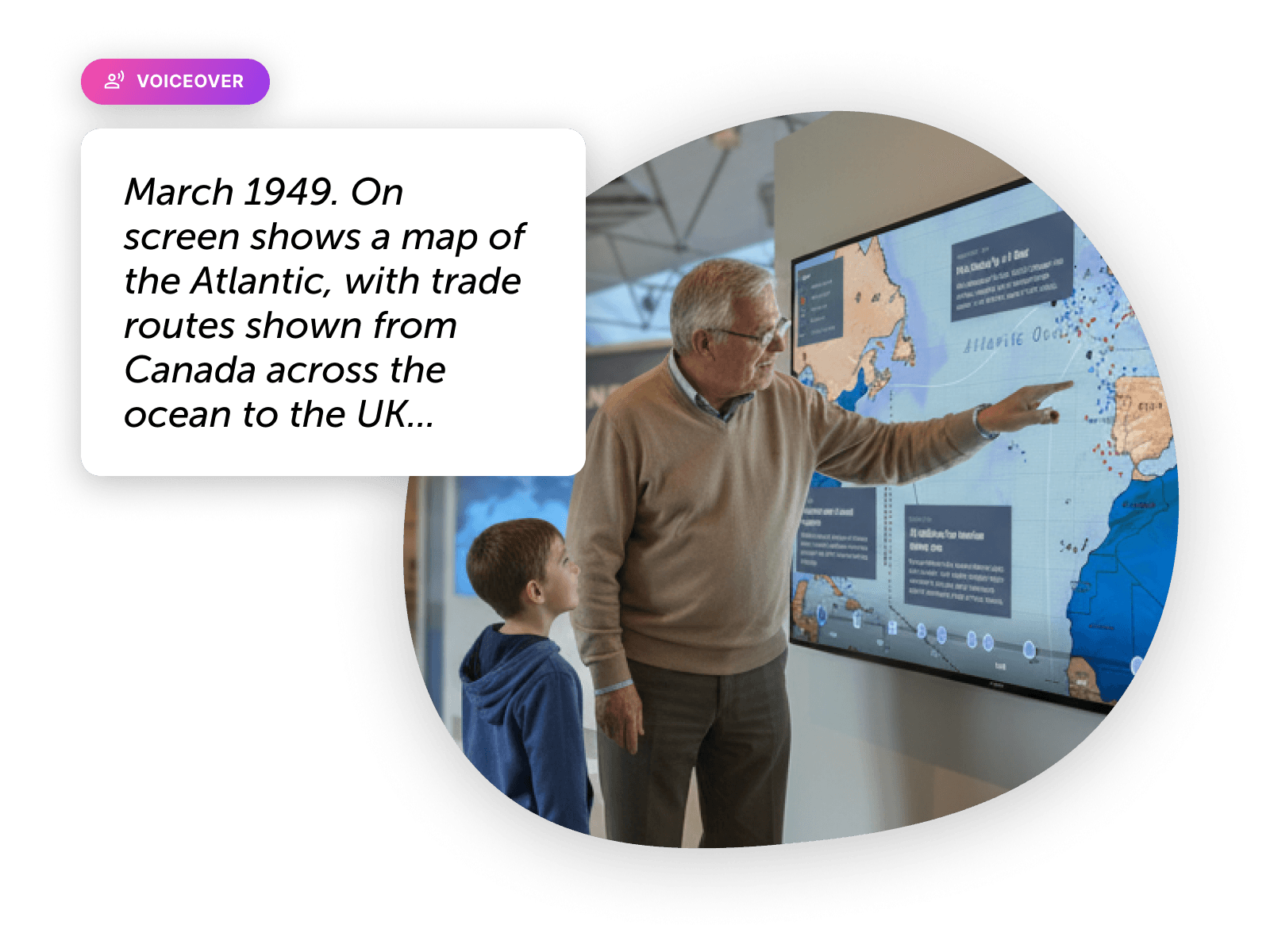
AI-generated voiceovers for your content
Voice and audio options can bring your content to life for your audiences. Different voice options enable you to find the best fit for your project at the right volume.
Built for teams
Collaborate across roles, projects, and locations.
Organize work across projects and exhibits
Combine multiple projects together into Spaces, allowing you to manage and reuse your content, styles, and assets in one place.
Learn how: Creating a Space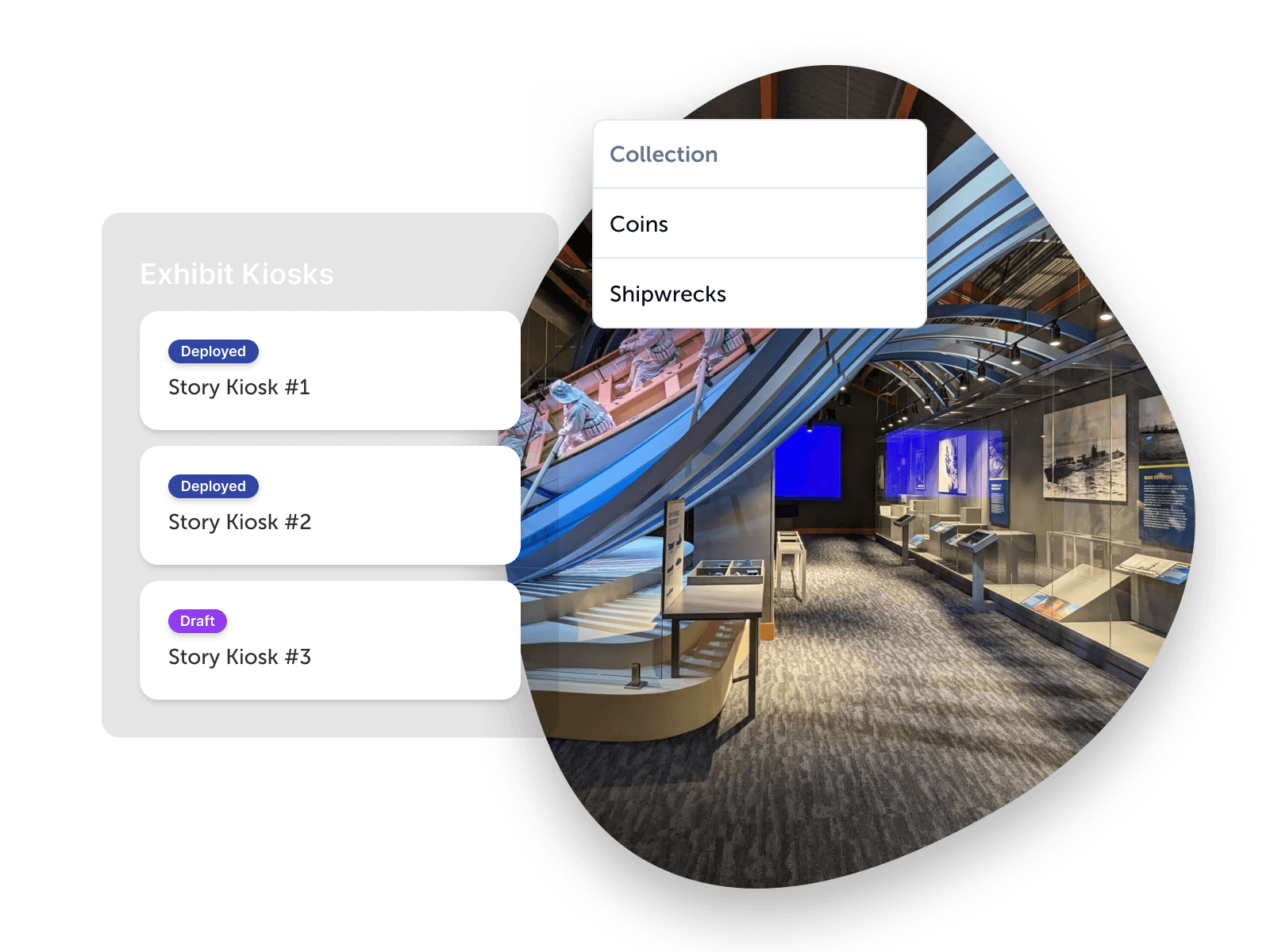
FAQ
Feature questions, answered
Do I need to know how to code to use Zibit?
No. Zibit is fully no-code. You build interactive experiences with a drag-and-drop editor, templates, and shared style sets—no developers required.
Does Zibit support multi-screen sync?
Yes. Zibit supports real-time multi-screen sync, so you can build experiences that span multiple synchronized displays, including interactions that carry across screens. You can connect as many displays as you want for a seamless experience, including edge-blended or seamless video walls.
Is Zibit accessible for all users?
Yes. Zibit is built accessible by default, with automatically generated color and type contrast, captions, AI-generated voiceovers, and integration with accessibility controllers.
Can I deploy the same project to multiple screen types at once?
Yes. Zibit supports multi-screen sync, so one project can run across several displays at the same time—including interactions that carry from one screen to another. You can connect as many displays as you want for a seamless experience, including edge-blended or seamless video walls.
Can I start from a template instead of building from scratch?
Yes. Zibit includes templates you can adapt for your project across a variety of industries and use cases, or you can start with a blank canvas and build the layout yourself.
Does Zibit work without an internet connection?
Yes, once a project is published to the Zibit player app. The player keeps a local copy, so the display continues running if the network drops. Publishing updates, real-time analytics data, and web embeds still need an internet connection.