One platform, every touchpoint
Wayfinding, kiosks, donor walls, and your website run from the same content, which means no separate systems to keep in sync.
See you at MCN 2026! We'll be in Seattle from Oct. 21-23, 2026. Book a meeting
Exhibitions rotate every season, but most institutions don't have a developer budget to match. Zibit gives curators and visitor experience teams a no-code way to build wayfinding, interpretive kiosks, donor recognition, and event displays—on the wall and online—and keep them updated as easily as a slide deck.
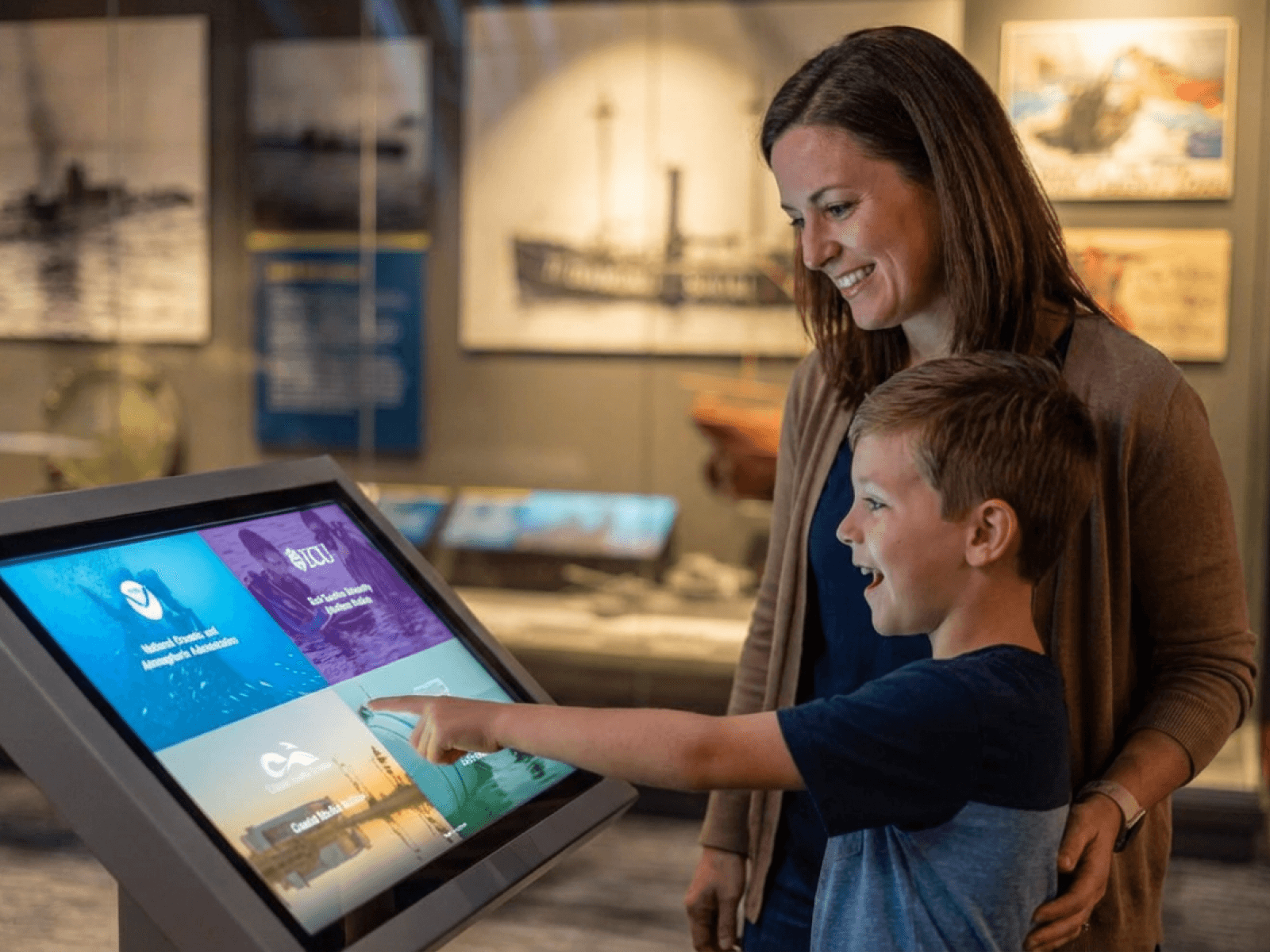
Your lobby screen, gallery kiosk, and website are one visit—not three separate projects. Zibit keeps them in sync so your team can publish once and reach every touchpoint, without a vendor ticket every time a gallery changes.
Wayfinding, kiosks, donor walls, and your website run from the same content, which means no separate systems to keep in sync.
A curator can publish new interpretive content the week an exhibit changes—no developer, no vendor ticket.
The same experience serves multiple languages, accessibility needs, and screen sizes without rebuilding it each time.
The plaque tells you what it is; the kiosk tells you why it matters. Layer artifact deep-dives, curator commentary, and species and habitat interpretation so a school group and a returning member each get the depth they want. A curator writes the surface label and the deeper story in one pass, then reuses that content block across every similar case or enclosure—no rebuilding from scratch.
Explore storytelling kiosks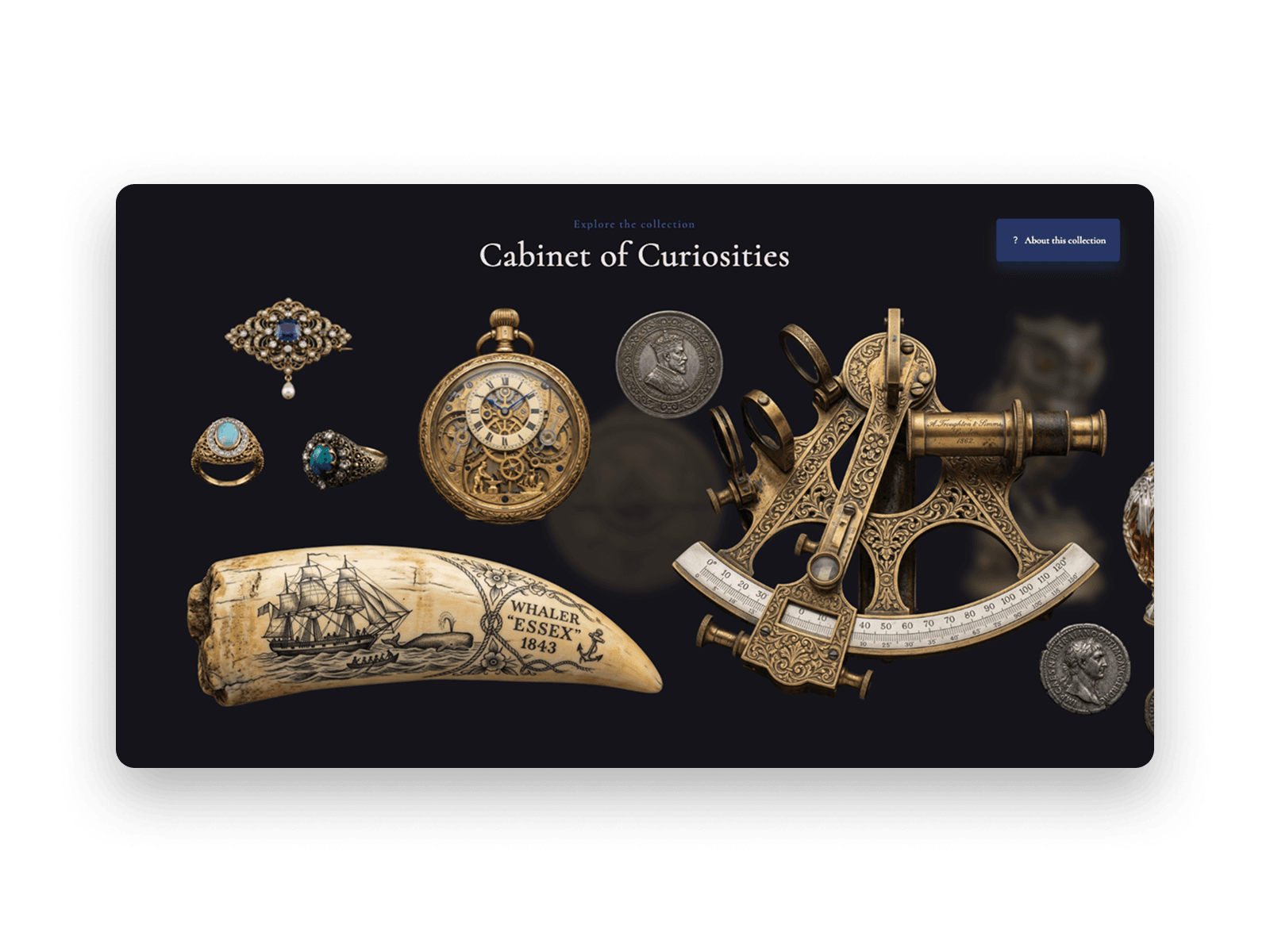
A donor wall shouldn't freeze the moment your capital campaign ended. Run digital donor walls, named gallery and wing acknowledgments, and rotating tiers for annual and in-kind giving. Add a donor, retire a tier, or promote someone up a level in minutes without reprinting a single plaque or waiting on a vendor.
Explore donor recognition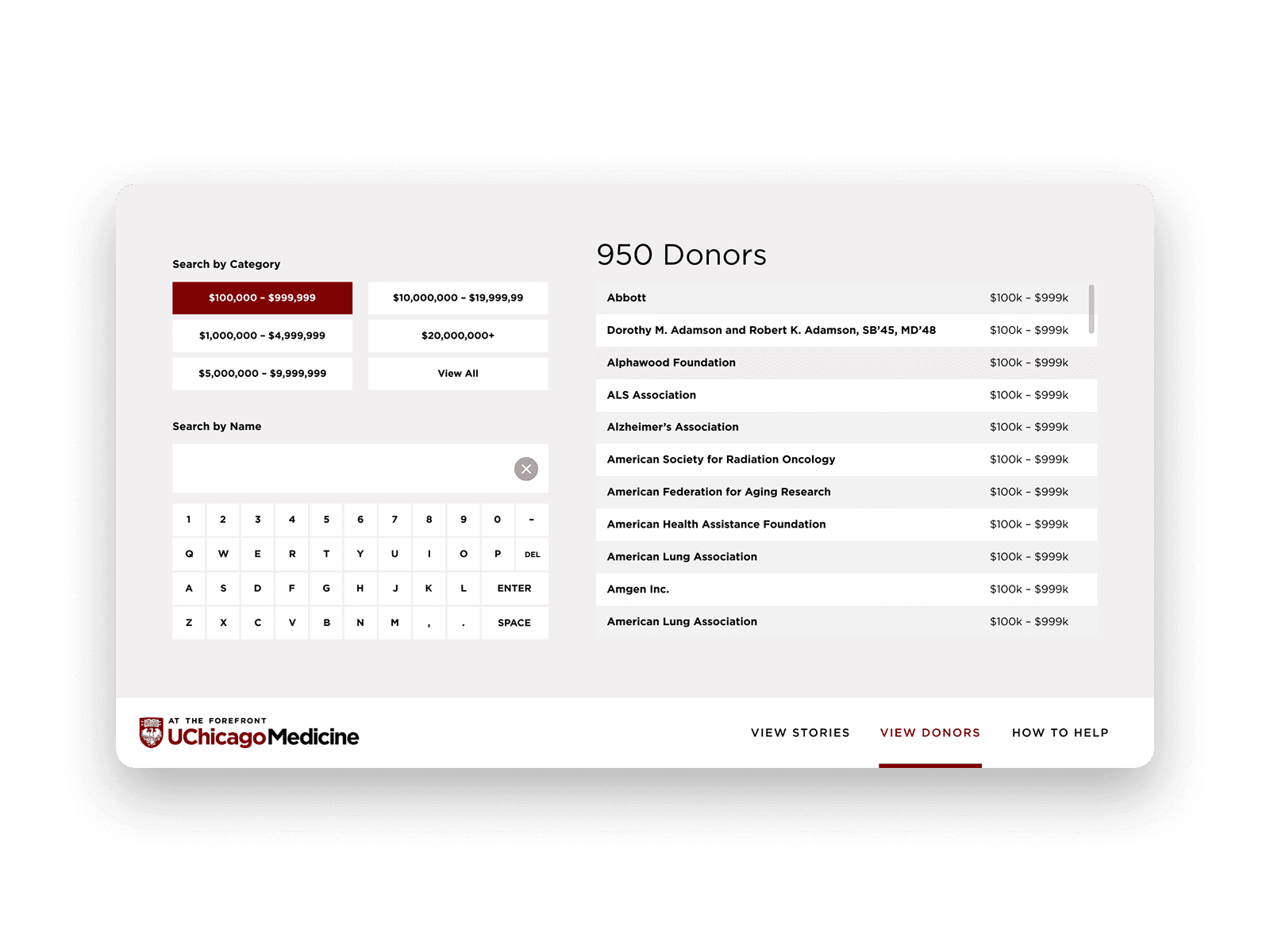
What's on today can change by lunchtime, and the board out front should keep up: current exhibit schedules, lectures and member nights, seasonal programming from holiday events to feeding times. One calendar update pushes to every lobby screen, kiosk, and your website at once; set it once, and it goes live and expires on its own.
Explore event promotion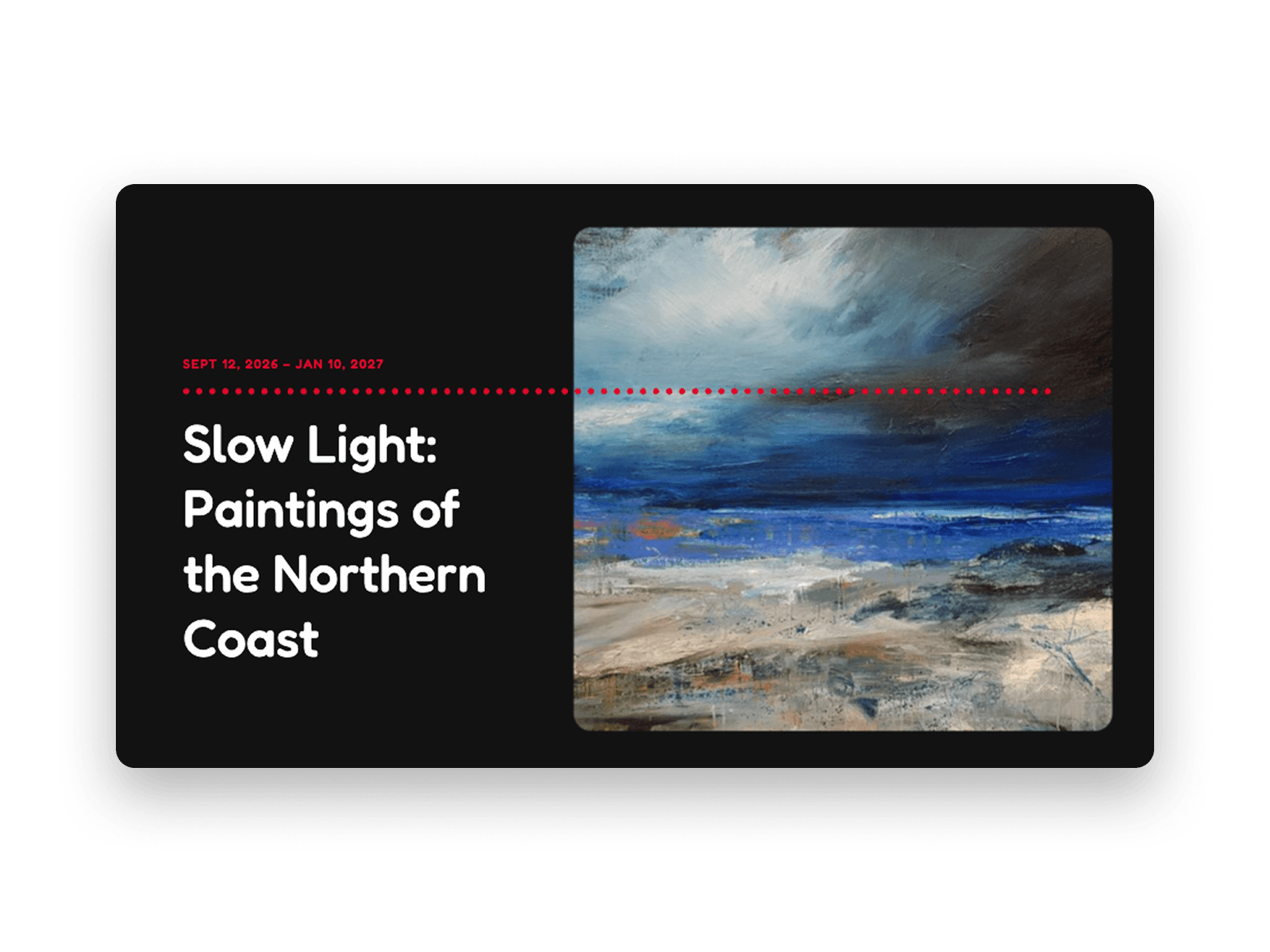
Turn a static floor plan into digital wayfinding that actually keeps up with your building. Create suggested routes by time or interest, "you are here" maps at key junctions, indoor-to-outdoor paths for campuses and zoos. When a gallery closes for install or a new exhibit opens, you update it yourself in a single click, not a vendor ticket.
Explore wayfinding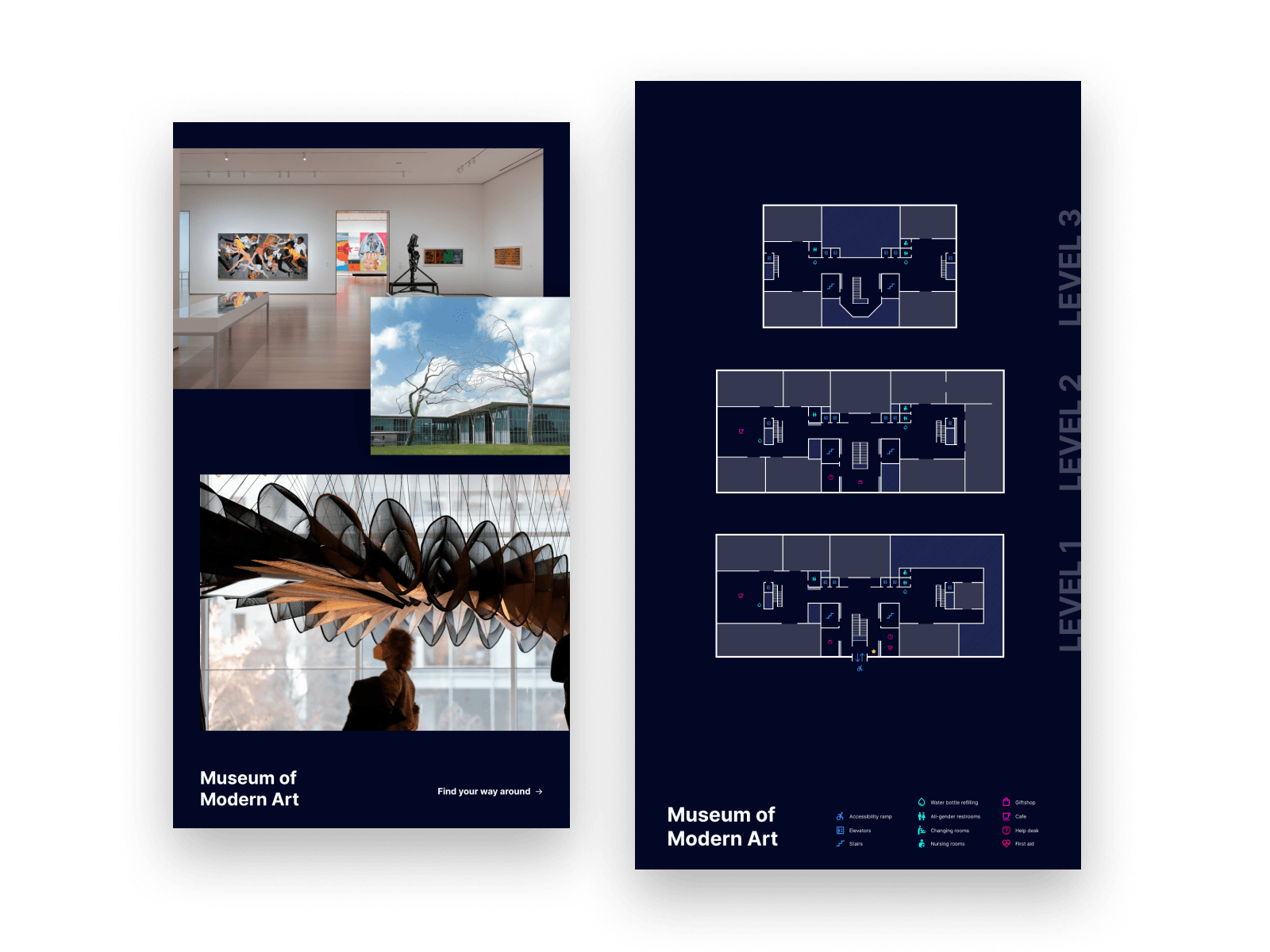
Practical reads for museum and cultural teams planning digital interpretation.

Small institutions have the same ambitions as large ones with a fraction of the resources. Here's why custom builds rarely fit and how Zibit lets small teams do more with less.


The idea is never the hard part. Getting an interactive exhibit into a state where people can actually try it is where non-technical teams stall—and where Zibit changes the economics of iteration.
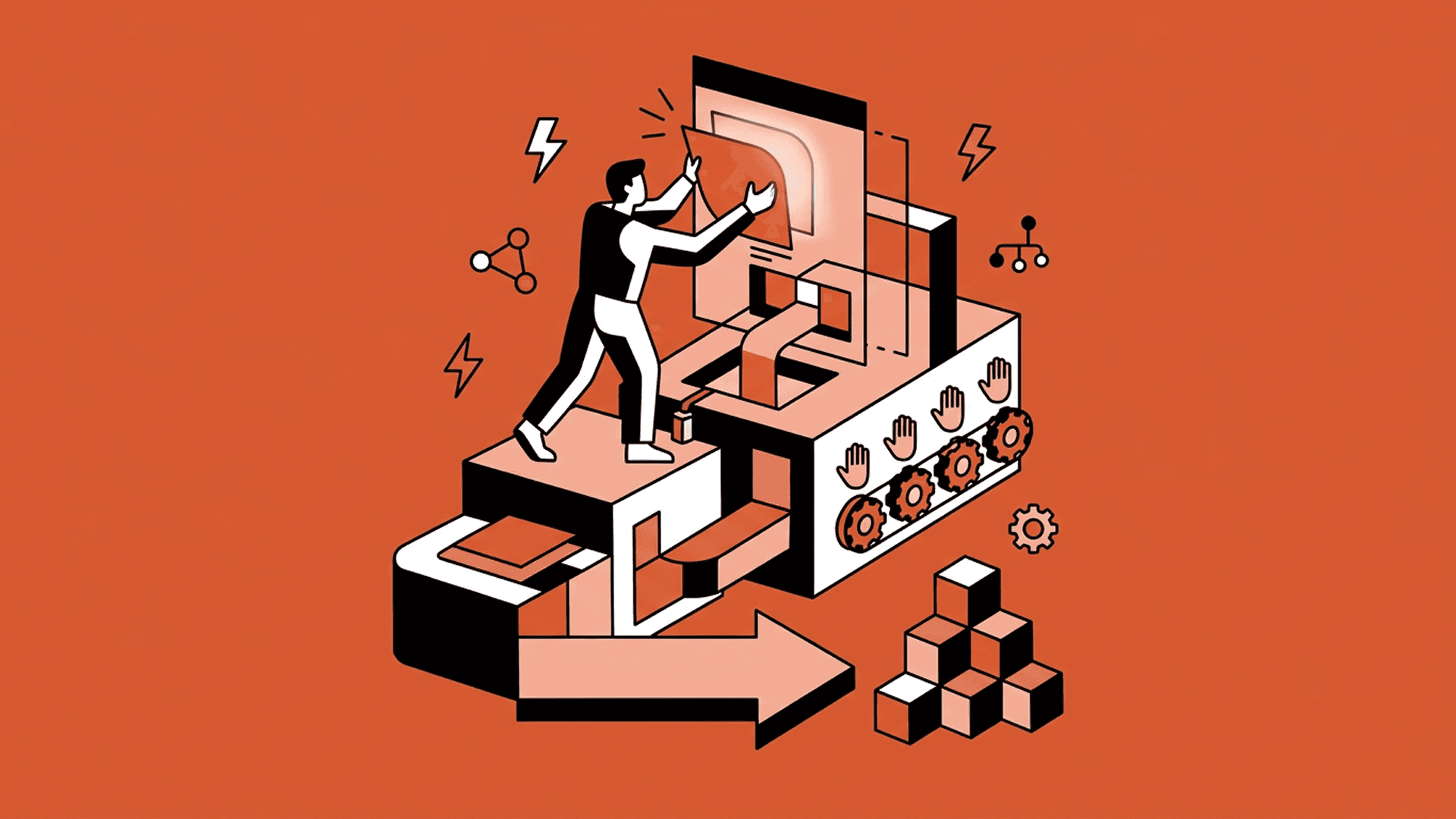
The playbook for digital experiences in physical spaces is broken. No-code and Zibit is the future.
Yes. Museums, zoos, historic sites, and cultural venues use Zibit for wayfinding, interpretive kiosks, donor recognition, event boards, and membership sign-up—all from the same no-code editor, without a standing developer budget.
Yes. Curators and visitor experience staff publish directly in Zibit—new interpretive copy, revised routes when a gallery closes, updated event schedules, and donor list changes go live from one place, usually without a vendor ticket.
No. Zibit is fully no-code. You build interactive experiences with a drag-and-drop editor, templates, and shared style sets—no developers required.
Zibit's Basic plan is $89/month, or $80/month billed annually ($960/year). Professional and Organization plans add more player installations and features, and every plan starts with a free 14-day trial.
See full pricingStart a free 14-day trial or schedule a demo, then build your first project in the editor—from scratch or from a template—and deploy it to your device with the Zibit player app.
Try for free