
Resources
How To's
Step-by-step tutorials to help you get the most out of Zibit. From creating your first project to advanced customization, we've got you covered.
Featured Videos
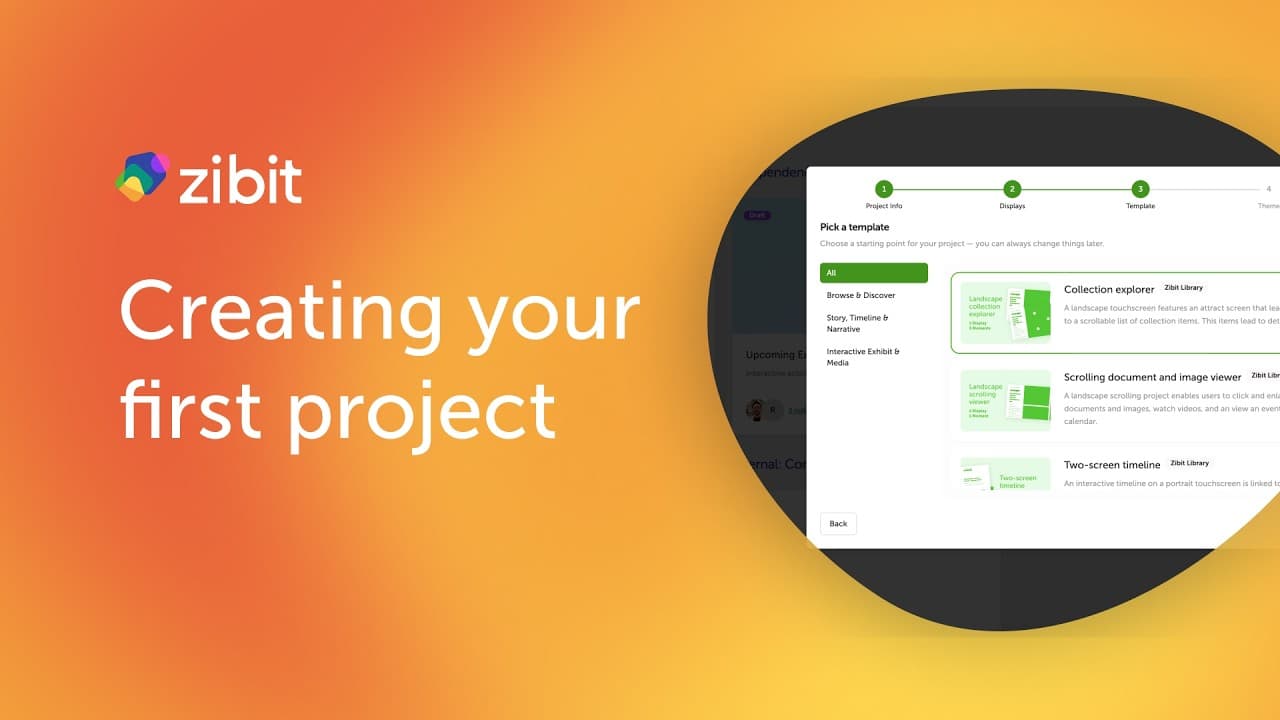
Creating a New Project
Walk through Zibit's four-step project creation wizard—set your metadata, define displays, pick a template, and choose a theme—so you're ready to start building in minutes.
Watch on YouTube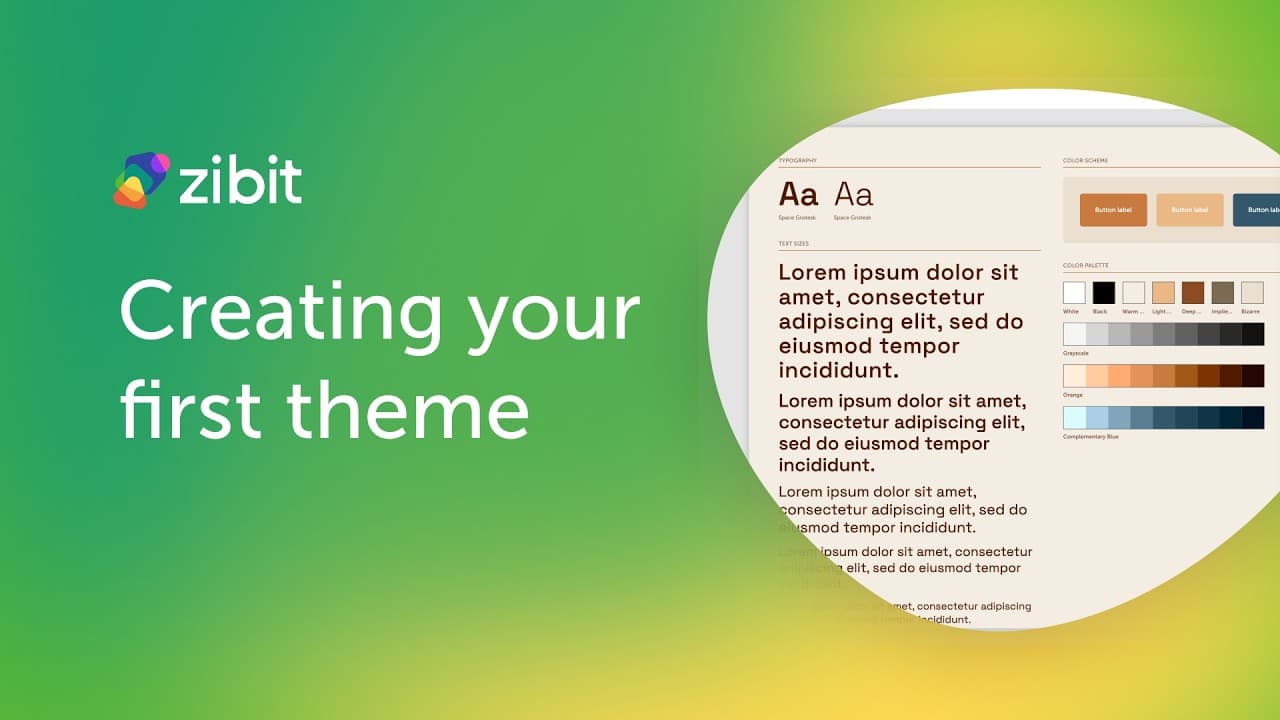
Creating a Theme
Learn how to create a custom theme by duplicating an existing one, then customize its colors, typography, and component styles in the Style Editor.
Watch on YouTubeFeatured Articles
Adding and Editing Views
Learn how to create views inside your project's moments and use the grid canvas to place and edit components.
Creating a New Project
Walk through Zibit's four-step project creation wizard—set your metadata, define displays, pick a template, and choose a theme—so you're ready to start building in minutes.
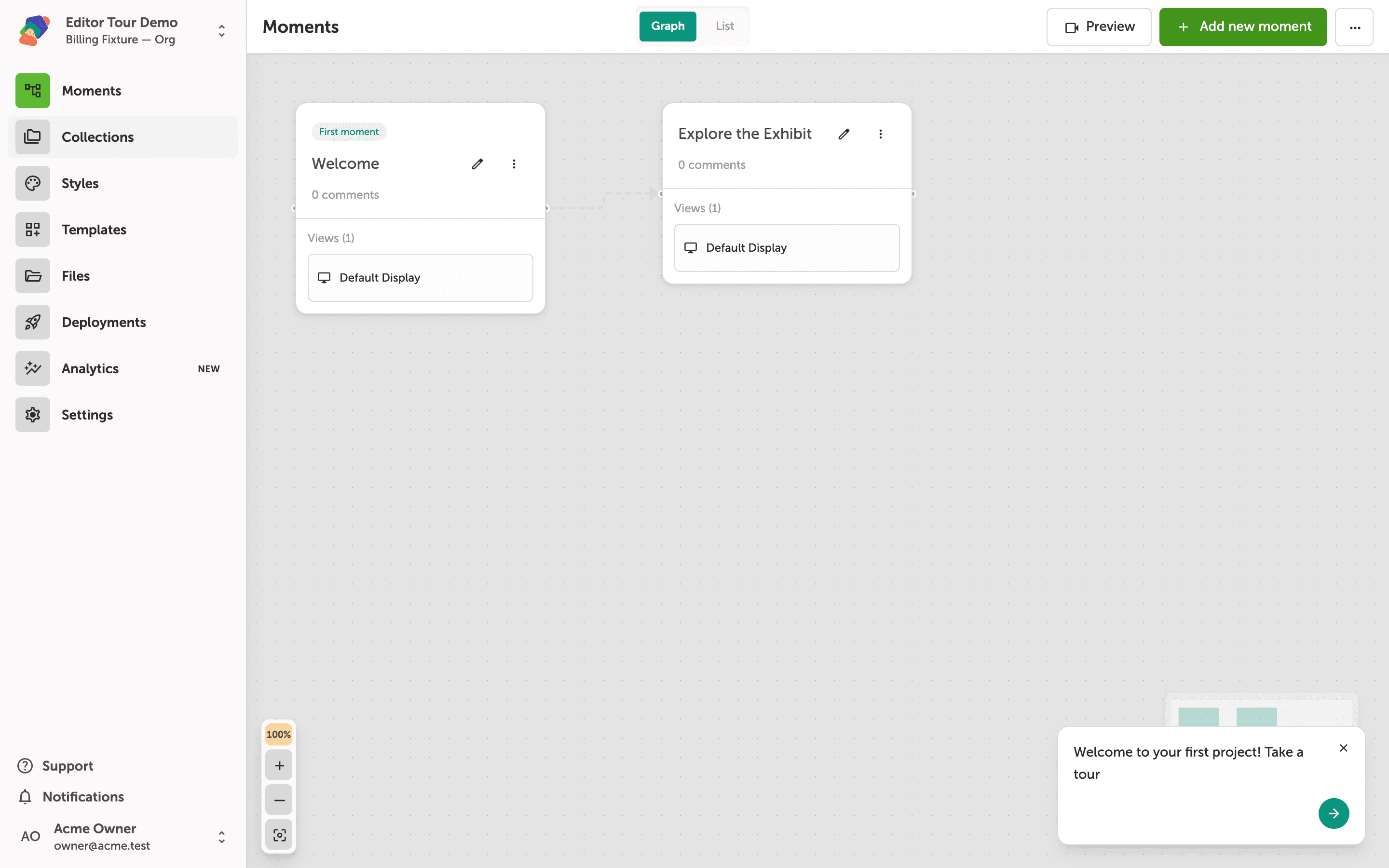
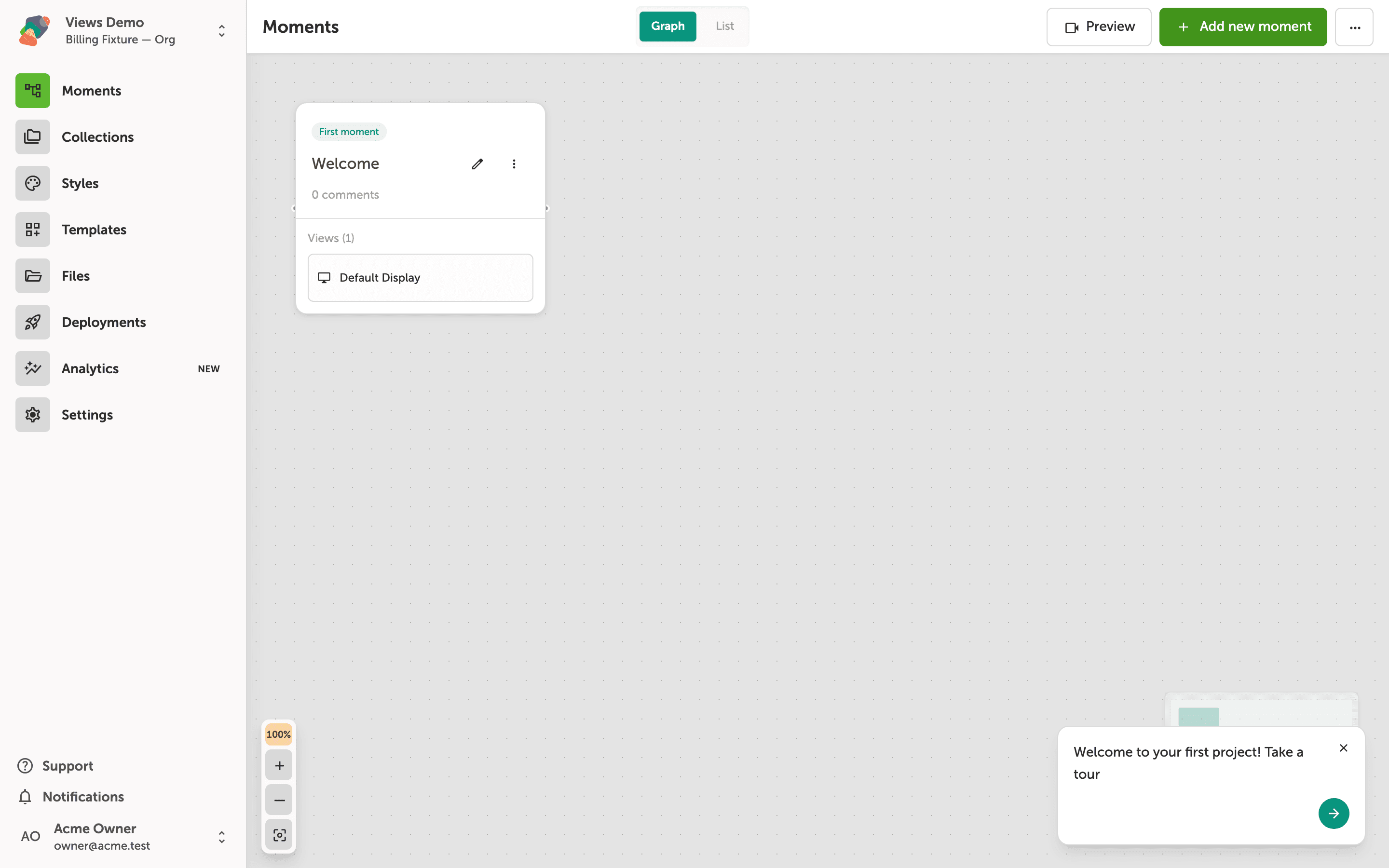
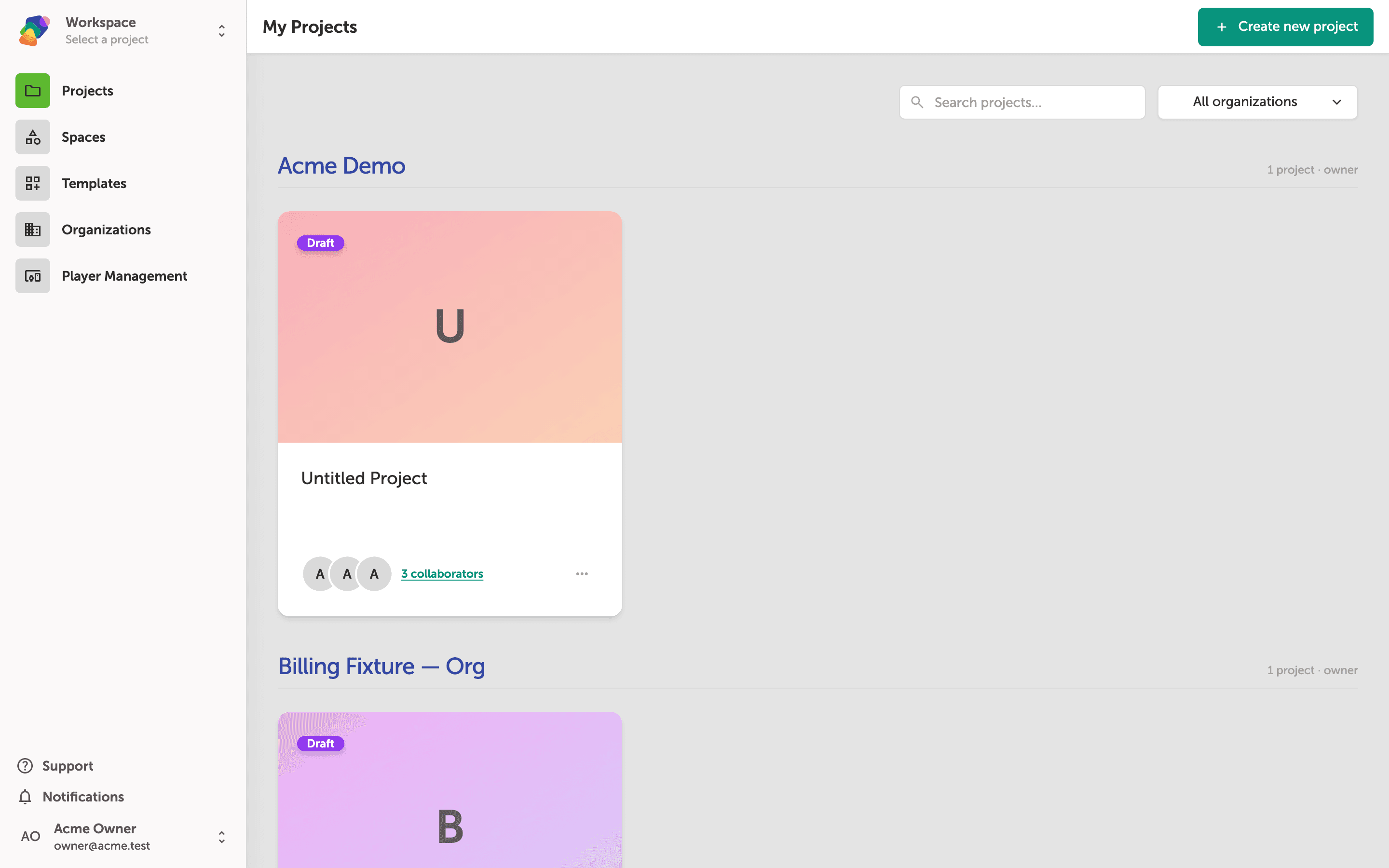
Navigating the Project Editor
Learn your way around the Zibit project editor—from the My Projects dashboard to the moments graph, sidebar navigation, and live preview—so you can work confidently from day one.
Getting Started
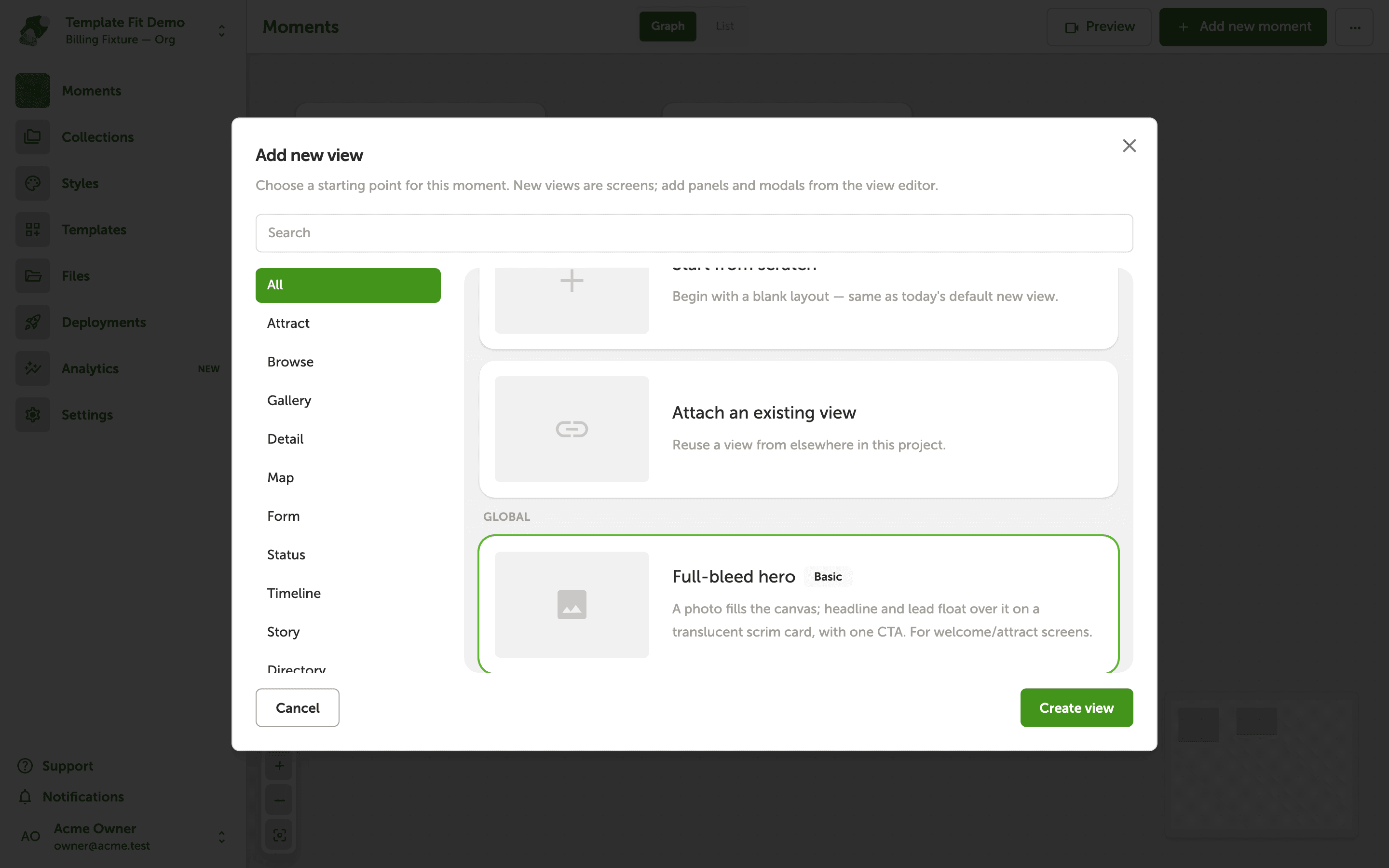
Choosing a Template for Your Screen
Read a starting kit against your display, then apply it so the layout scales evenly instead of stretching.
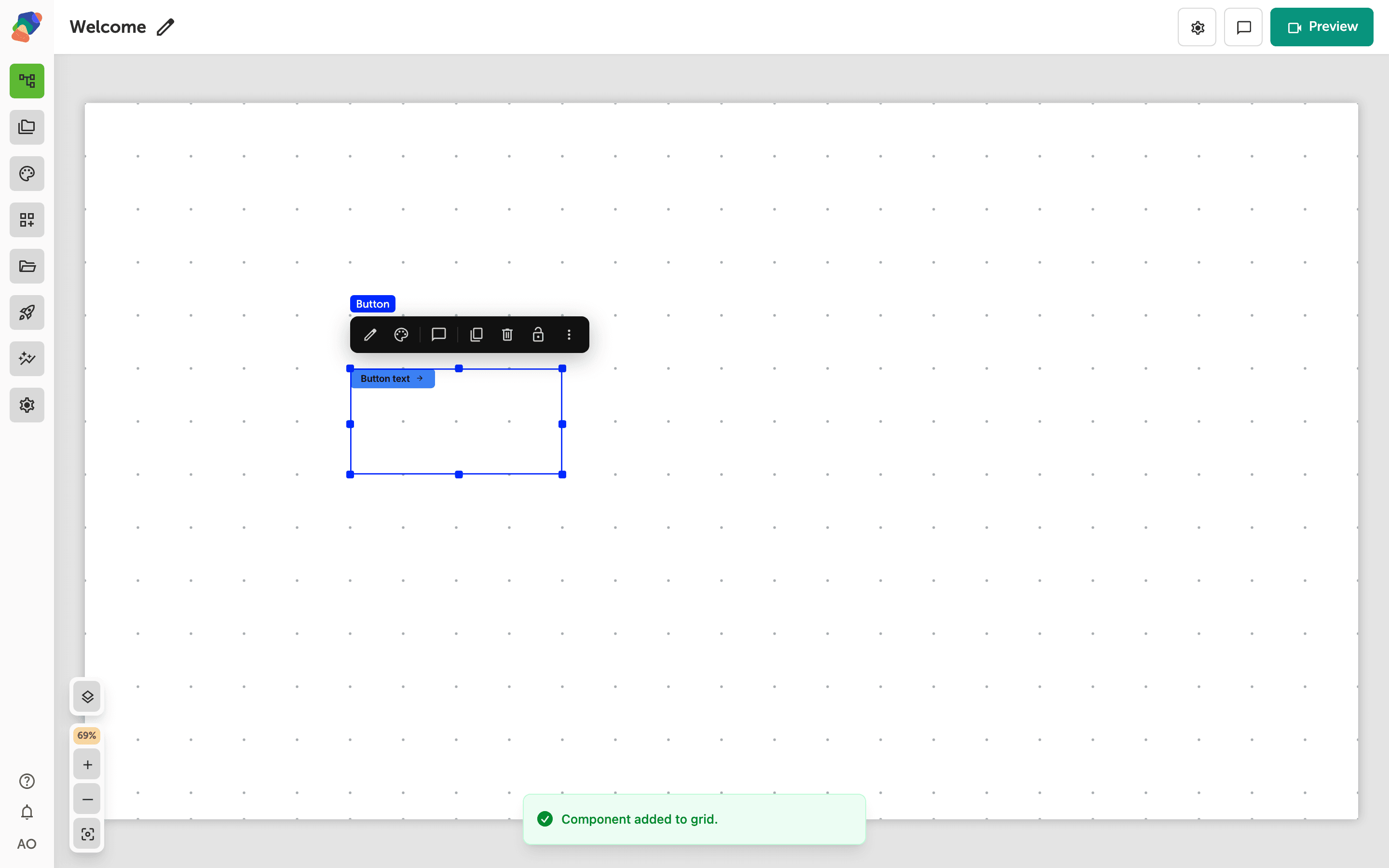
Connecting Moments with Events
Add a Go to a moment action on a button so a moment that sits outside the flow becomes a screen visitors can reach.
Creating a New Project
Walk through Zibit's four-step project creation wizard—set your metadata, define displays, pick a template, and choose a theme—so you're ready to start building in minutes.
Navigating the Project Editor
Learn your way around the Zibit project editor—from the My Projects dashboard to the moments graph, sidebar navigation, and live preview—so you can work confidently from day one.
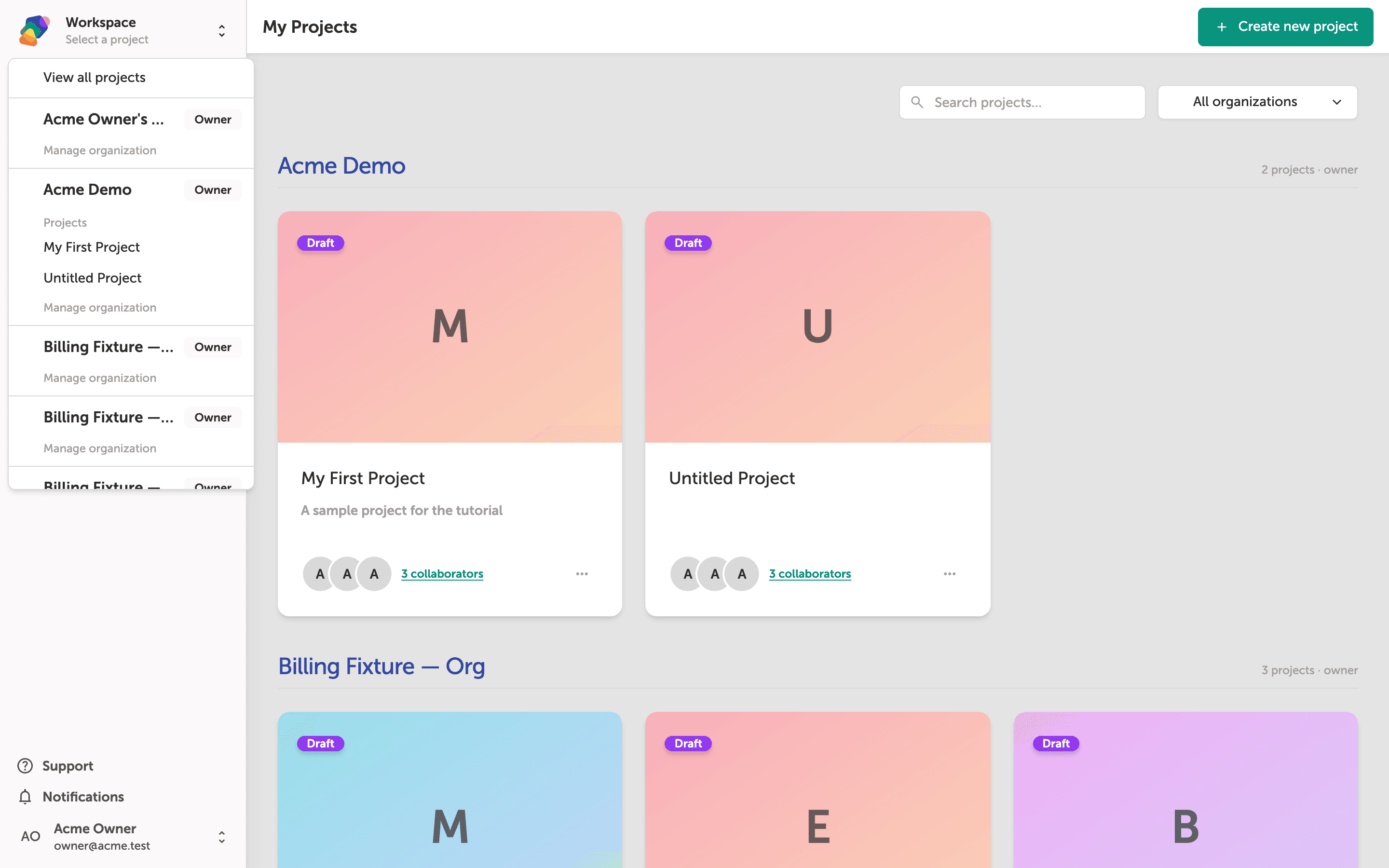
Switching Between Organizations
Learn how to move between your personal workspace and any team organizations you belong to in Zibit, so you can access the right projects without leaving the dashboard.
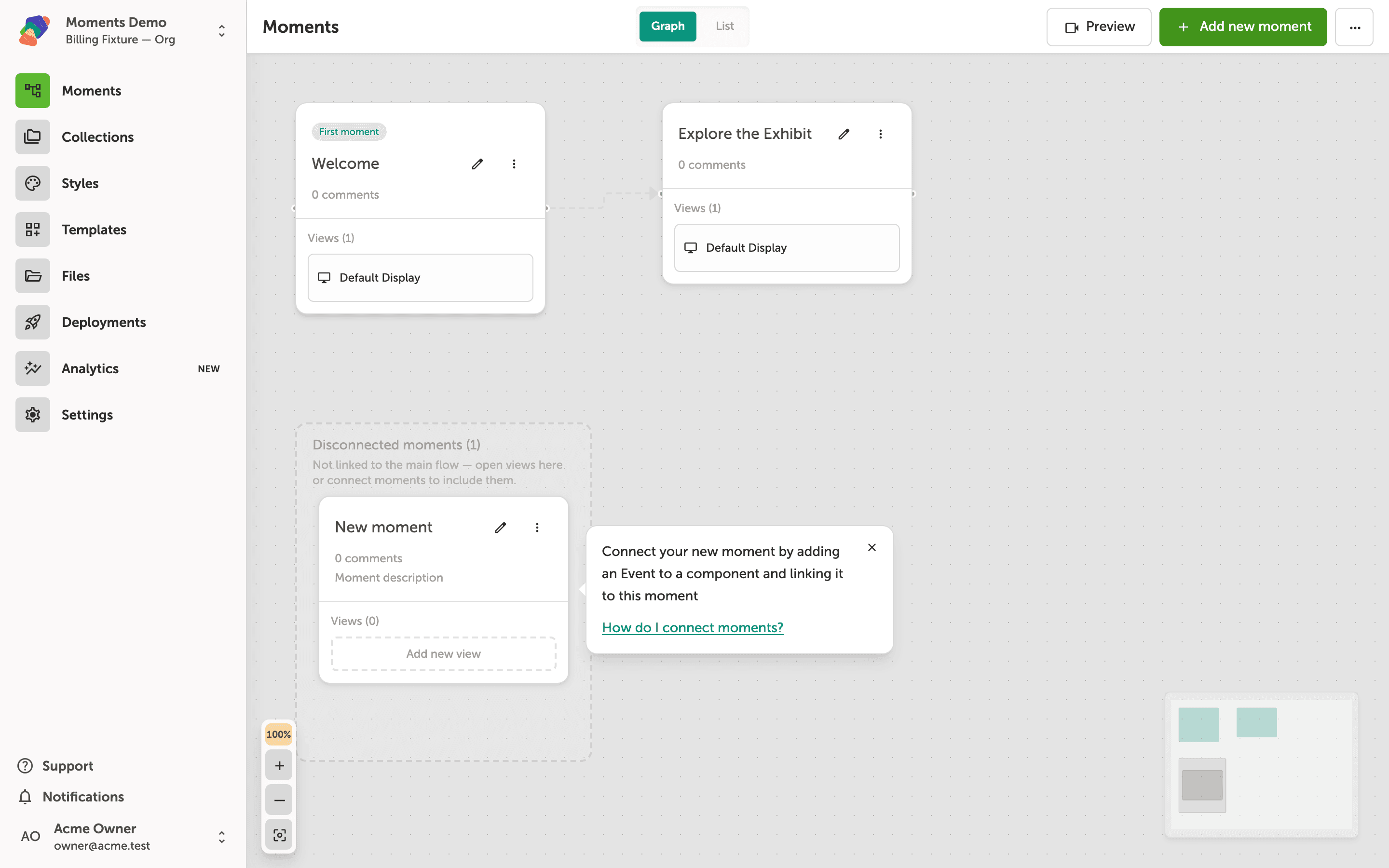
Understanding Moments and Flows
Learn how moments and flows work together to structure an interactive experience in Zibit. This tutorial shows you how to read the graph view, add moments, and understand the actions available to each moment card.
Projects
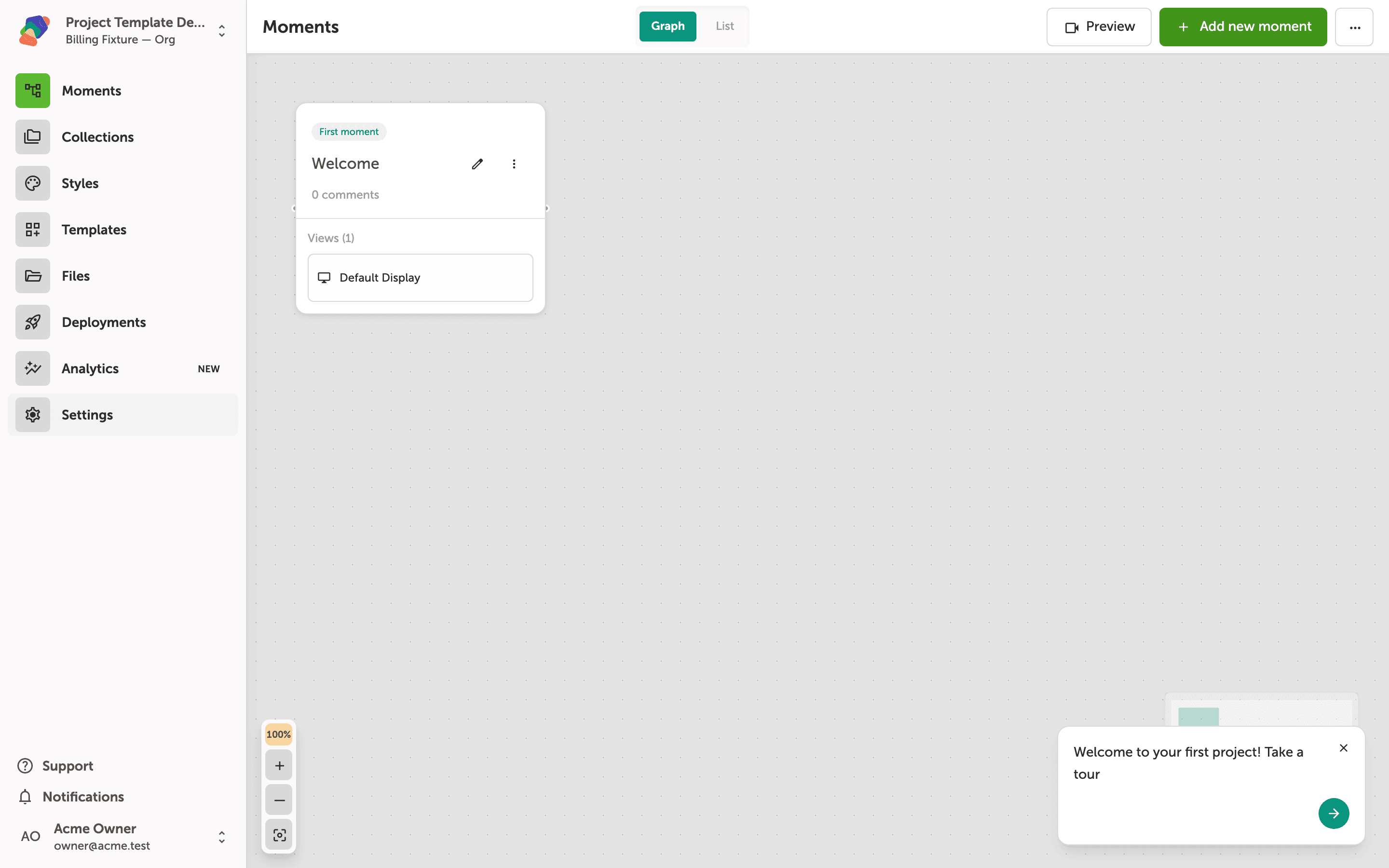
Creating a Project Template
Learn how to save an existing project as a reusable template, so your team can spin up new projects with the same structure, styles, and content.
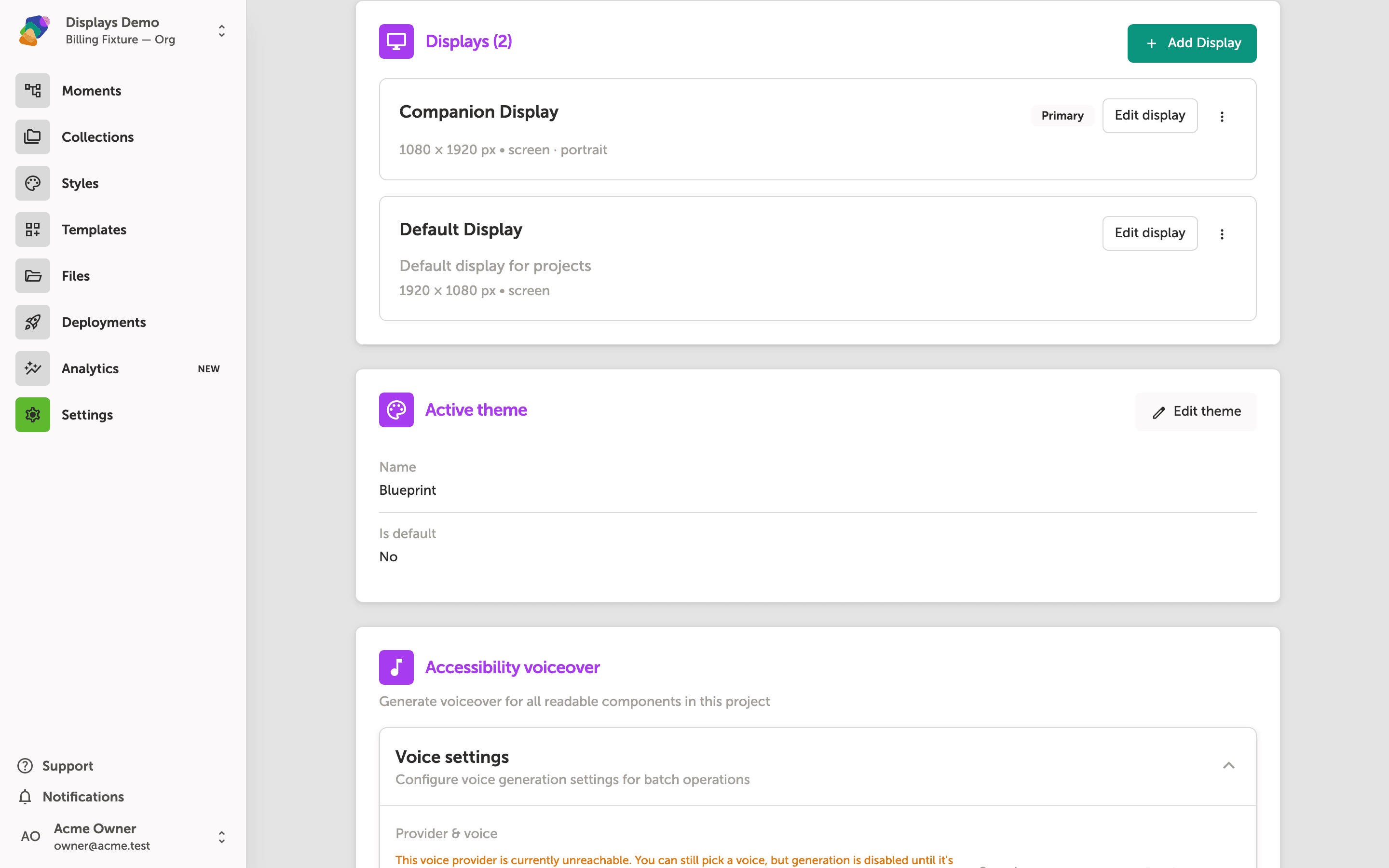
Configuring Additional Displays
Learn how to open a project's settings, add a second screen, and manage that display's name, size, and orientation so every moment can show a layout on each screen.
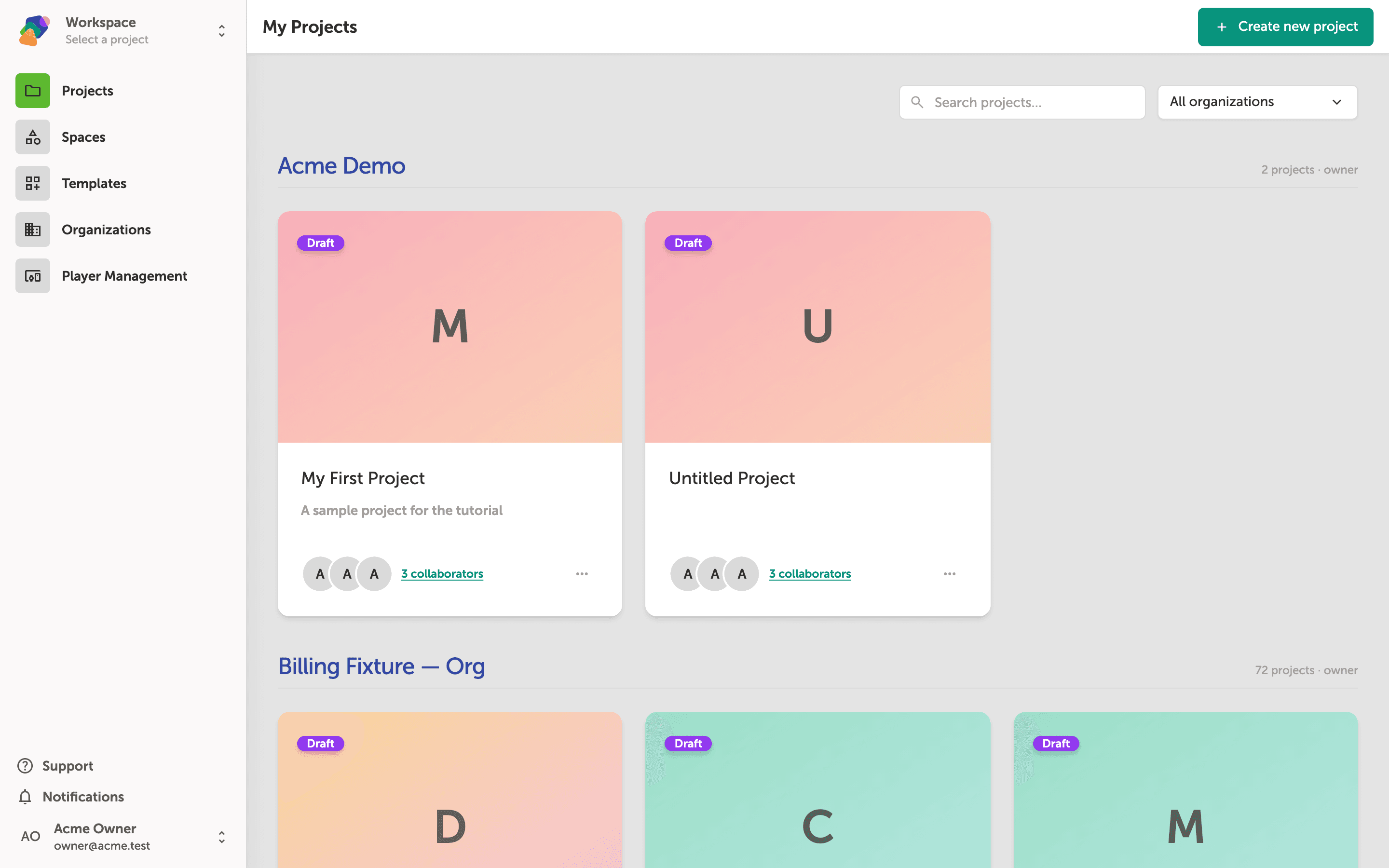
Duplicating a Project
Learn how to duplicate an existing Zibit project so you can use it as a starting point for a new experience without affecting the original.
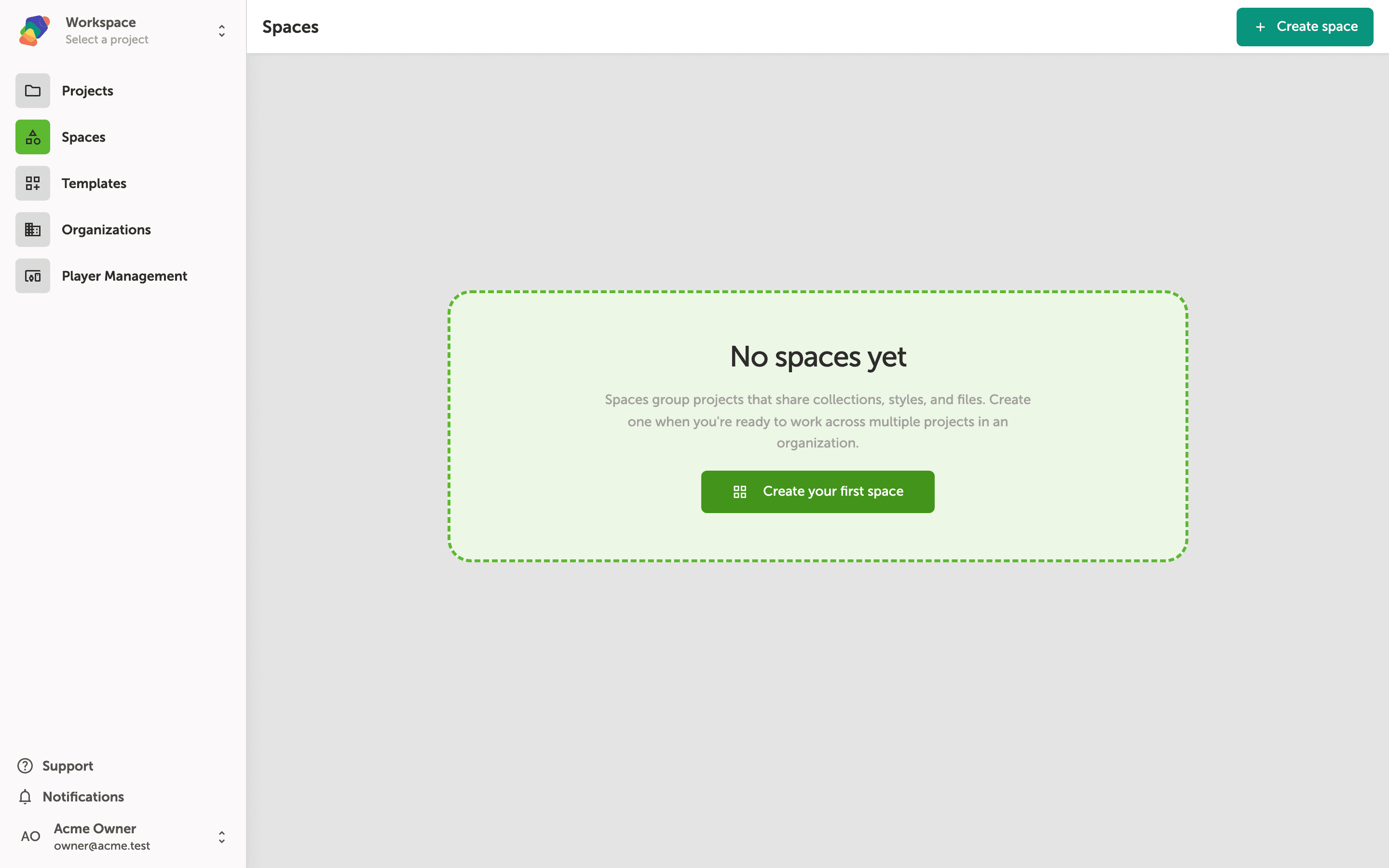
Creating a Space
Learn how to create a Space in Zibit to organize related projects and share styles, collections, and files across your team.
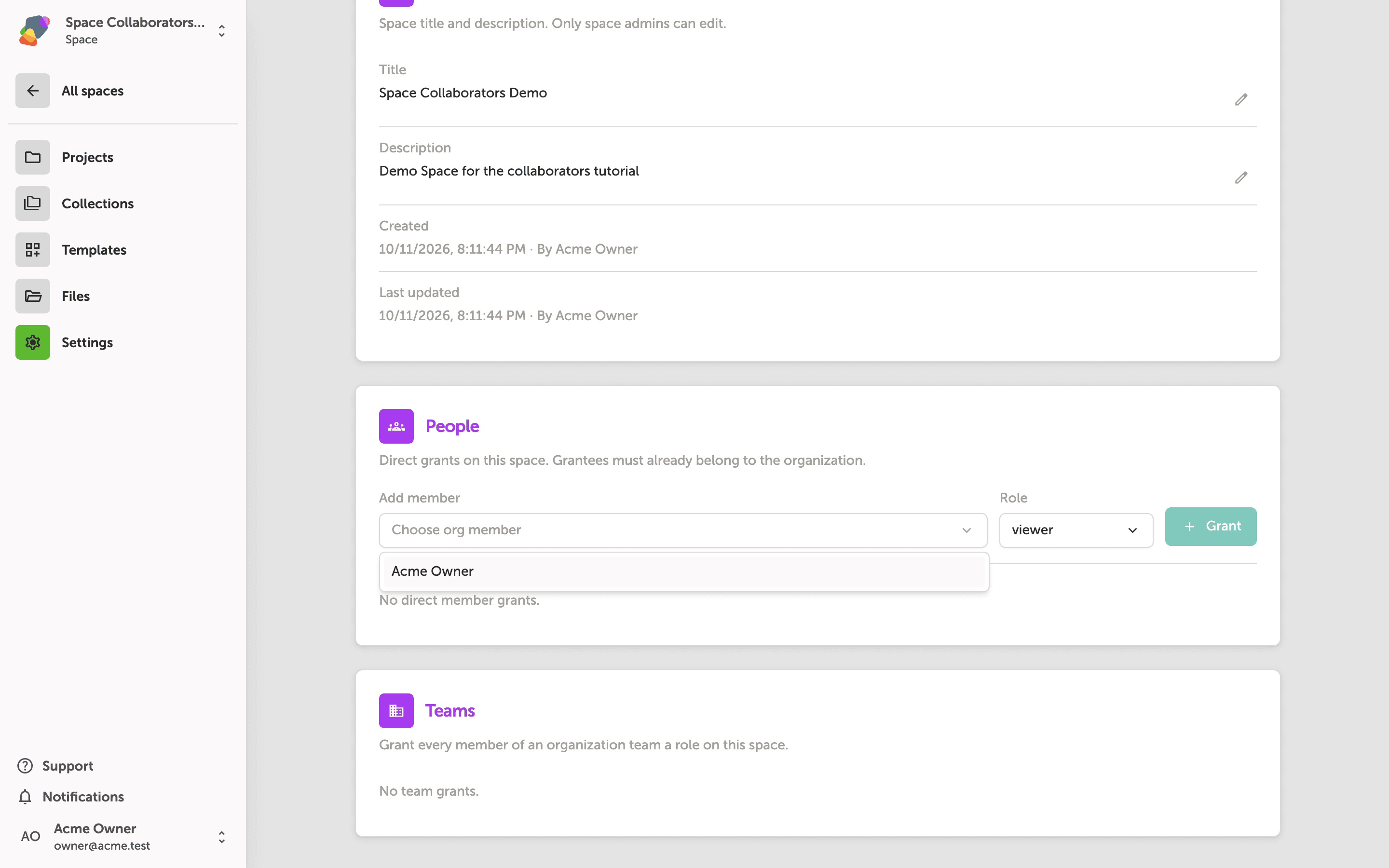
Managing Space Collaborators
Learn how to invite individuals and teams to a Space and assign the right roles so everyone has the access they need to collaborate effectively.
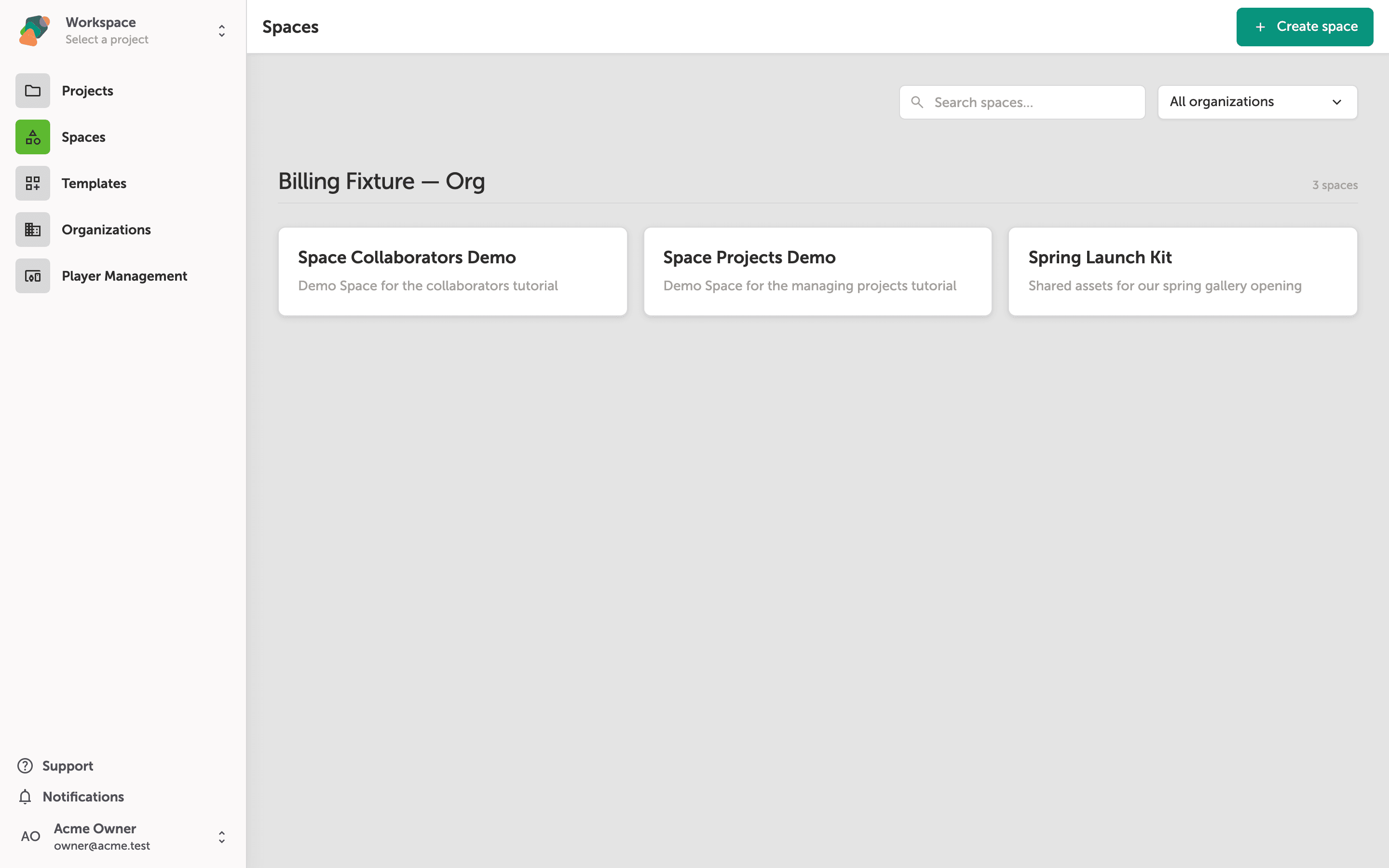
Managing Space Projects
Learn how to add existing projects to a Space or create new ones directly within the Space context, keeping your work organized across teams and venues.
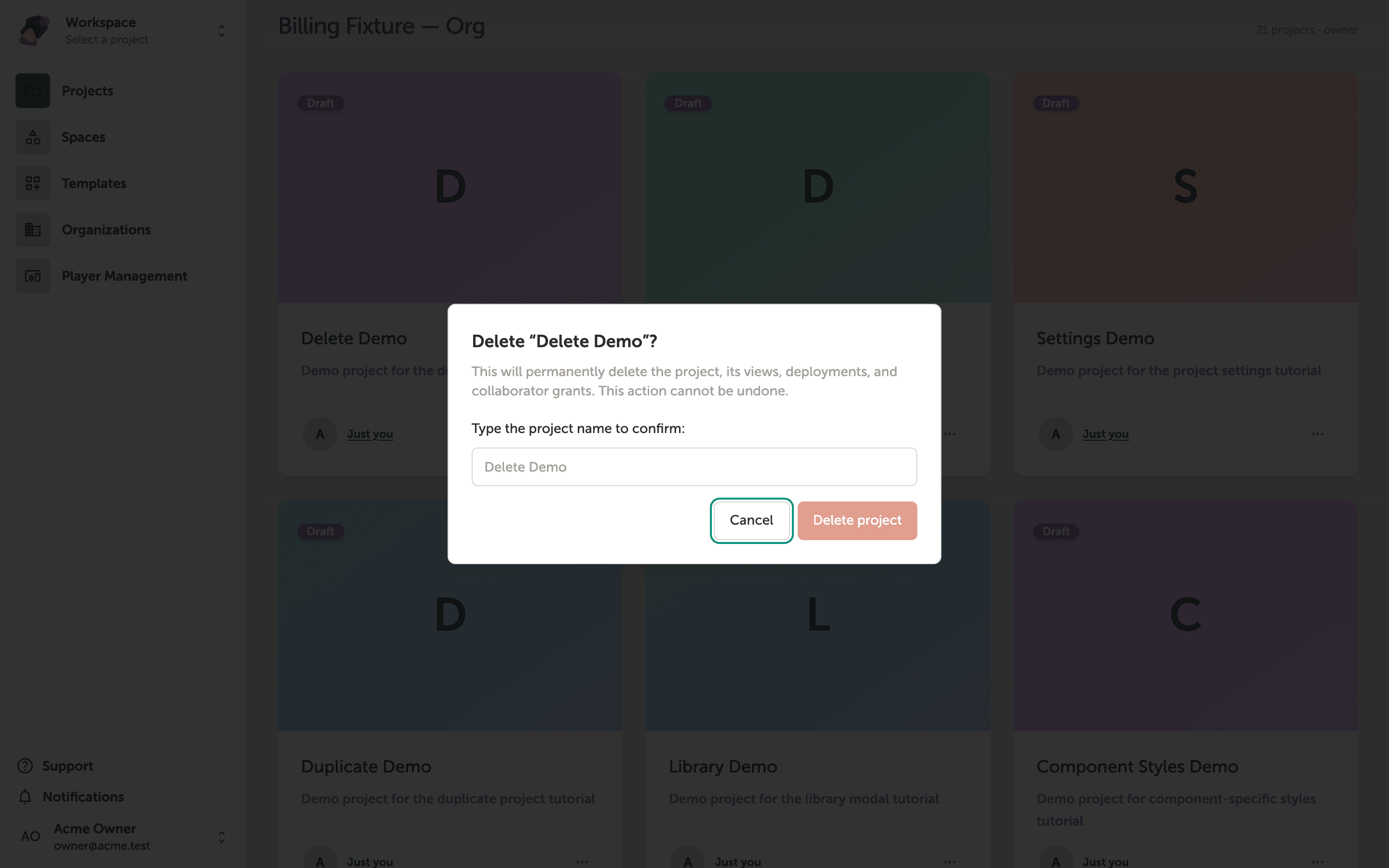
Deleting a Project
Learn how to permanently delete a project in Zibit, including how to use the typed-title confirmation safeguard to prevent accidental deletions.
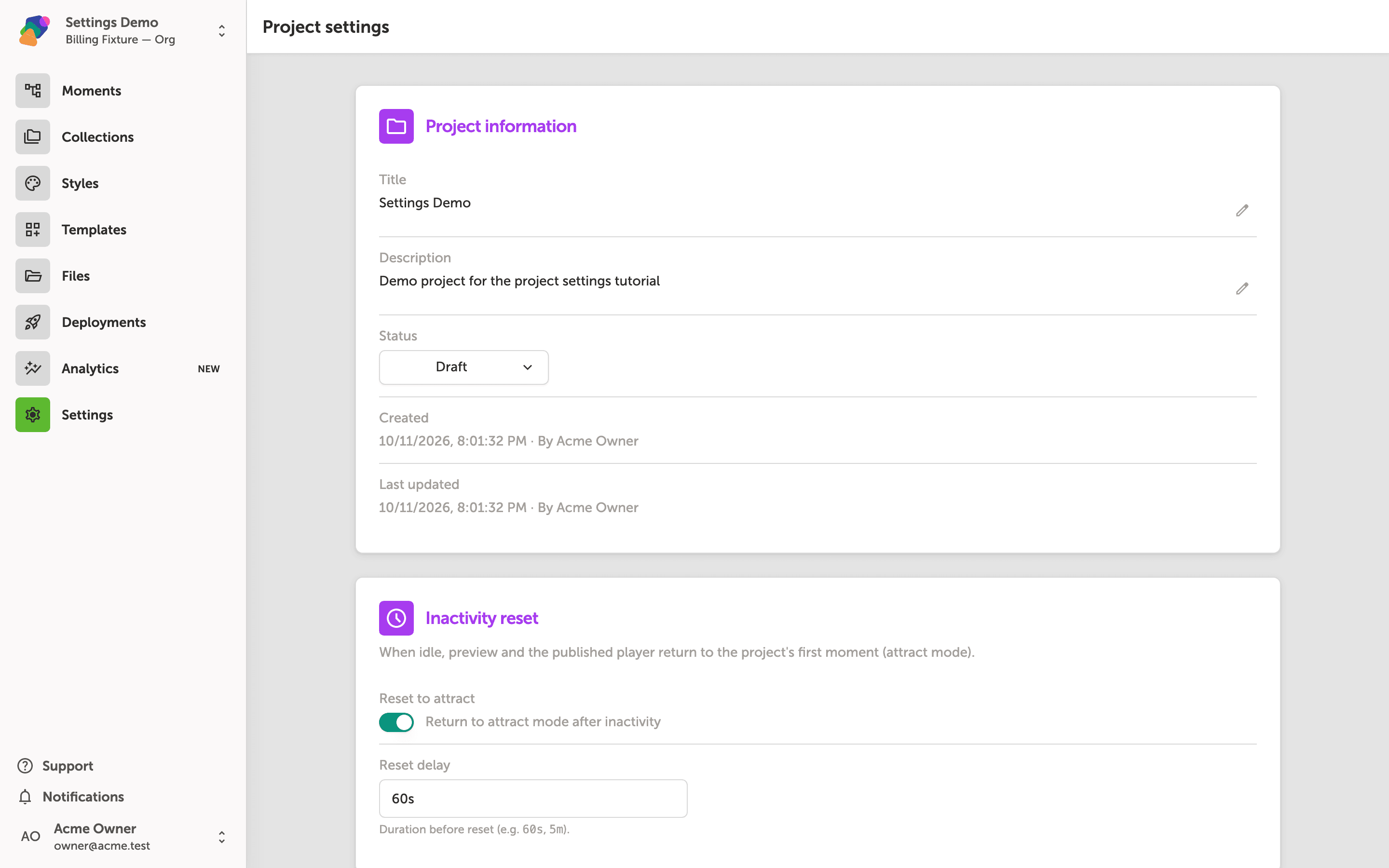
Editing Project Settings
Learn how to open and update your project's settings—including its title, description, displays, and inactivity reset behavior—directly from the My Projects dashboard.
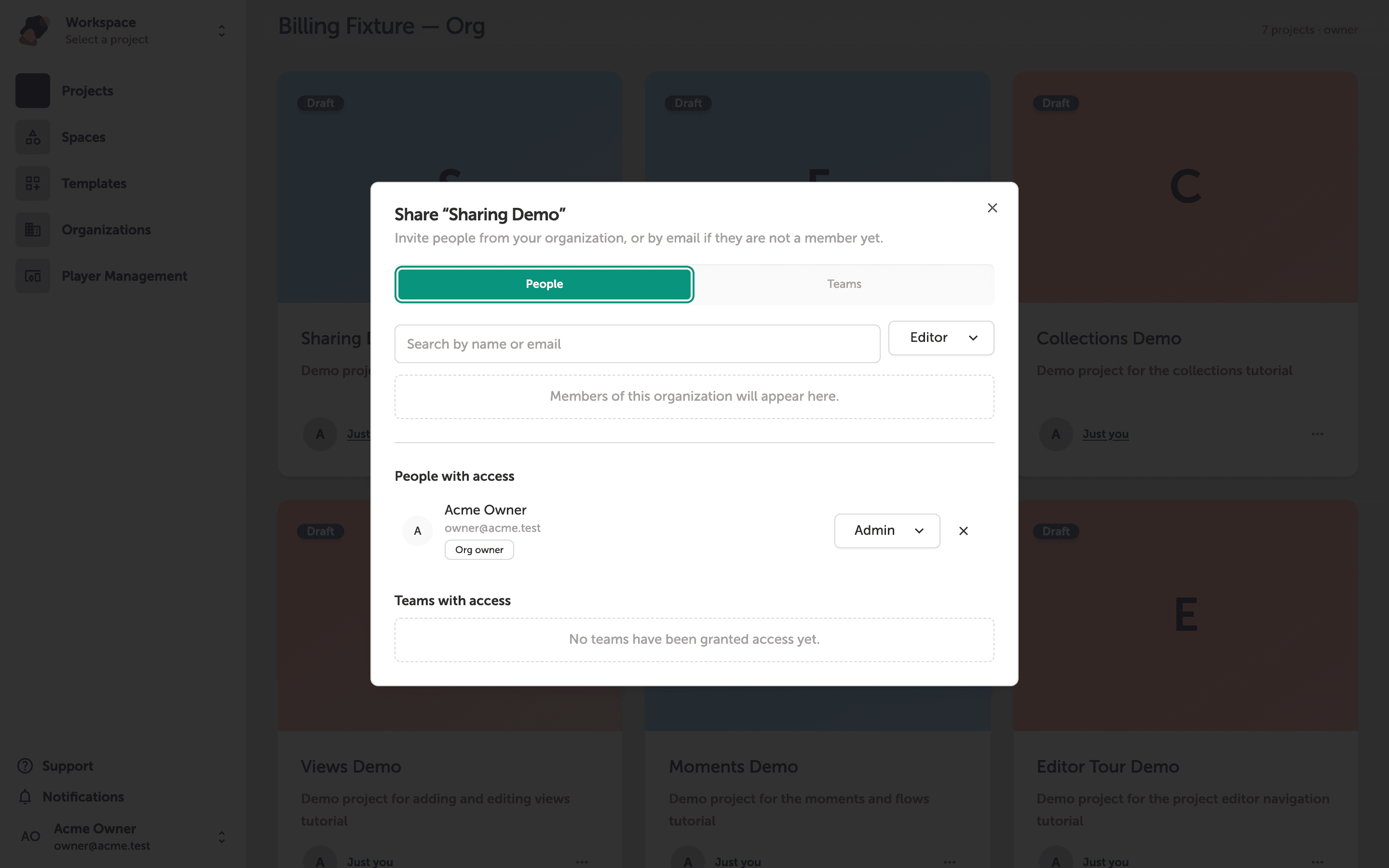
Sharing a Project with Collaborators
Learn how to invite team members and manage who can access your Zibit project using the Share dialog.
Components
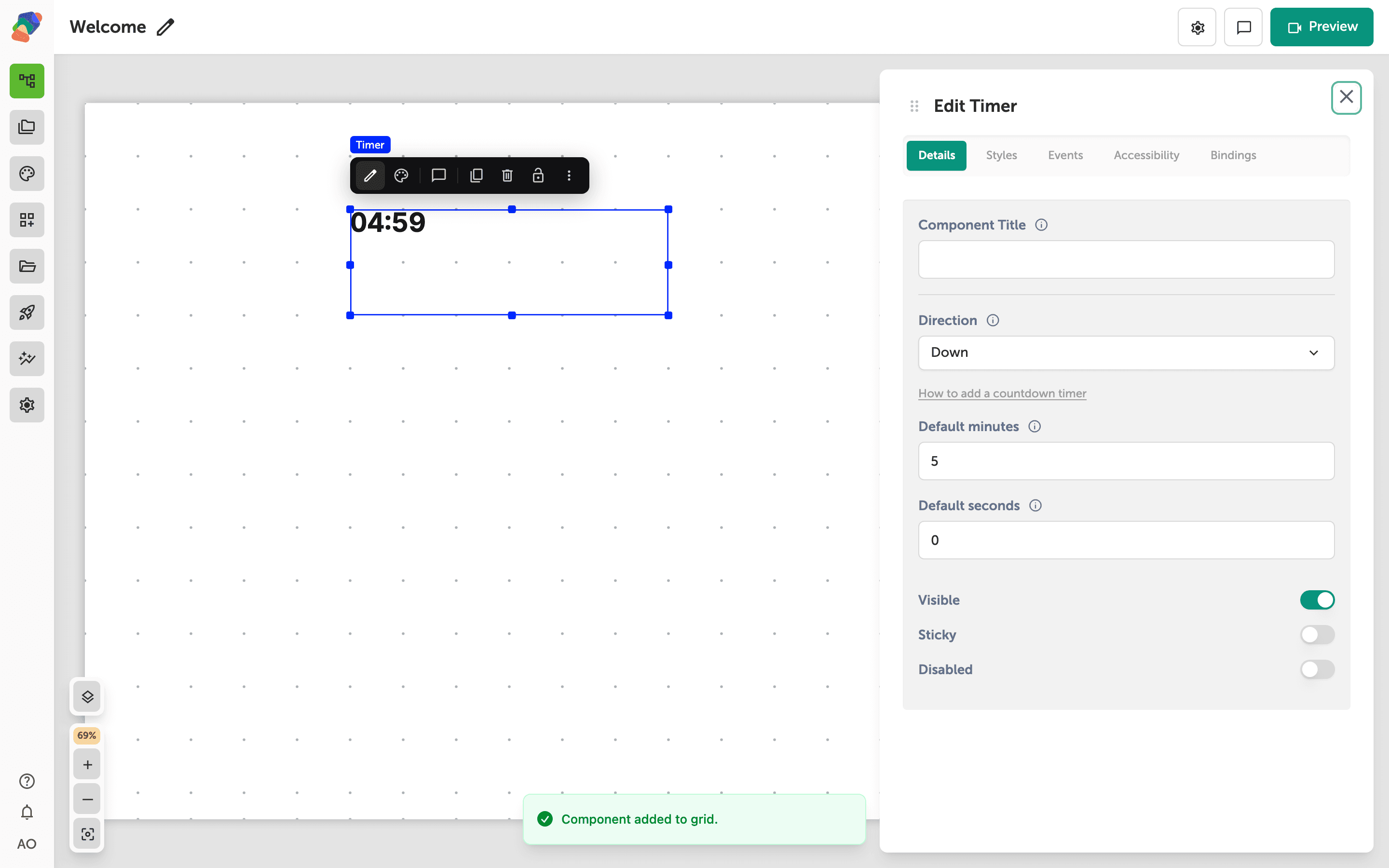
Adding a Countdown or Count-Up Timer
Add a Timer, set it to count down from five minutes, and fire an event when it reaches zero.
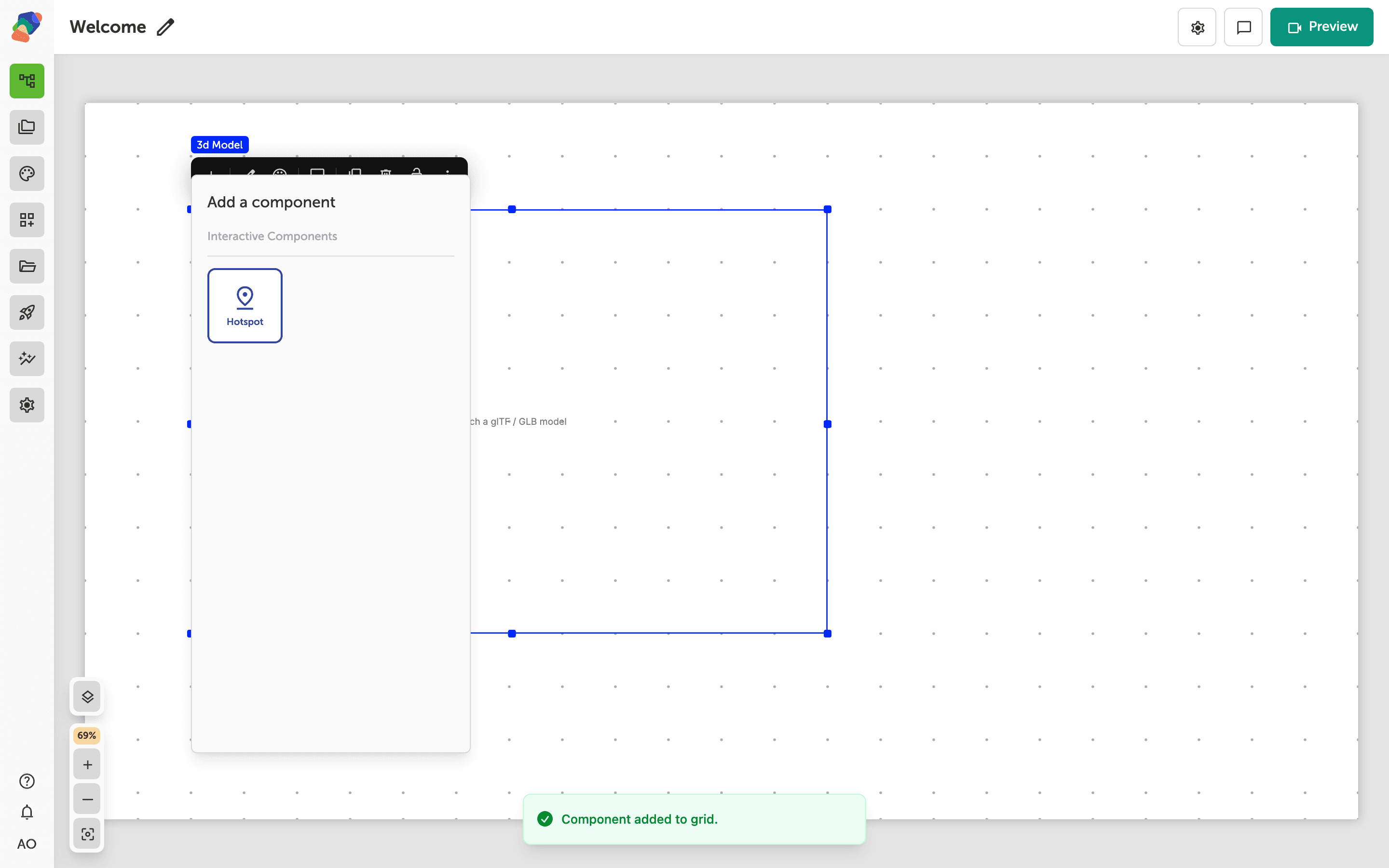
Add Hotspots to a 3D Model
Pin a hotspot to a 3D model so the marker stays on the surface while visitors orbit, and open a panel when they tap it.
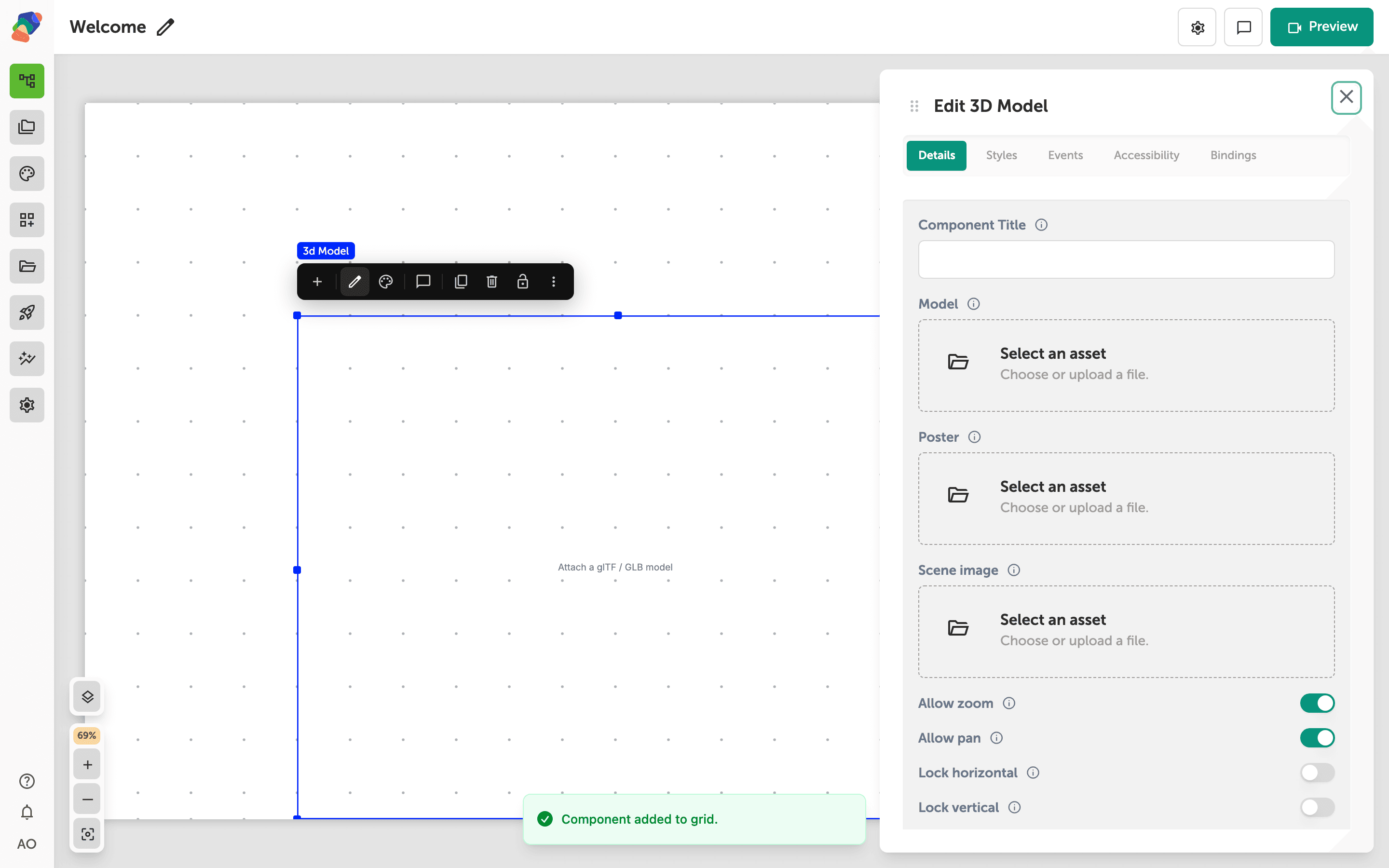
Adding a 3D Model
Add a 3D Model component and attach a GLB so visitors can orbit an object on the view.
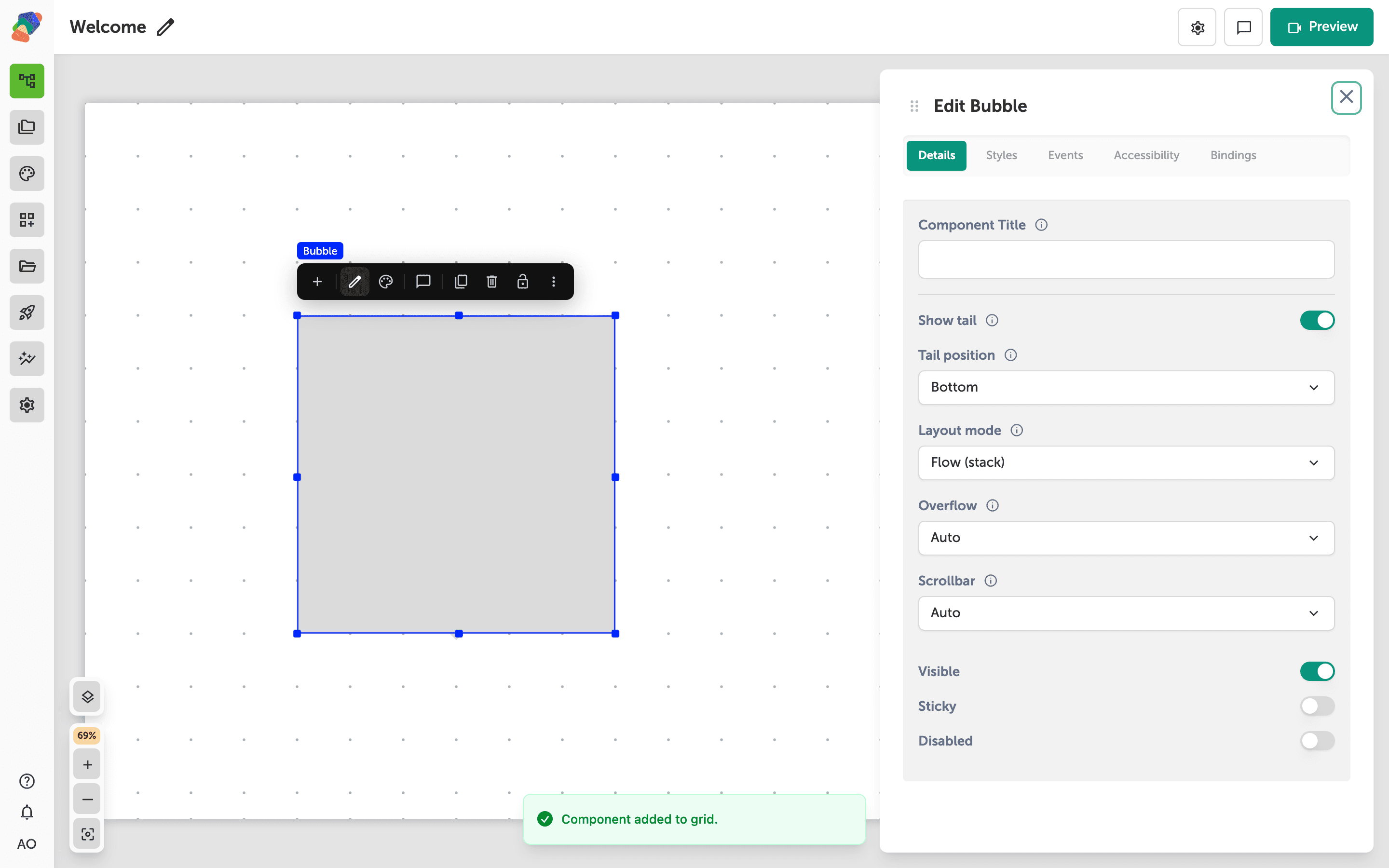
Adding a Bubble
Add a Bubble for a small popover anchored near a hotspot or button.
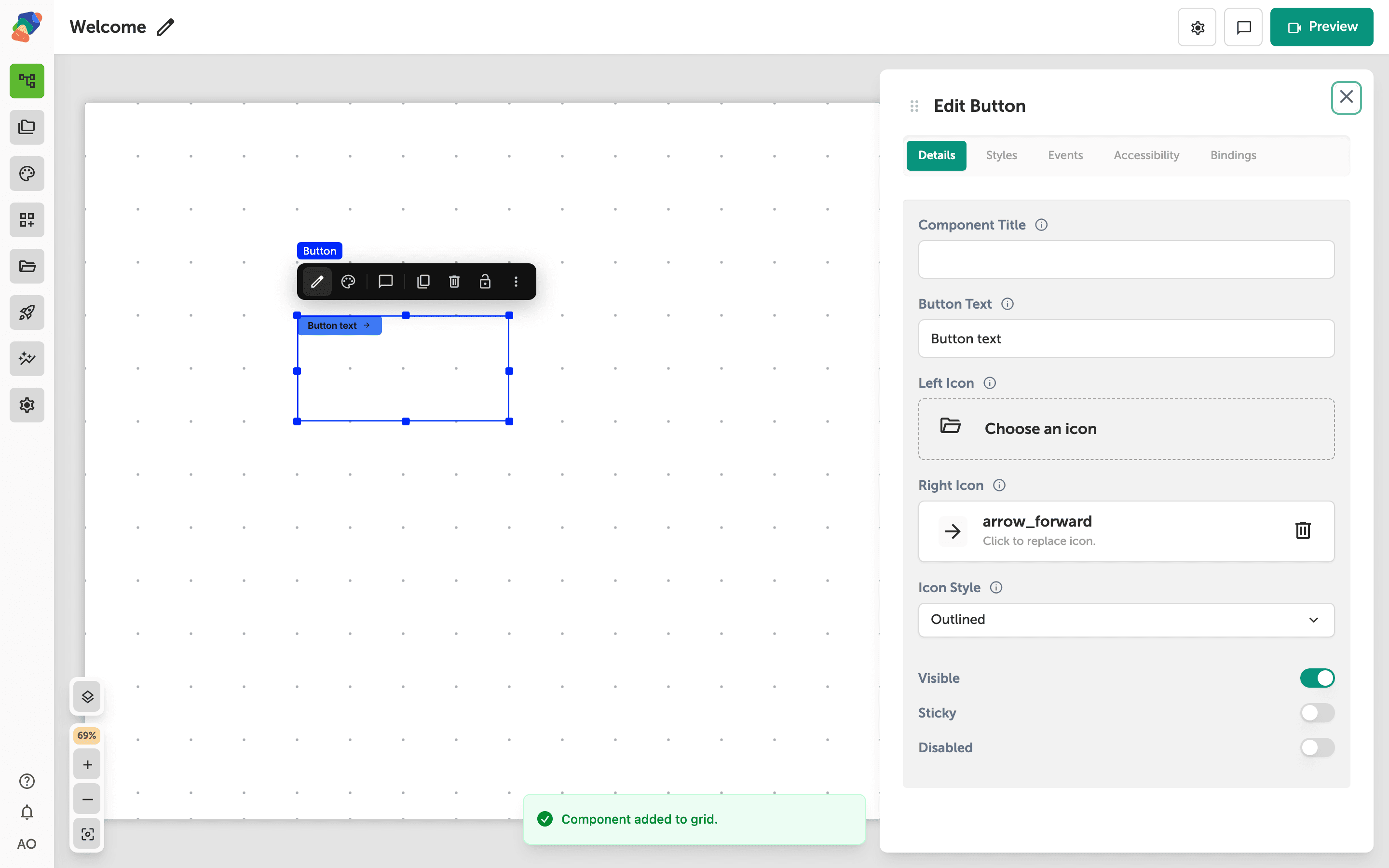
Adding a Button
Add a Button, write its label, and use it as the control visitors tap to move through a project.
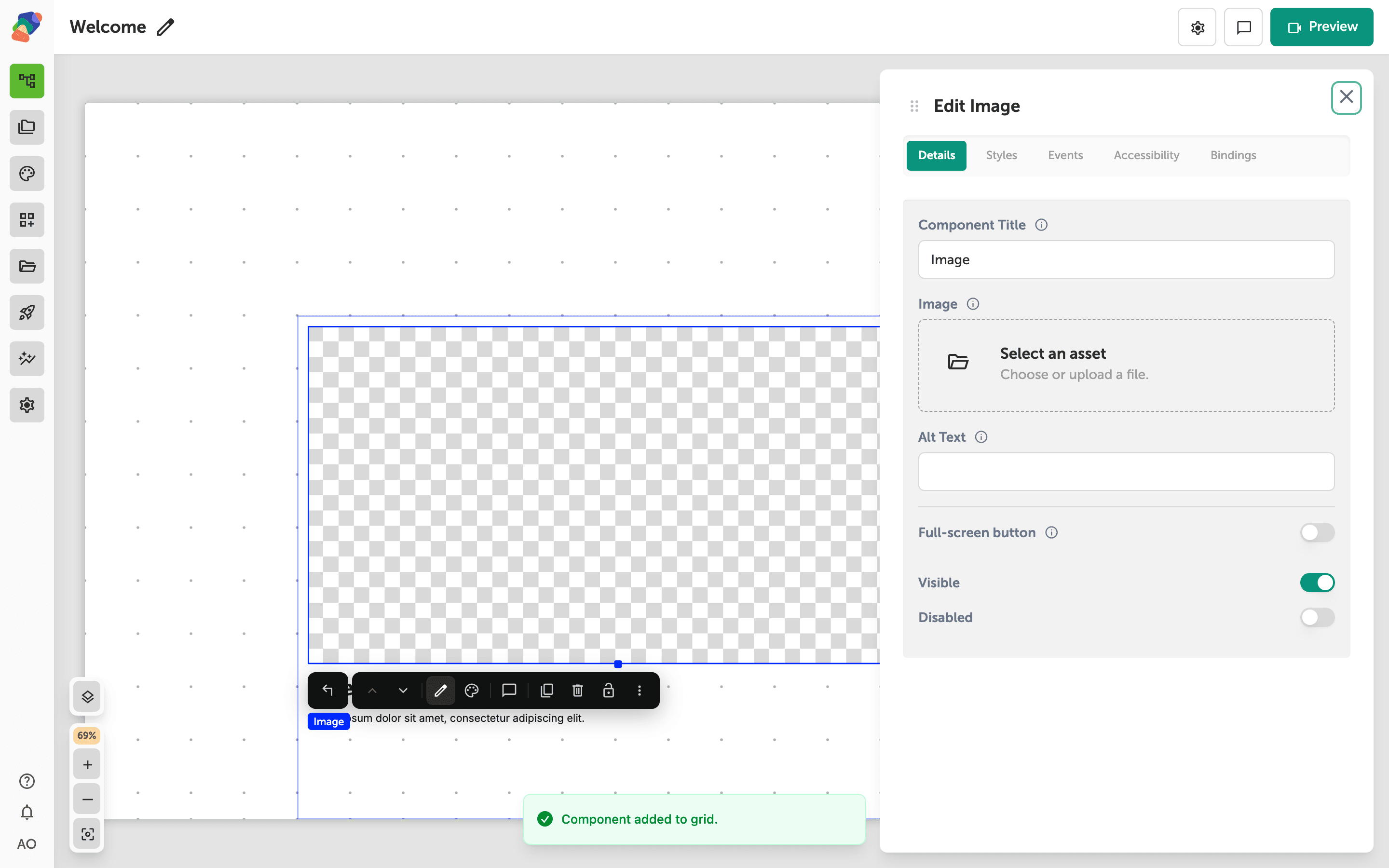
Adding a Card
Add a Card as a themed group for a title, an image, and a button.
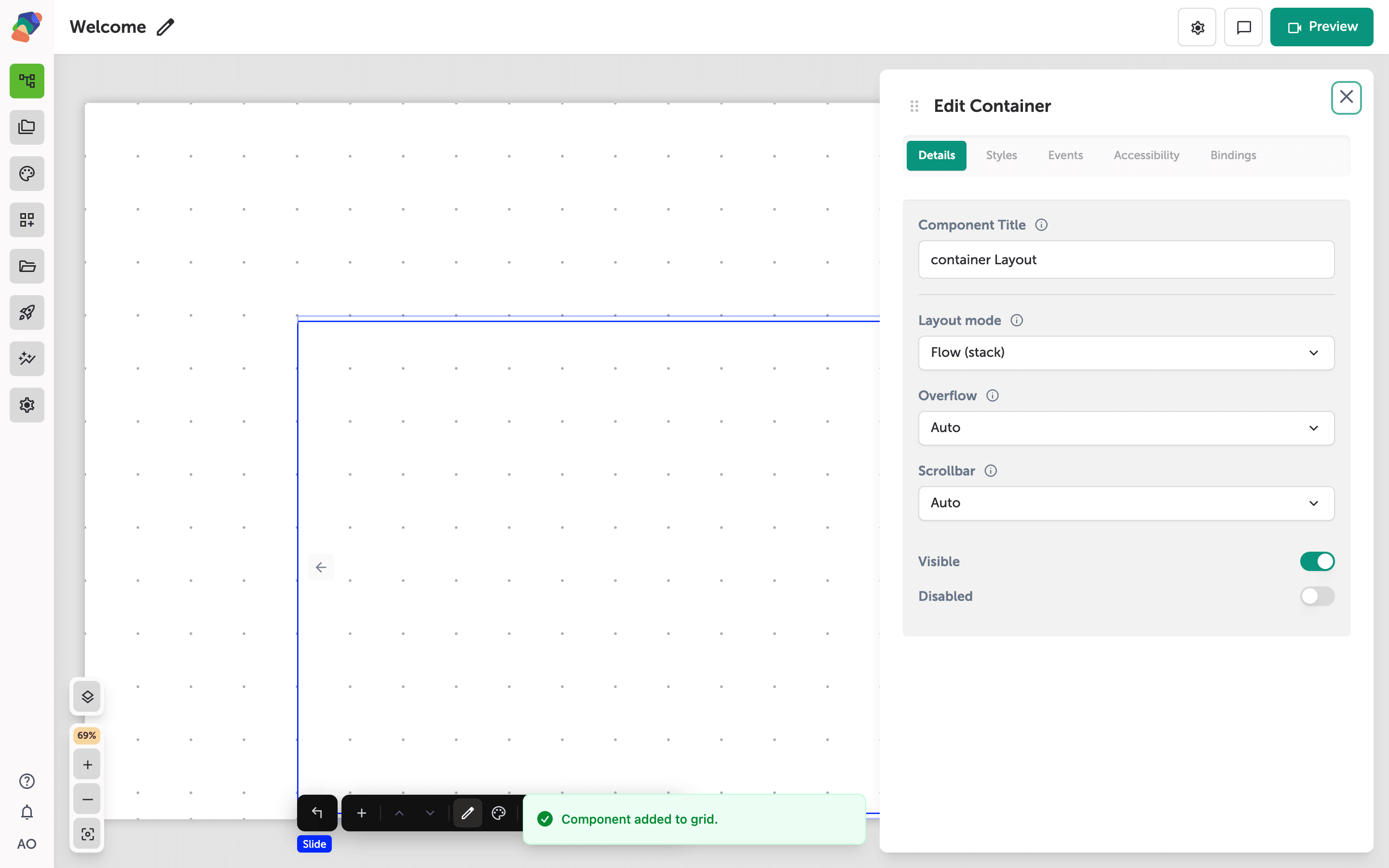
Adding a Carousel
Add a Carousel and use its add control to create slides visitors swipe through.
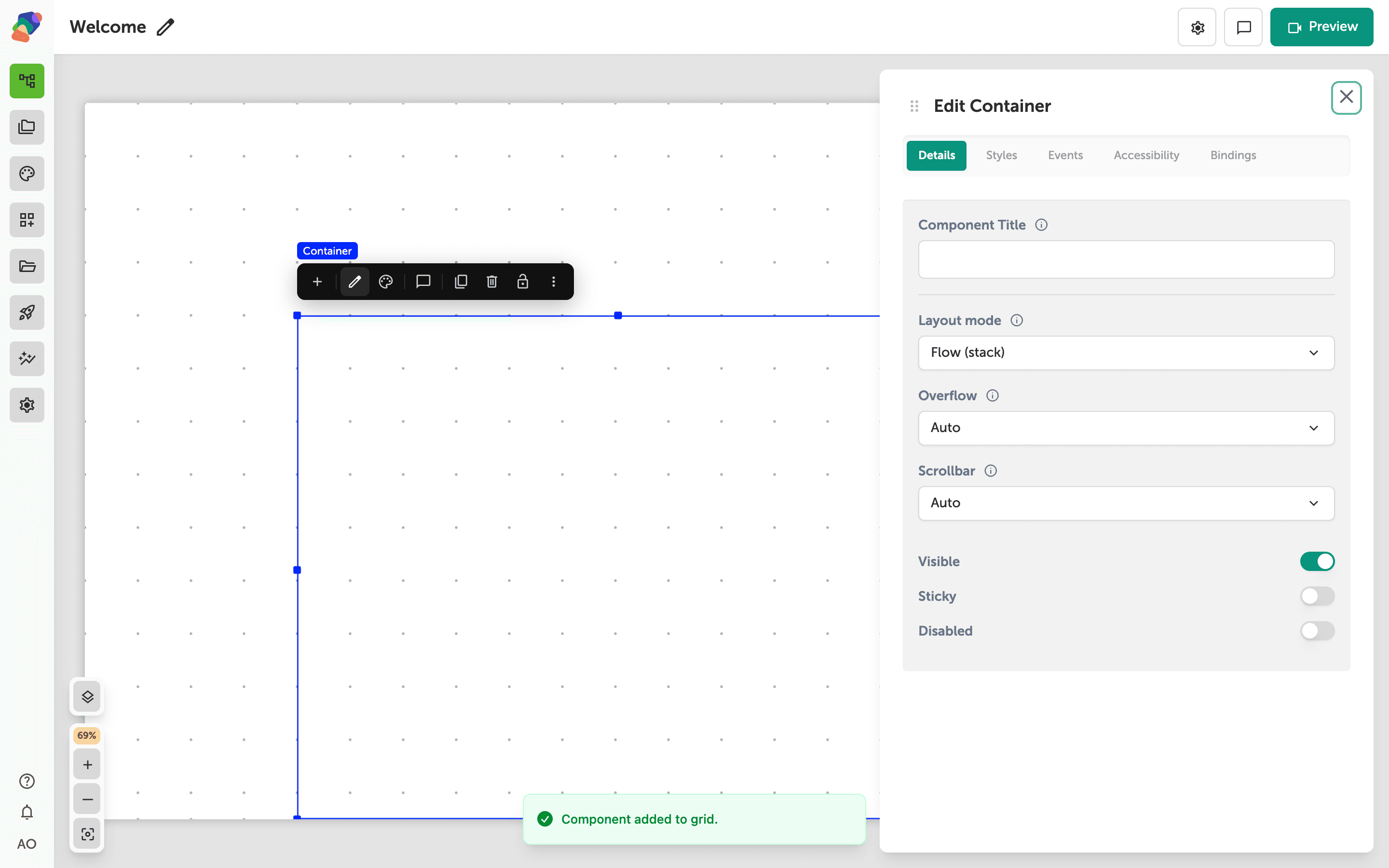
Adding a Container
Add a Container to group text, media, and controls, and choose whether the children stack or sit on a grid.
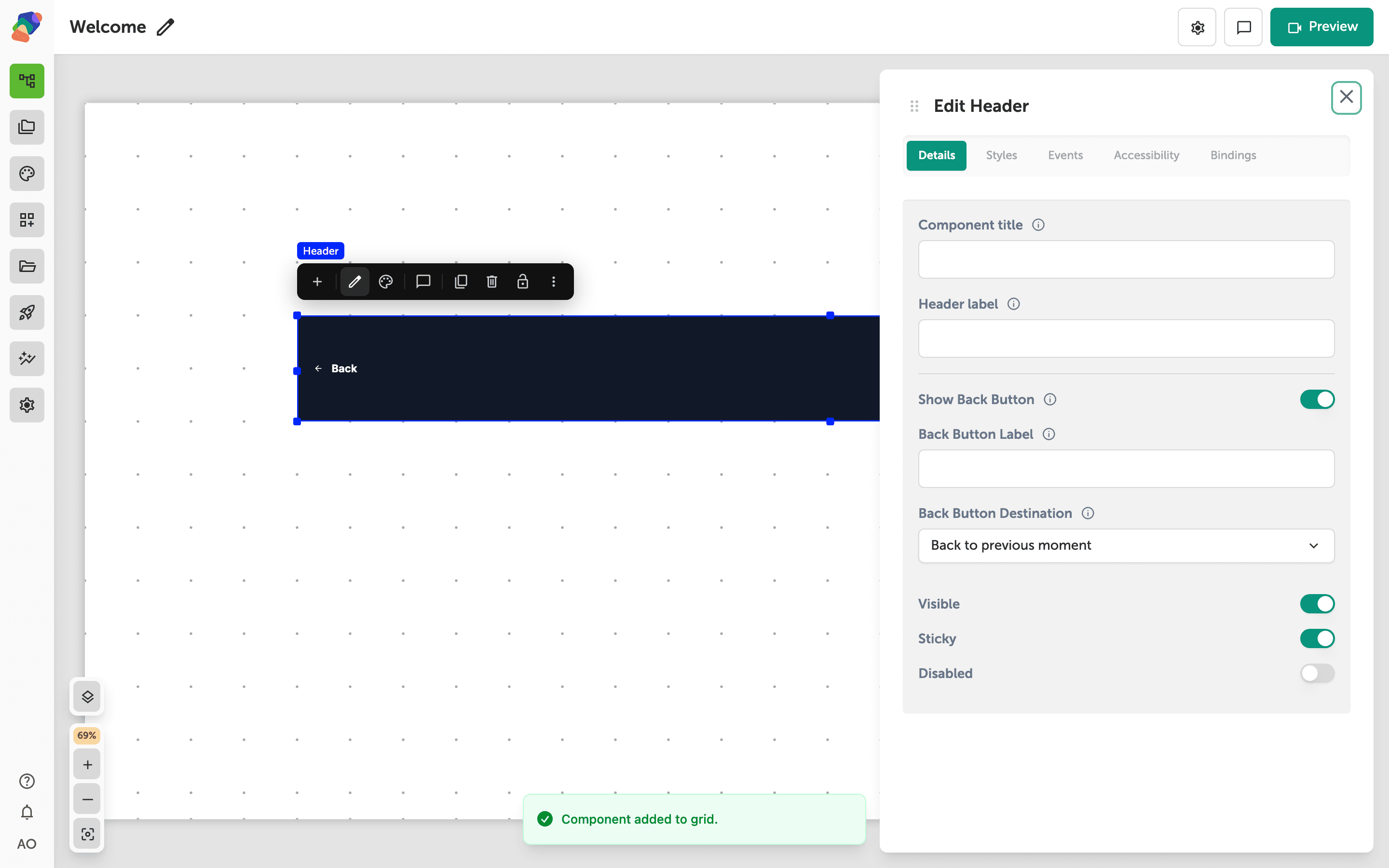
Adding a Header
Add a Header for the persistent bar at the top of a view, then put a Button in it for the actions visitors need on every screen.
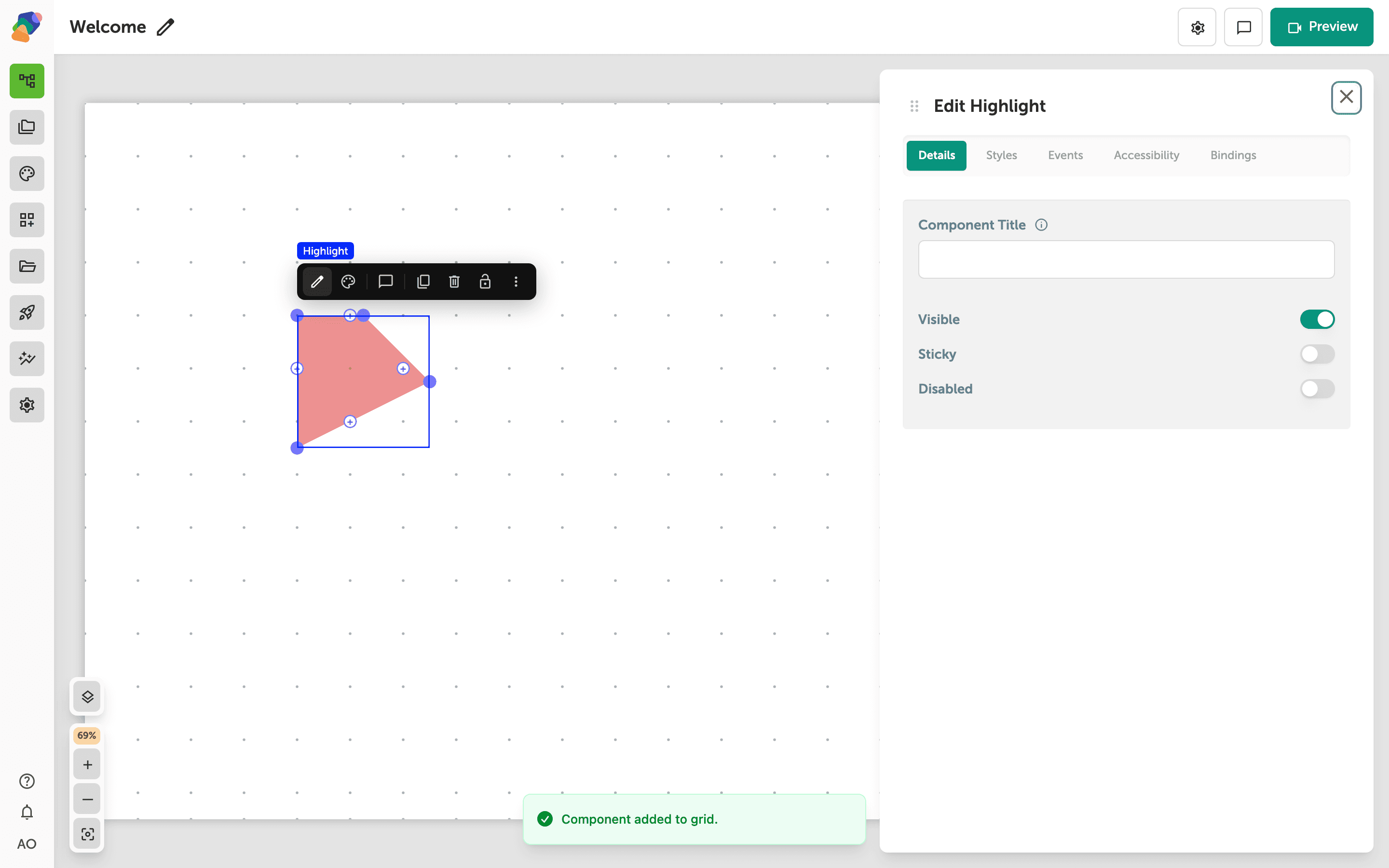
Adding a Highlight
Add a Highlight to outline a region of an image so visitors can see which part of the picture the label is about.
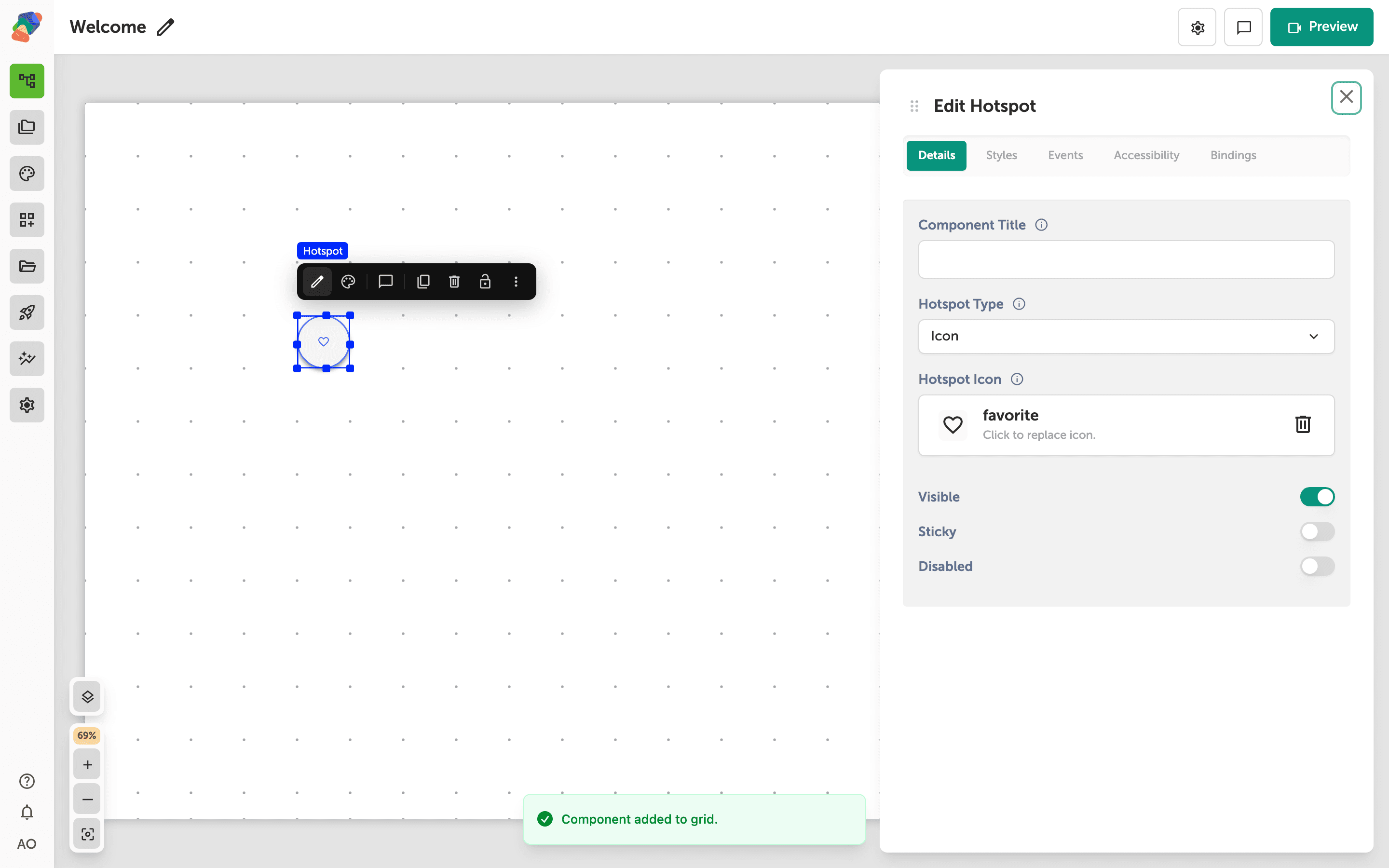
Adding a Hotspot
Add a Hotspot so visitors can tap a point on an image or a 3D model and open more of the story.
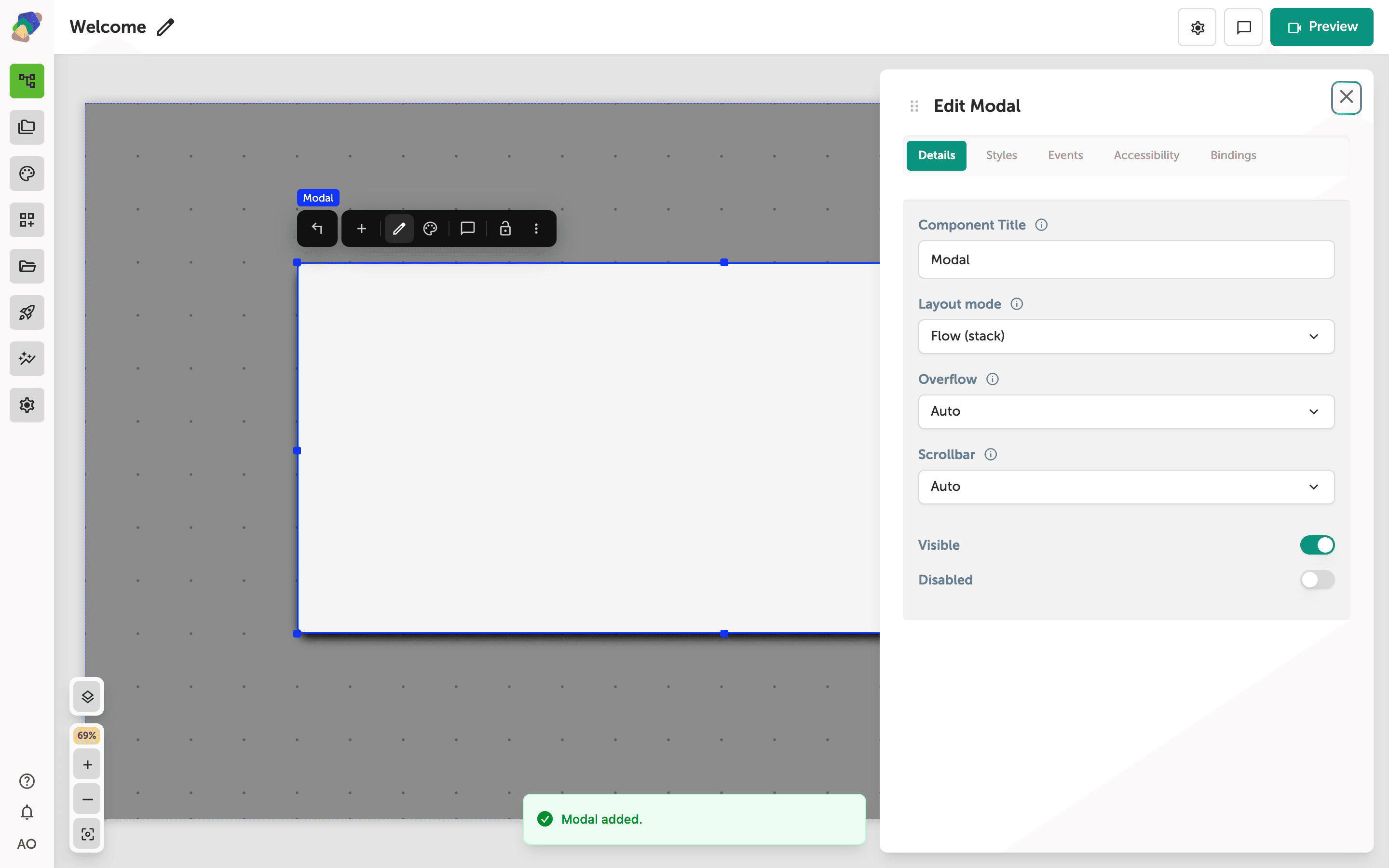
Adding a Modal
Add a Modal for a dialog that sits over the view, backed by the overlay scrim created with it.
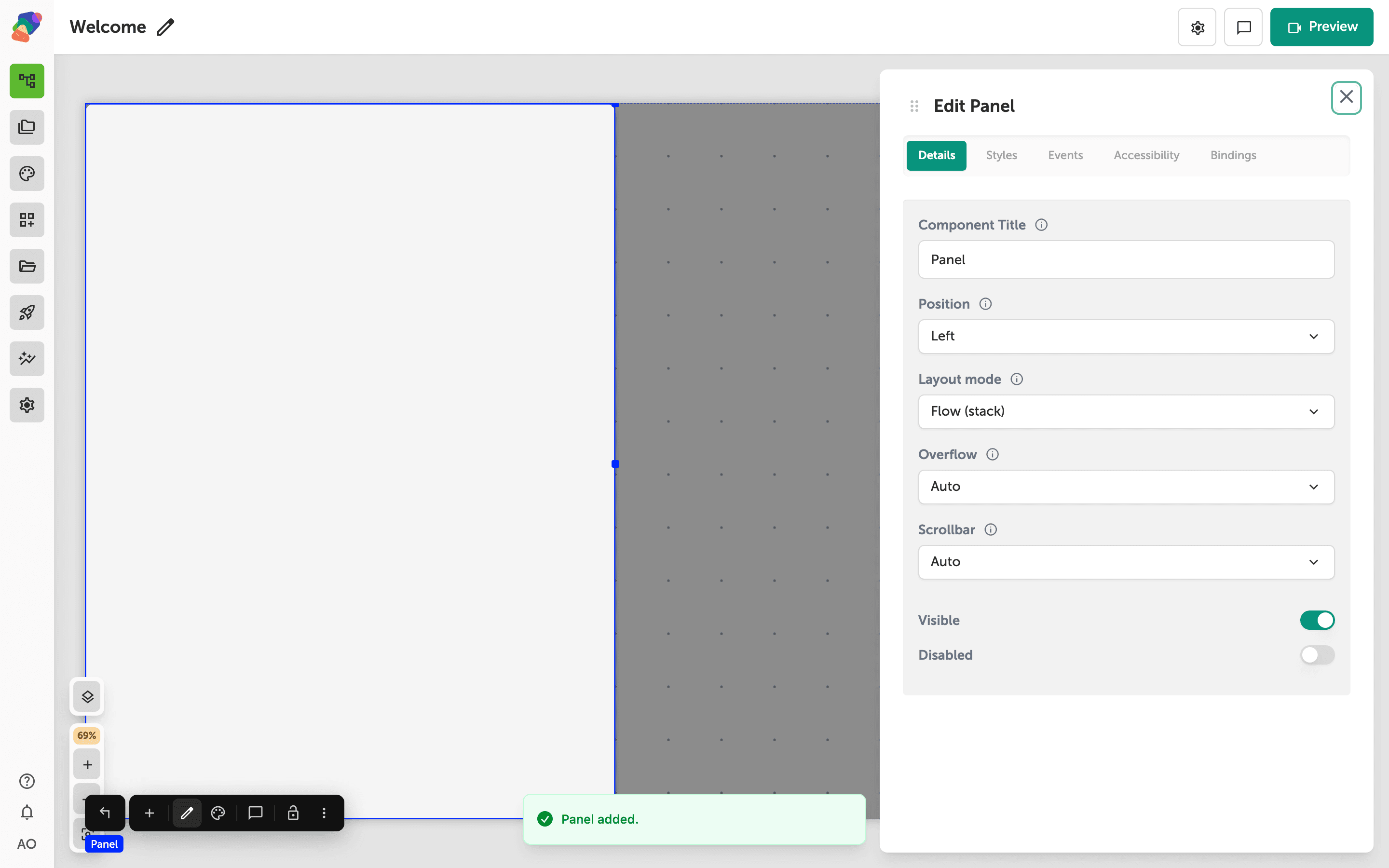
Adding a Panel
Add a Panel for content that slides over the view, with the overlay scrim that comes with it.
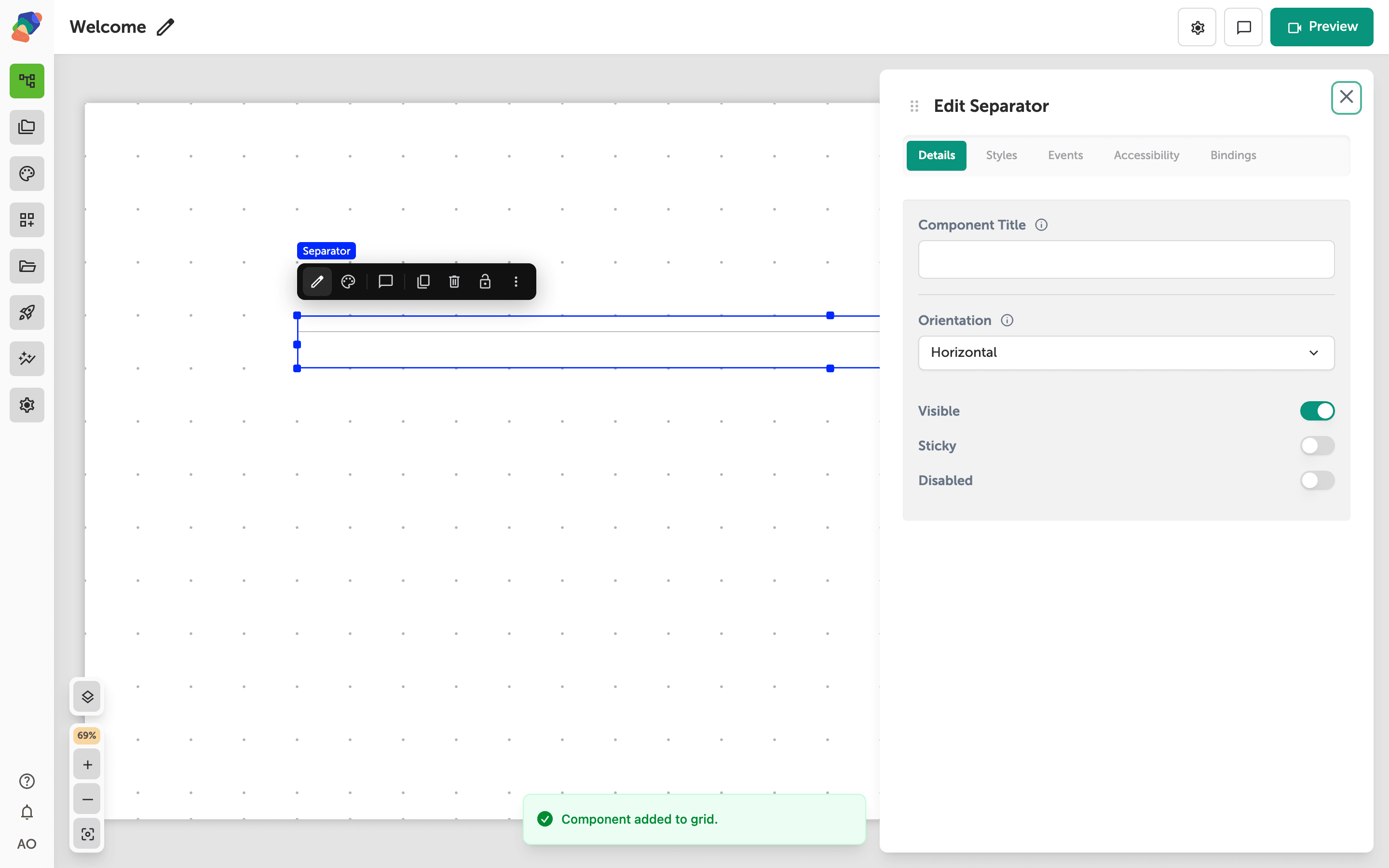
Adding a Separator
Add a Separator to divide a label from the content under it, and give the rule a title you can find in the layers list.
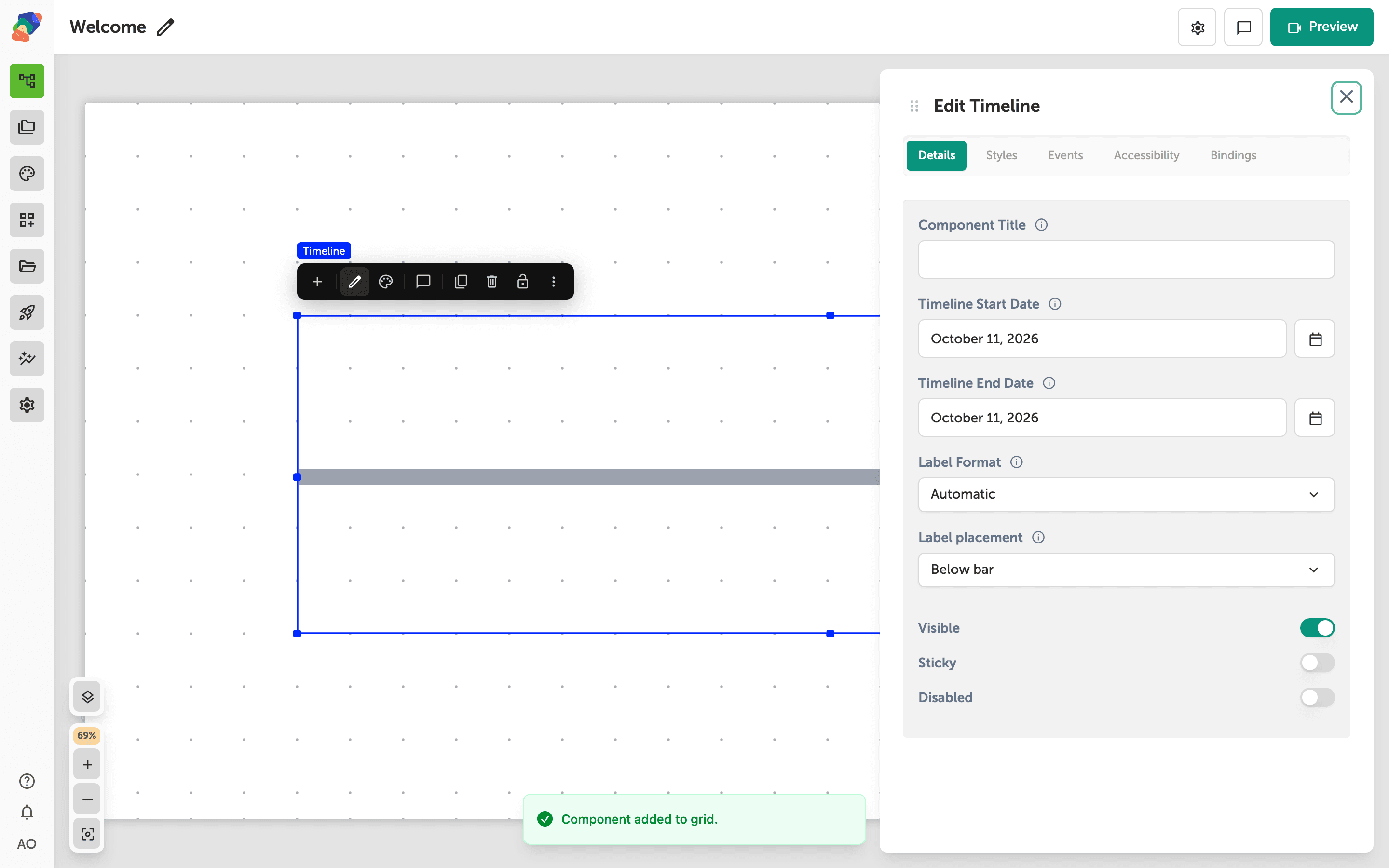
Adding a Timeline
Add a Timeline, then add Timeline Event children from the timeline's add control so visitors can move through dated moments.
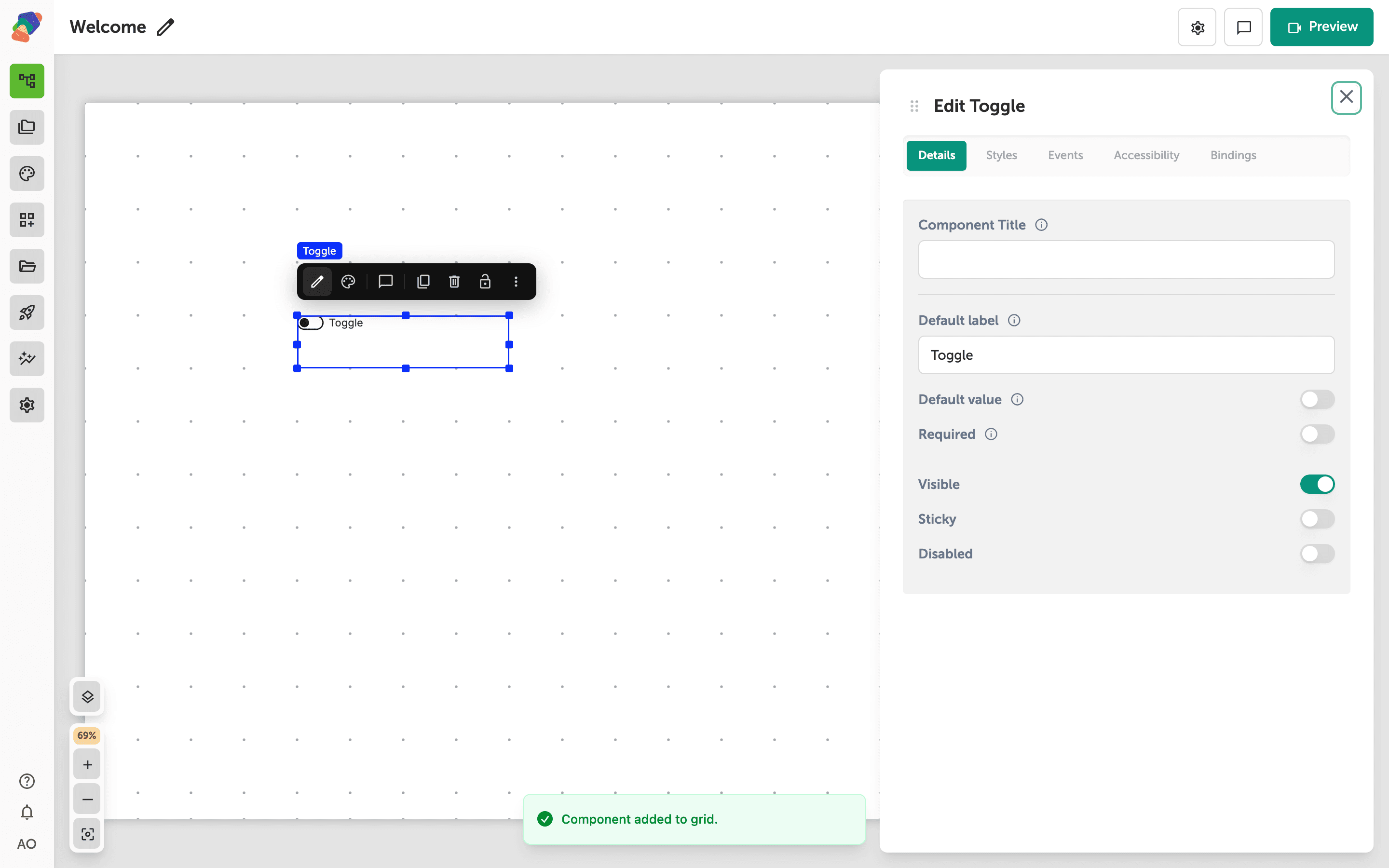
Adding a Toggle
Add a Toggle for a yes-or-no answer, such as a consent line on a form.
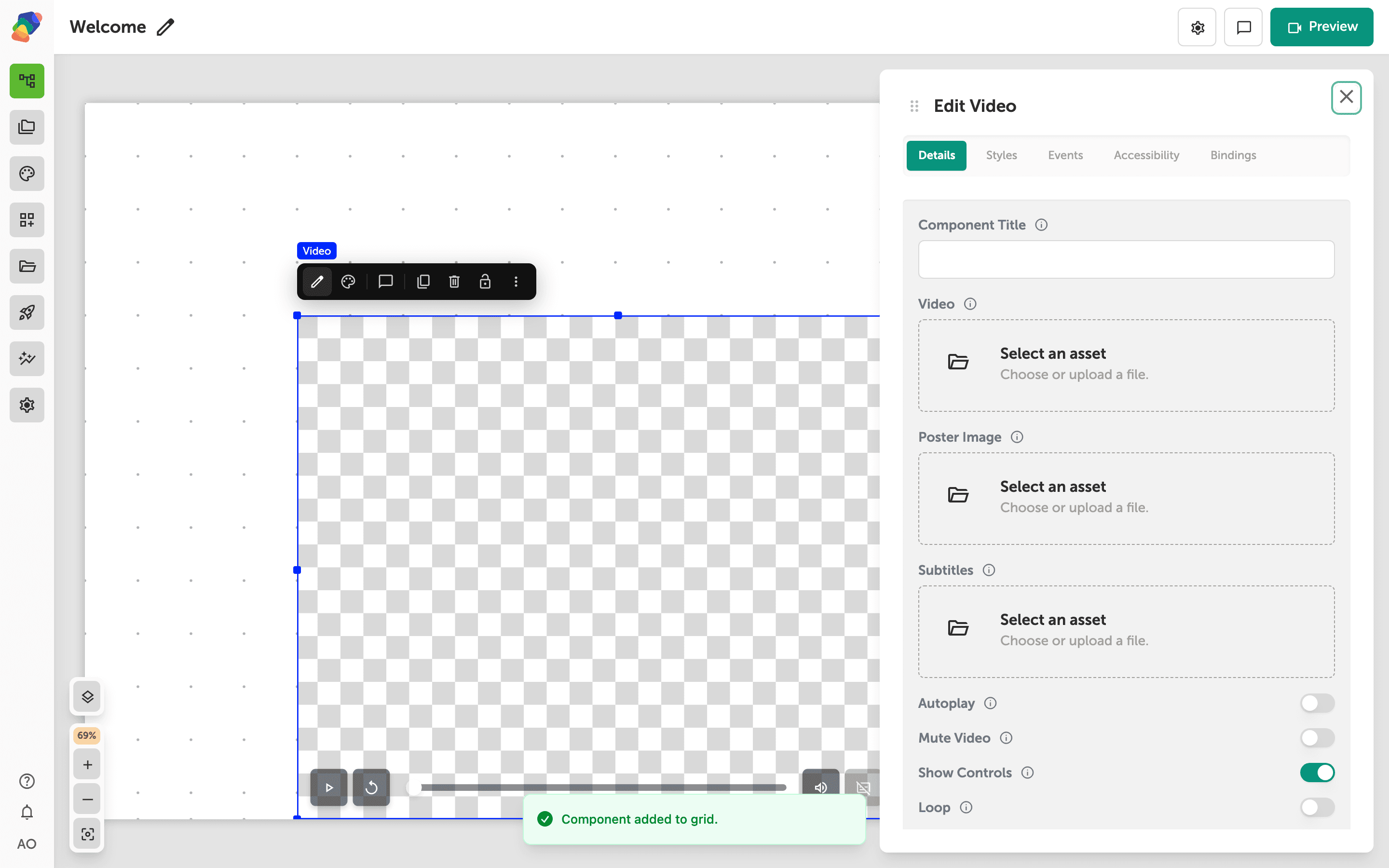
Adding a Video
Add a Video component, attach a file, and choose whether visitors can open it full screen.
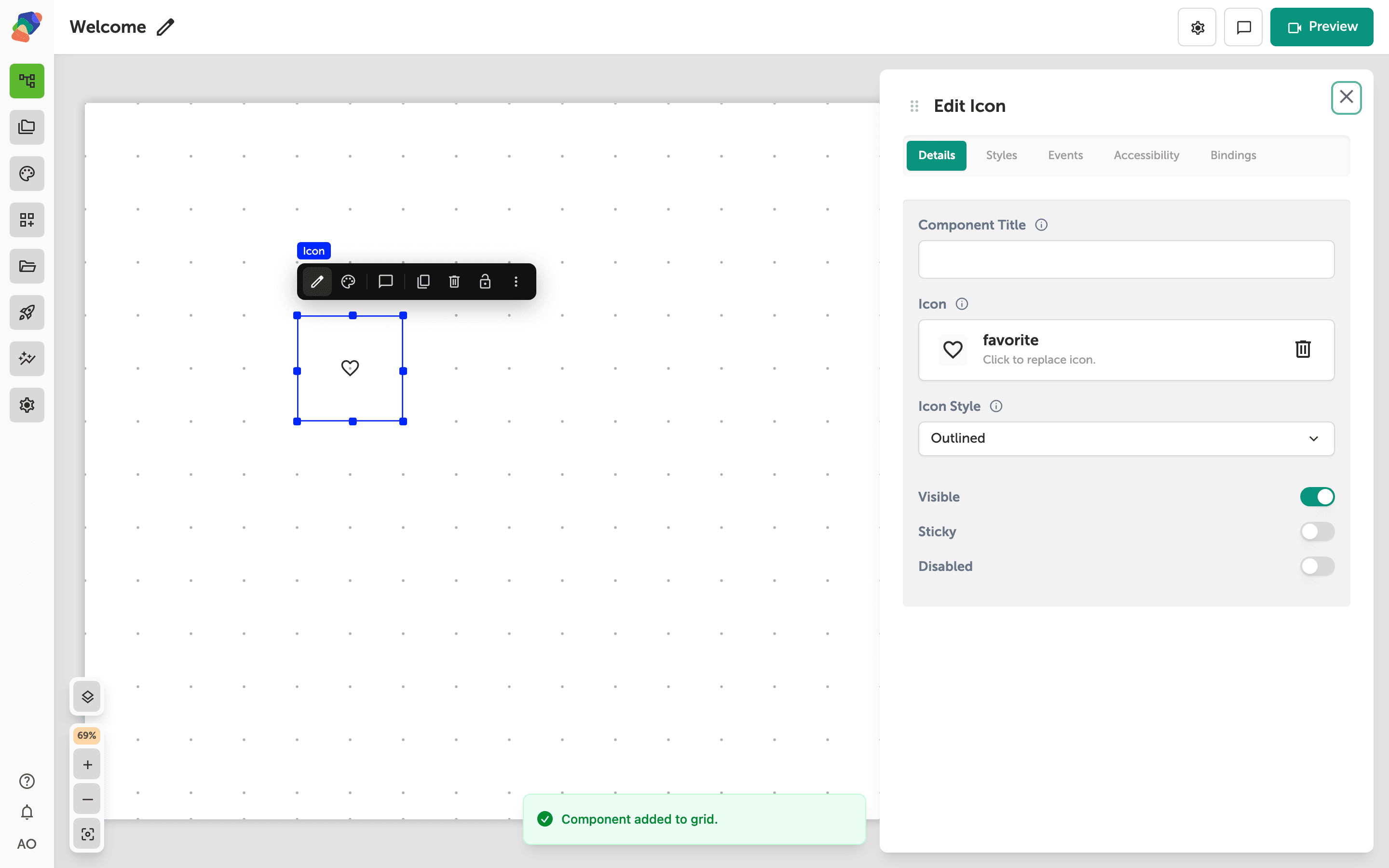
Adding an Icon
Add an Icon and pick the symbol it shows, for wayfinding marks and labels that should not be a full image.
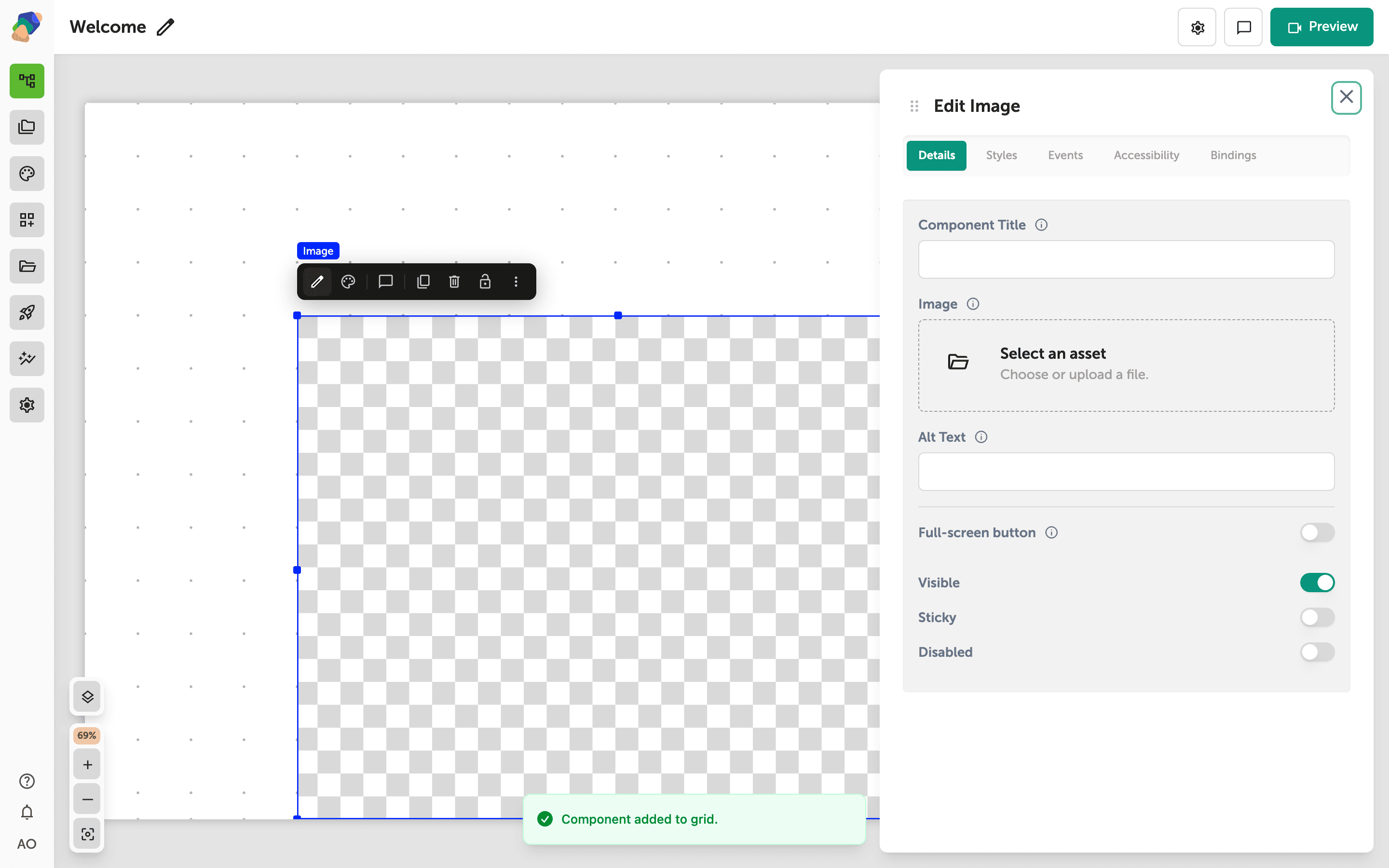
Adding an Image
Place an Image on a view, replace the placeholder, and write alt text so the picture is usable on a kiosk and for visitors who cannot see it.
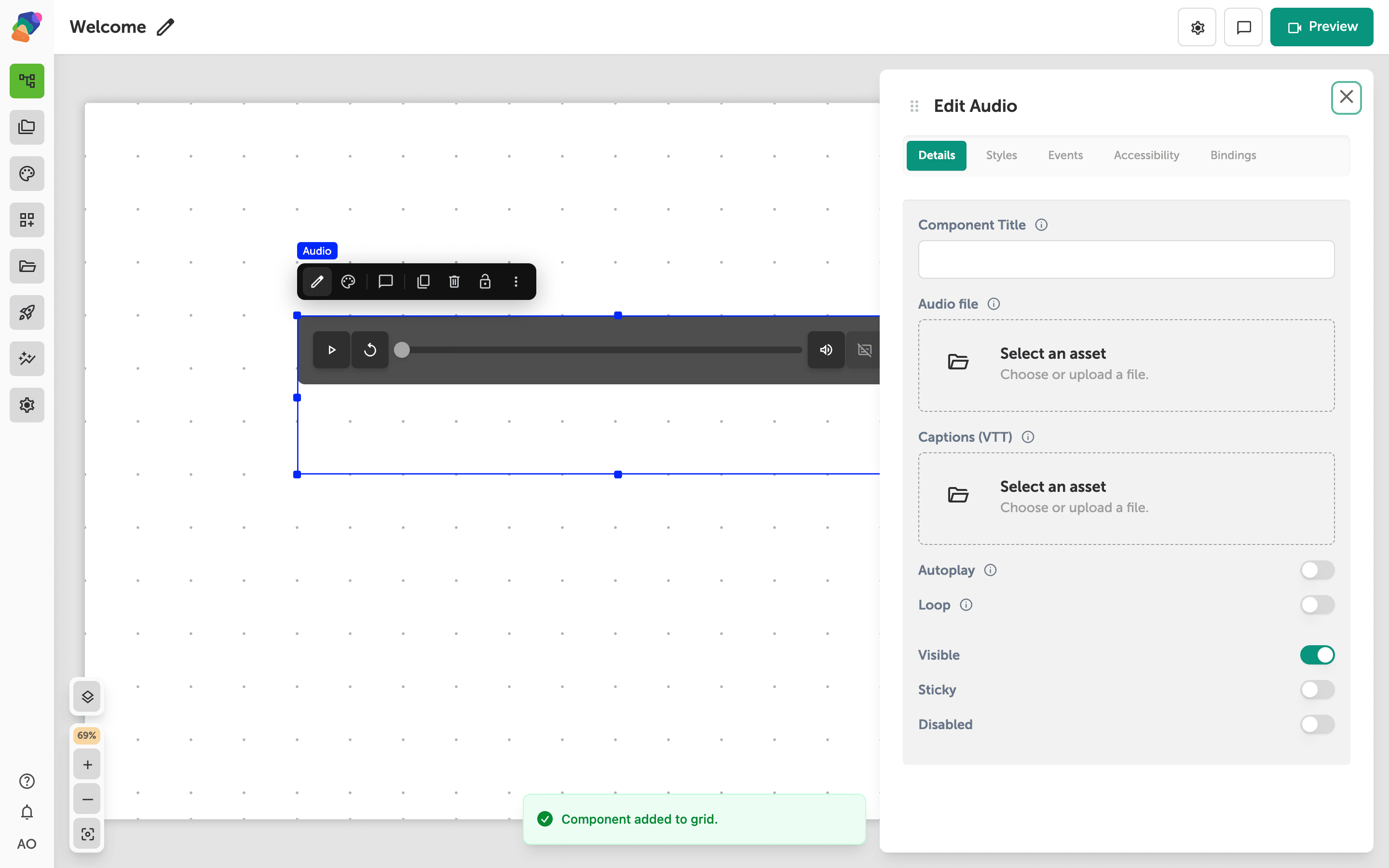
Adding Audio
Add an Audio component so visitors can play a narration, oral history, or soundtrack from the view.
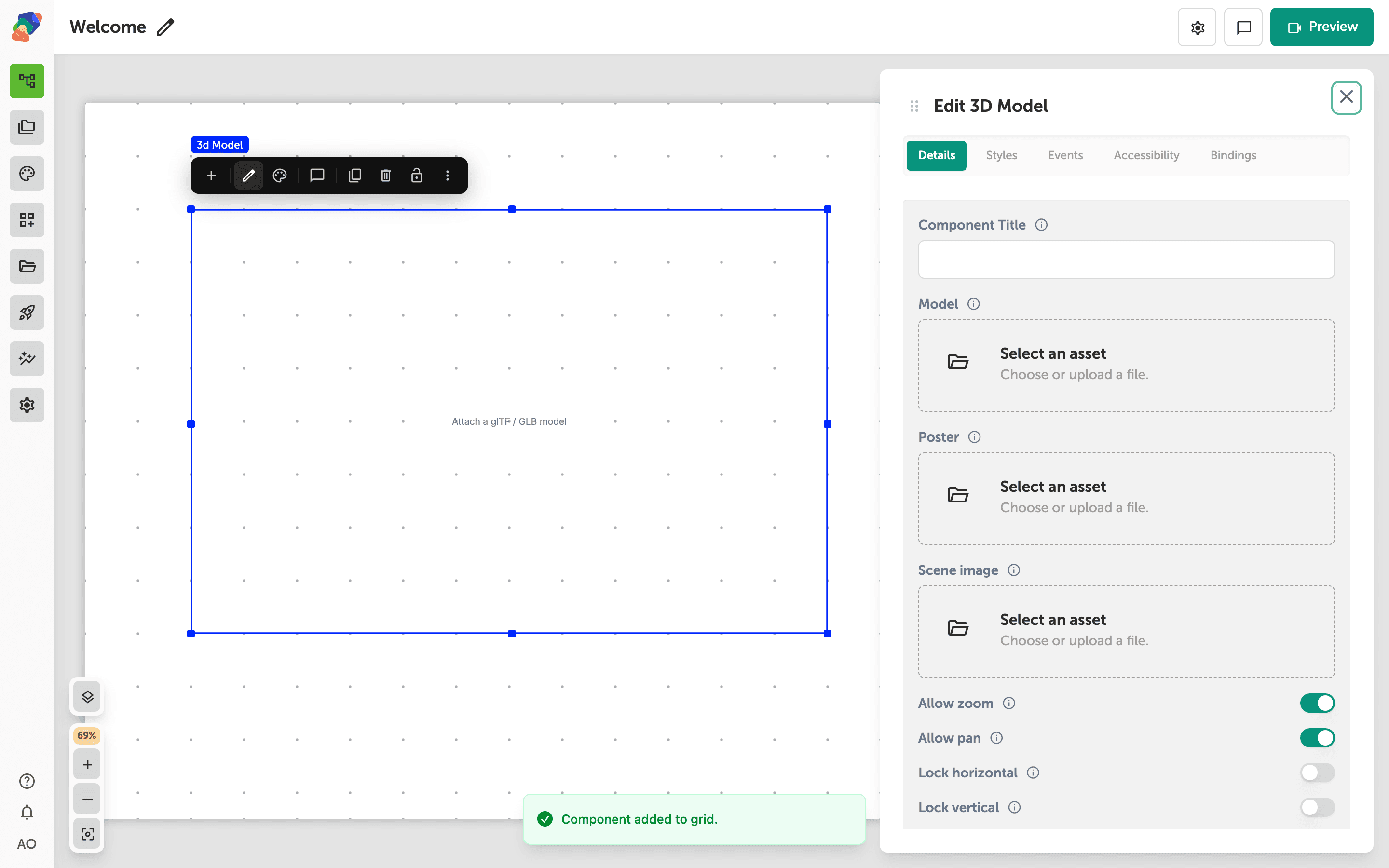
Control How Visitors Explore a 3D Model
Set a 3D model's starting view, how far visitors can zoom, whether they can pan, and whether the model spins on its own.
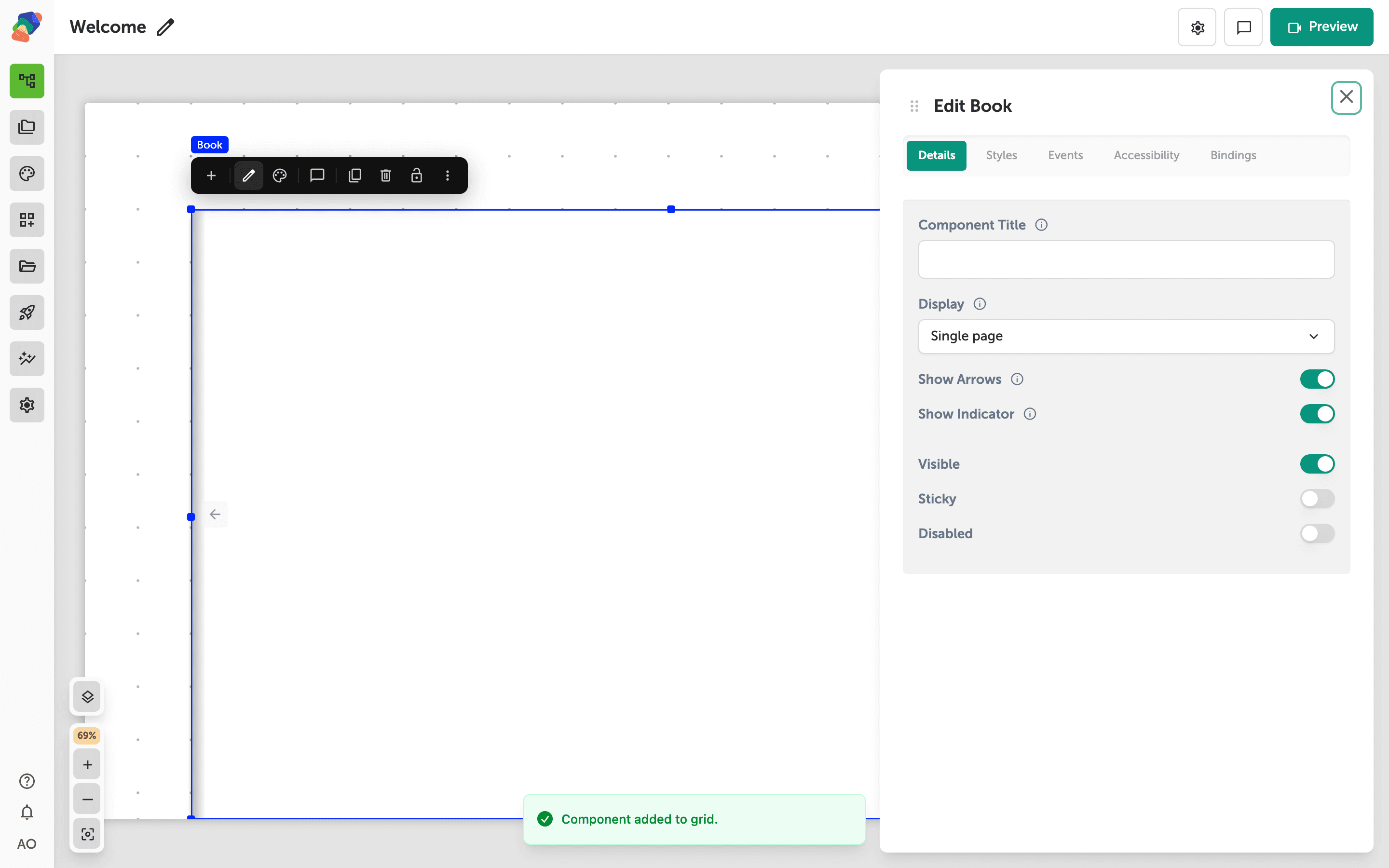
Create a Page-Flip Book
Add a Book, add pages, and choose a single page or a two-page spread that visitors flip by dragging or tapping a corner.
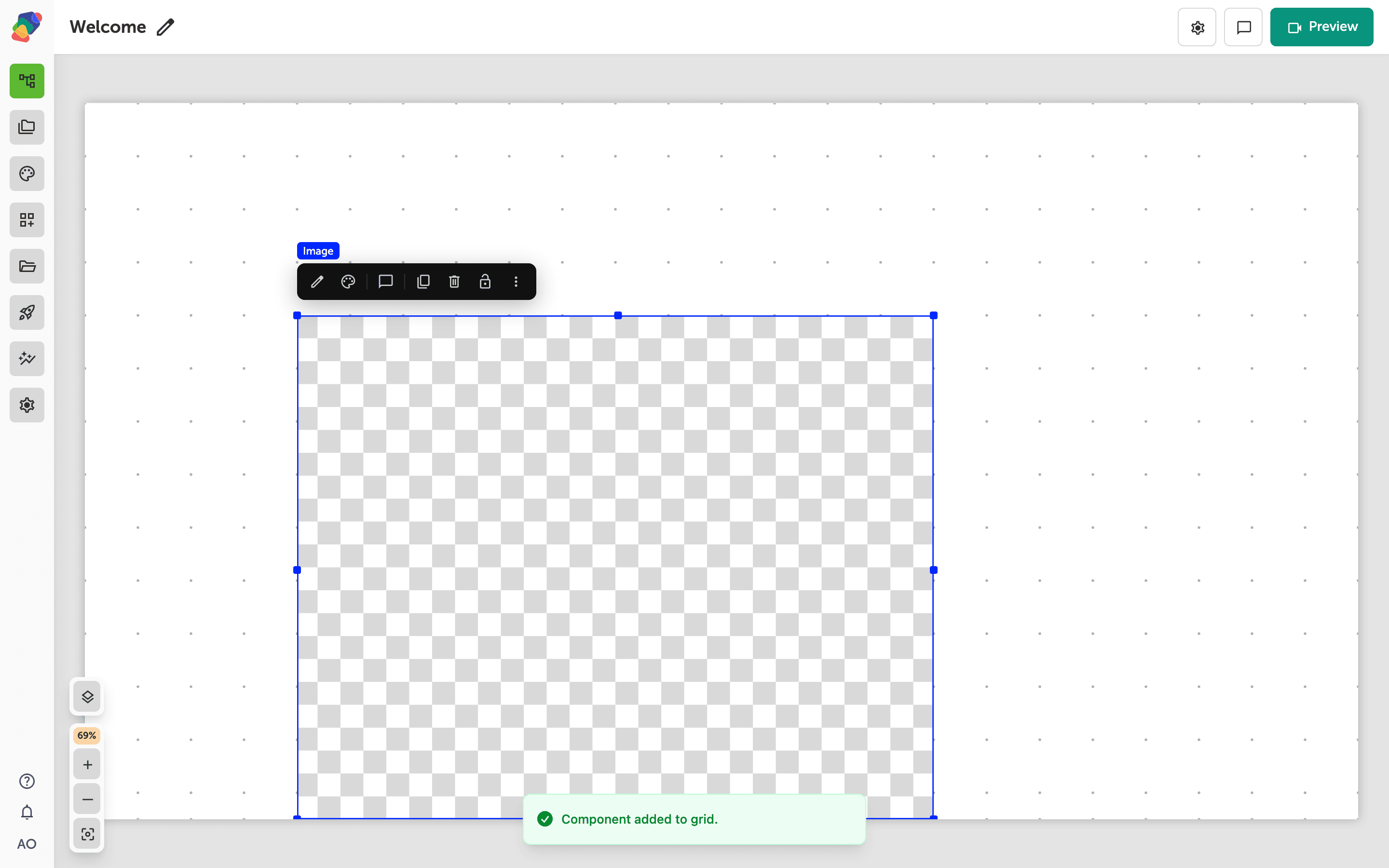
Let Visitors Zoom into an Image
Turn on zoom for an image, set how far visitors can go, and check that hotspots stay on the picture while they pan.
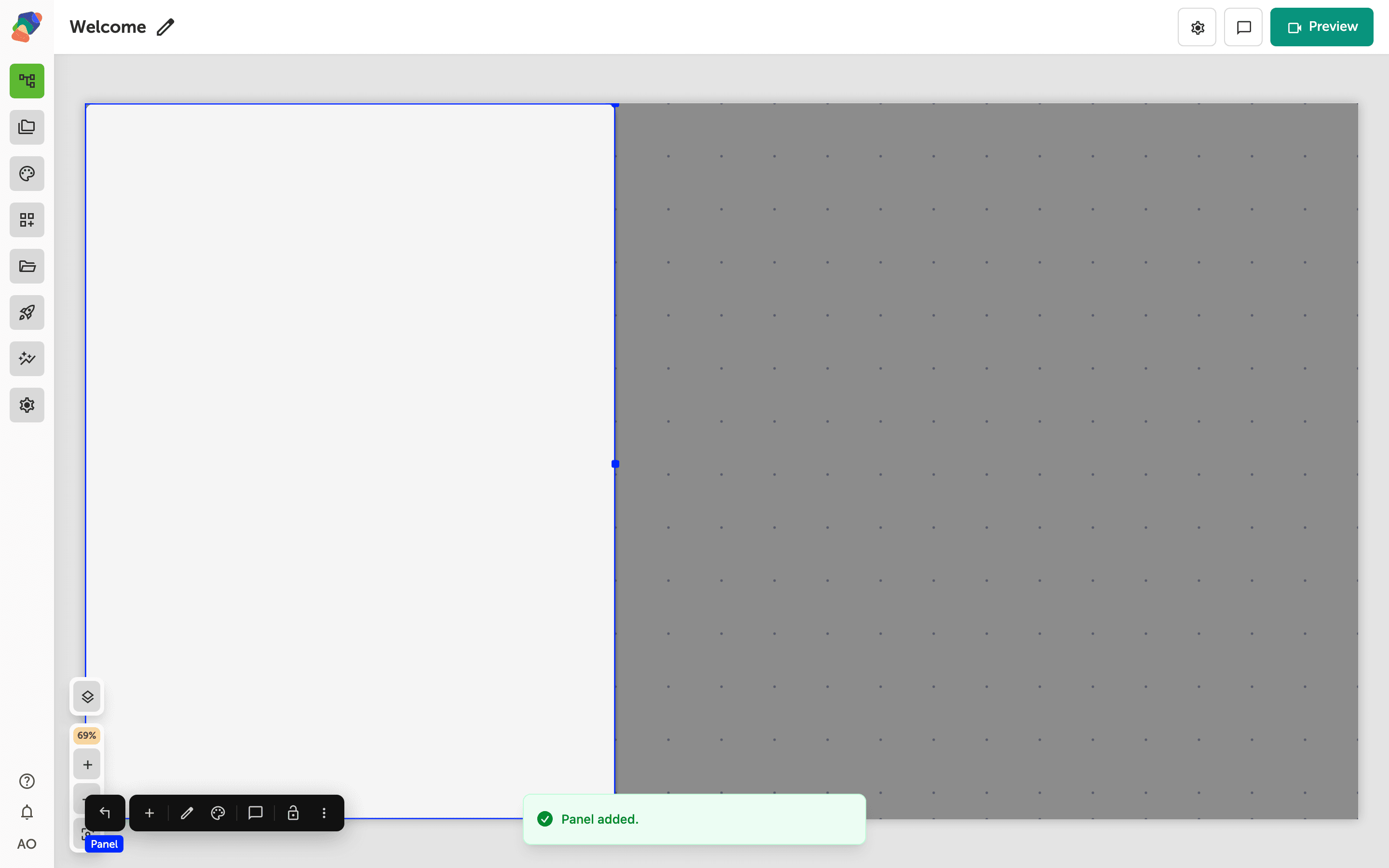
Understanding Overlays
An Overlay is the scrim behind a Panel or a Modal. You get one by adding those components, not from the add menu.
Working with the Screen
The Screen is the root of a view. You style it and fill it; you do not add it from the component menu.
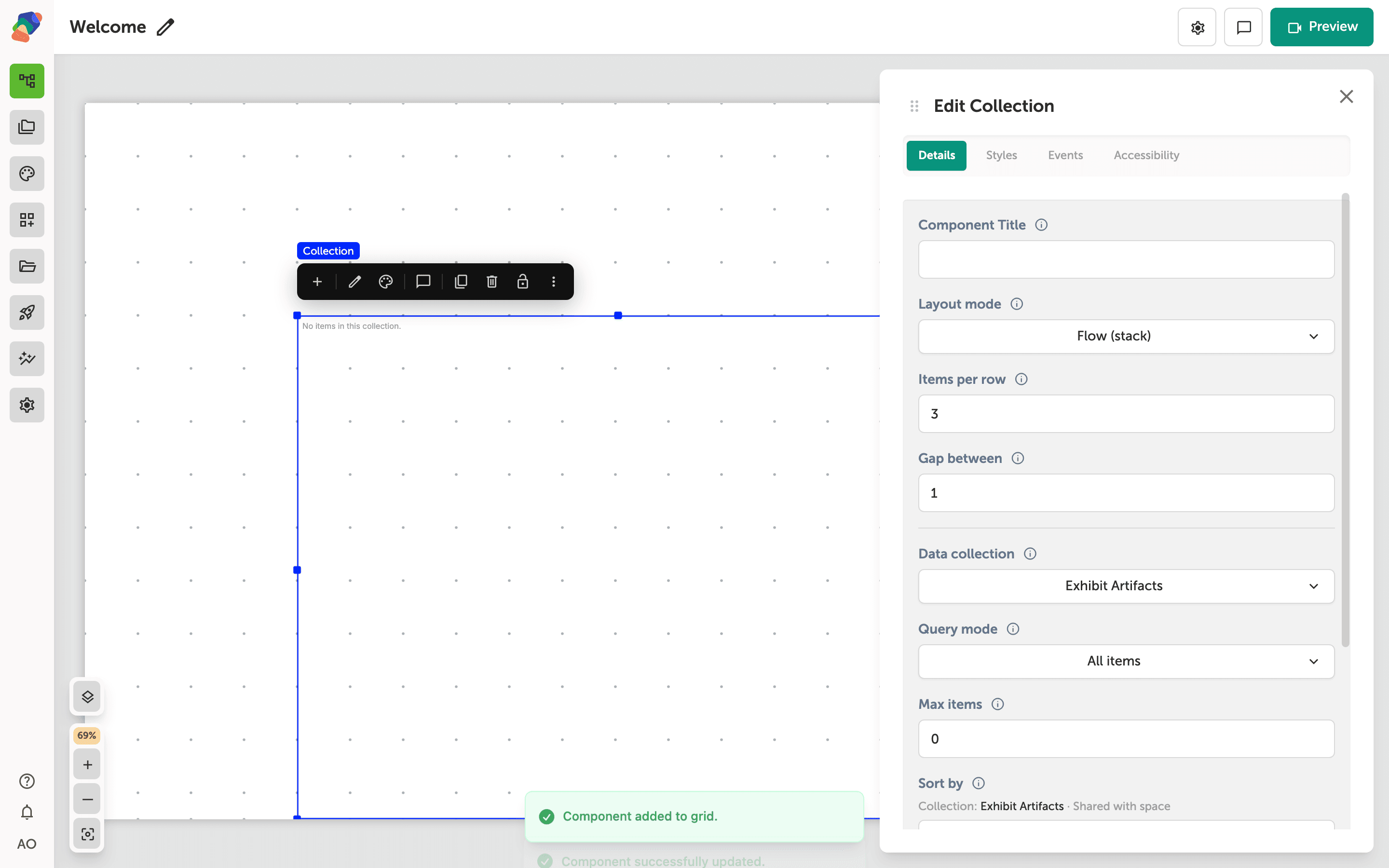
Adding a Collection Component to a View
Learn how to add a collection component to a view so your project displays content dynamically from a linked data set, without hardcoding individual items.
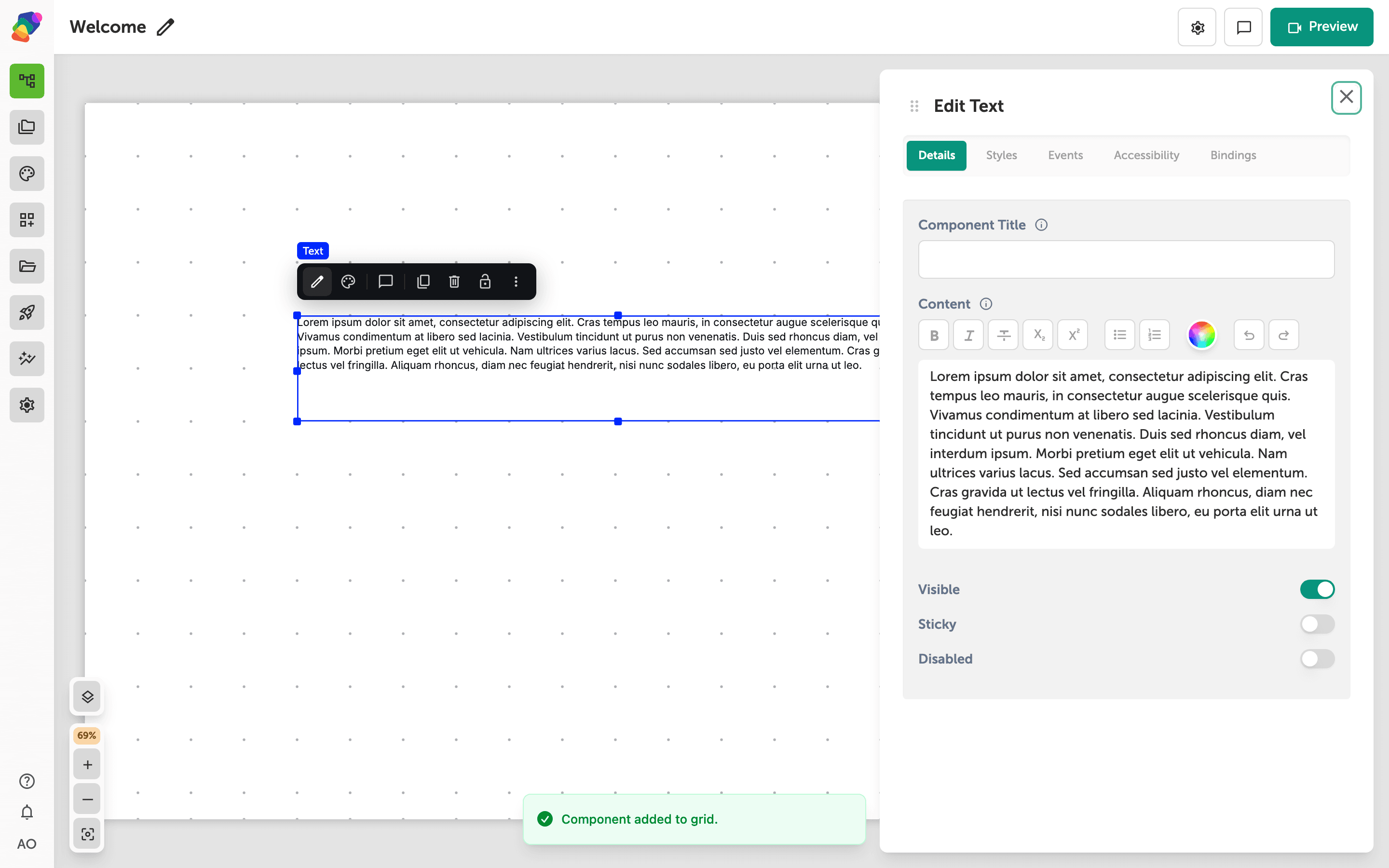
Editing Text Components
Learn how to add text components to your views and format them using Zibit's inline text editor—from placing your first text block to applying bold styling.
Forms
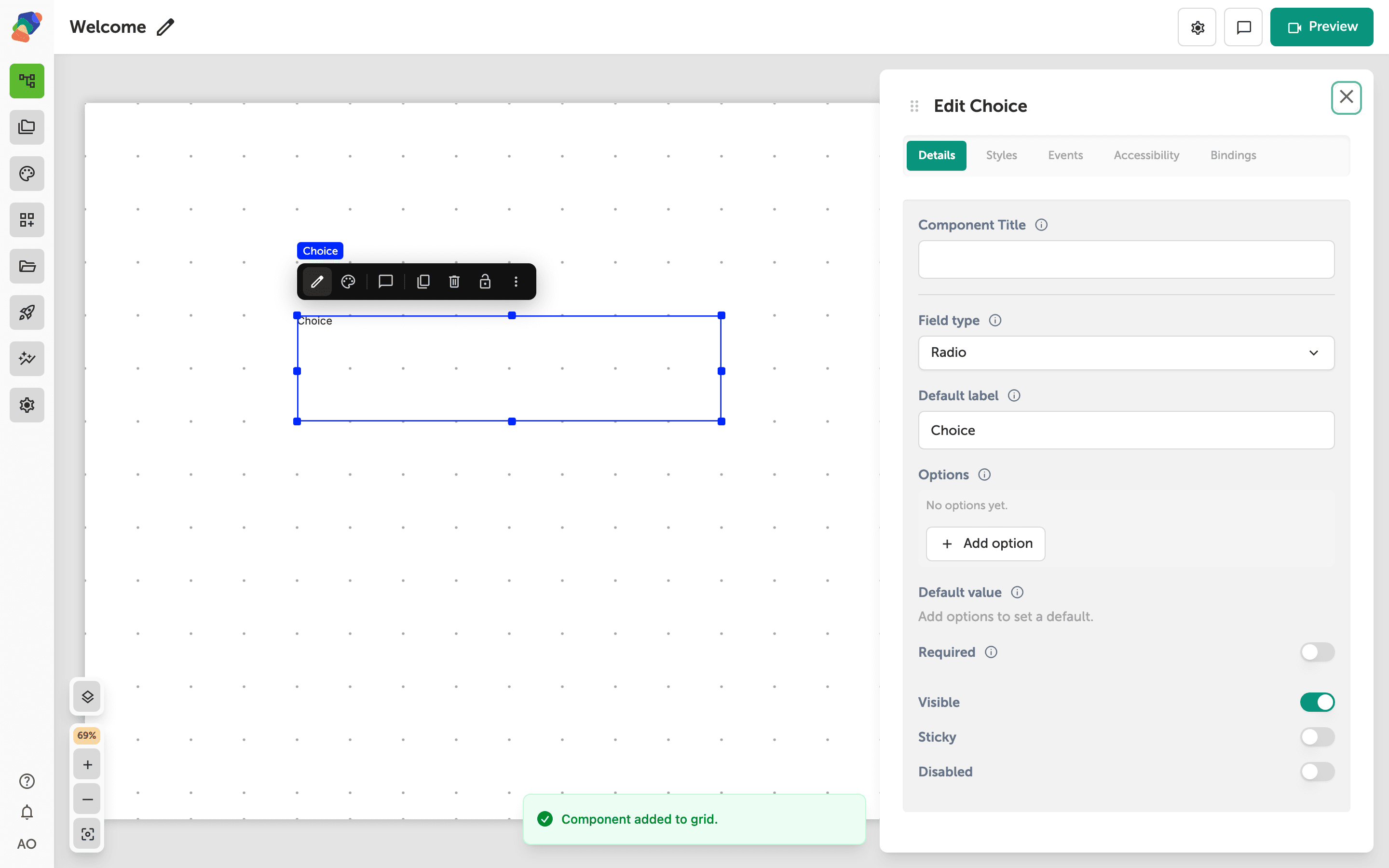
Adding a Choice
Add a Choice so visitors can pick one option, several options, or a value from a dropdown.
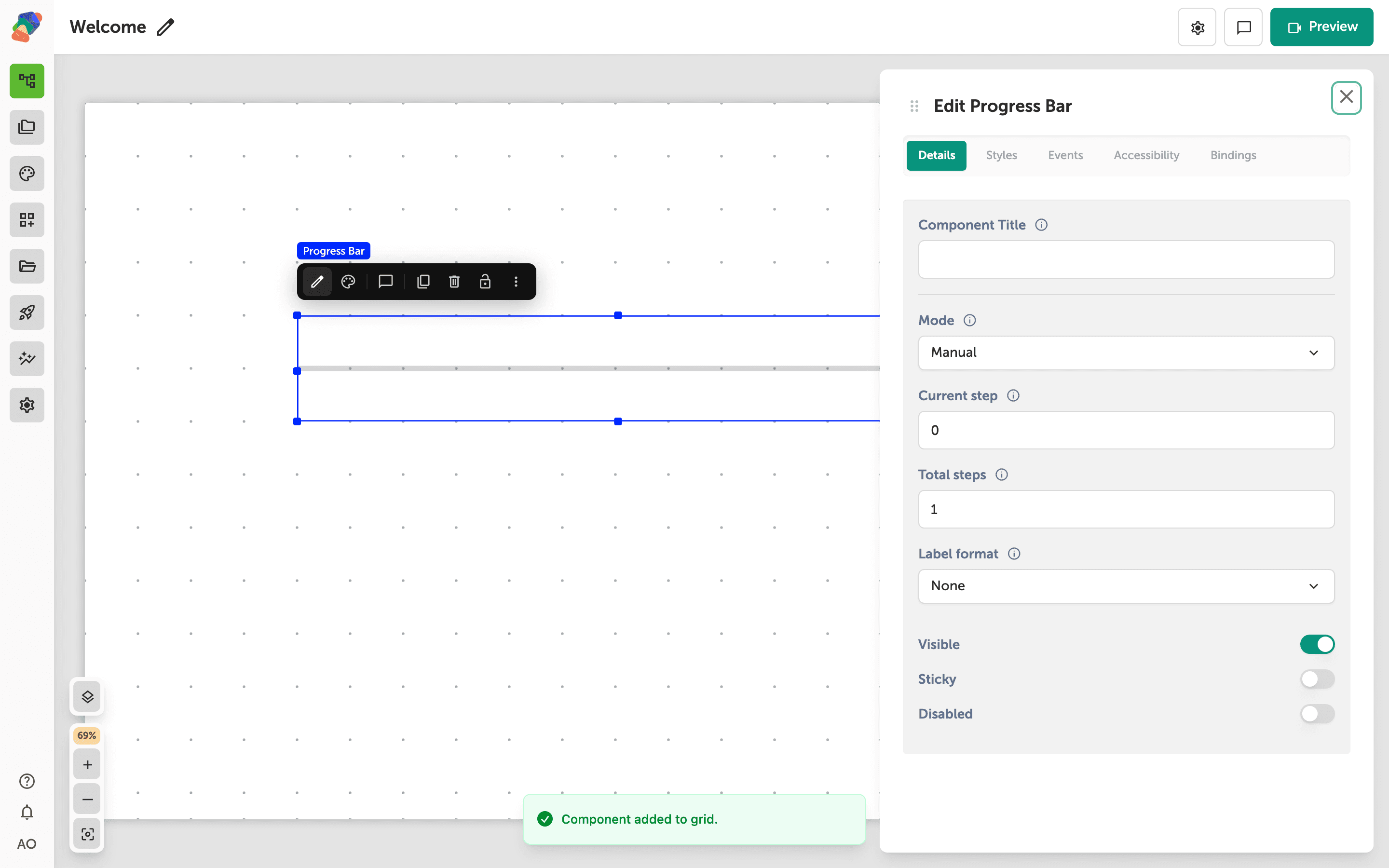
Adding a Progress Bar
Add a Progress Bar and either set the step yourself or let it follow how much of a form the visitor has filled.
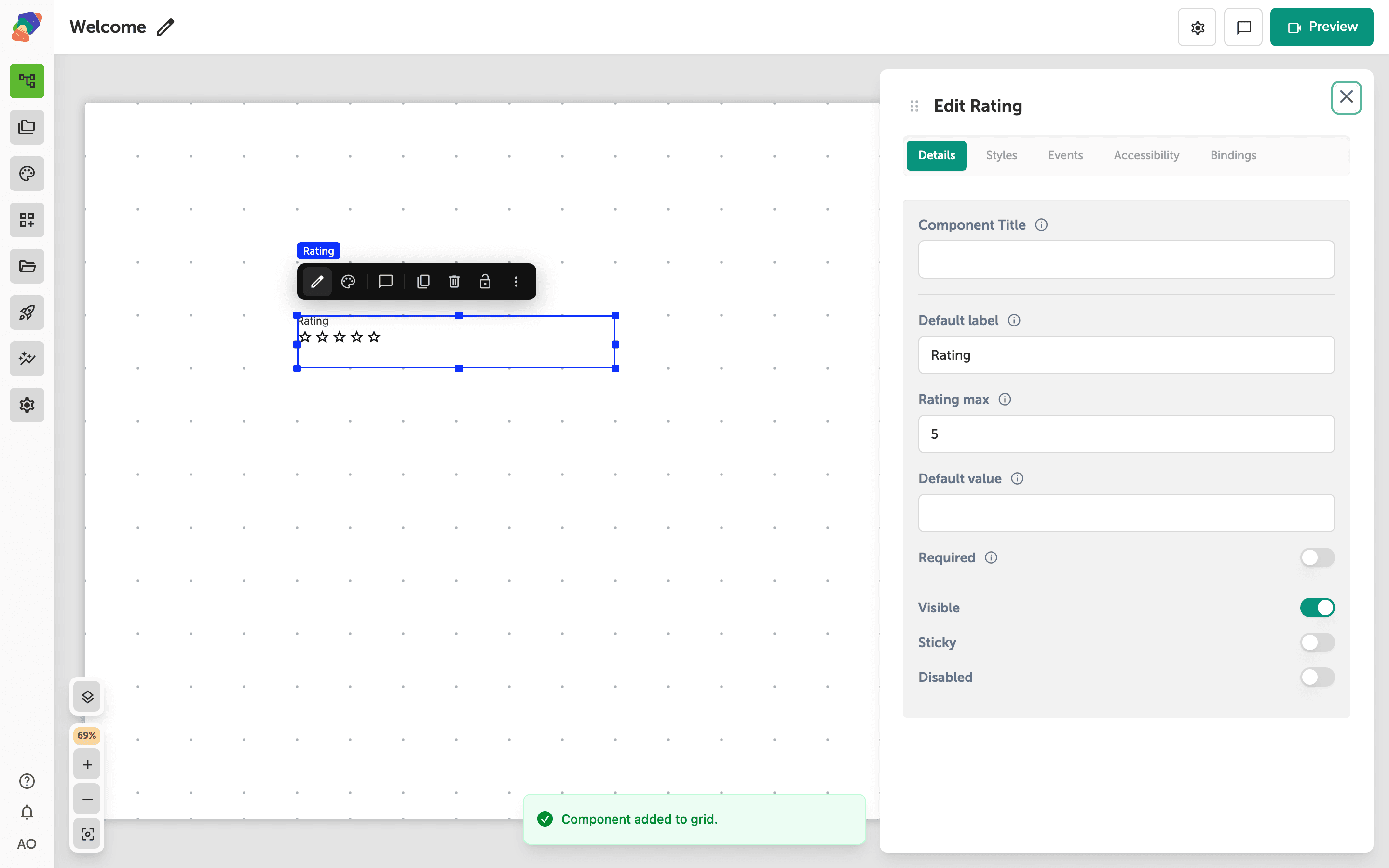
Adding a Rating
Add a Rating so visitors can score something on a scale, and set how many steps the scale has.
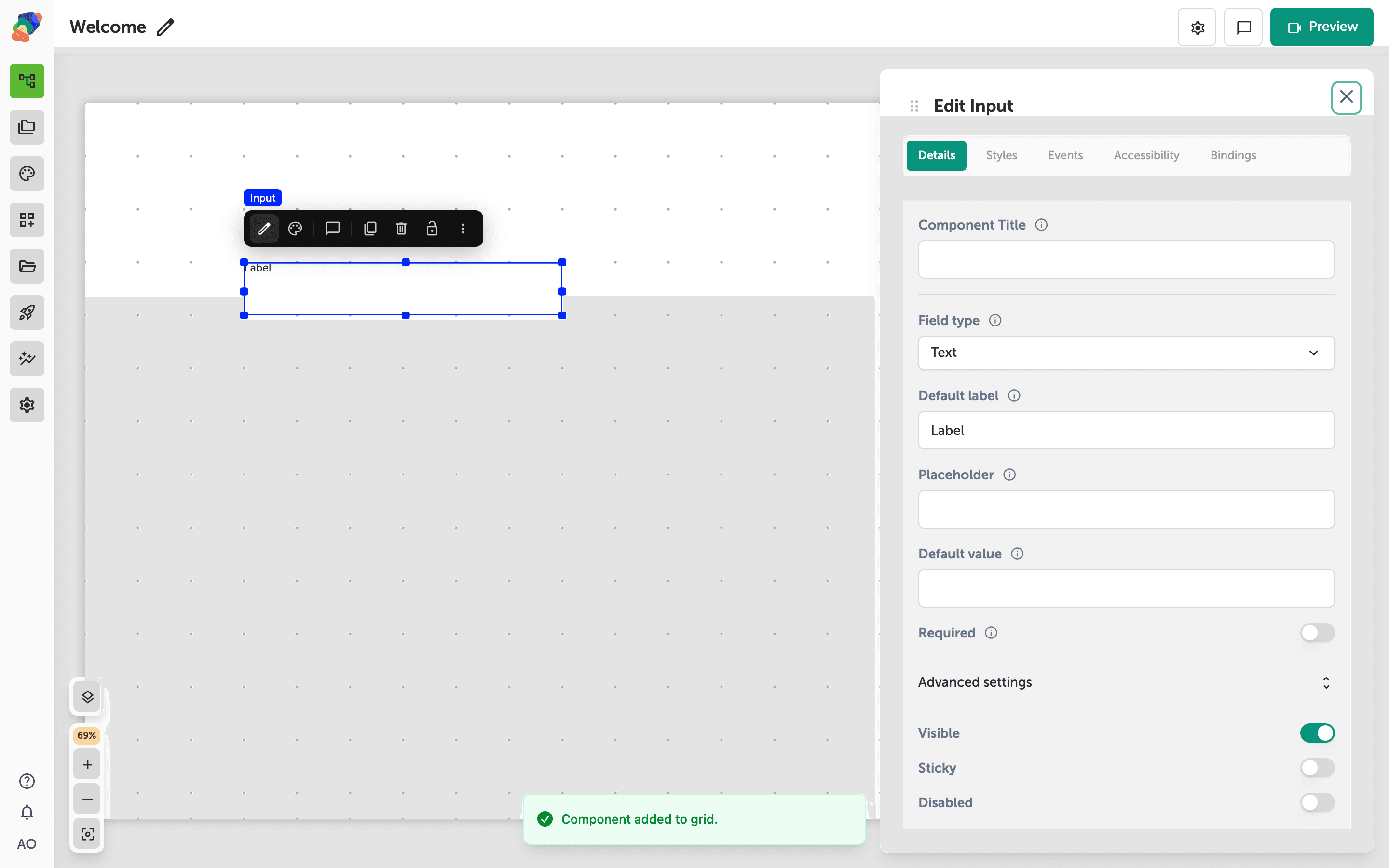
Adding Validation Rules to a Form
Mark inputs required, limit their length, and add a pattern so a form explains what to fix before it submits.
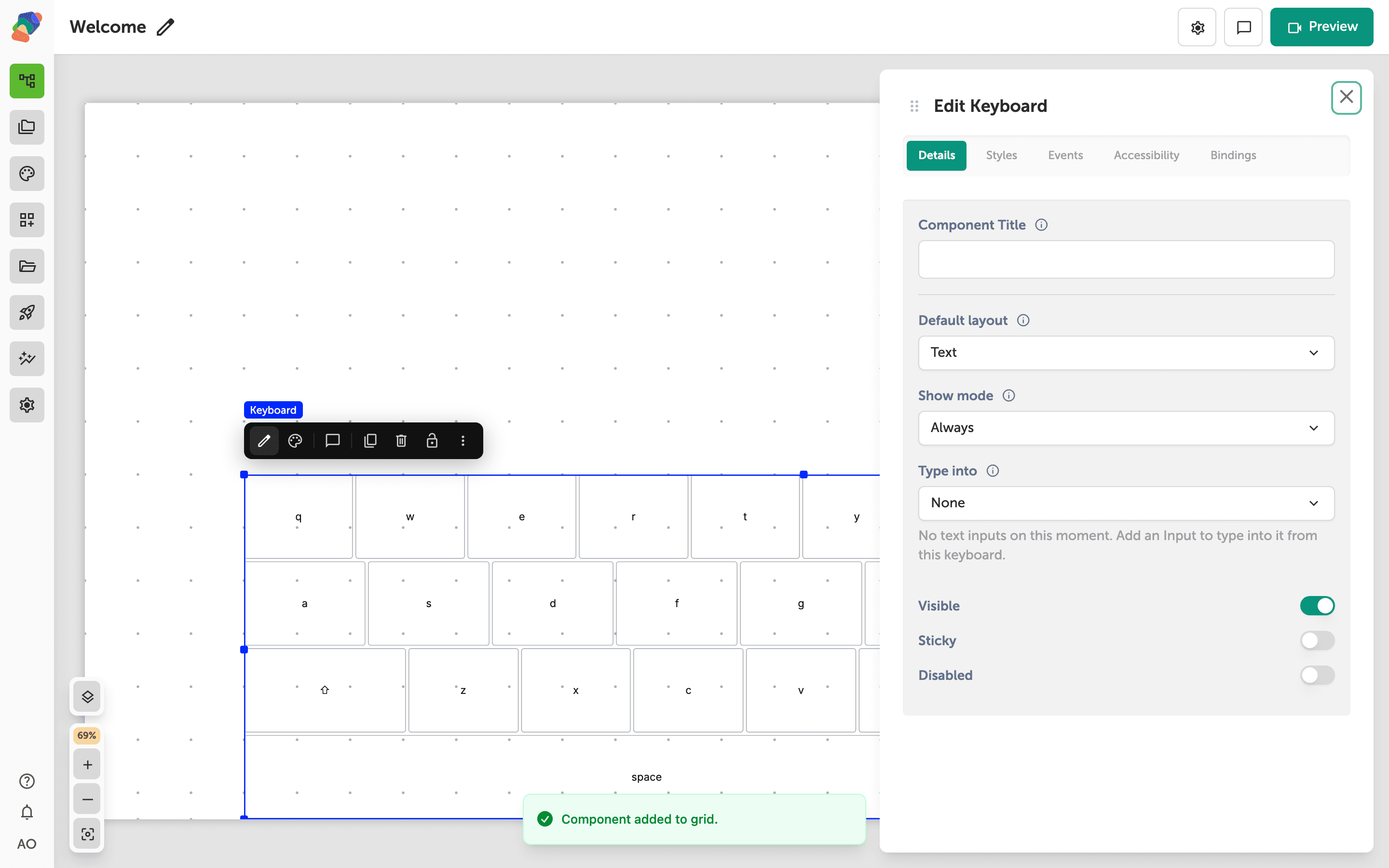
Using the On-Screen Keyboard
Add a Keyboard to a touch kiosk so visitors type into your inputs without the operating-system keyboard.
User-Submitted Content
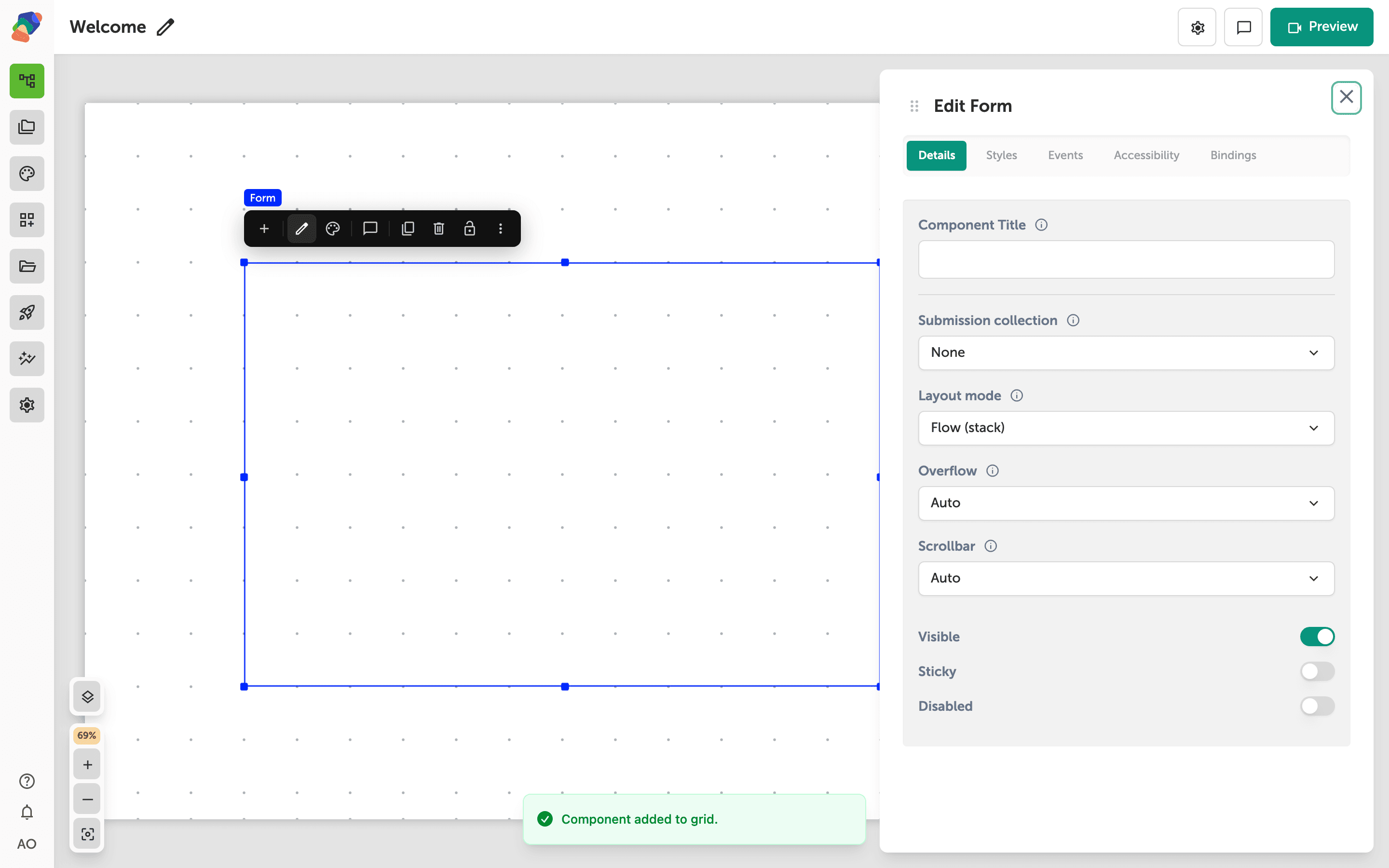
Building a Form to Collect Visitor Input
Build a contact form from a Form, Input fields, and a Button, then store the answers in a collection that accepts visitor submissions.
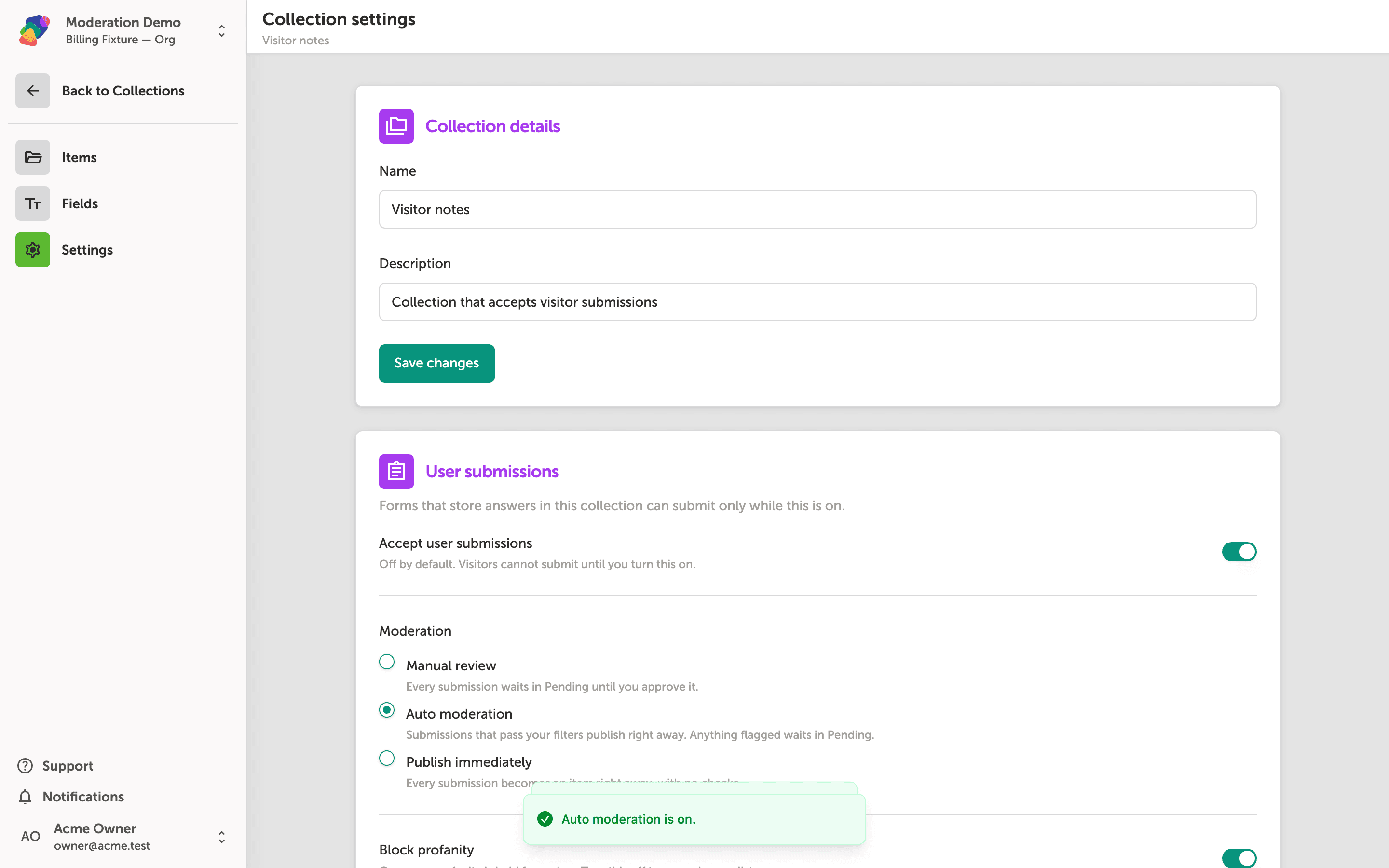
Review and Approve Visitor Submissions
Turn on visitor submissions for a collection, choose auto moderation with a blocklist, and work the Pending and Rejected tabs.
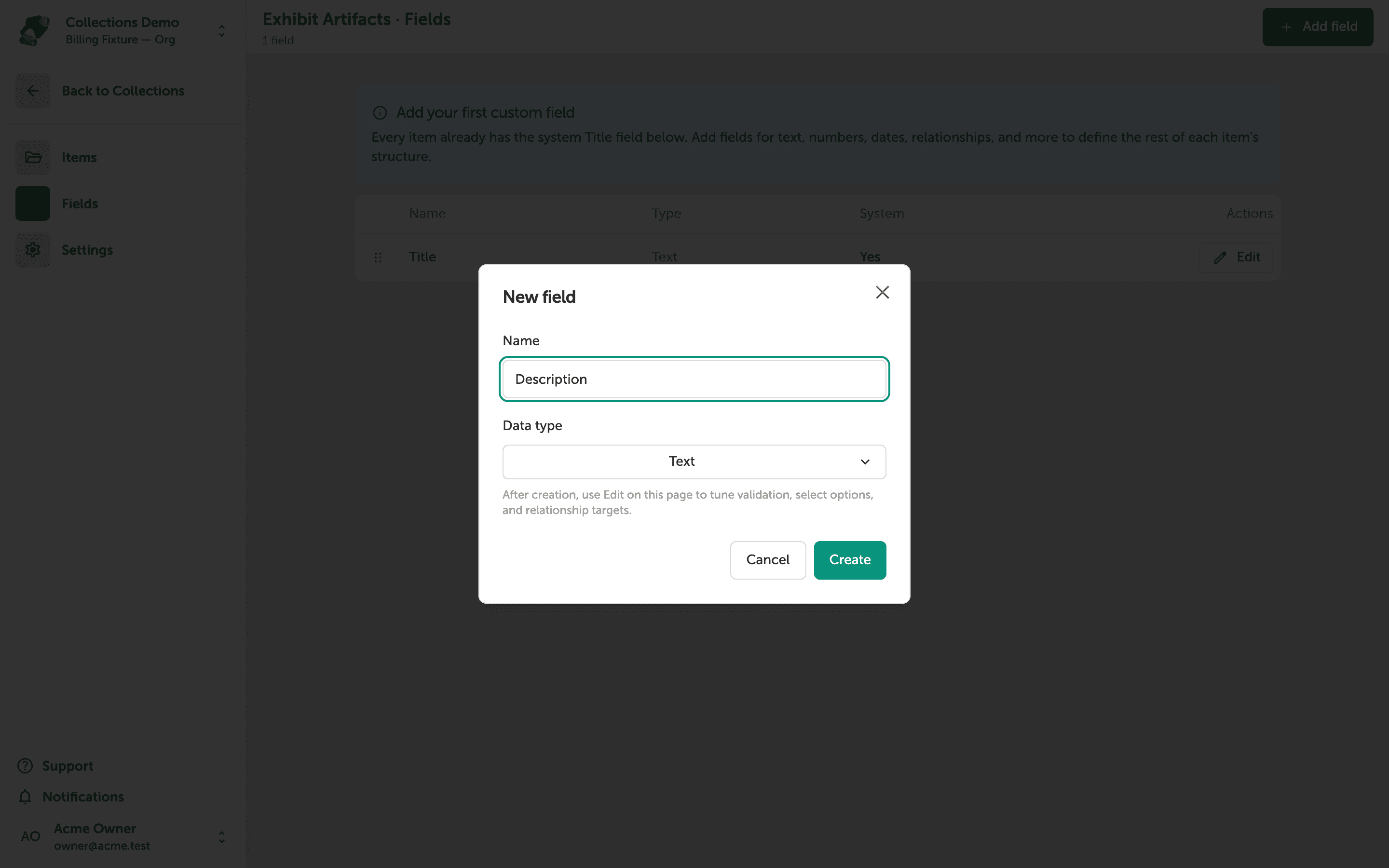
Working with Collections
Learn how to create a collection, define its fields, and add items so you can power dynamic, repeating content across your project's views.
Content & Media
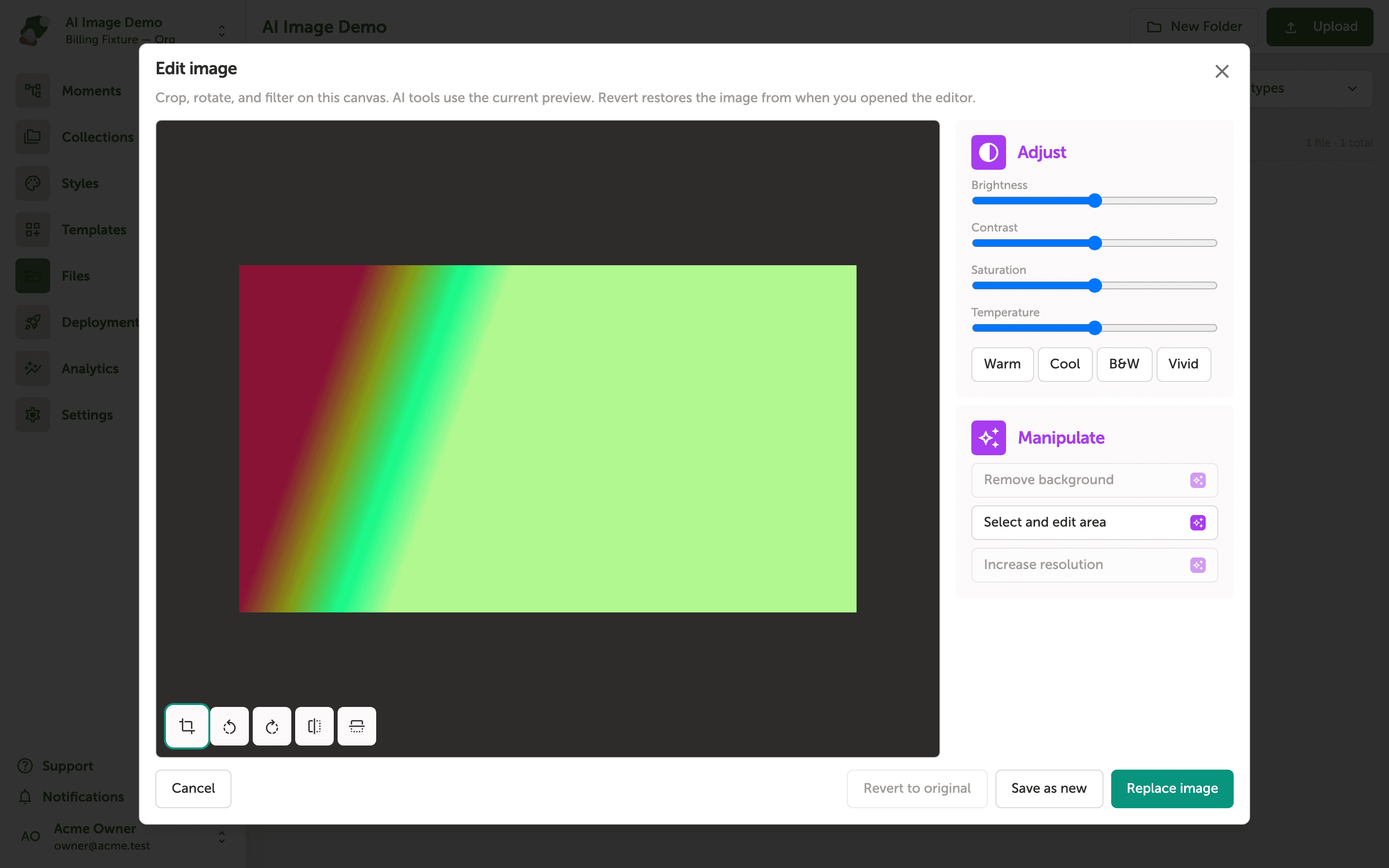
Use AI Image Tools
Remove a background, erase a region you paint, or increase an image's resolution from the image editor.
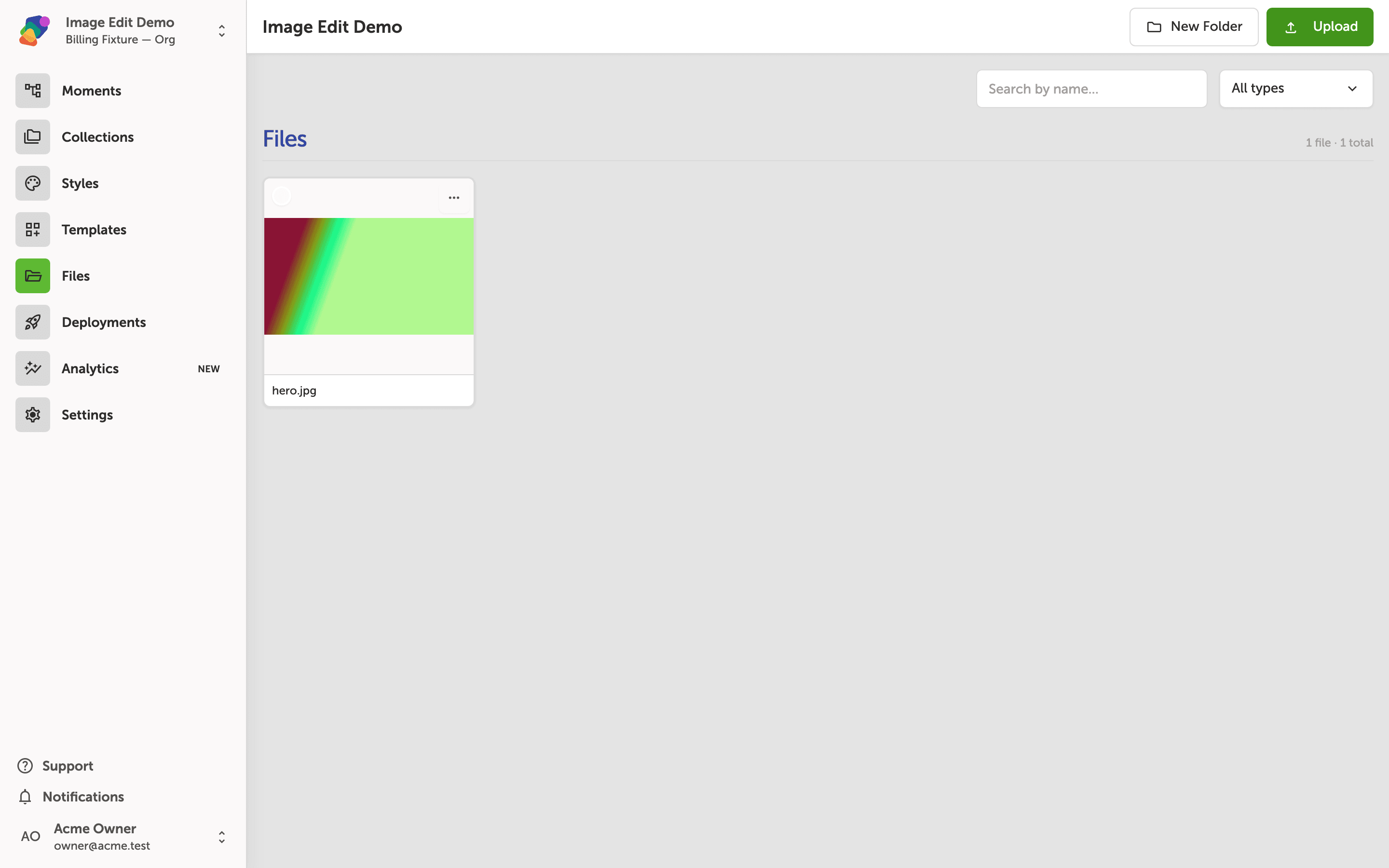
Edit Images in Zibit
Open the image editor from a project file, crop and rotate it, adjust the color, and save a replacement or a new file.
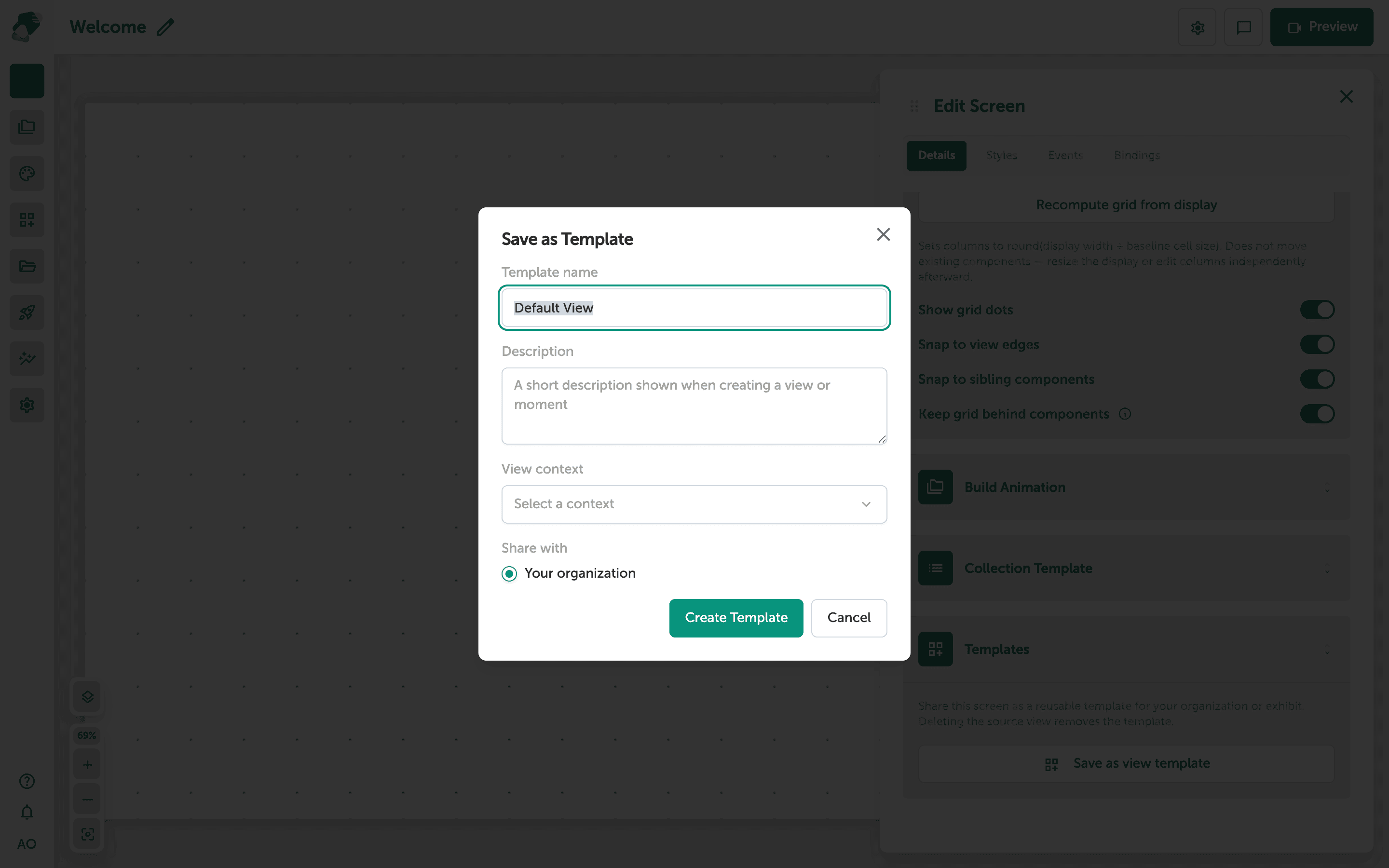
Creating a View Template
Learn how to save a view's layout as a reusable template so you or your team can apply it when creating new views in any project.
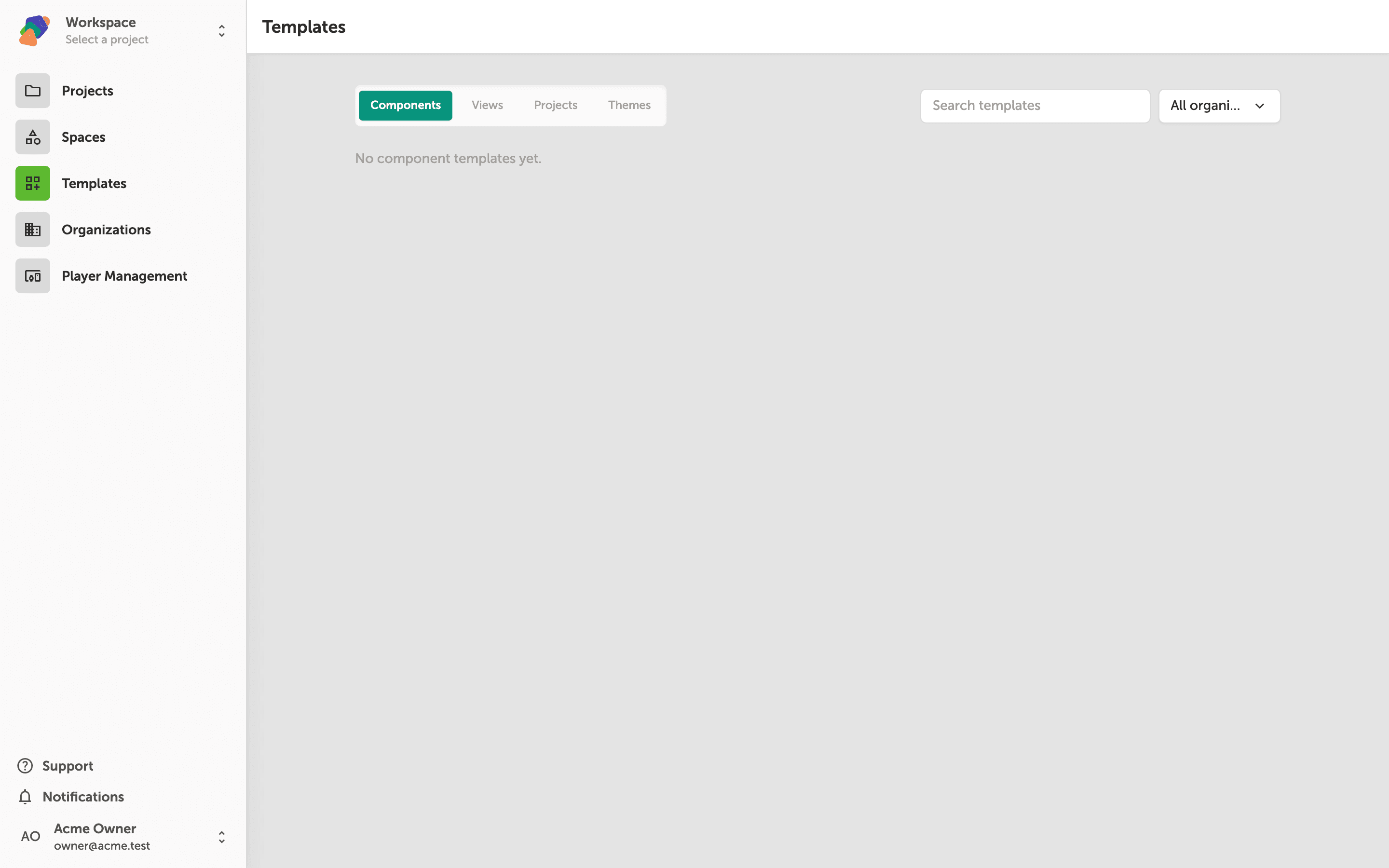
Managing Templates
Learn how to browse, search, and manage your component, view, project, and theme templates from the centralized Templates page.
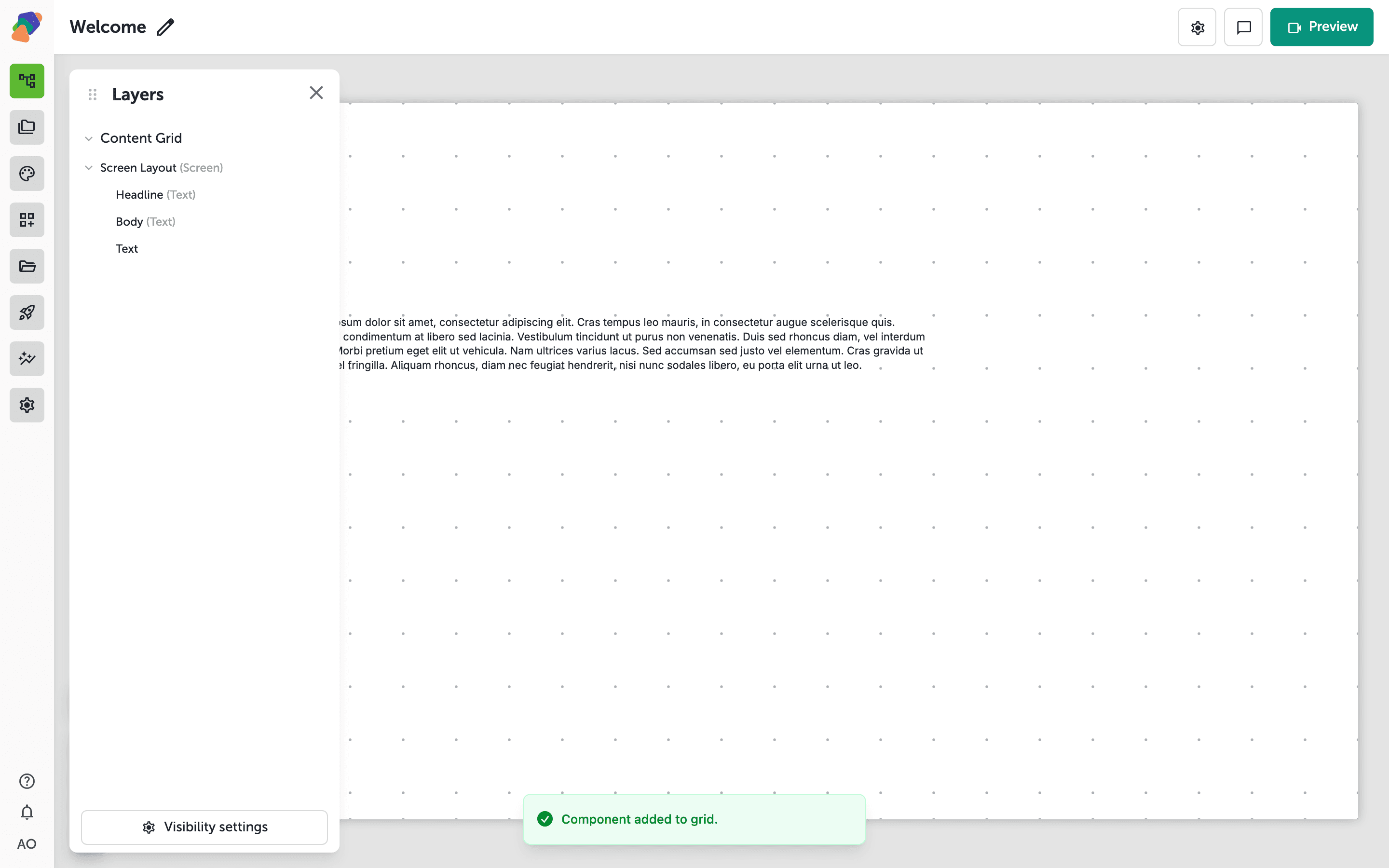
Using the Layers Panel
Learn how to open the Layers panel in the view editor to see your component stack, reorder layers, and manage visibility—giving you precise control over how components overlap.
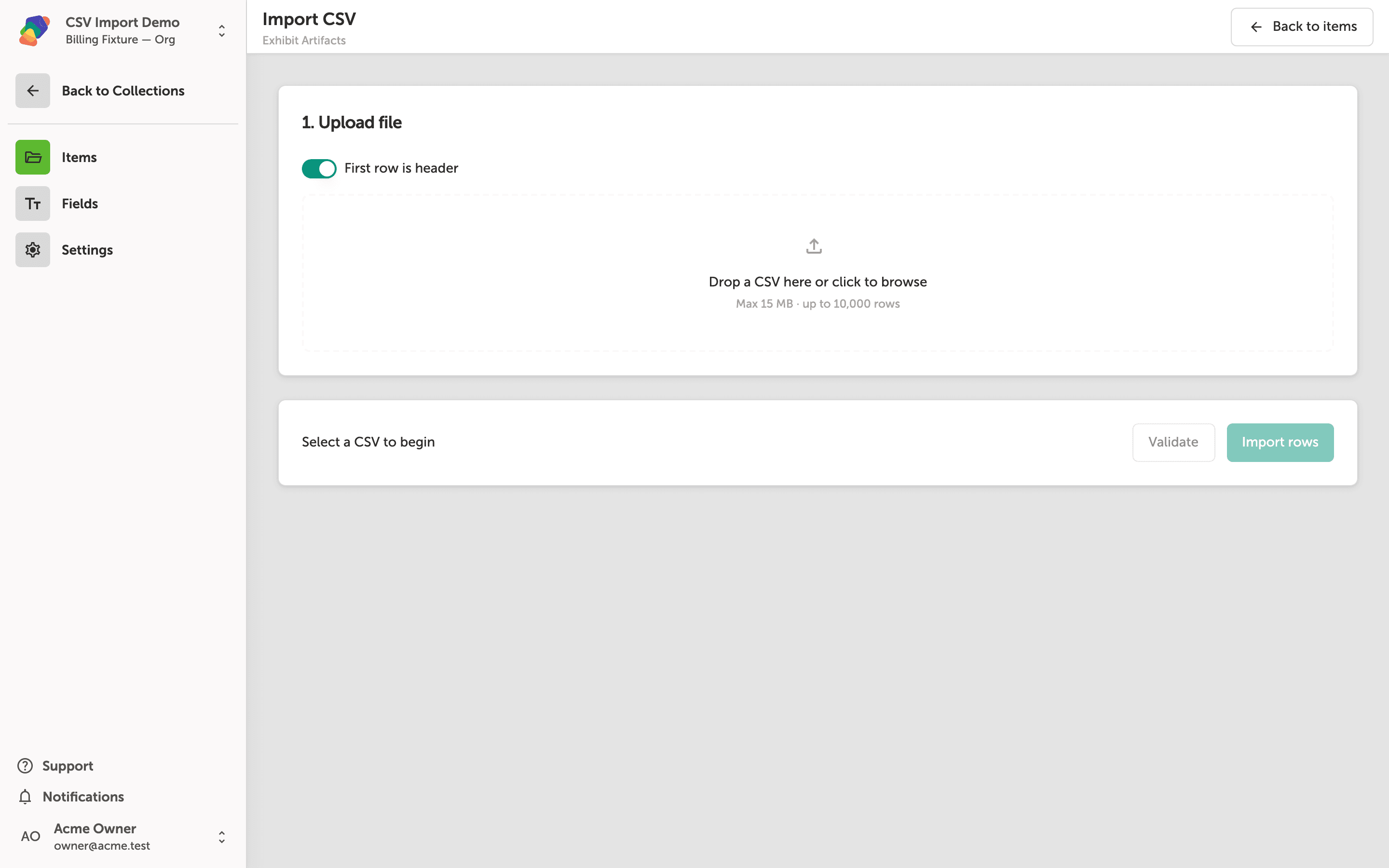
Importing Data via CSV
Learn how to bulk-import items into a Zibit collection by uploading a CSV file, mapping its columns to your collection fields, and confirming a successful import.
Adding and Editing Views
Learn how to create views inside your project's moments and use the grid canvas to place and edit components.
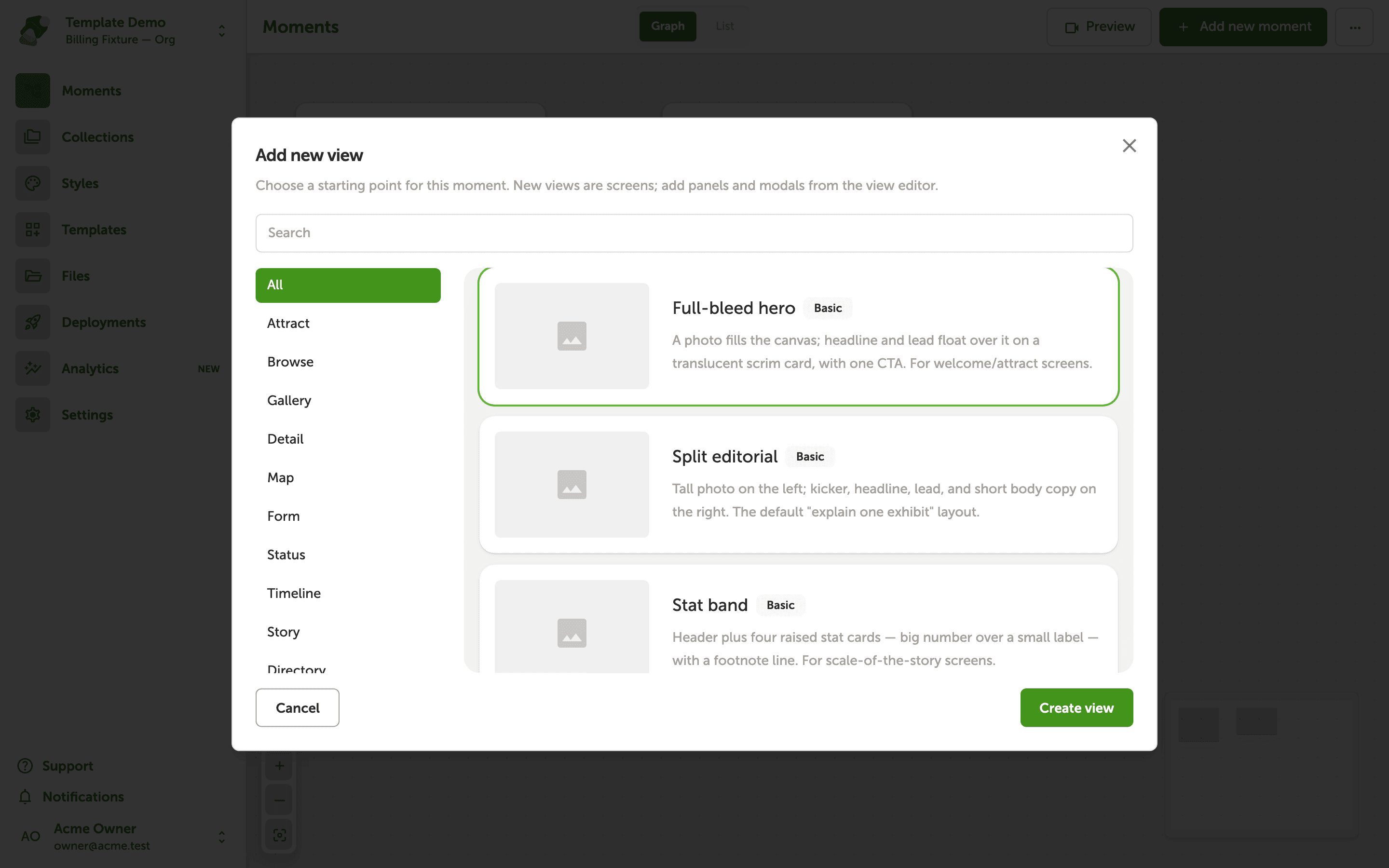
Creating a View from a Template
Learn how to create a new view inside a moment using a pre-built template, so you can hit the ground running with a ready-made layout instead of starting from a blank canvas.
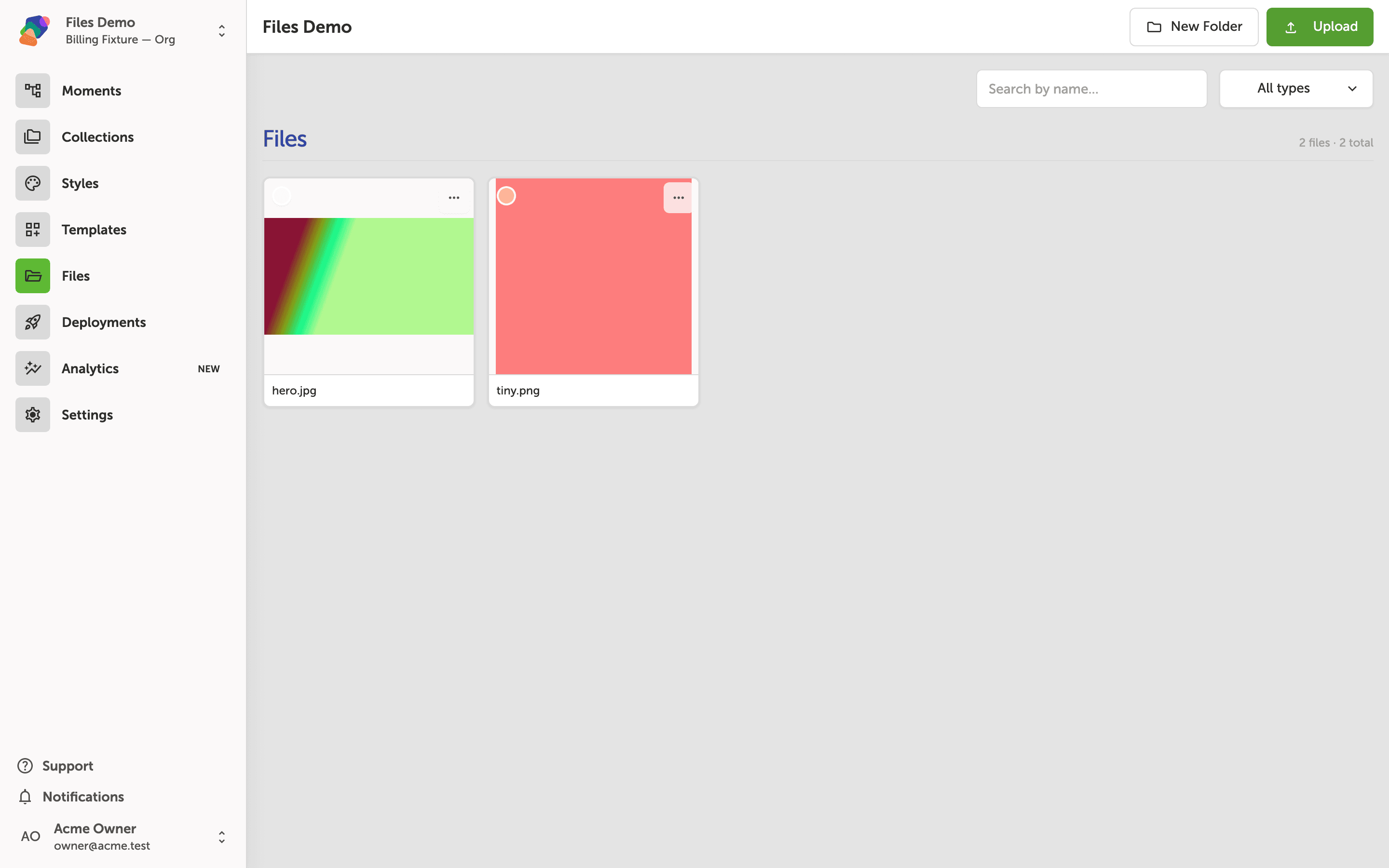
Uploading and Managing Project Files
Learn how to upload, browse, filter, and organize media files in your Zibit project's file library so your assets are ready to use across any moment.
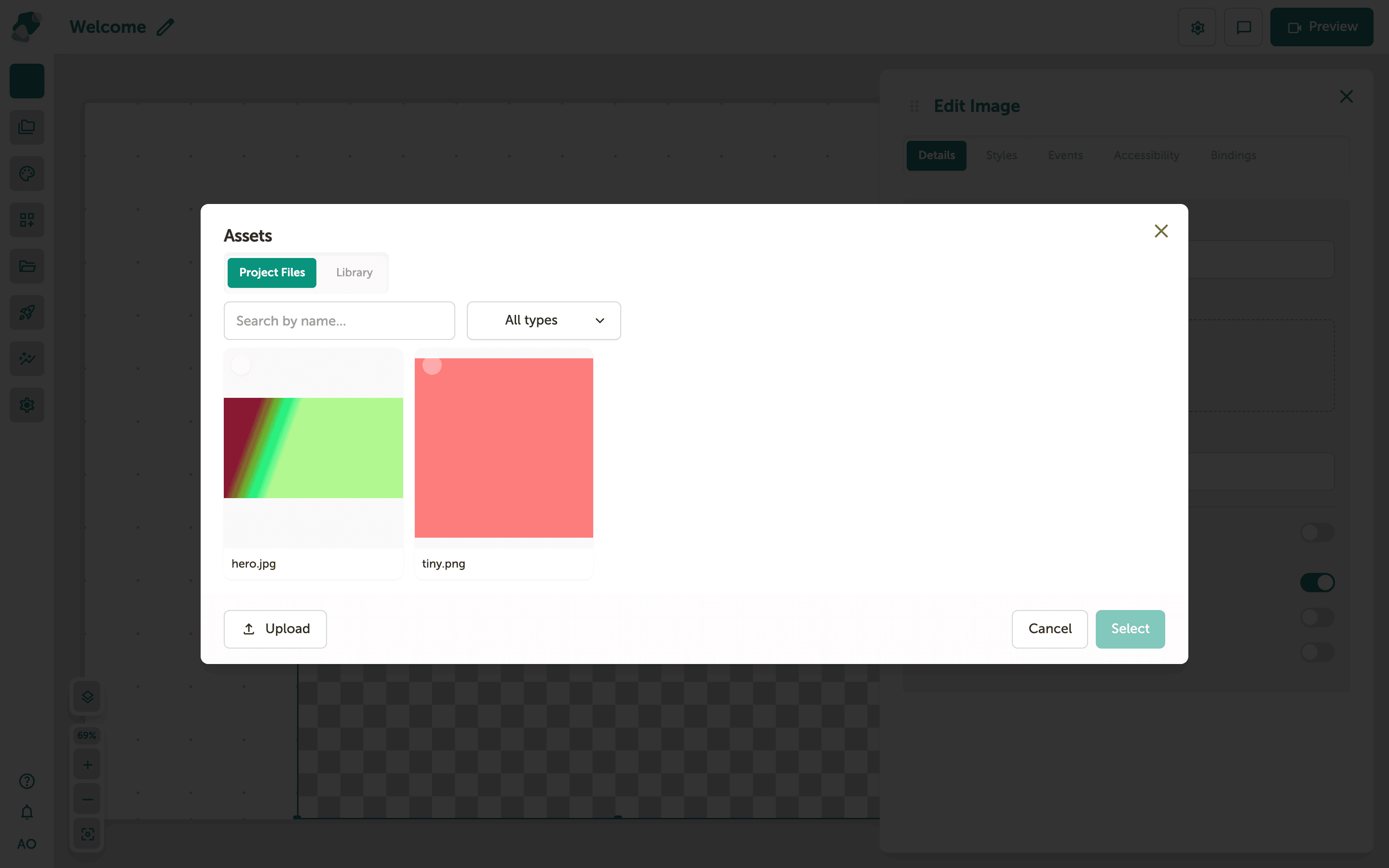
Using the Library Modal
Learn how to use the Library modal to browse and bind media assets to components in your project—perfect for adding images to museum exhibits, digital signage, and interactive displays.
Design & Styling
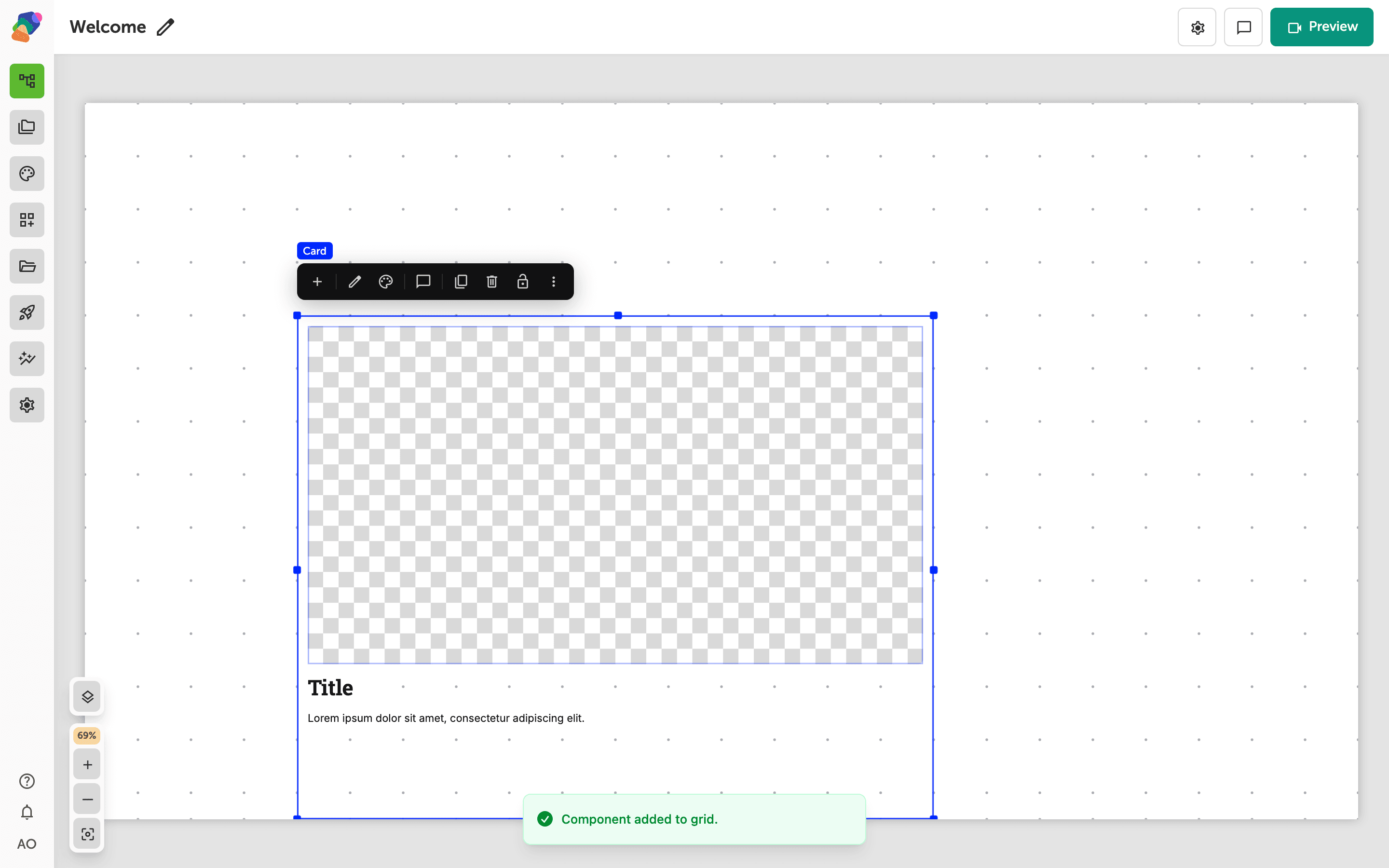
Add a Patterned Border
Choose a zig-zag, scooped, scalloped, wavy, or hand-drawn border, and set how thick each edge is.
Add Hover Motion Effects
Add a hover animation such as a background sweep or an underline, and play it when a visitor hovers or focuses a button.
Animate Text Letter by Letter
Give a heading a typewriter or per-letter entrance using the text animation presets.
Apply Texture Effects to a Component
Add a texture such as noise, grit, or halftone in the style editor, then apply it to a component.
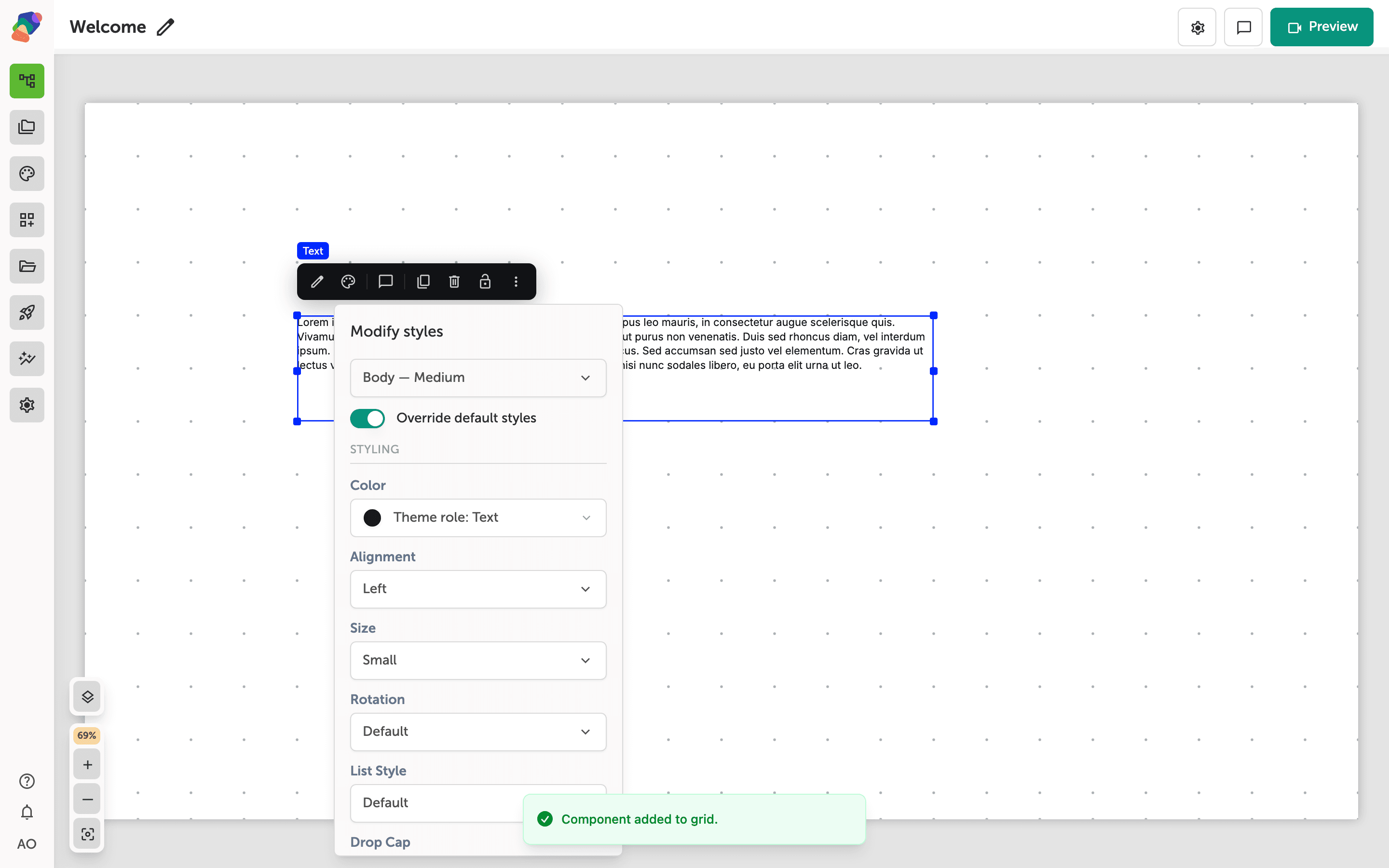
Rotate Text on a View
Rotate a text block in 45-degree steps from the style panel, and reset it to 0 degrees when you want the line horizontal again.
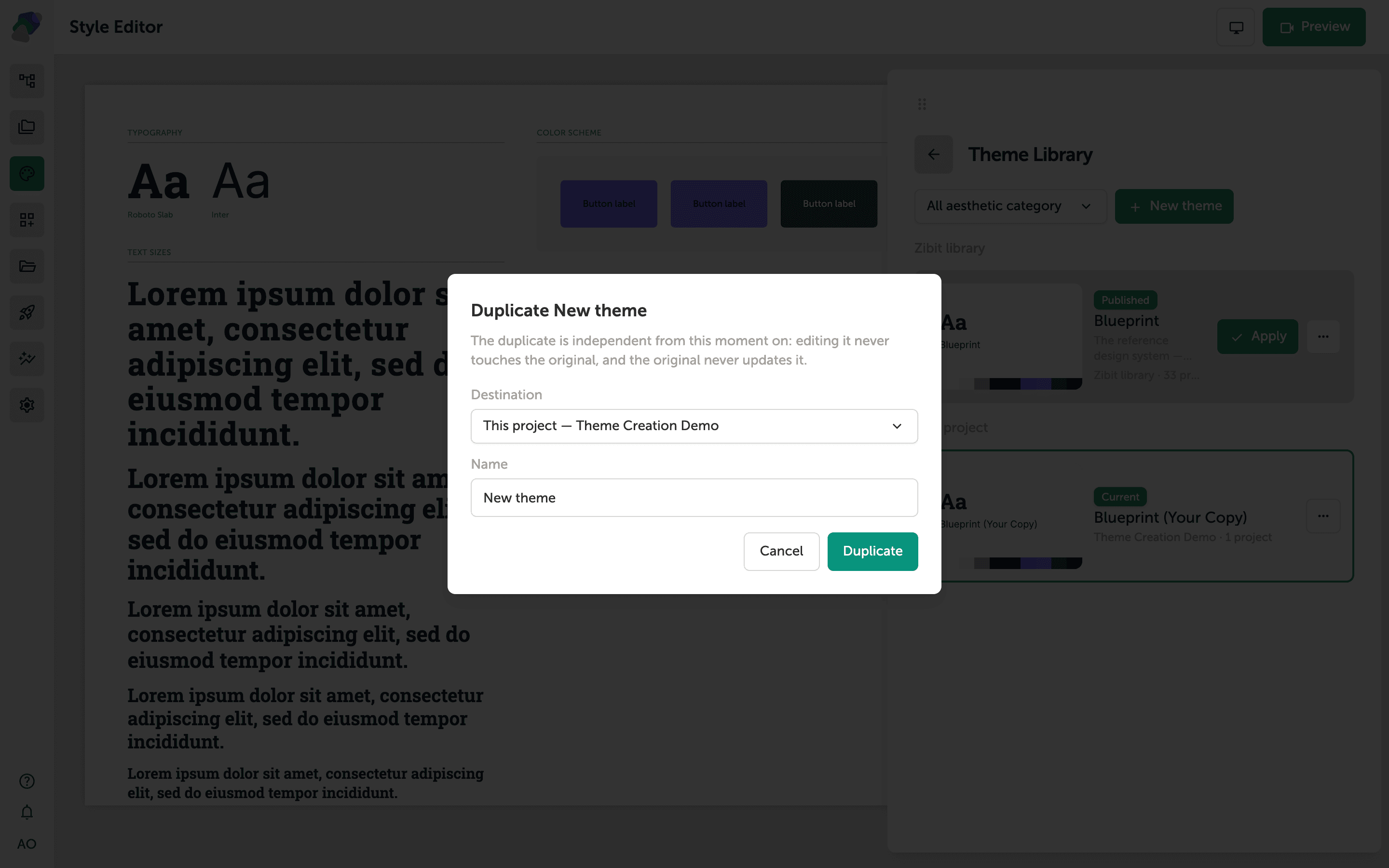
Creating a Theme
Learn how to create a custom theme by duplicating an existing one, then customize its colors, typography, and component styles in the Style Editor.
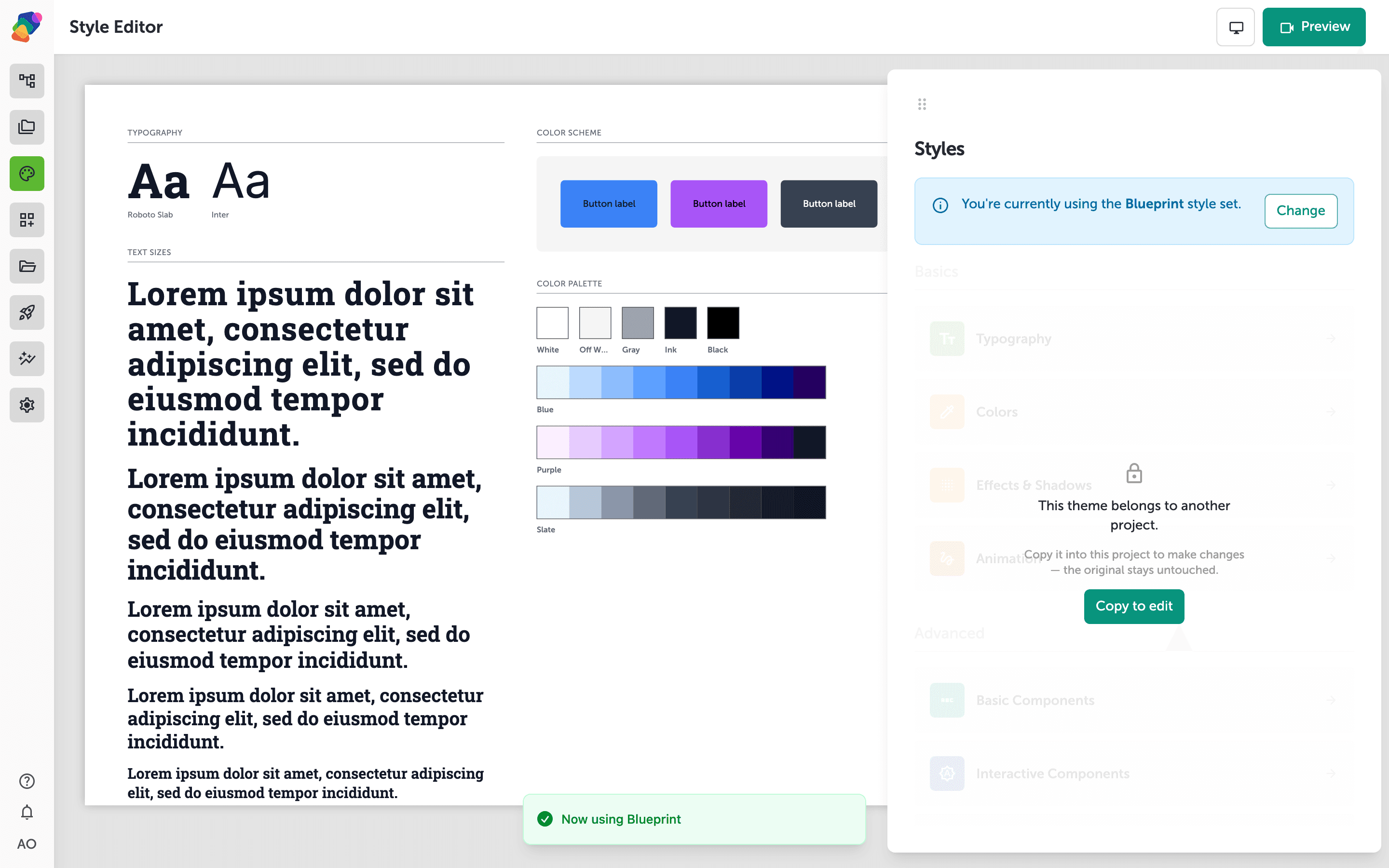
Selecting a New Theme
Learn how to browse the Theme Library and apply a different theme to instantly update your project's colors, typography, and component styles.
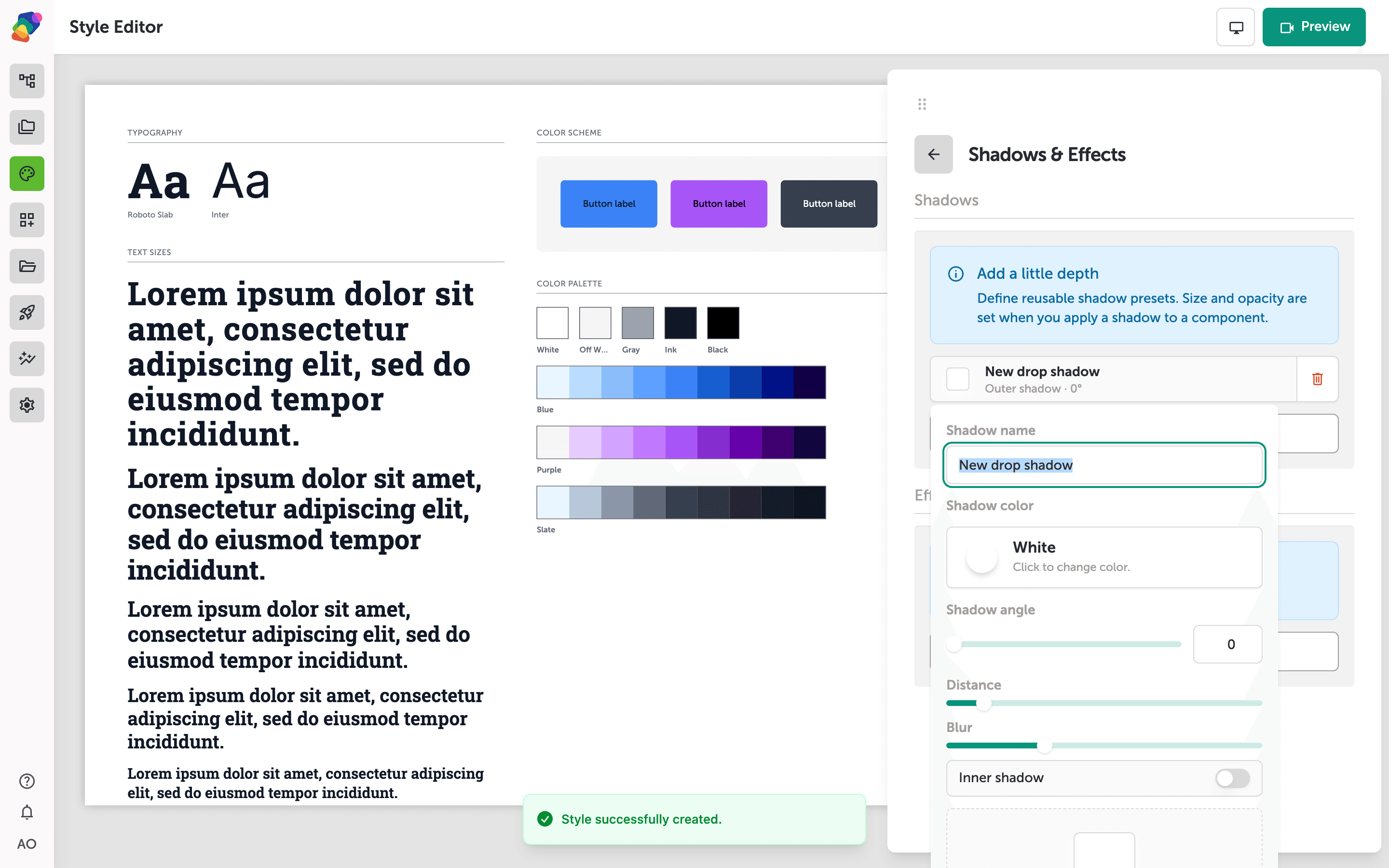
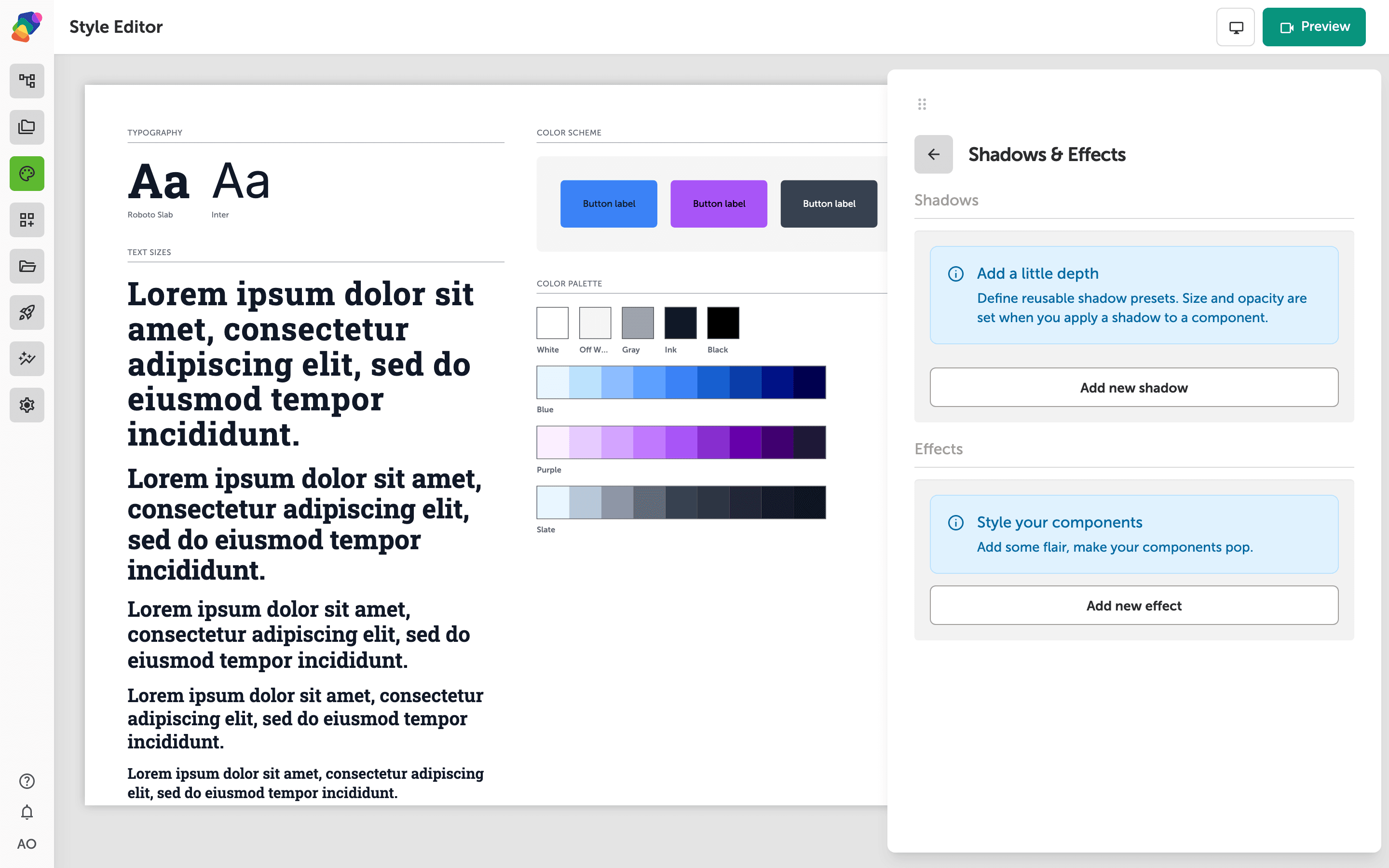
Adding Shadows and Effects
Learn how to create and configure reusable shadow presets in the Style Editor, then apply them to components for added depth and visual polish.
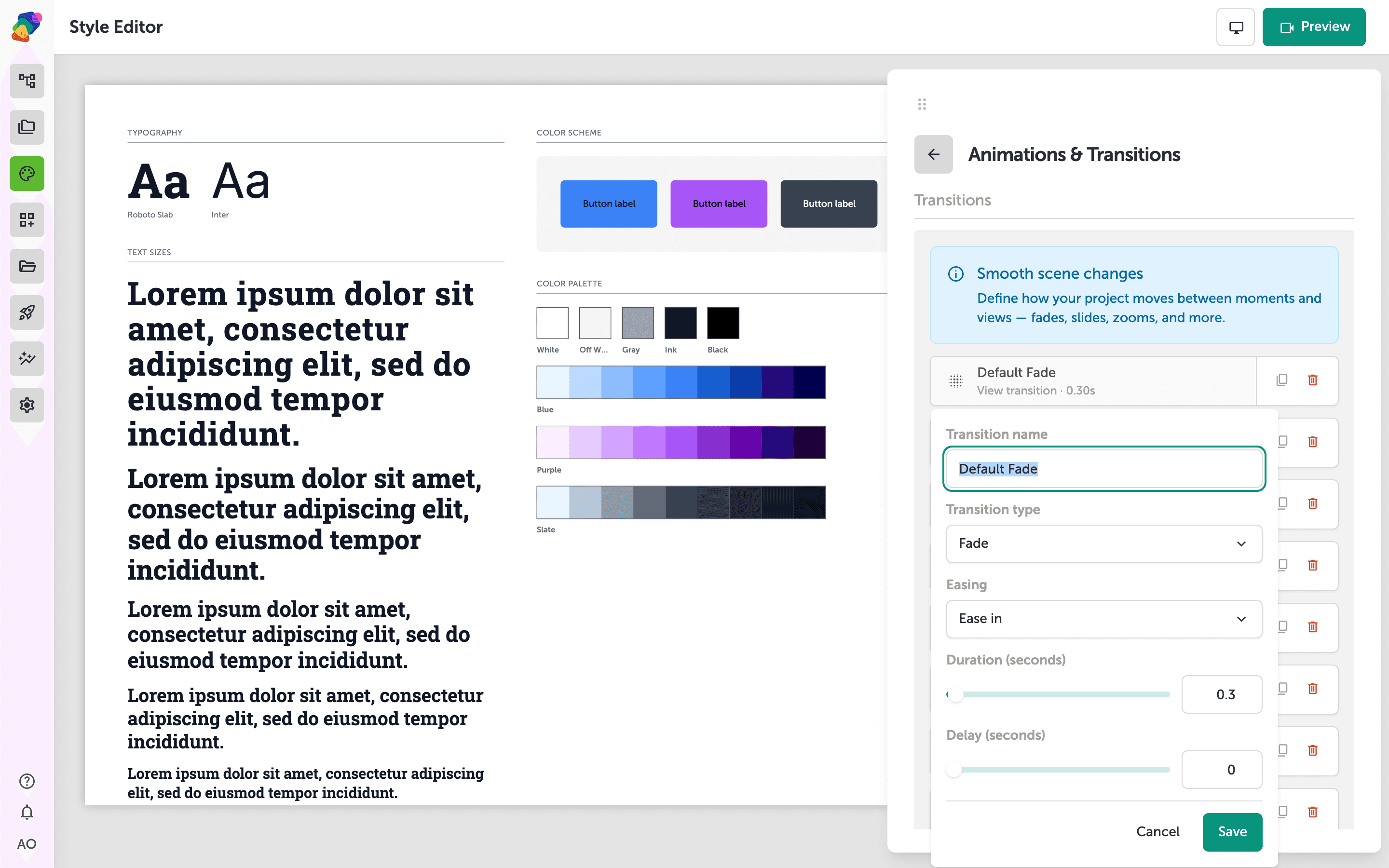
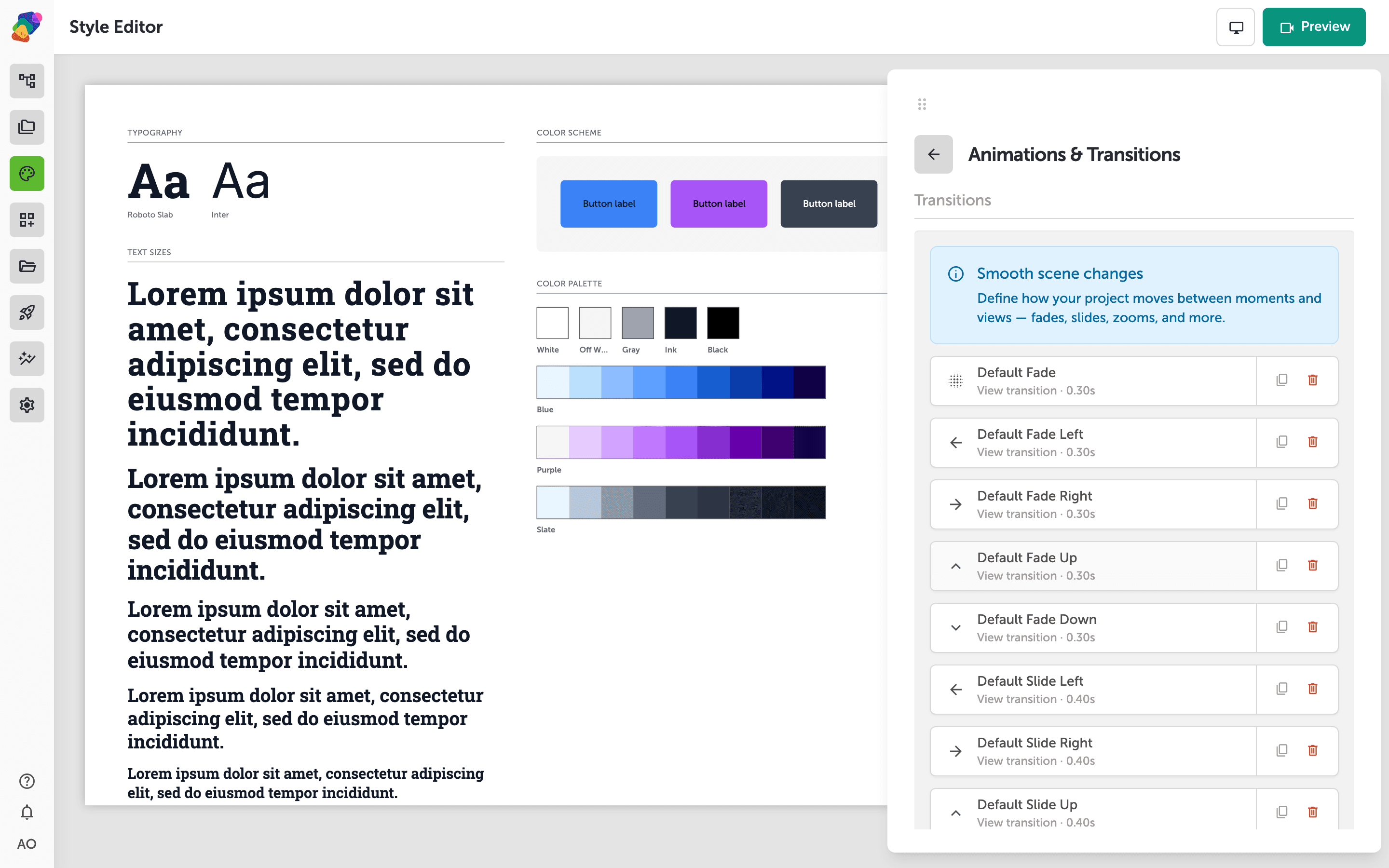
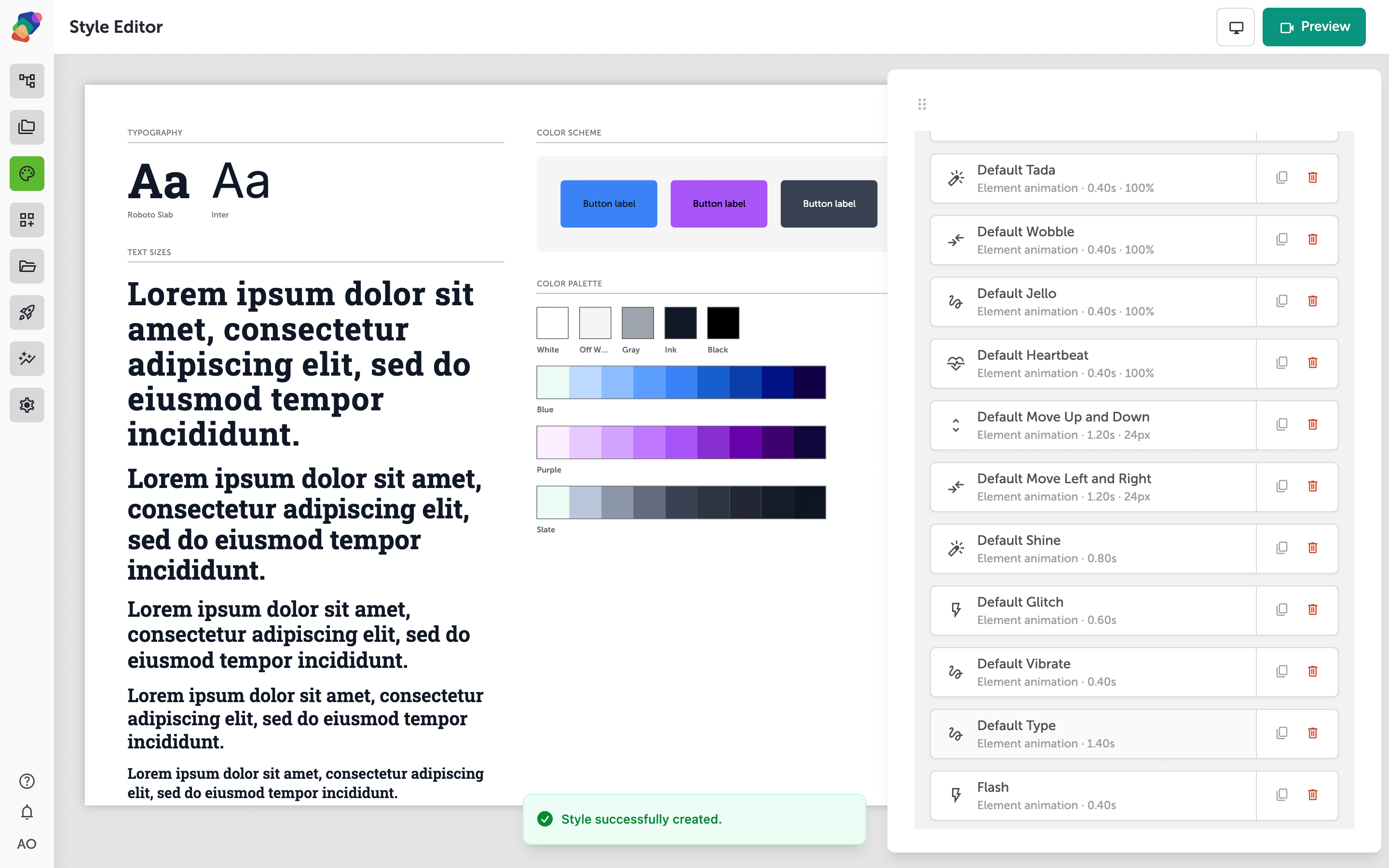
Configuring Animations and Transitions
Learn how to configure entry animations and transition effects in Zibit's Style Editor—bringing your museum exhibits and interactive displays to life with purposeful motion.
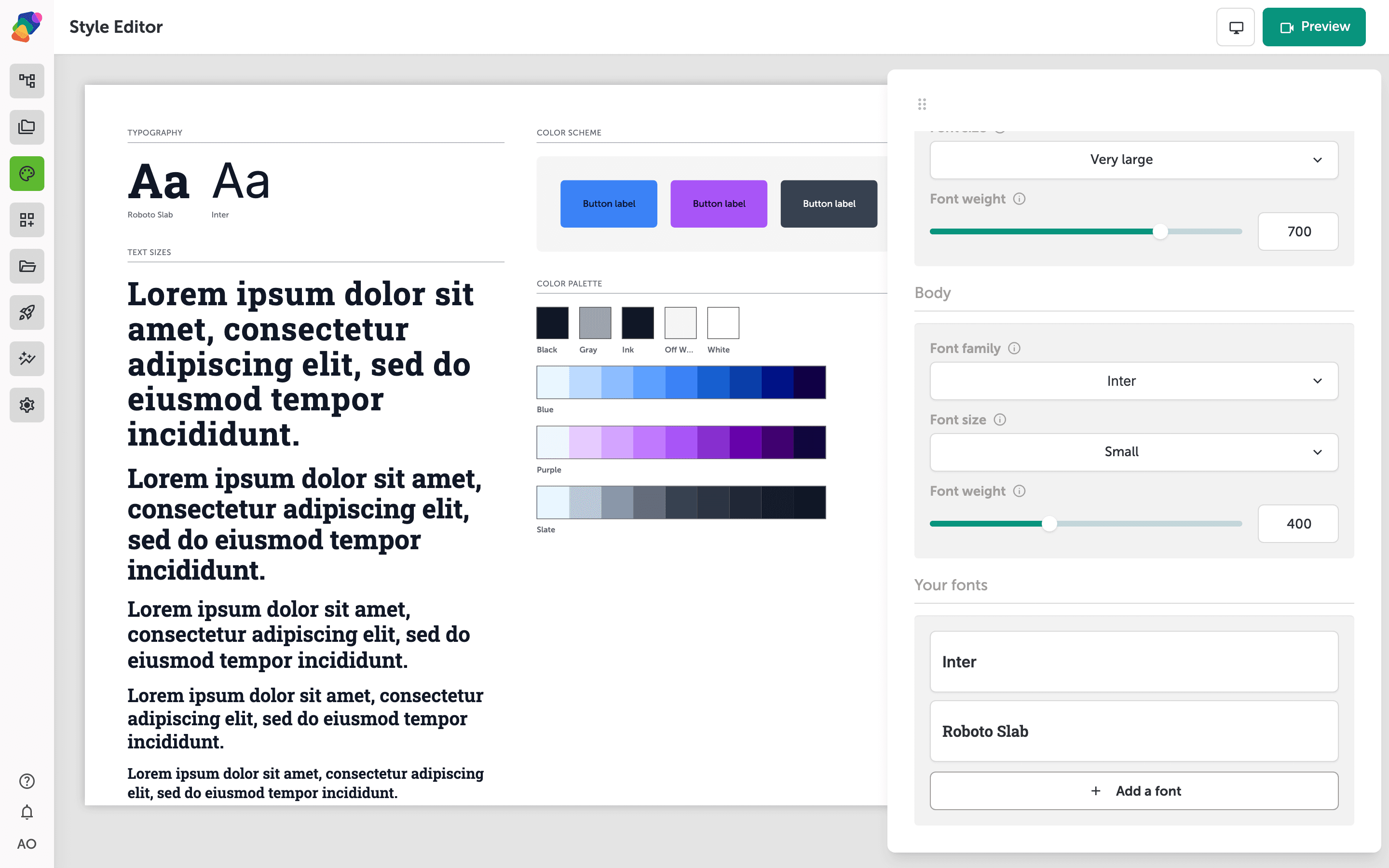
Customizing Typography Styles
Learn how to configure font families, sizes, and type scales in the Style Editor so your project's typography stays consistent across every moment.
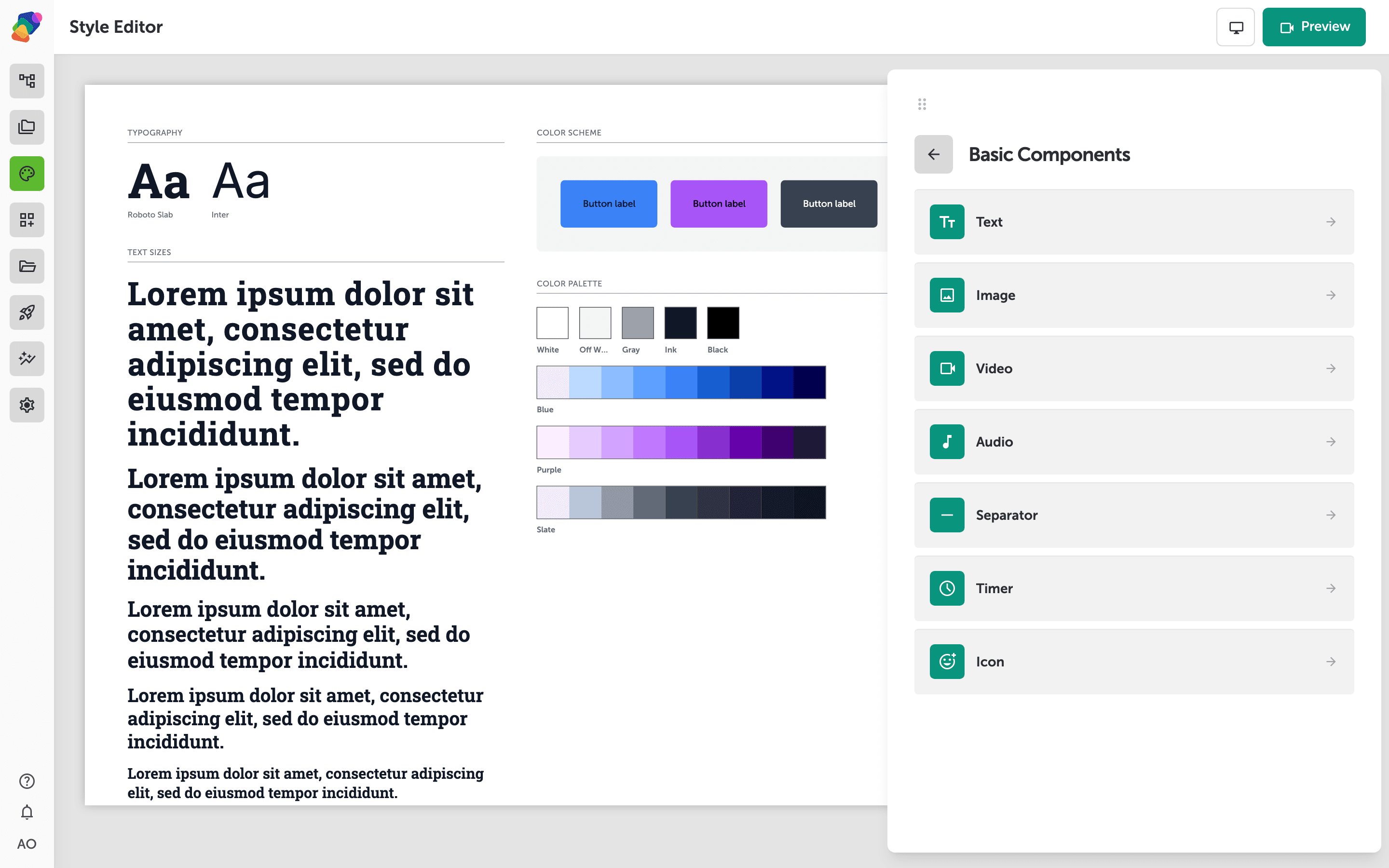
Editing Component-Specific Styles
Learn how to customize styles for specific component types—including text, buttons, and images—using the Style Editor's component style categories.
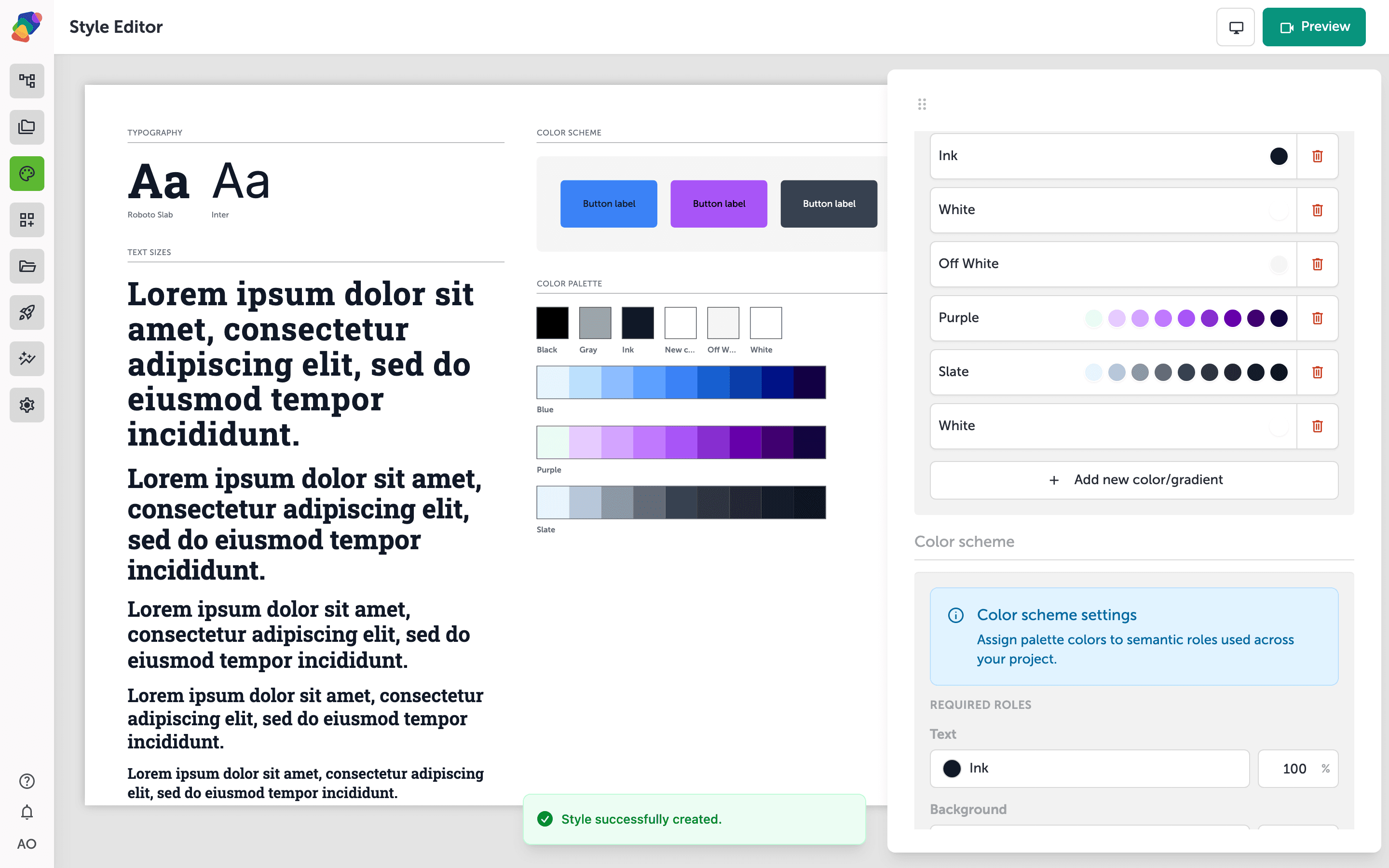
Managing Your Color Palette
Learn how to build and manage a color palette in your project's Style Editor, including adding solid colors and gradients, naming swatches, and assigning colors to semantic scheme roles.
Publishing
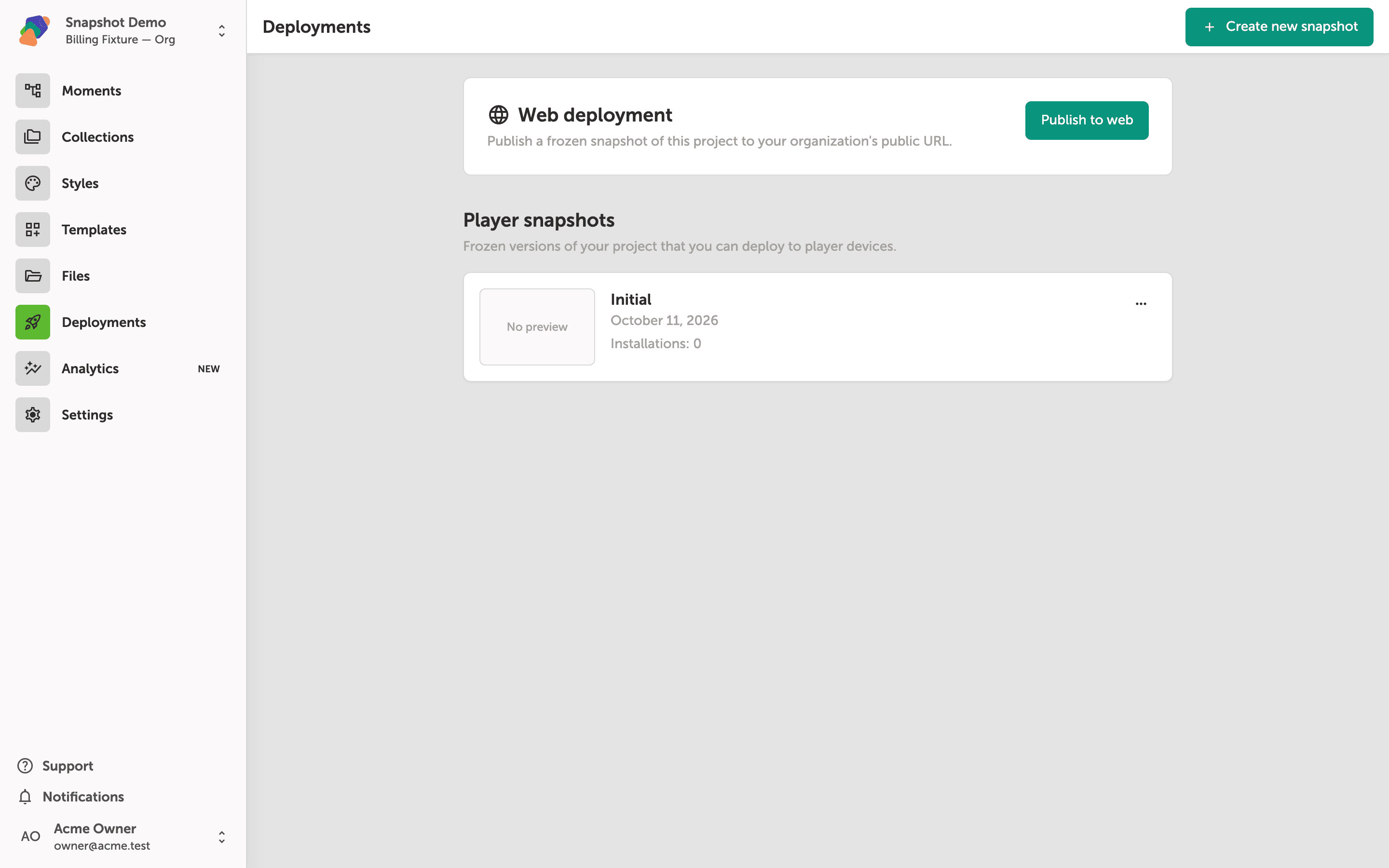
Creating a Project Snapshot
Learn how to take a versioned snapshot of your project so you can deploy a stable, frozen version of its content to a player display.
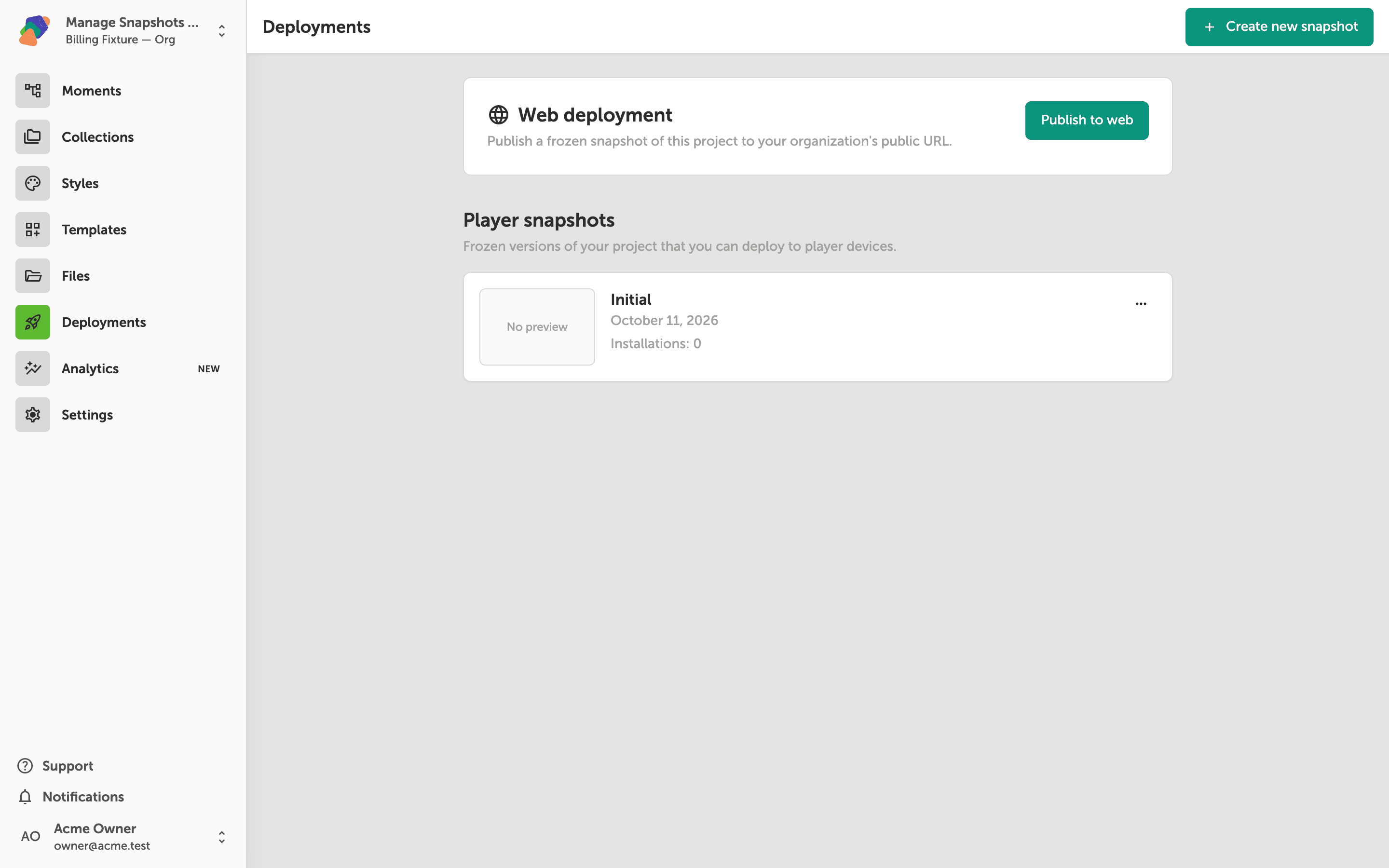
Managing Snapshots
Learn how to manage your project's player snapshots—including renaming, deleting, restoring, and reverting—from the Deployments screen.
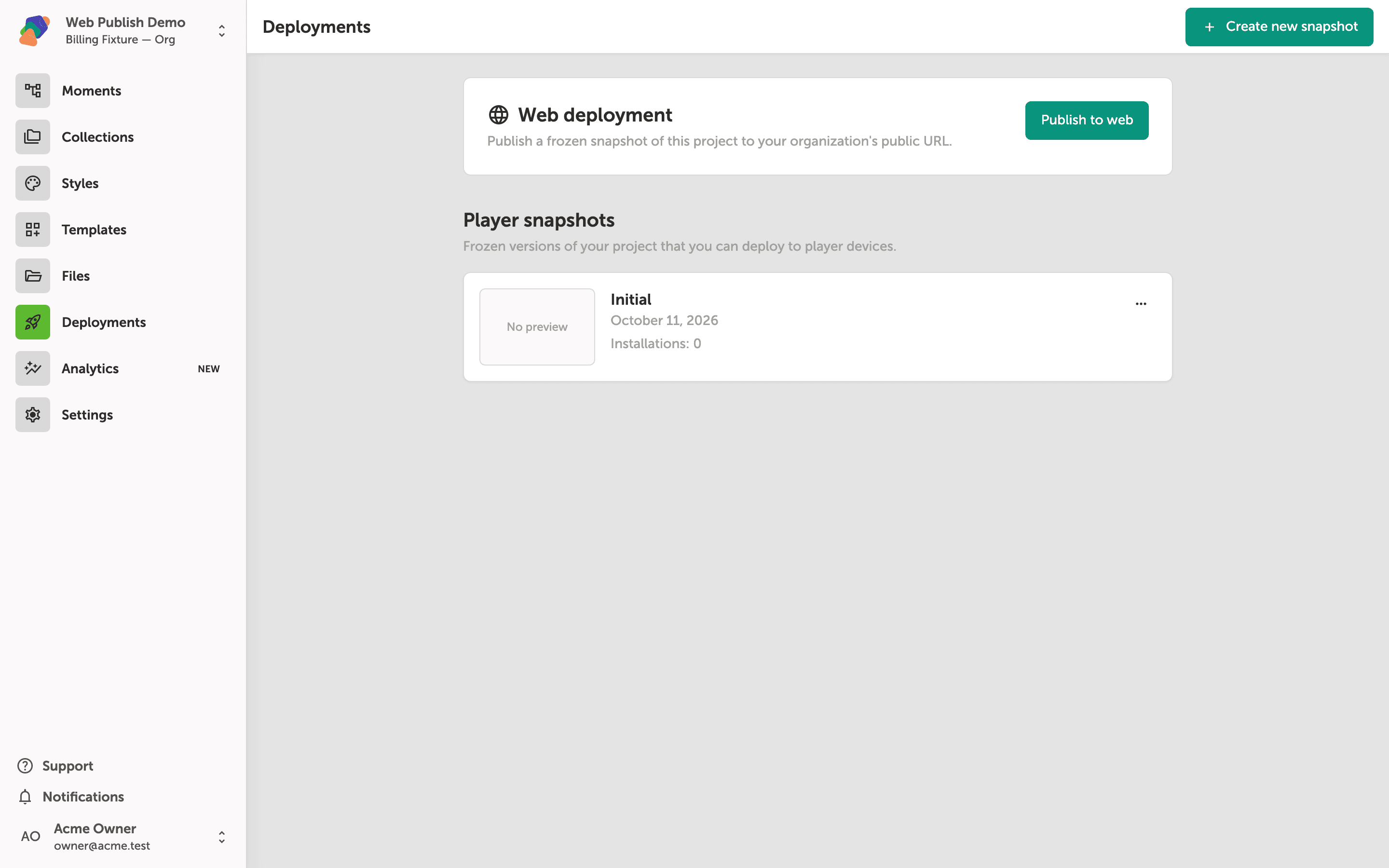
Publishing Your Project to the Web
Learn how to publish a Zibit project to a public URL so anyone can access your experience directly in a browser, no login required.
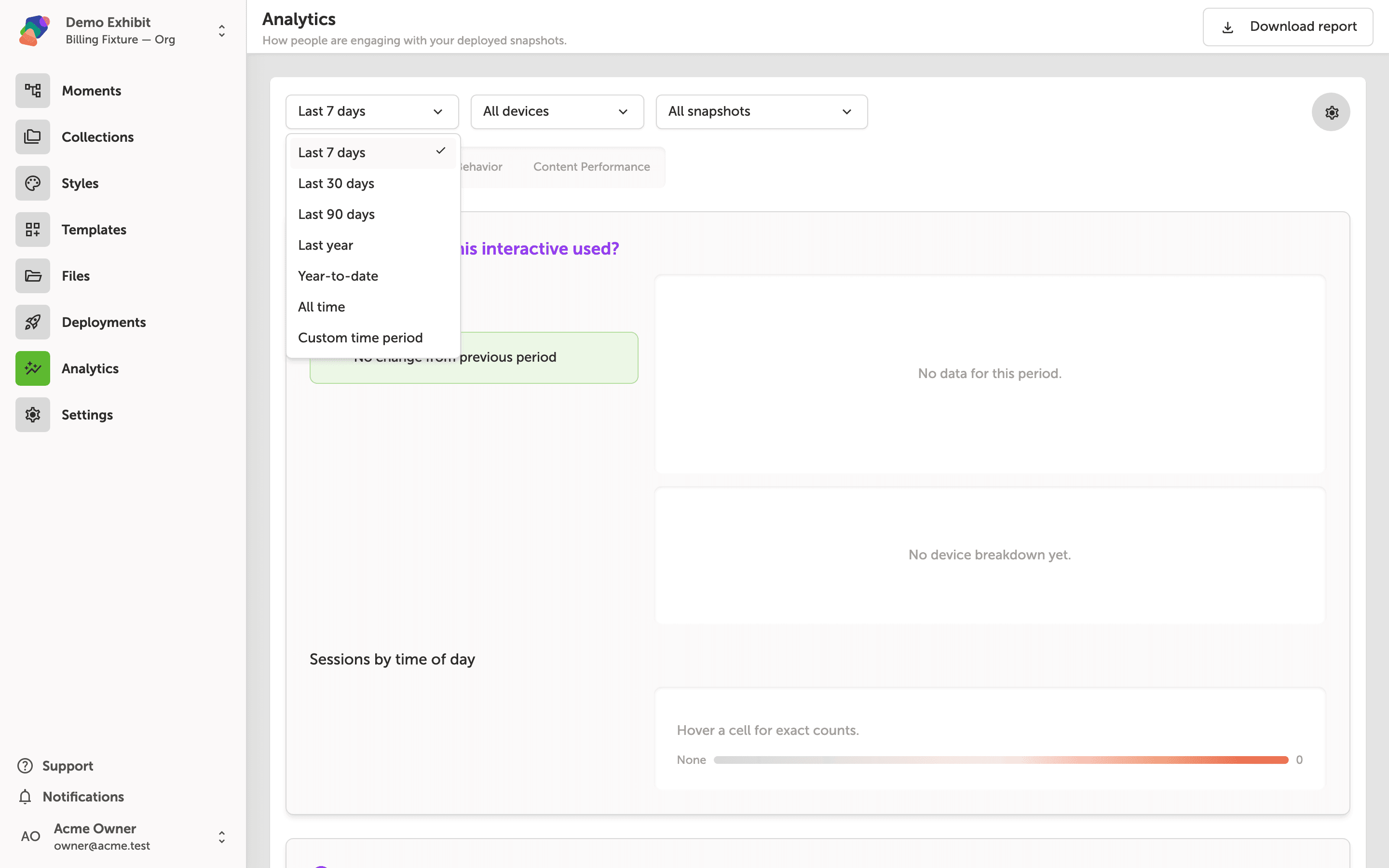
Filtering and Exporting Analytics
Learn how to scope Zibit's Analytics dashboard using date range, device, snapshot, and grouping filters, then export the filtered view as a PDF report.
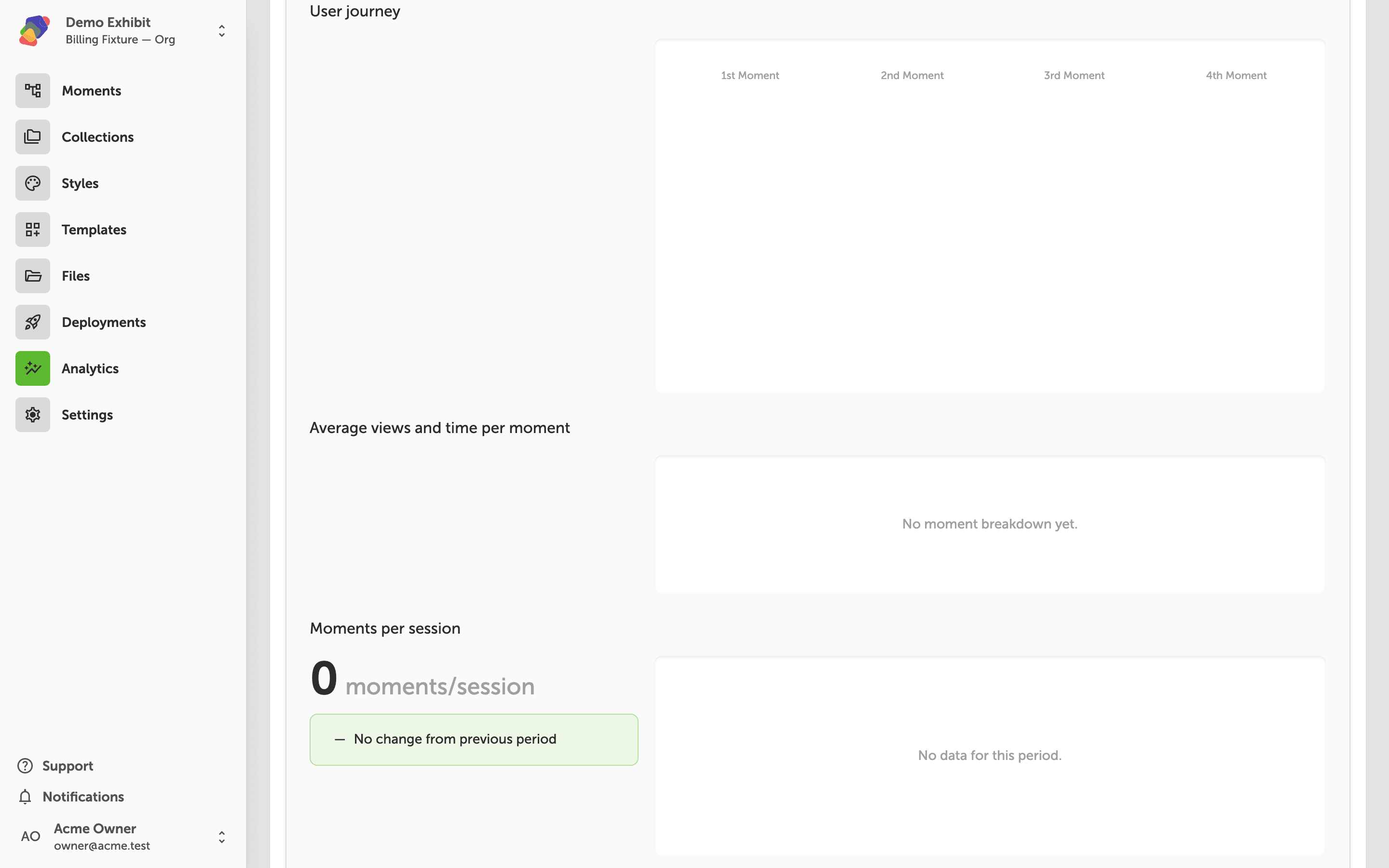
Reading Your Analytics Dashboard
Learn how to read the Analytics dashboard for a published project—including session volume, visitor journey maps, and component-level interactions—so you can make informed decisions about your content.
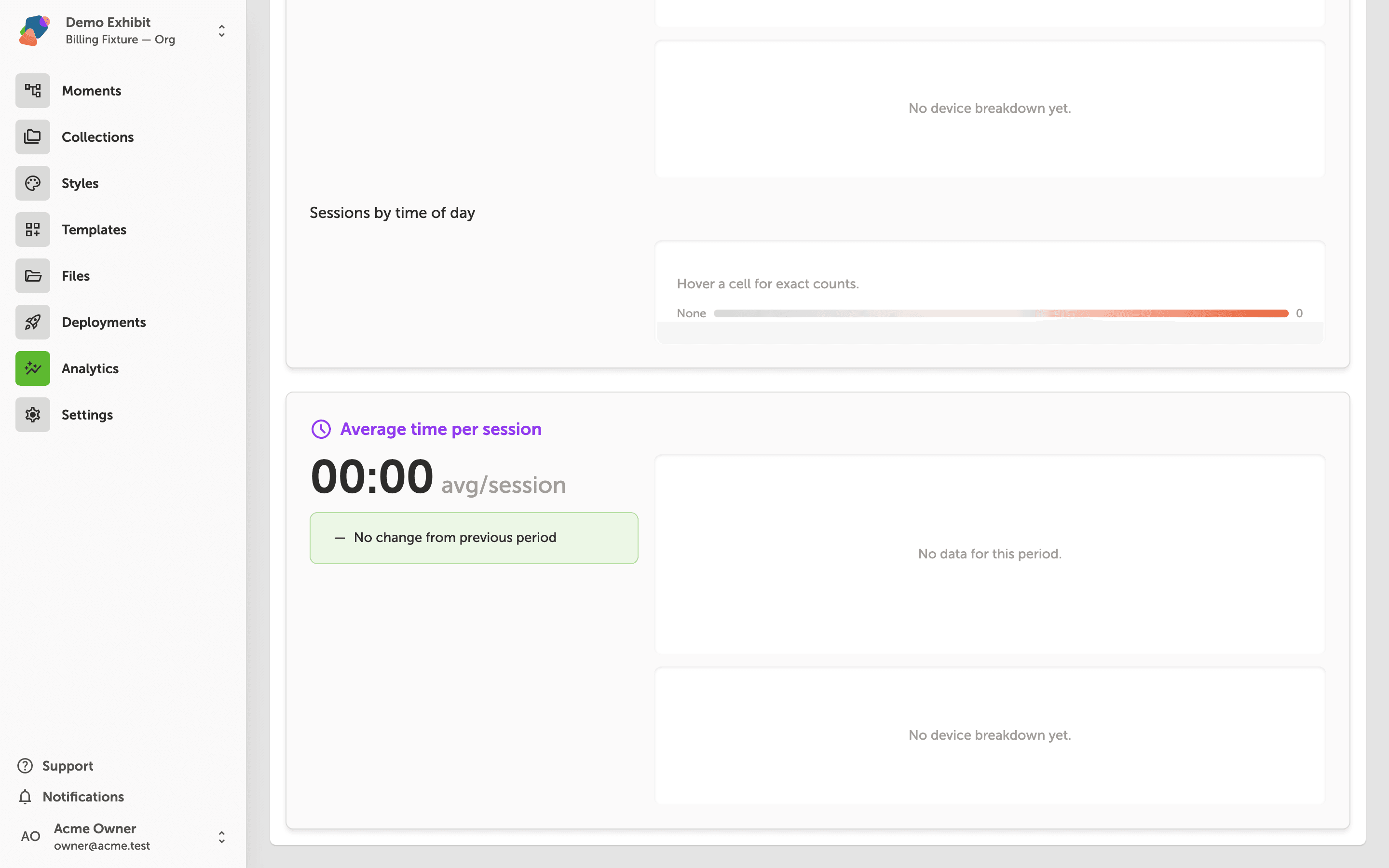
Using the Advanced Analytics Dashboard
Learn how to use Zibit's Advanced Analytics Dashboard to measure visitor engagement, trace movement through your project, and evaluate content performance—including heatmaps and AI-generated insight cards available on Organization-tier plans.
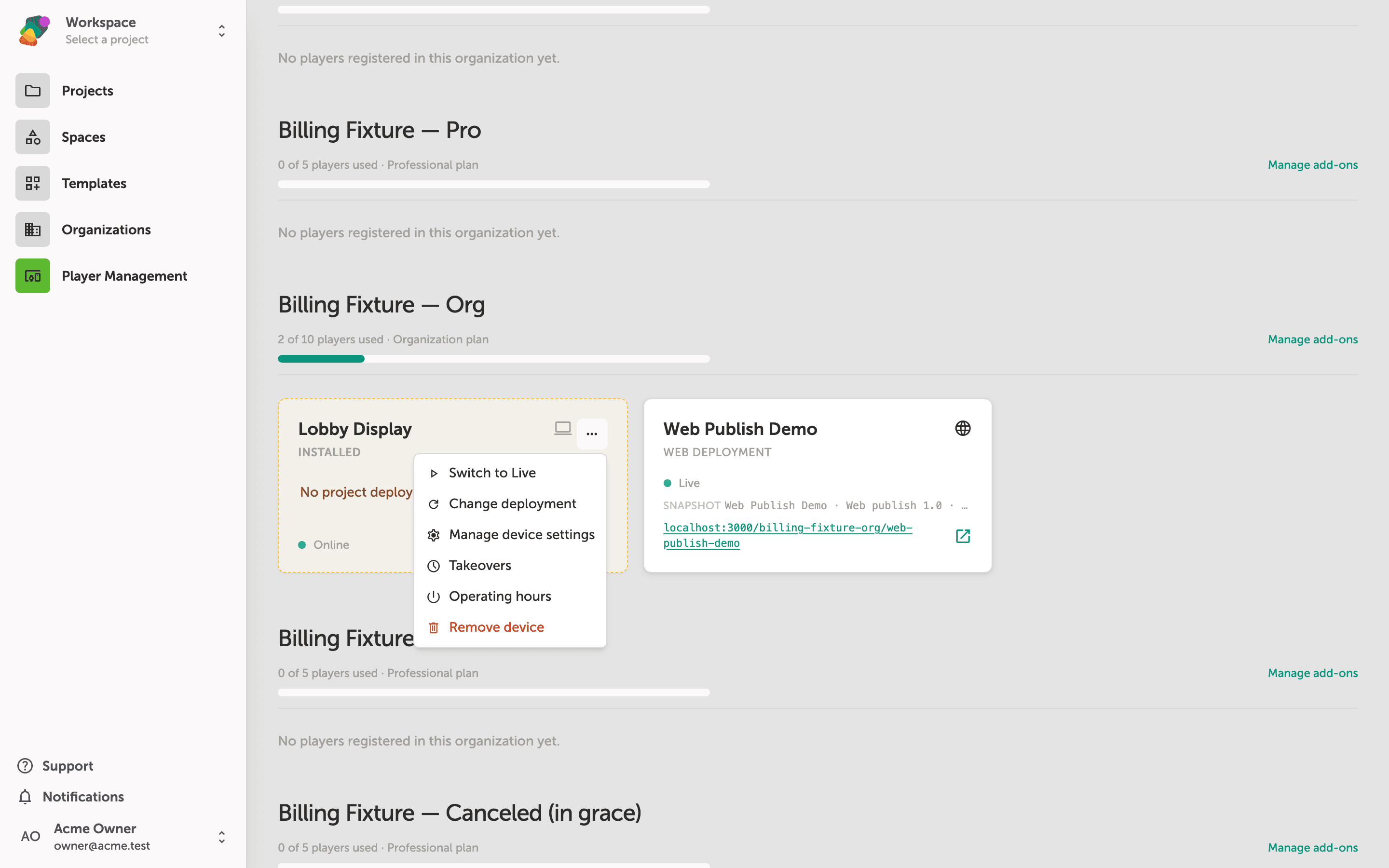
Managing Player Devices
Learn how to view, organize, and update your registered player devices from the Zibit web editor—including how to push a project snapshot to a device remotely.
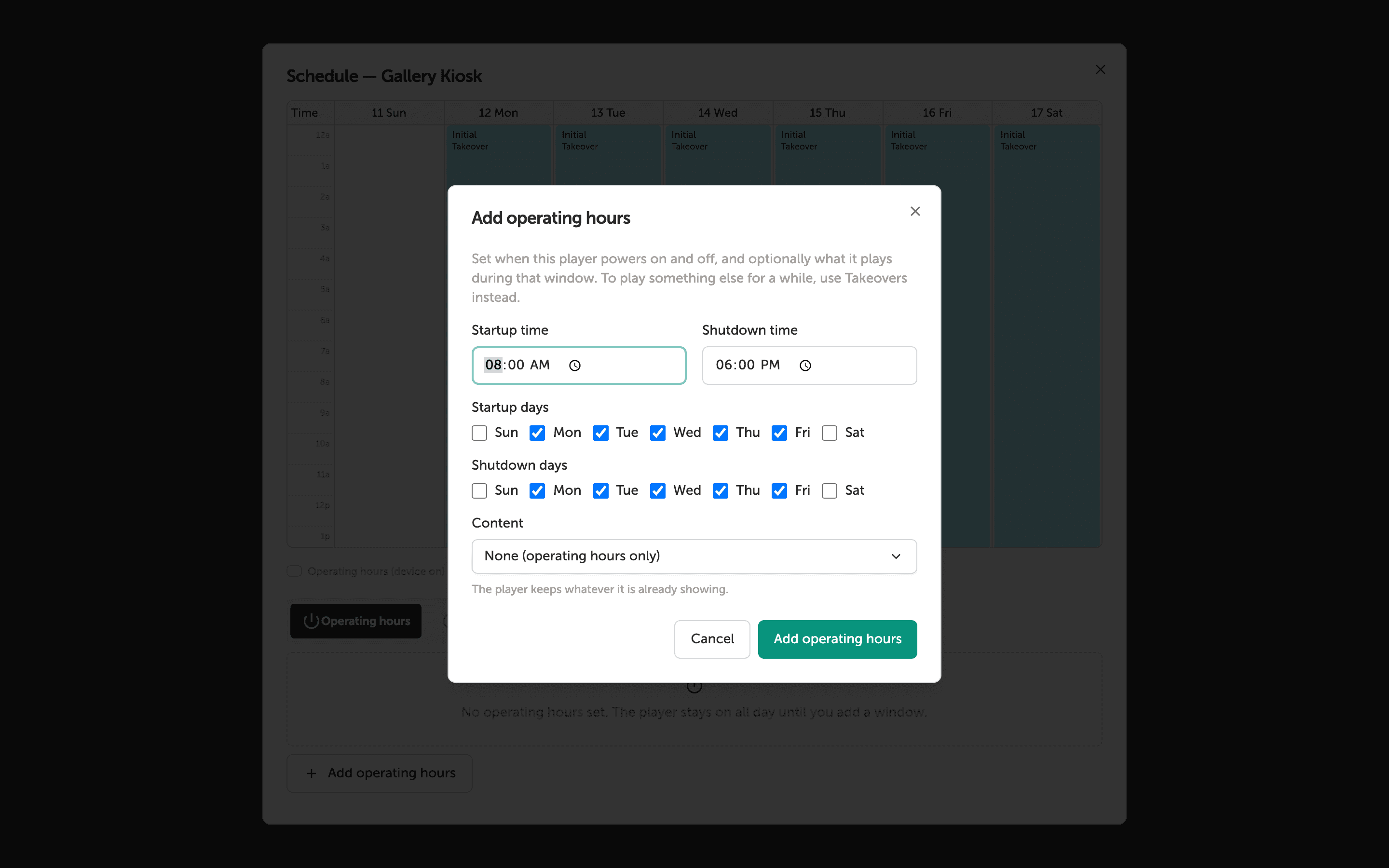
Setting Up a Device Schedule
Learn how to configure automated startup and shutdown times for your Zibit player devices using the built-in weekly schedule. By the end, your devices will power on and off automatically on the days and hours you set.
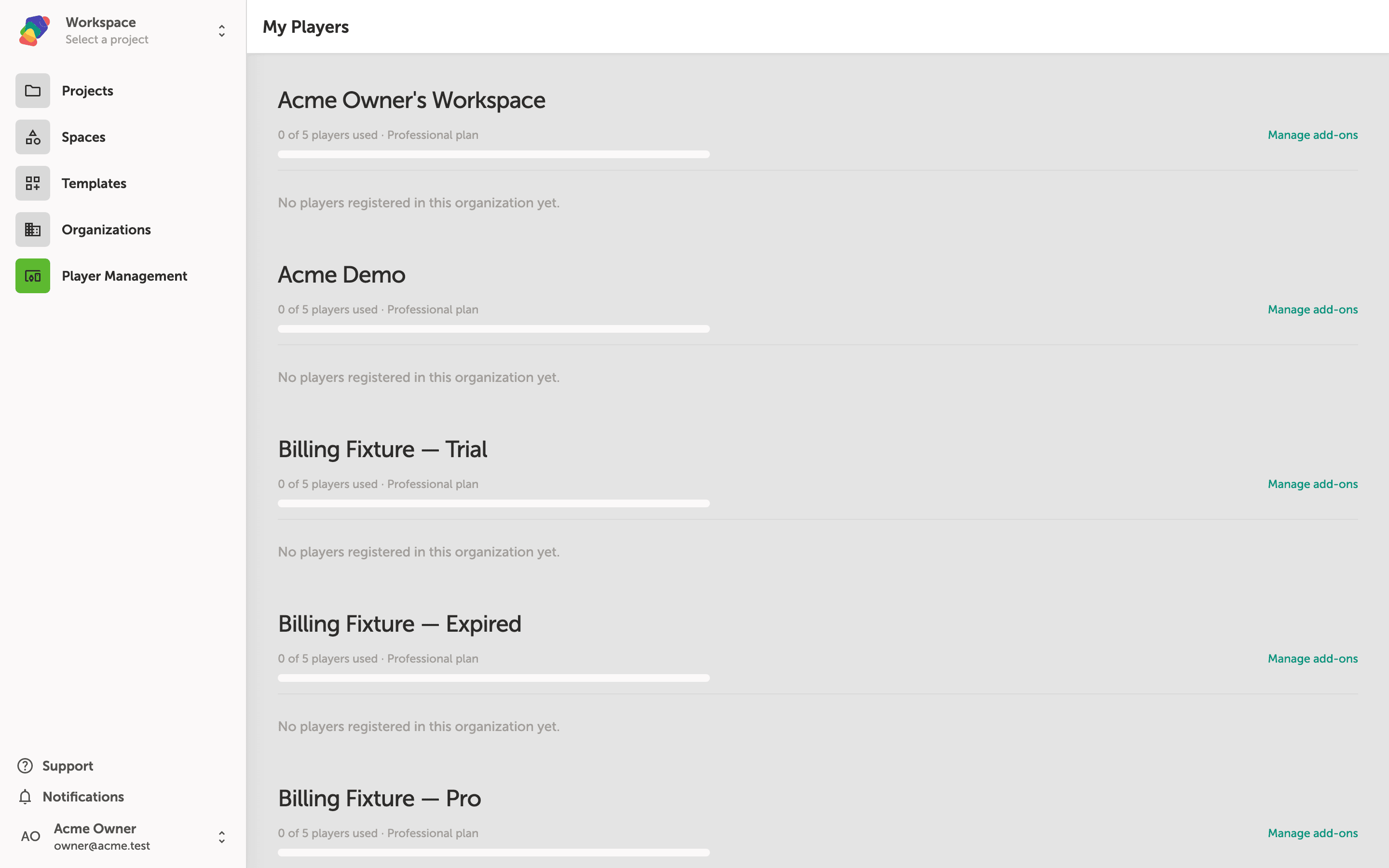
Setting Up the Player App
Learn how to install the Zibit Player App on a display device and configure it to run your published projects in kiosk mode.
Account & Settings
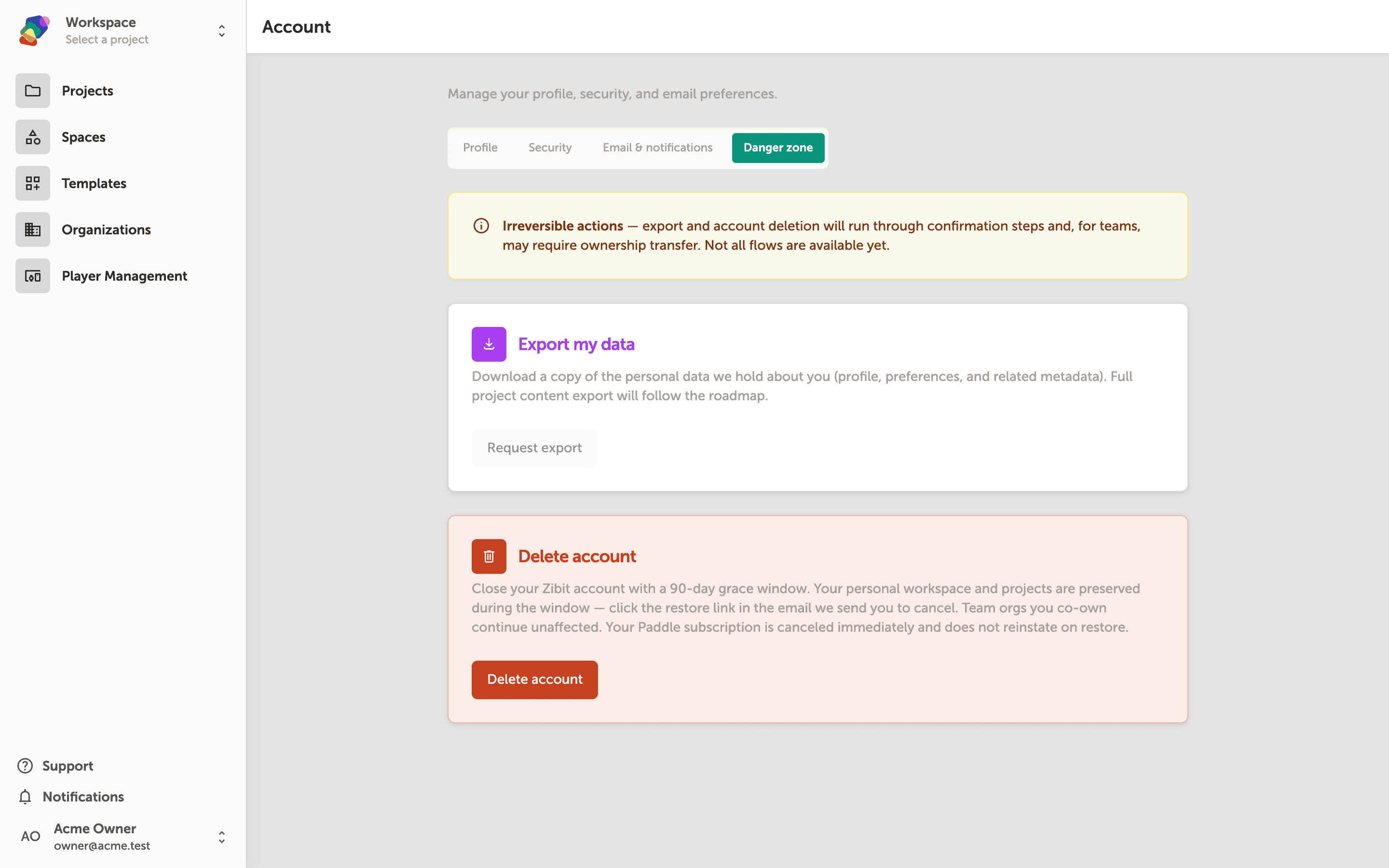
Deleting and Restoring Your Account
What account deletion removes, the 90-day window, and how the restore email brings the account back.
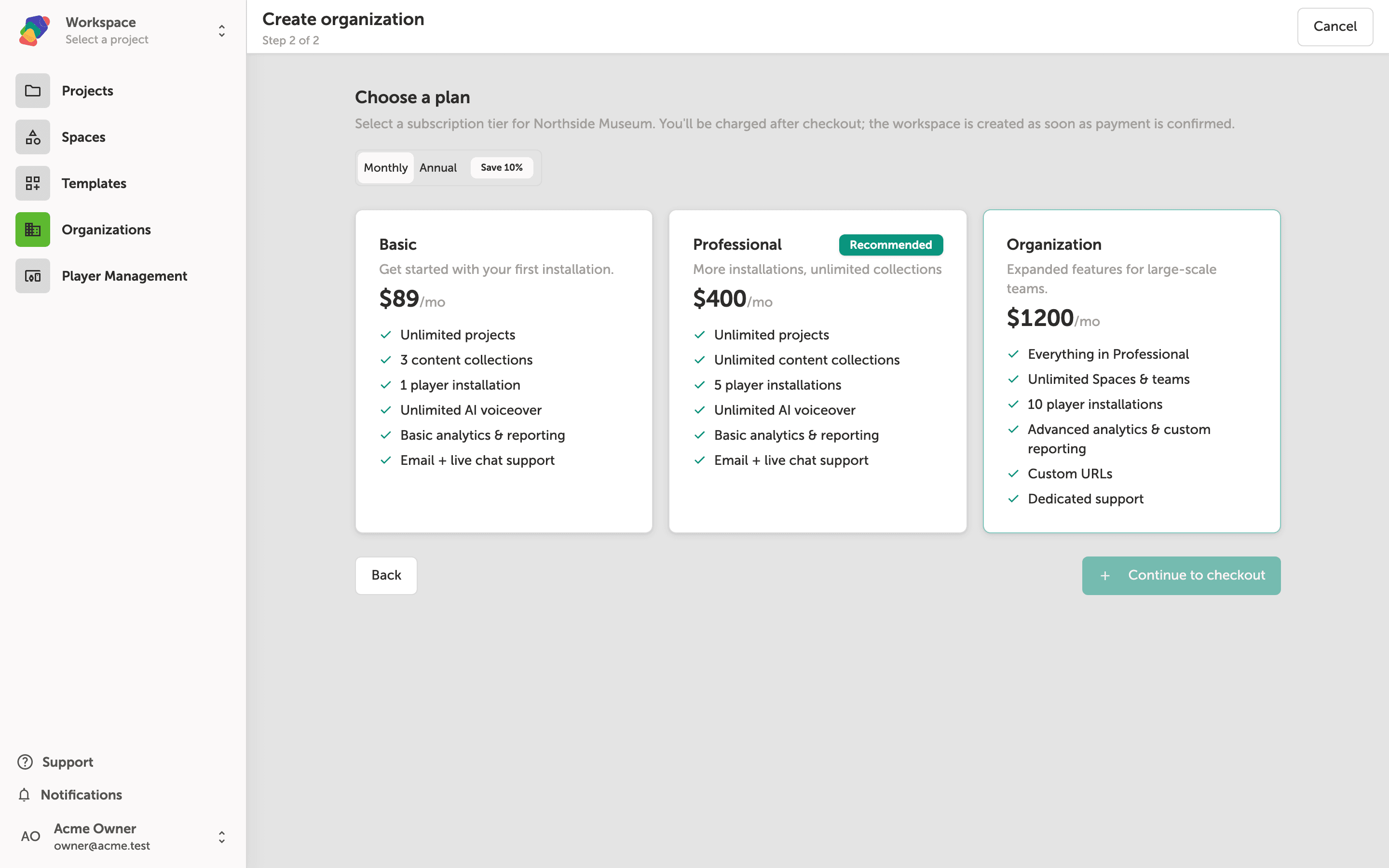
Creating a New Organization
Create a team organization in Zibit from the Organizations page—name the workspace, choose a plan, and complete checkout. Your first organization includes a 14-day free trial.
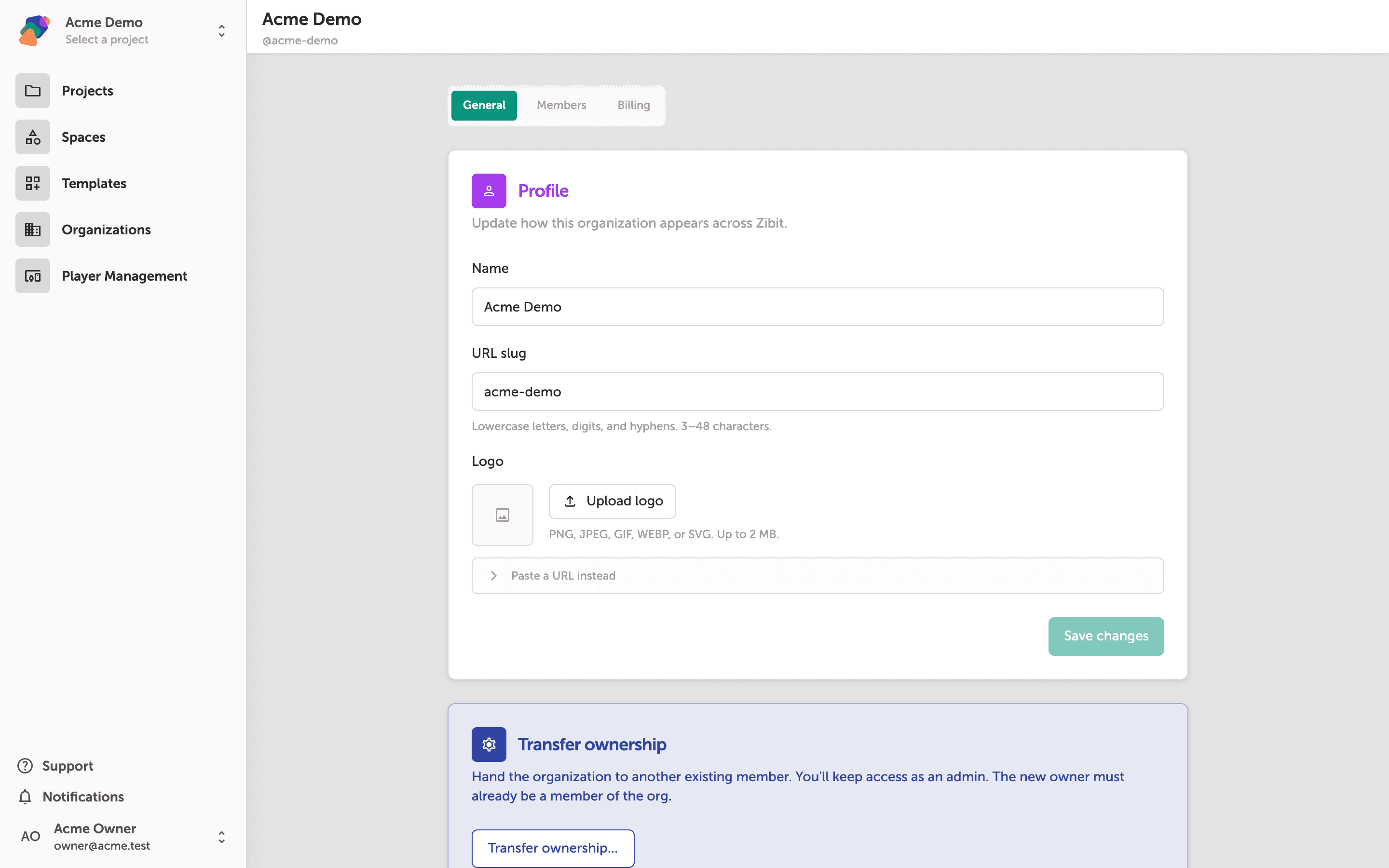
Configuring Organization Settings
Learn how to update your organization's name, slug, and logo, and how to transfer ownership or delete an organization in Zibit.
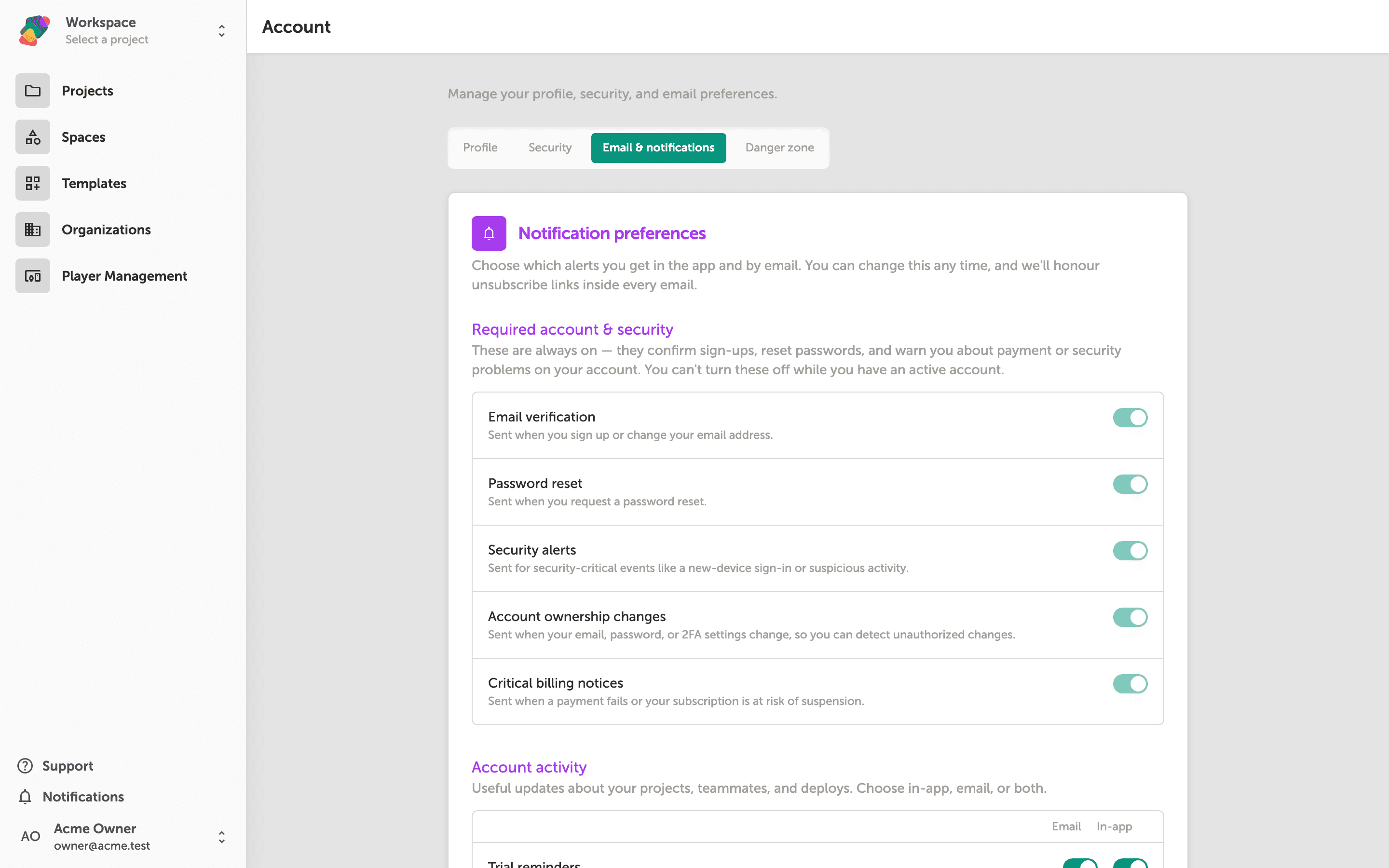
Managing Email Preferences
Learn how to control which email and in-app notifications Zibit sends you, and where to find your consent settings—all from a single tab in your account.
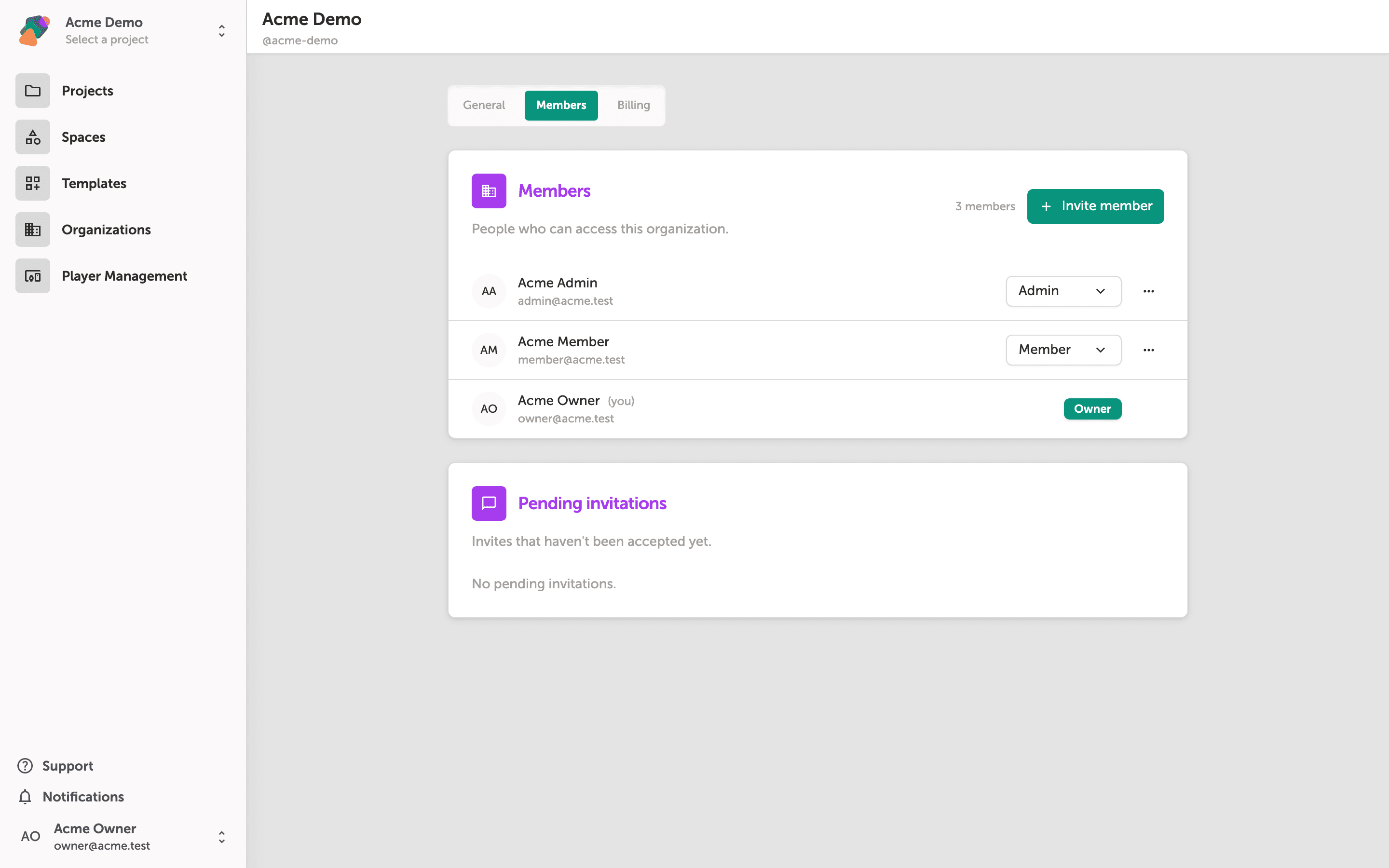
Managing Organization Members
Learn how to invite new members to your organization, review existing team roles, and manage access—all from the Organizations settings in Zibit.
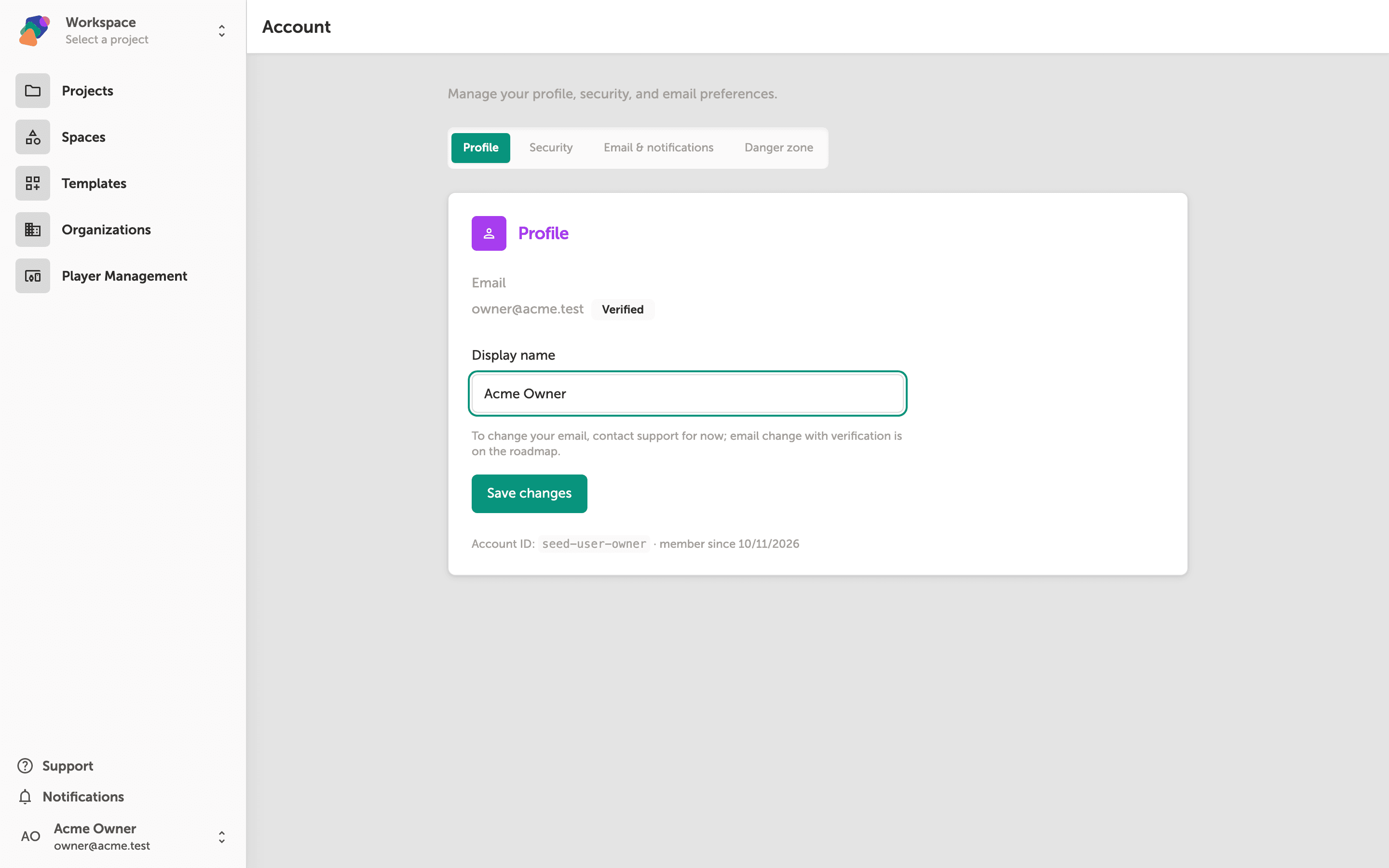
Managing Your Account Profile
Learn how to update your display name and review security settings from the Account page in Zibit.
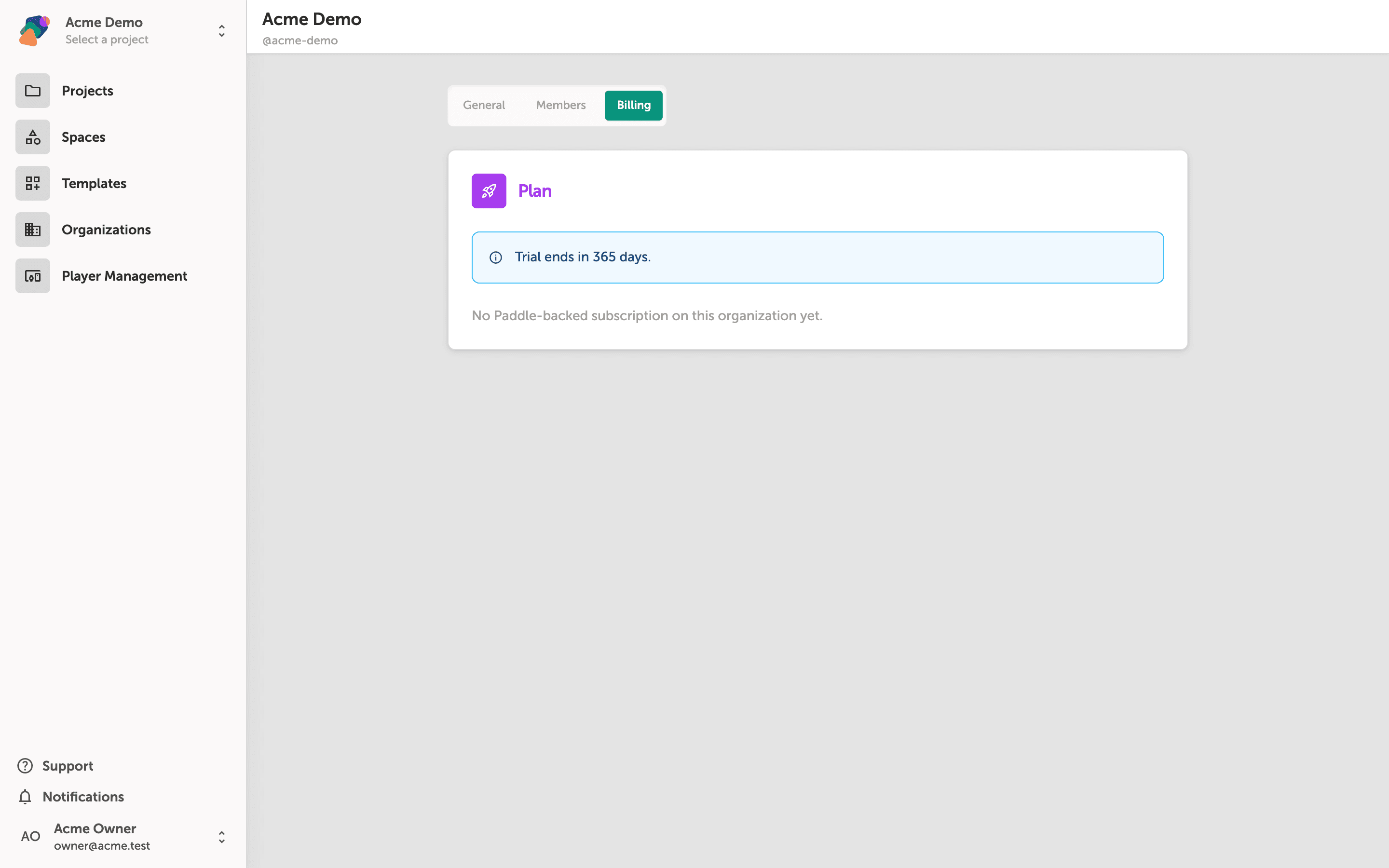
Viewing Your Subscription Status
Learn how to find your current plan, check trial or expiration status, and review billing details for your Zibit organization.