
Understanding Overlays
An Overlay is the dimmed scrim behind a Panel or a Modal. It is a real component, and you can style it, but you do not pick it from the add menu. Zibit creates the scrim when you add the panel or the modal it belongs to.
Open the view
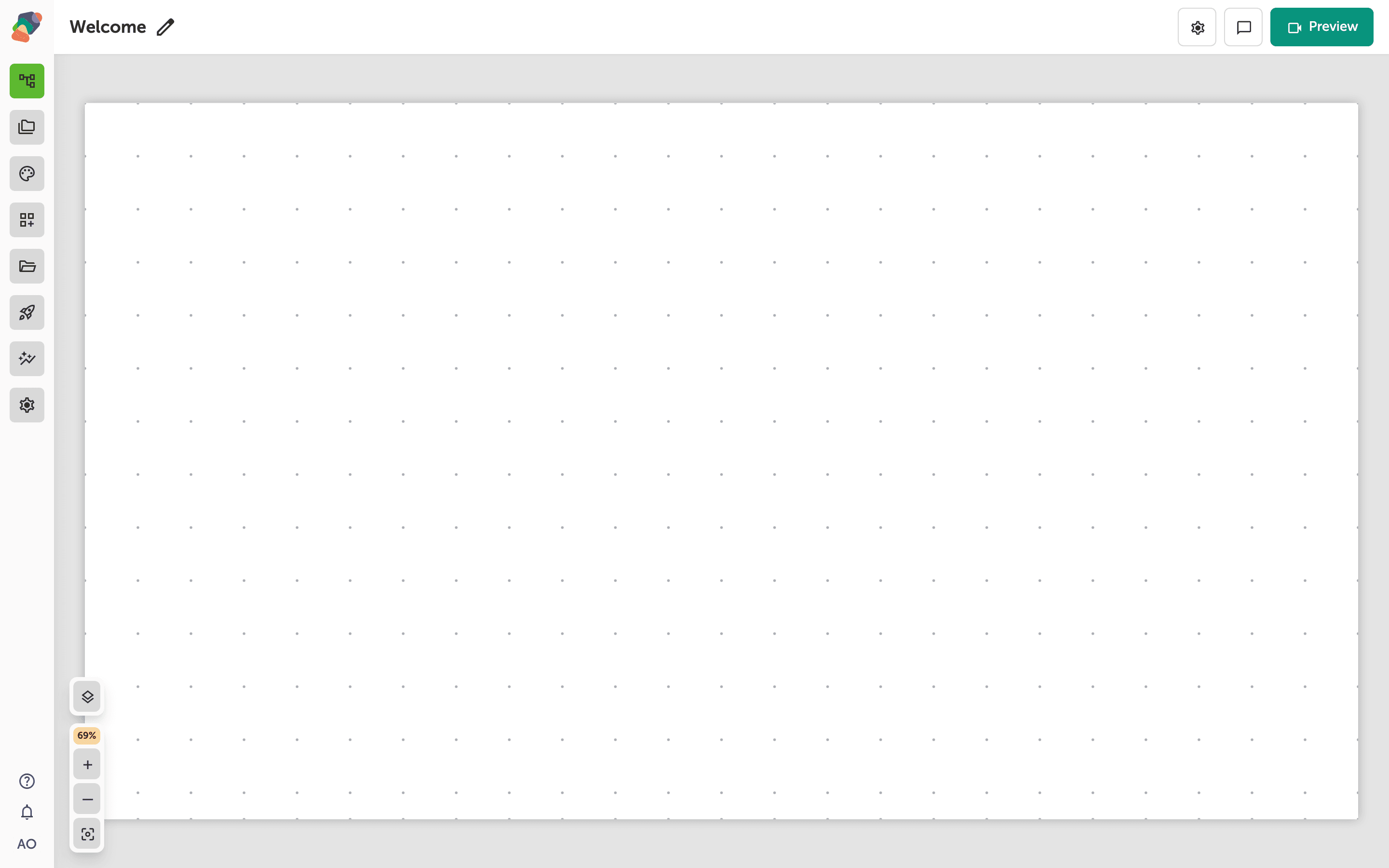
Start from the view where the extra sheet or dialog should appear.
Panel and Modal are in the menu
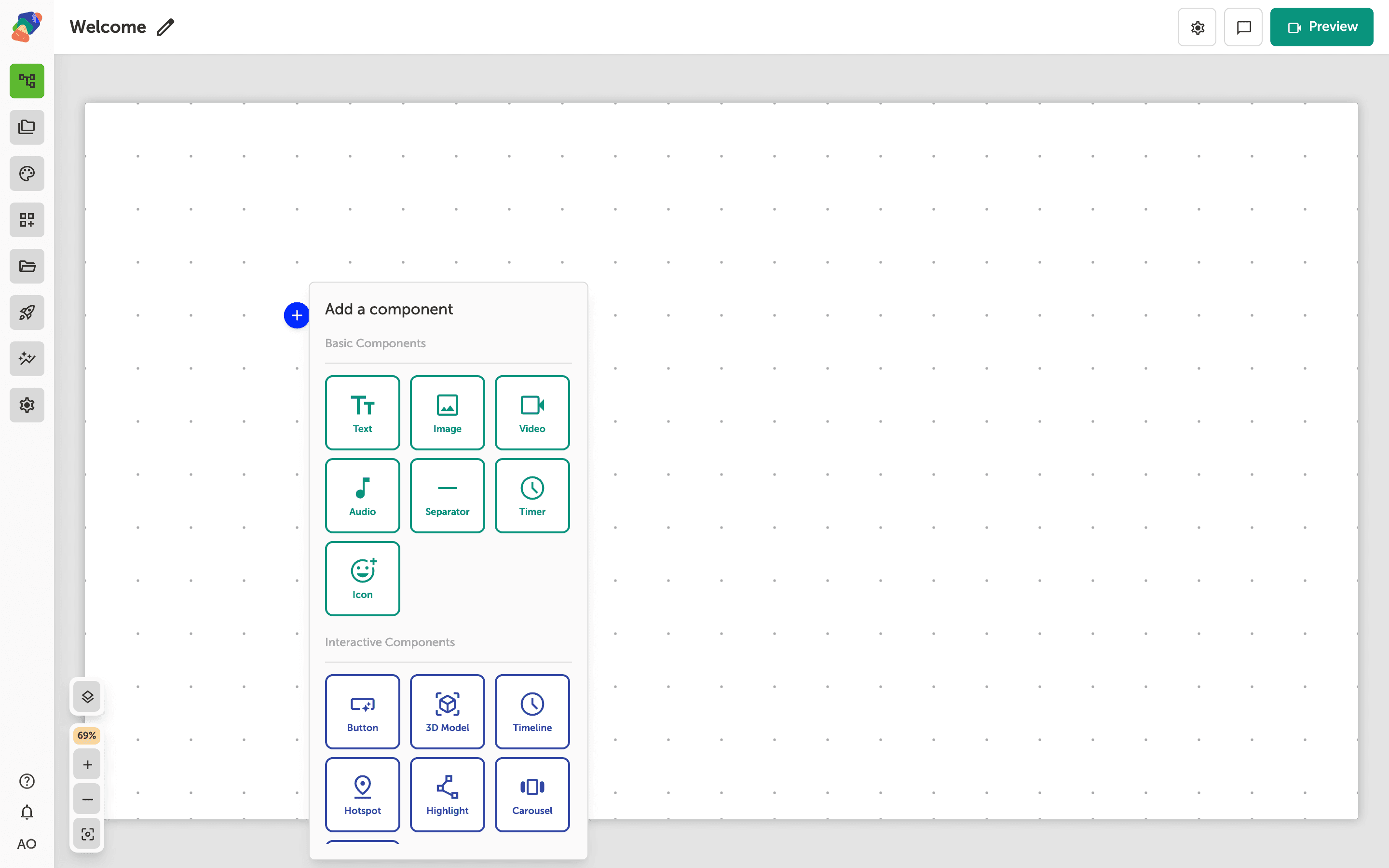
Layout Components lists Panel and Modal. Overlay is not in that list. Choose Panel for a sheet, or Modal for a dialog.
The scrim comes with the panel
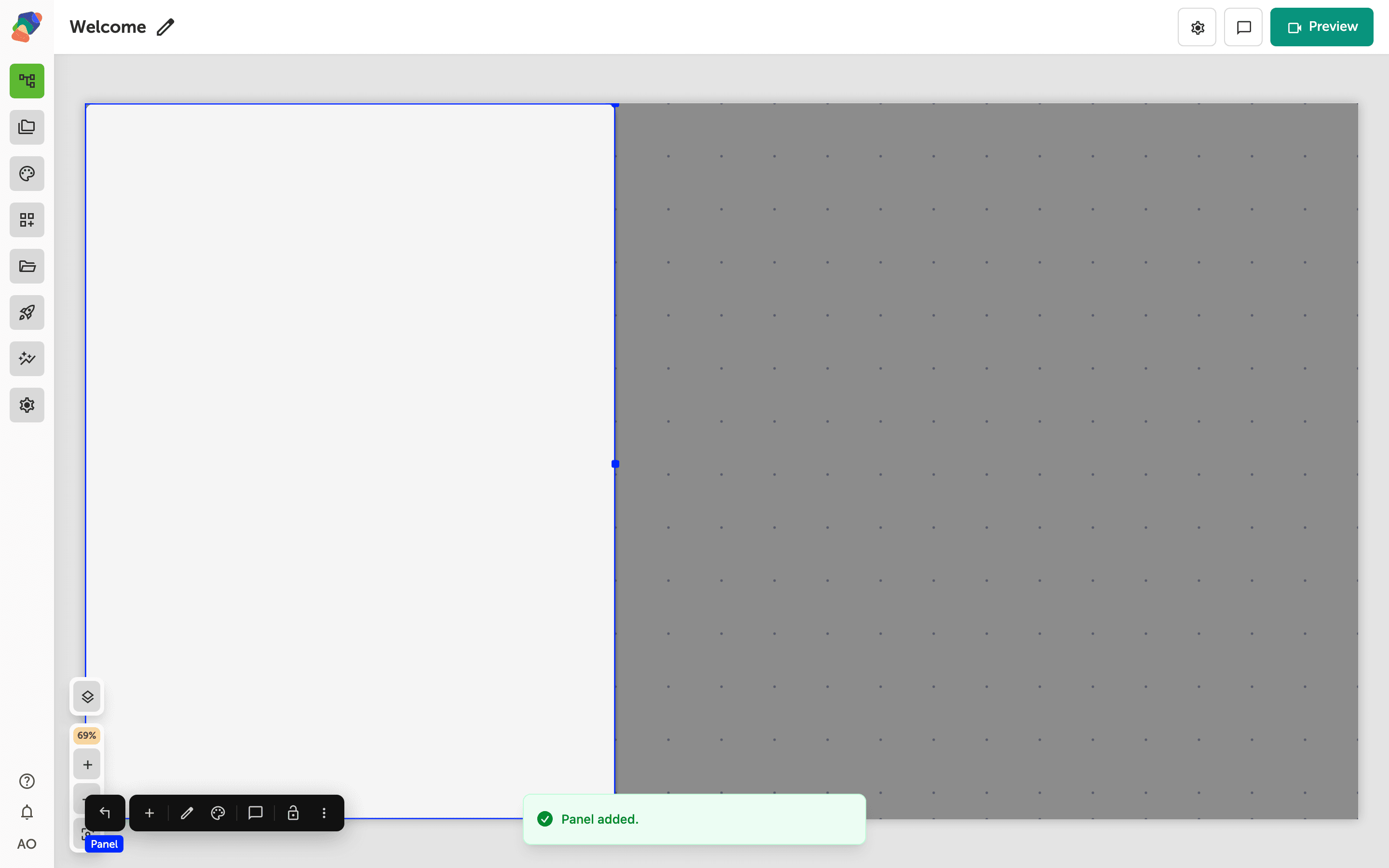
The panel is on the view, and the overlay is the backdrop behind it. Select the overlay in the layers list when you want to change the scrim. Select the panel when you want to change the sheet. Fill the panel from Add child component.
Open the panel from an event on a button or a hotspot. A bubble is the smaller alternative when you only need a short note.