
Adding a Separator
A Separator is a rule you place between pieces of content — a heading and the paragraph under it, or two groups inside a card. It does not hold visitor data. You will add one and name it so the layers list stays readable.
Open the view
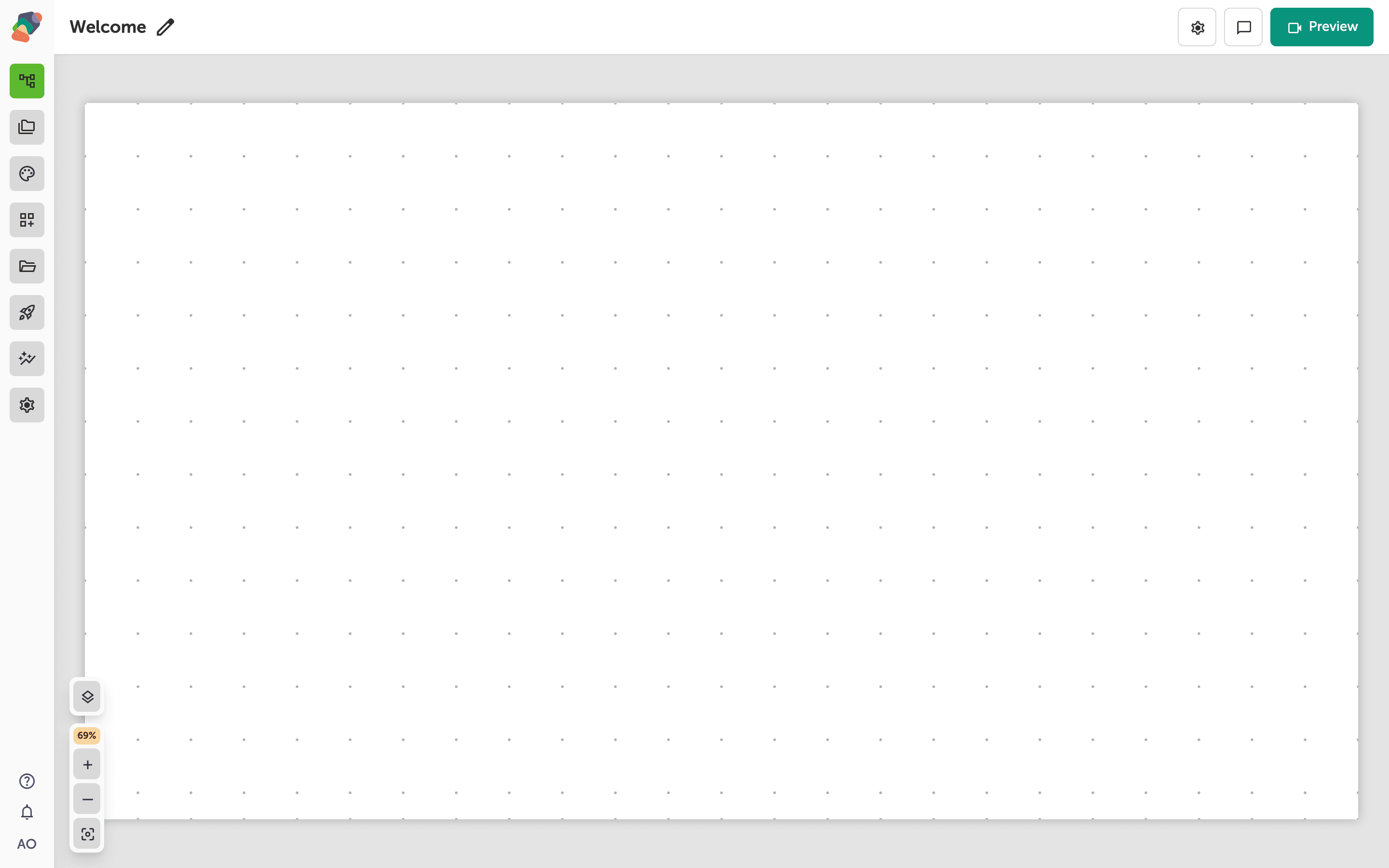
You are in the View Editor. The grid is the screen visitors will see. Click a cell's Add component control to open the menu. Nothing you place is permanent — you can move it, restyle it, or delete it later.
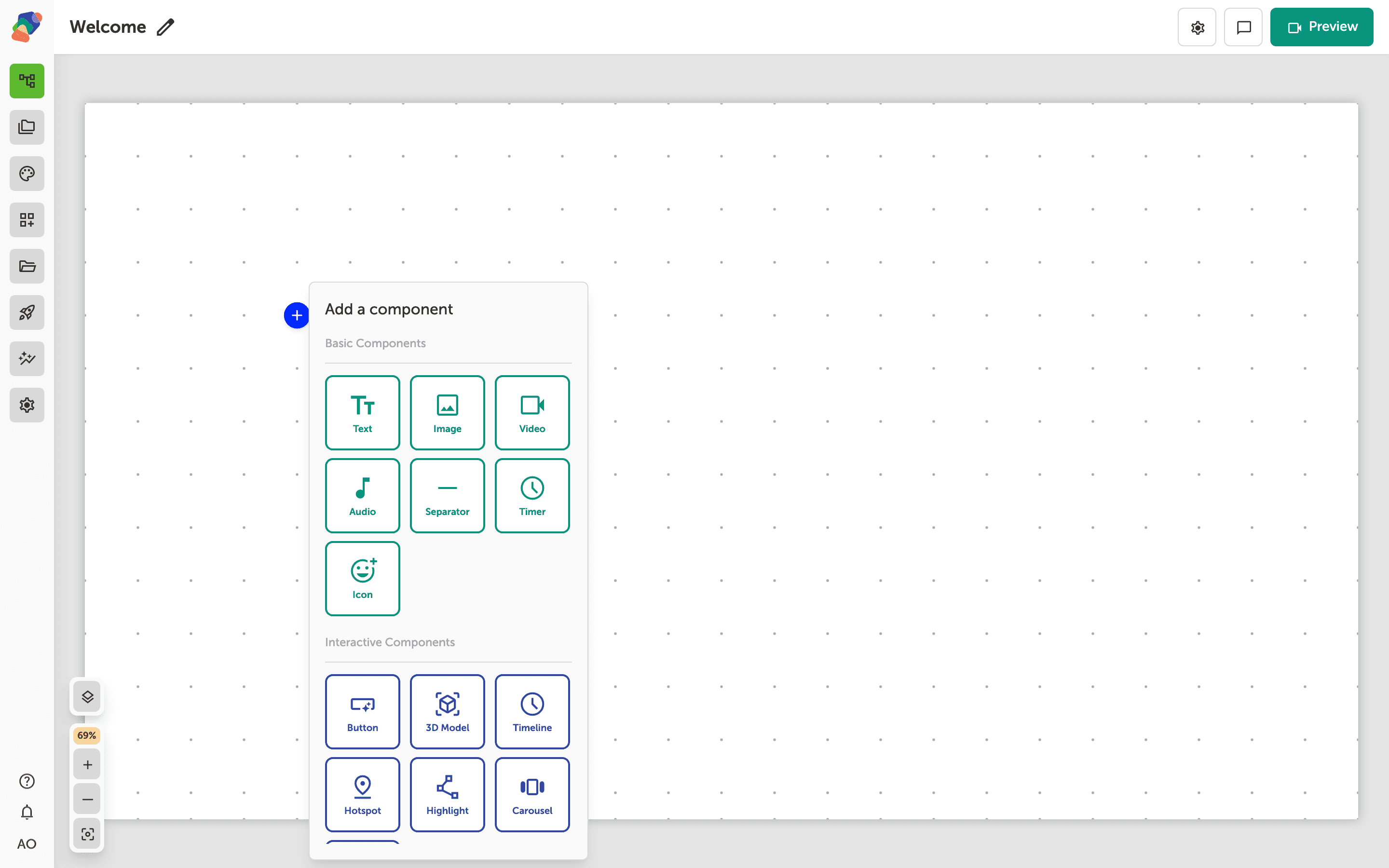
Choose Separator
In the add menu, Separator is under Basic Components. Click it to place the component on the cell you opened.
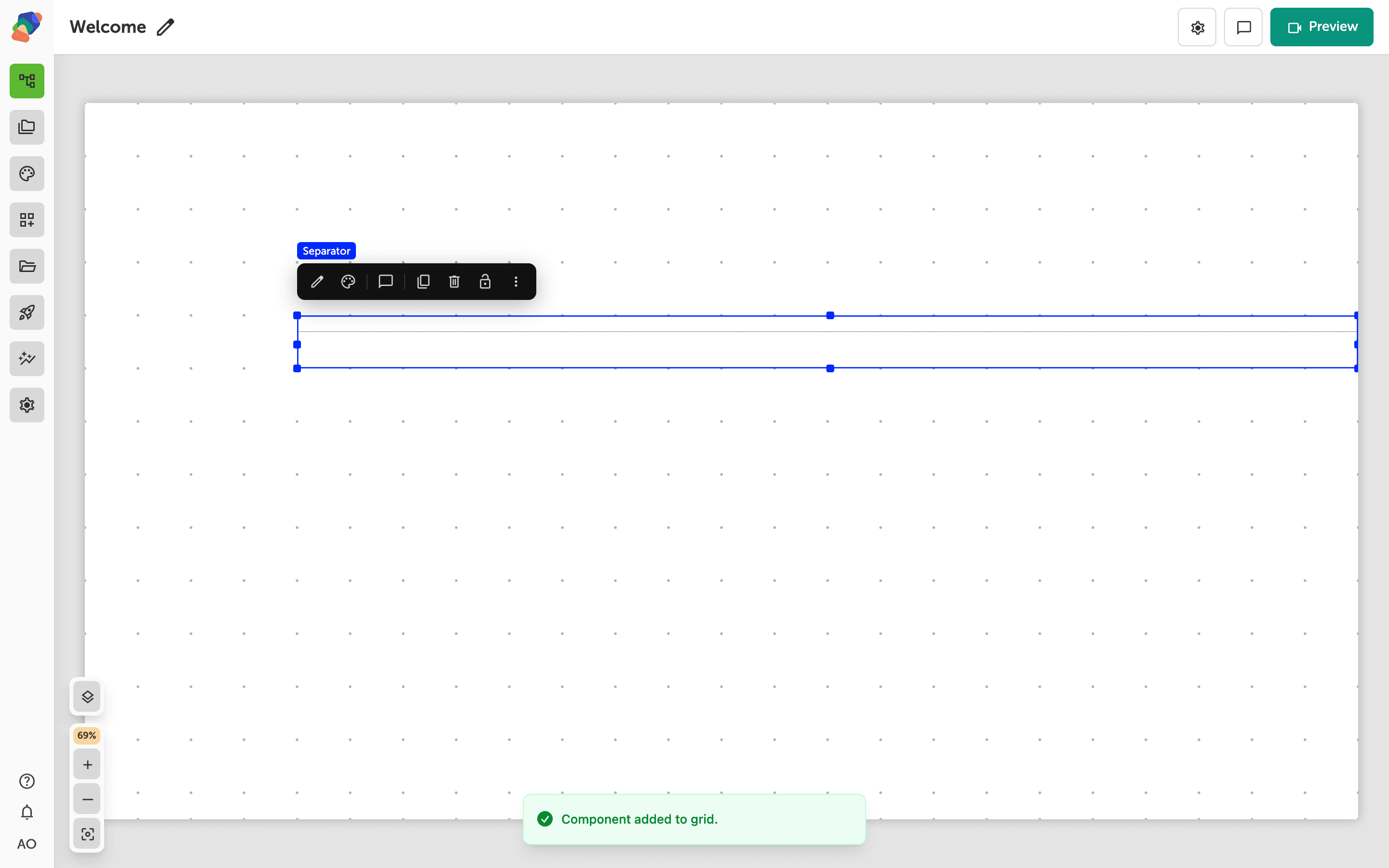
The component is on the grid
The rule appears on the grid. Stretch it across the width you want to divide. Thickness, color, and a patterned edge are style settings, not content settings.
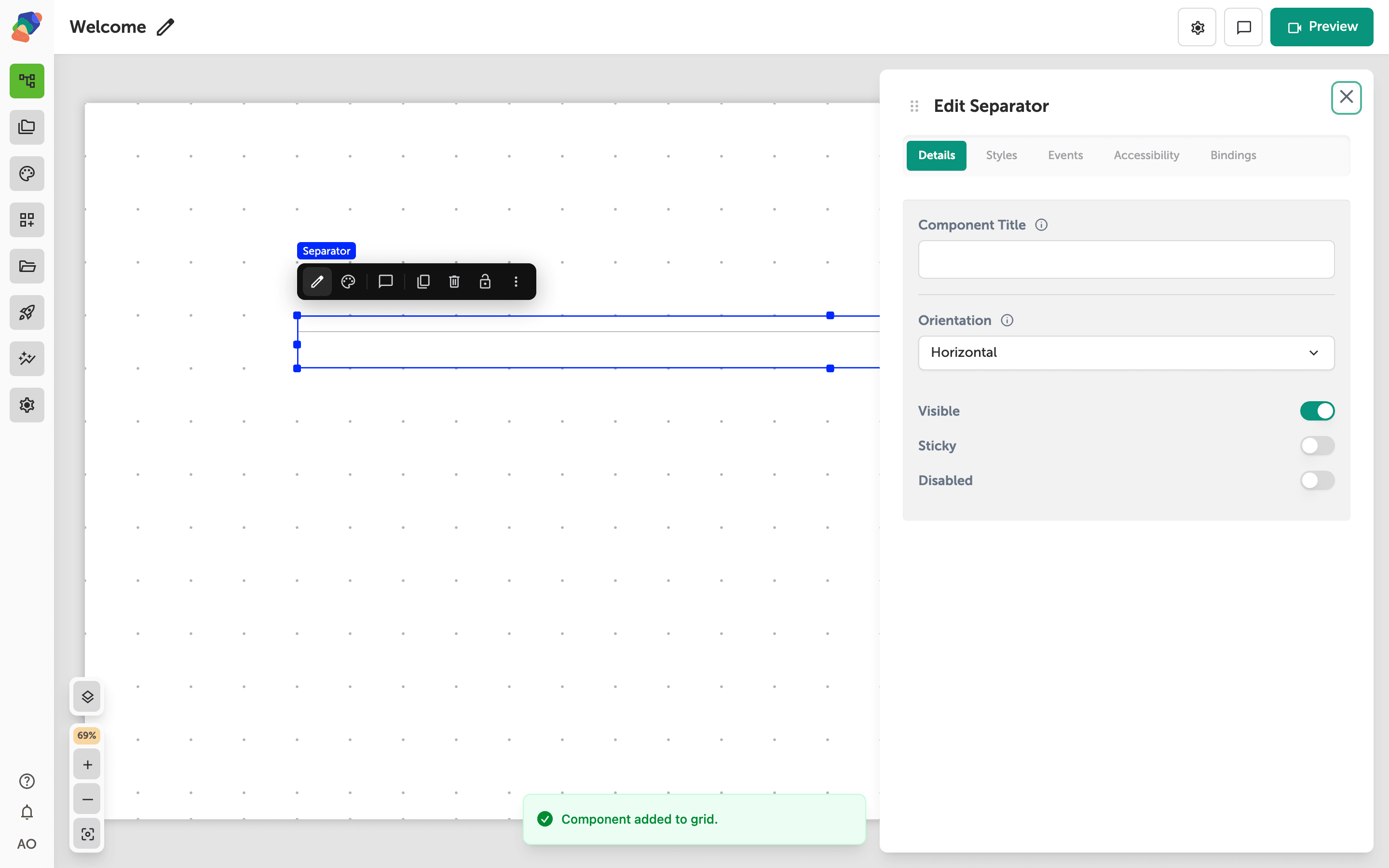
Name the separator
Select the component and open Edit content from the toolbar. In Details, Component Title is the name you see in the layers list. Give it something you will recognize, such as Label rule. Visible hides the rule without deleting it when you are trying a layout.
The rule is in place. A patterned border is a style on top of this, not a different component.