Connecting Moments with Events
A moment with no incoming flow is a screen visitors cannot reach. You connect it by putting an event on a component — usually a Button — and choosing Go to a moment. The graph then shows that path. You will add that button on the first view and point it at another moment.
Open the first view
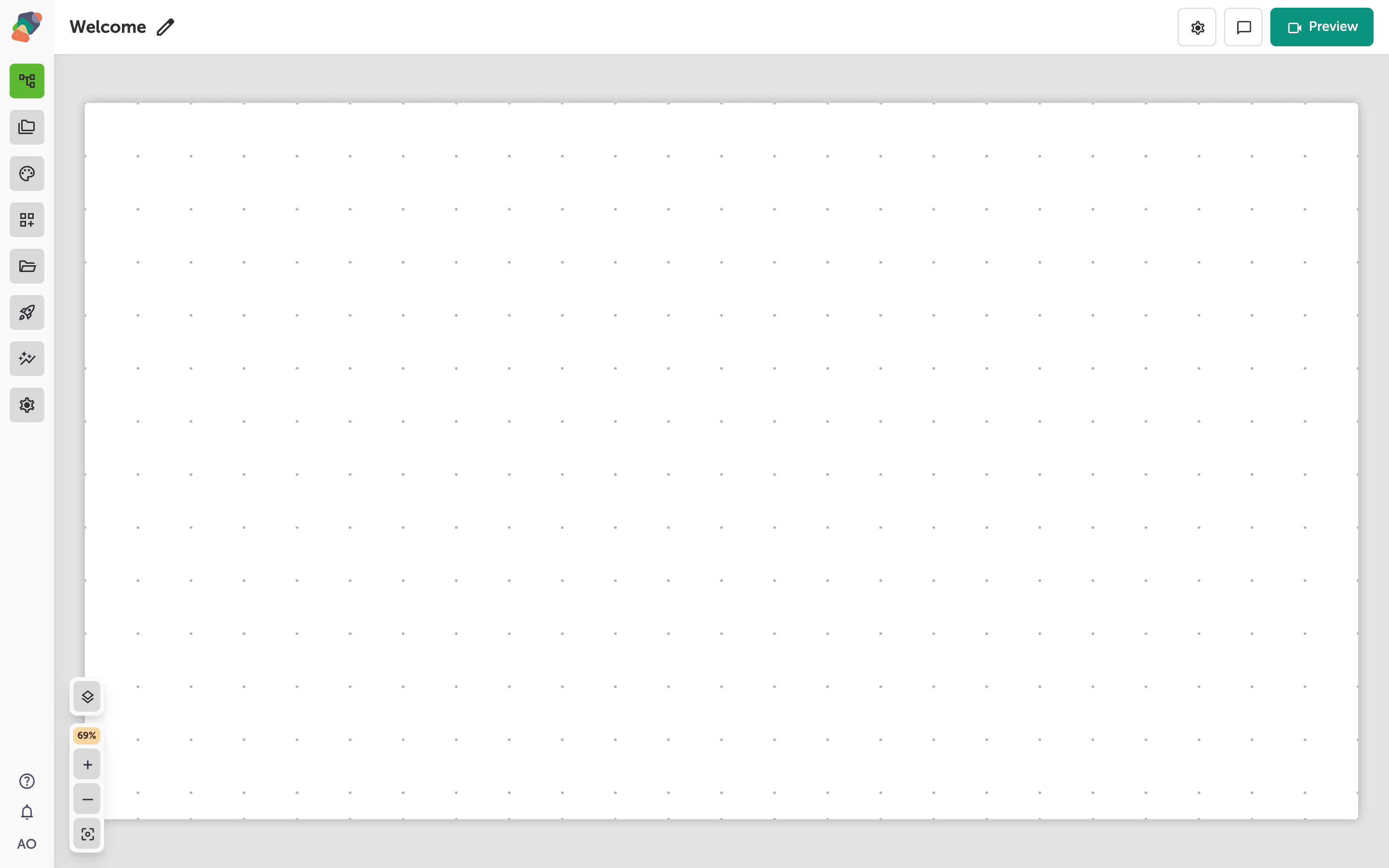
Open the view visitors start on. The other moment already exists in the project; it does not need its own design yet.
Add a button
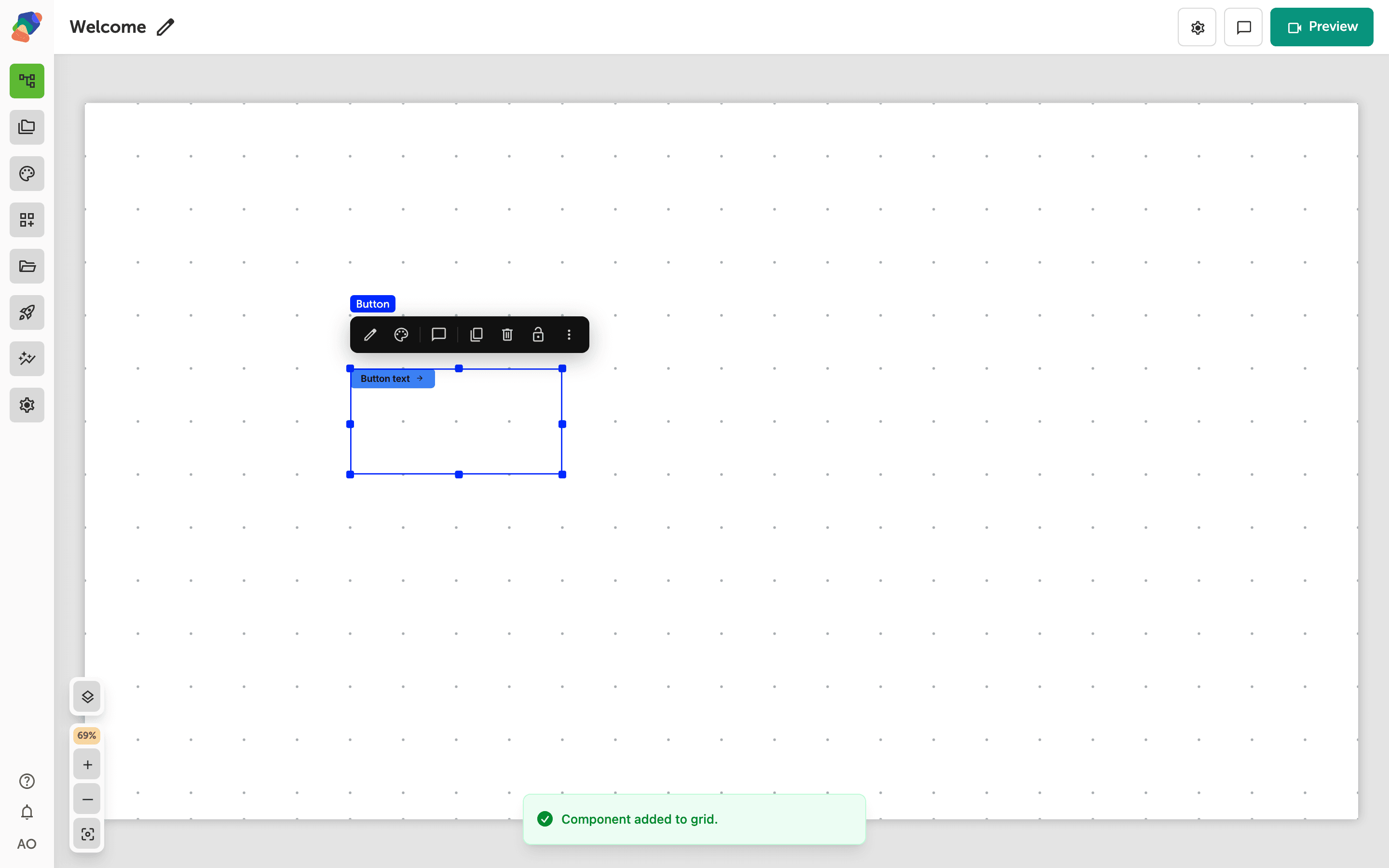
Add a Button and set its label to the destination, such as Next room. The label is the promise. The event is what keeps the promise.
Choose Go to a moment
Select the button and open its events. Add an event if there is not one yet. Set the action to Go to a moment, then choose the destination moment. The trigger for a button is the click. Save and return to the moments graph: the two moments should be joined by a flow.
You can use the same action on an image, a hotspot, or a timer. The destination list is the project's moments. Don't worry about the transition on the first pass — you can set how the screen changes after the link works.
Preview the project and click the button. You should land on the other moment.