Animate Text Letter by Letter
Letter animations reveal a heading one character at a time. The presets are Type, Type up, Type down, Type drop in, and go!. You add the preset in the style set, then use it as the text component's entrance or as an animation an event triggers.
Visitors who prefer reduced motion should not get a long typewriter. The player follows that system setting.
Open Animation
In the project's Styles editor, open Animation.
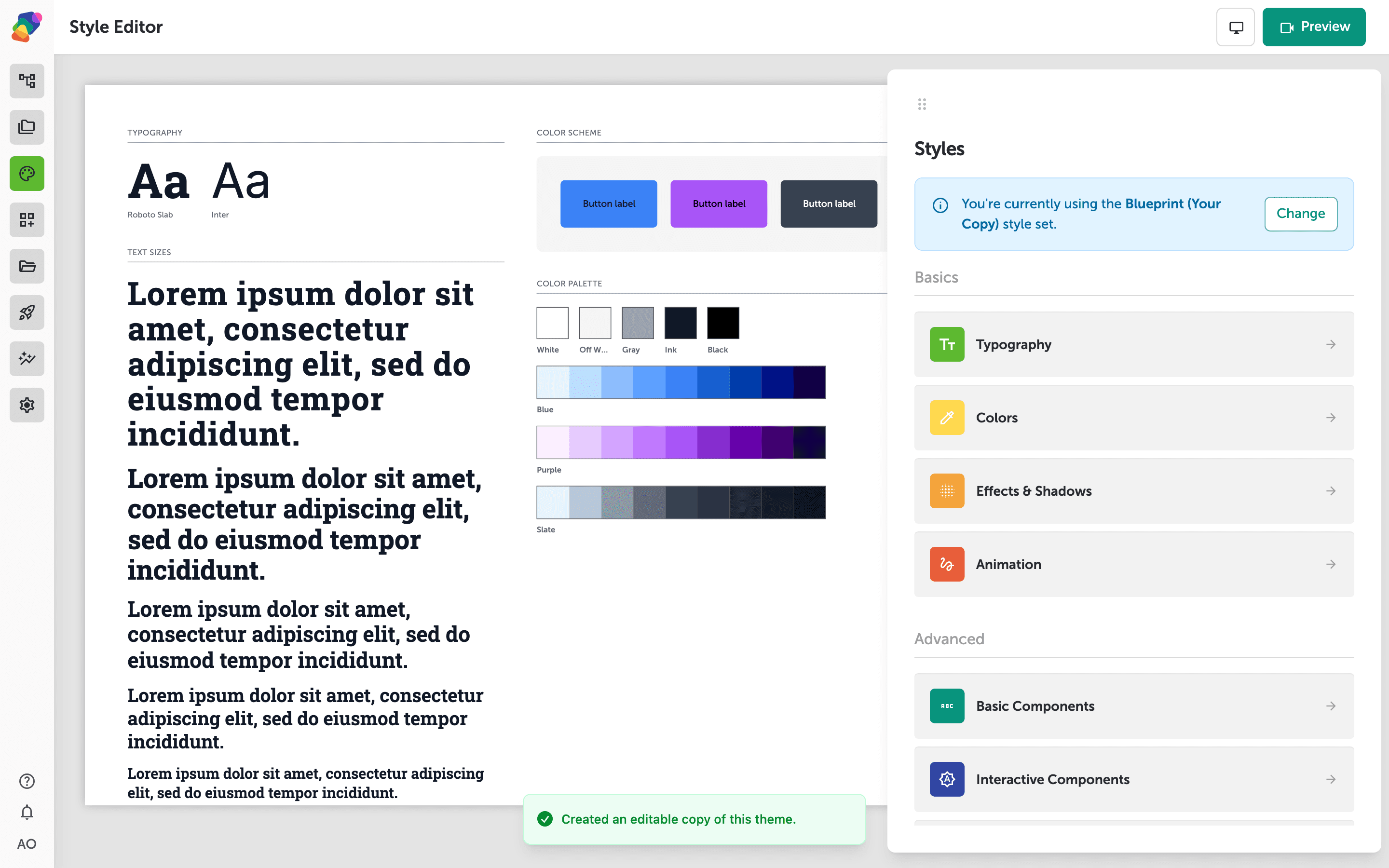
Add a type preset
Add an animation and choose Type for a typewriter, or Type drop in when the letters should fall into place. Type up and Type down move each letter on the way in. go! is the shorter, punchier reveal. Set the duration long enough to read, not so long that the visitor waits on a kiosk. Save the preset with a name you will recognize on the component.
Use it on a heading
On the view, select the Text component. Assign the preset as its build-in, or add an event whose action triggers that animation. Preview the moment. The heading should arrive letter by letter, and a screen reader should still hear the whole line rather than each letter.