
Components1 min read
Working with the Screen
Who this is for:FreeBasicProOrganization
The Screen is the root of a view. Every component you add sits on it. It is not in the add menu, because the view already has one — adding a second screen is not how you make another display. Another display is a project setting, and another moment is a card on the graph.
Open the view
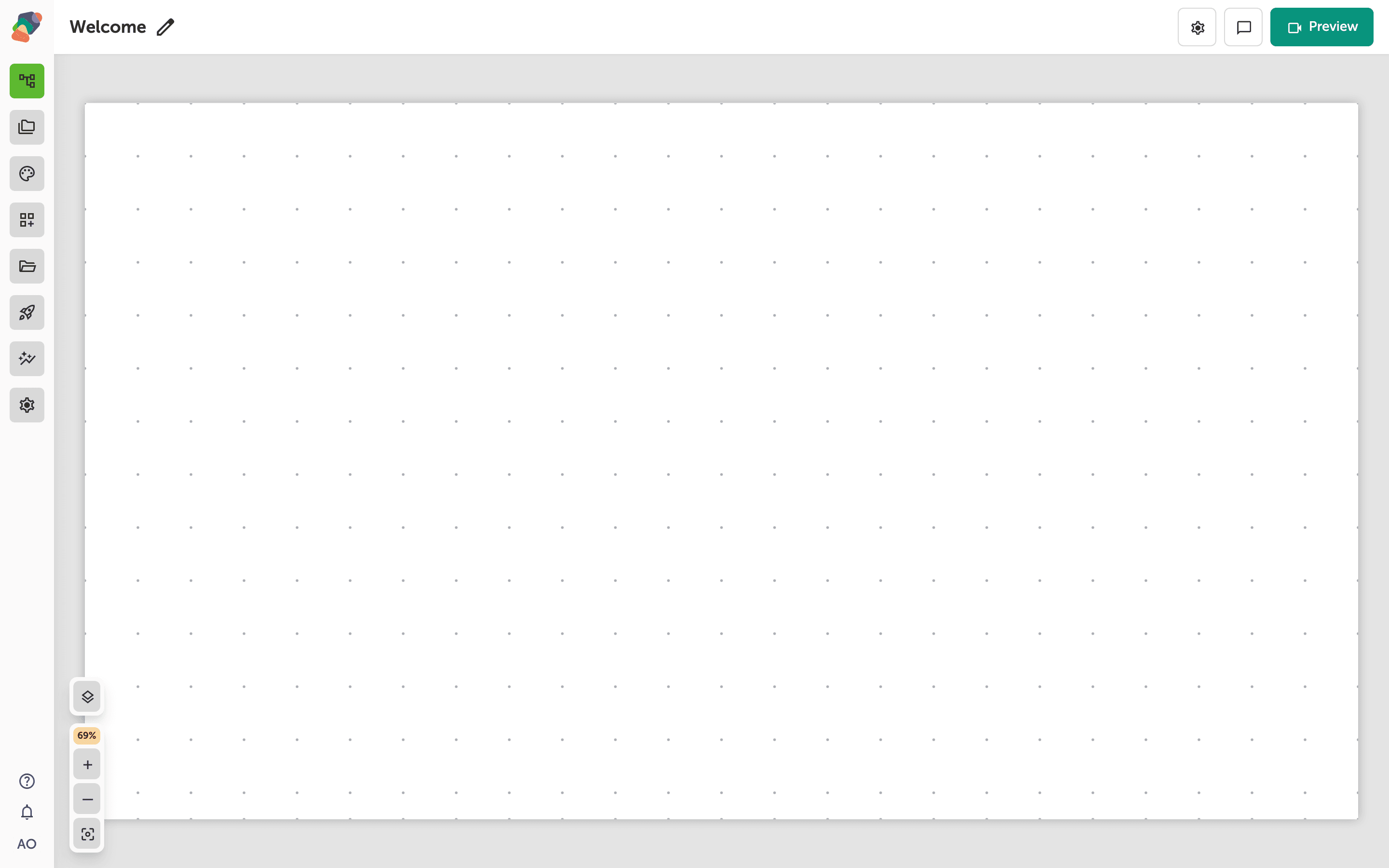
The grid you see is the screen visitors get for this view. Components go on the grid. The screen itself is the background and the bounds.
Style the screen, do not insert one
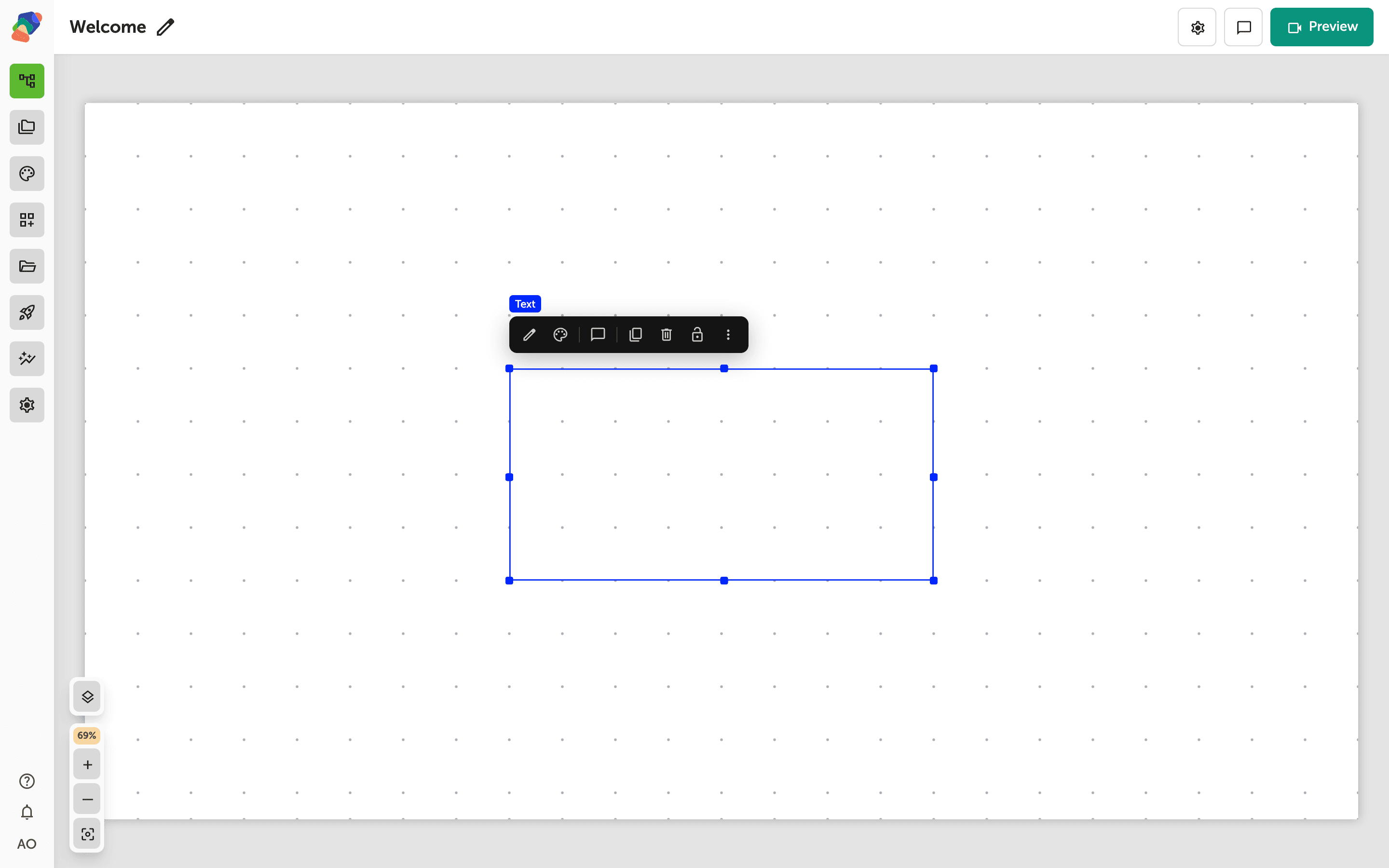
Click the canvas background when you want the screen's own settings, such as its background. To put content on it, use Add component on a cell. Overlay is also absent from that menu: an overlay is created when you add a Panel or a Modal.
The screen is the stage. Everything else in this set of articles is something you place on it.