
Adding a Toggle
A Toggle is a yes-or-no control — consent to be contacted, a preference, a single check that is not part of a longer list. A list of options belongs on a Choice. You will add a toggle and write its label.
Open the view
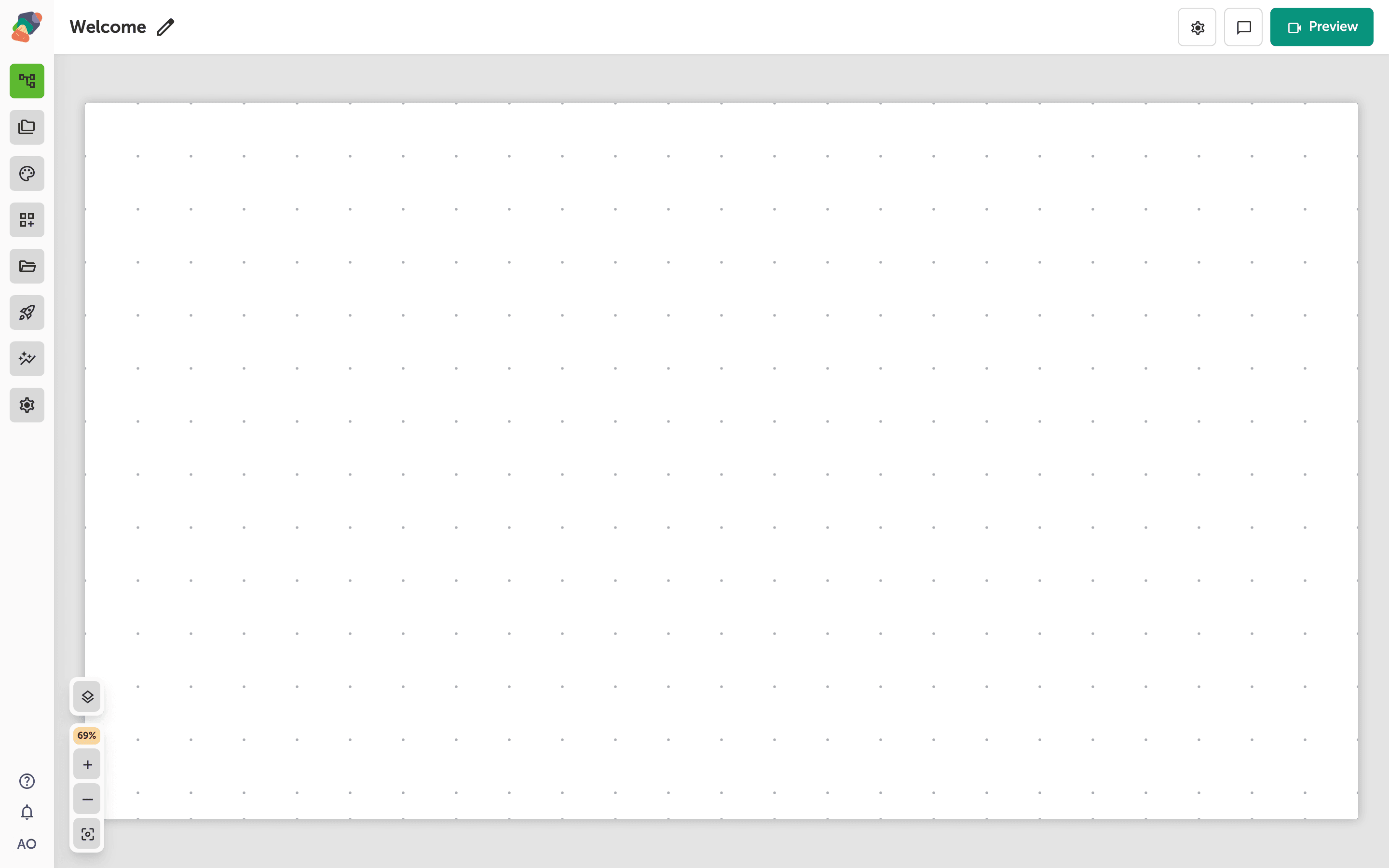
You are in the View Editor. The grid is the screen visitors will see. Click a cell's Add component control to open the menu. Nothing you place is permanent — you can move it, restyle it, or delete it later.
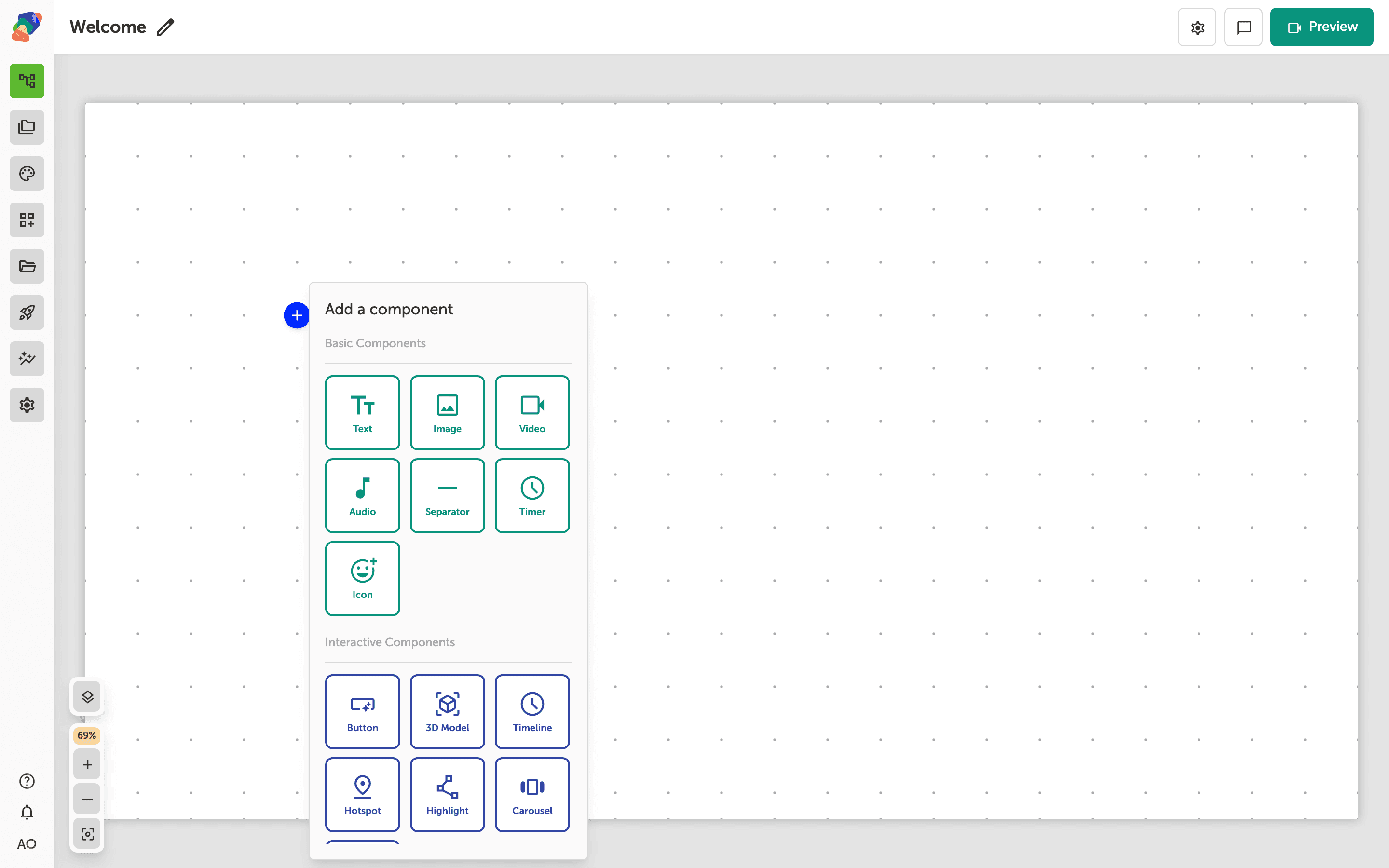
Choose Toggle
In the add menu, Toggle is under Form Components. Click it to place the component on the cell you opened.
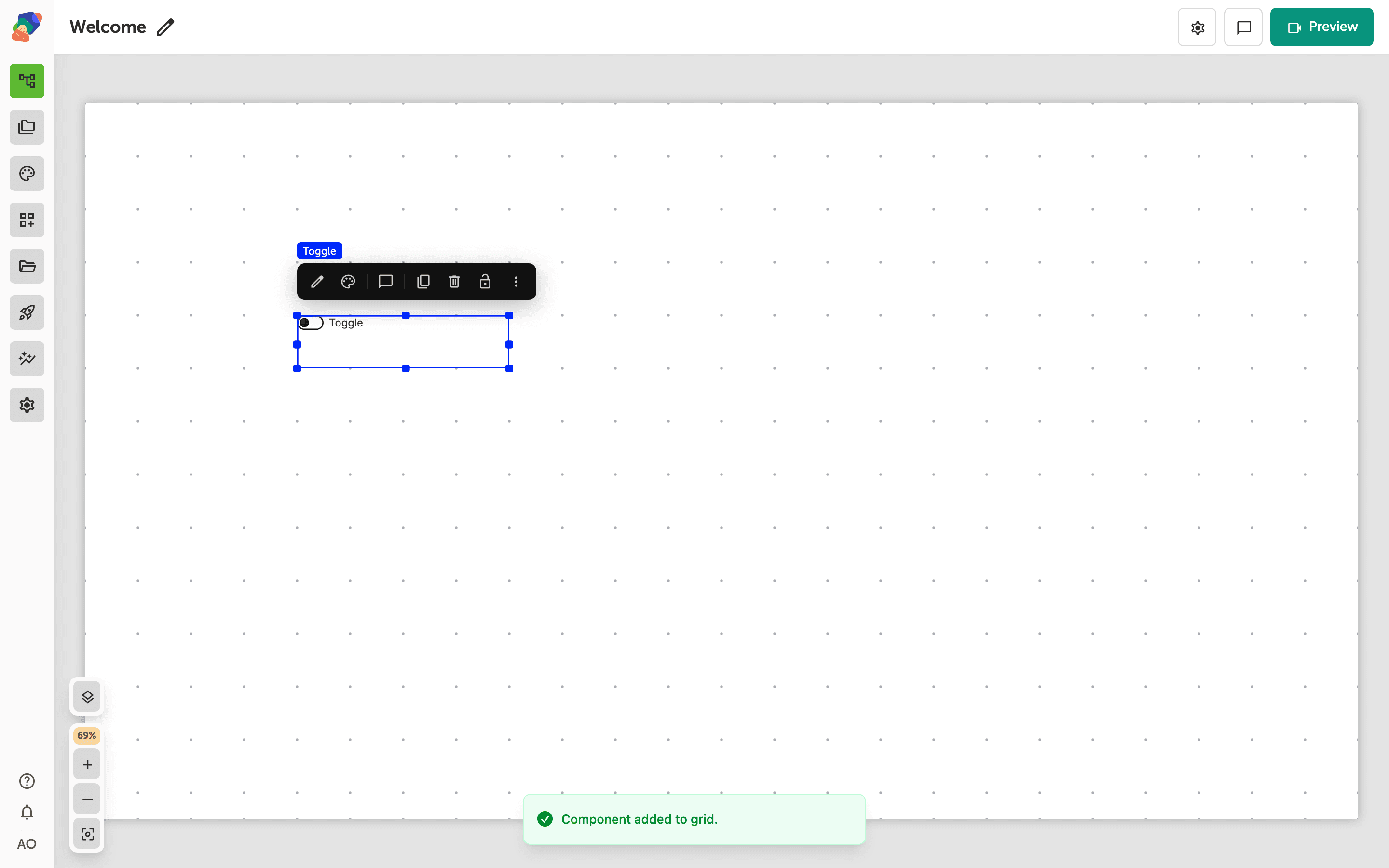
The component is on the grid
The toggle appears with the label Toggle. Put the label in the words of the question, and place the control where the thumb can reach it on a kiosk.
Write the question
Select the component and open Edit content from the toolbar. In Details, Default label is the sentence next to the switch. The default value is off. Turn Required on only when the visitor must set it — required on a consent toggle means they cannot submit until they switch it on, so use that deliberately.
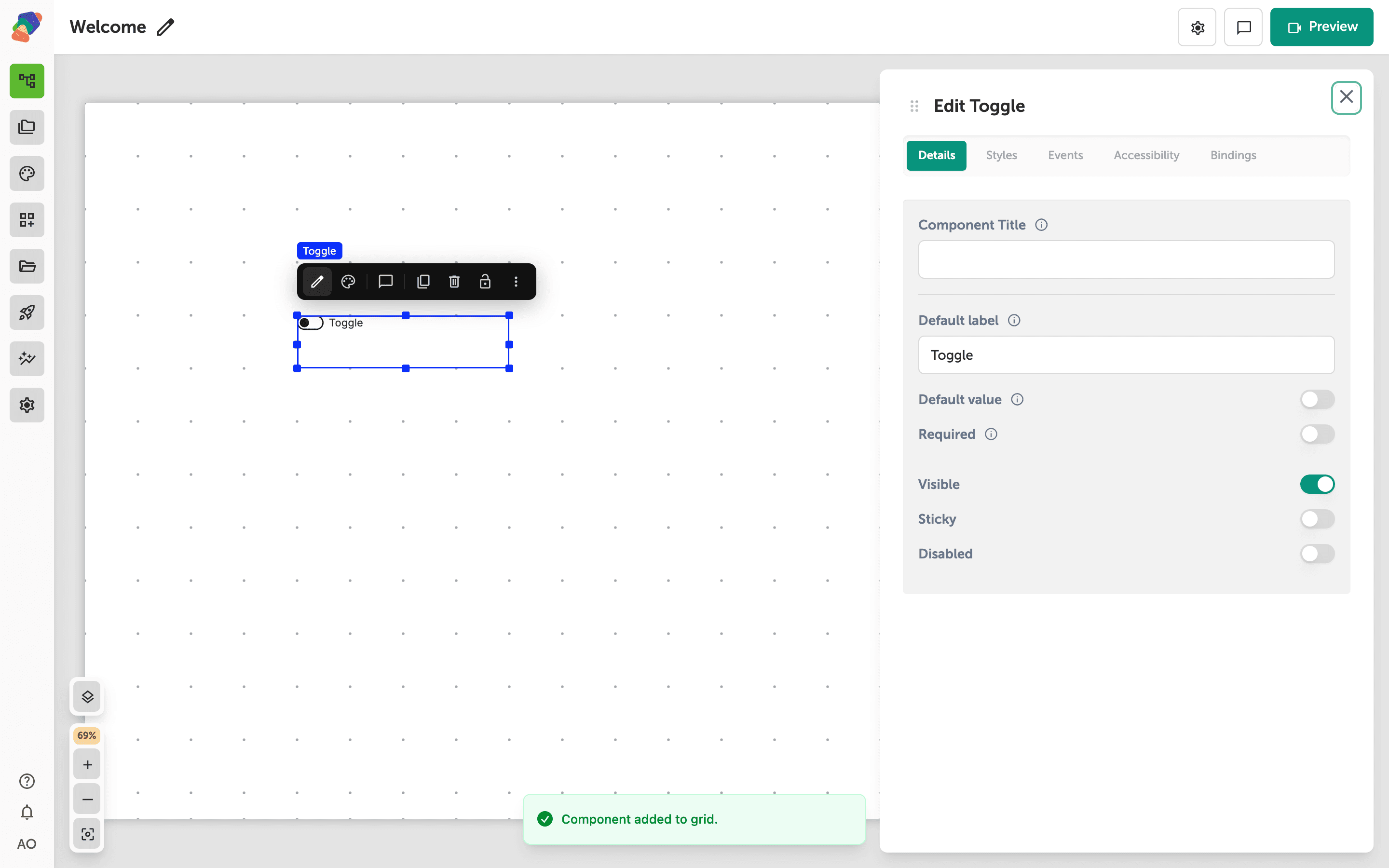
The switch is labeled. Put it in a form beside the other answers it belongs with.