Platforms & software
No-code vs. low-code vs. custom development
No-code means non-developers can build and publish. Low-code still needs technical staff for glue code and custom logic. Custom development is built from scratch and stays expensive to change. For most kiosk, exhibit, and signage work, no-code covers the job; custom is for one-off hardware or system integrations.
Custom interactives look great on opening day and then freeze. Every content change, display swap, or accessibility fix goes back to a developer queue. That is why small teams often abandon digital interpretation after one expensive install.
Low-code platforms shrink that queue but still assume an engineer is in the loop. No-code platforms like Zibit put authoring, styles, collections, and deployment in the same editor so a curator, marketer, or educator can iterate without a ticket.
Choose custom when you need a unique device driver or a deep AV-system integration. Choose no-code when the work is layouts, stories, media, and multi-screen playback—and you need to keep changing it.
Related FAQs
Do I need to know how to code to use Zibit?
No. Zibit is fully no-code. You build interactive experiences with a drag-and-drop editor, templates, and shared style sets—no developers required.
How is Zibit different from using PowerPoint or Google Slides for signage?
Slide tools aren't built for interactive, multi-screen, or touch-based displays—they lack real-time sync across devices, accessibility defaults, and one-click deployment to physical hardware. Zibit is purpose-built for interactive digital experiences, not repurposed presentation software.
Related Insights
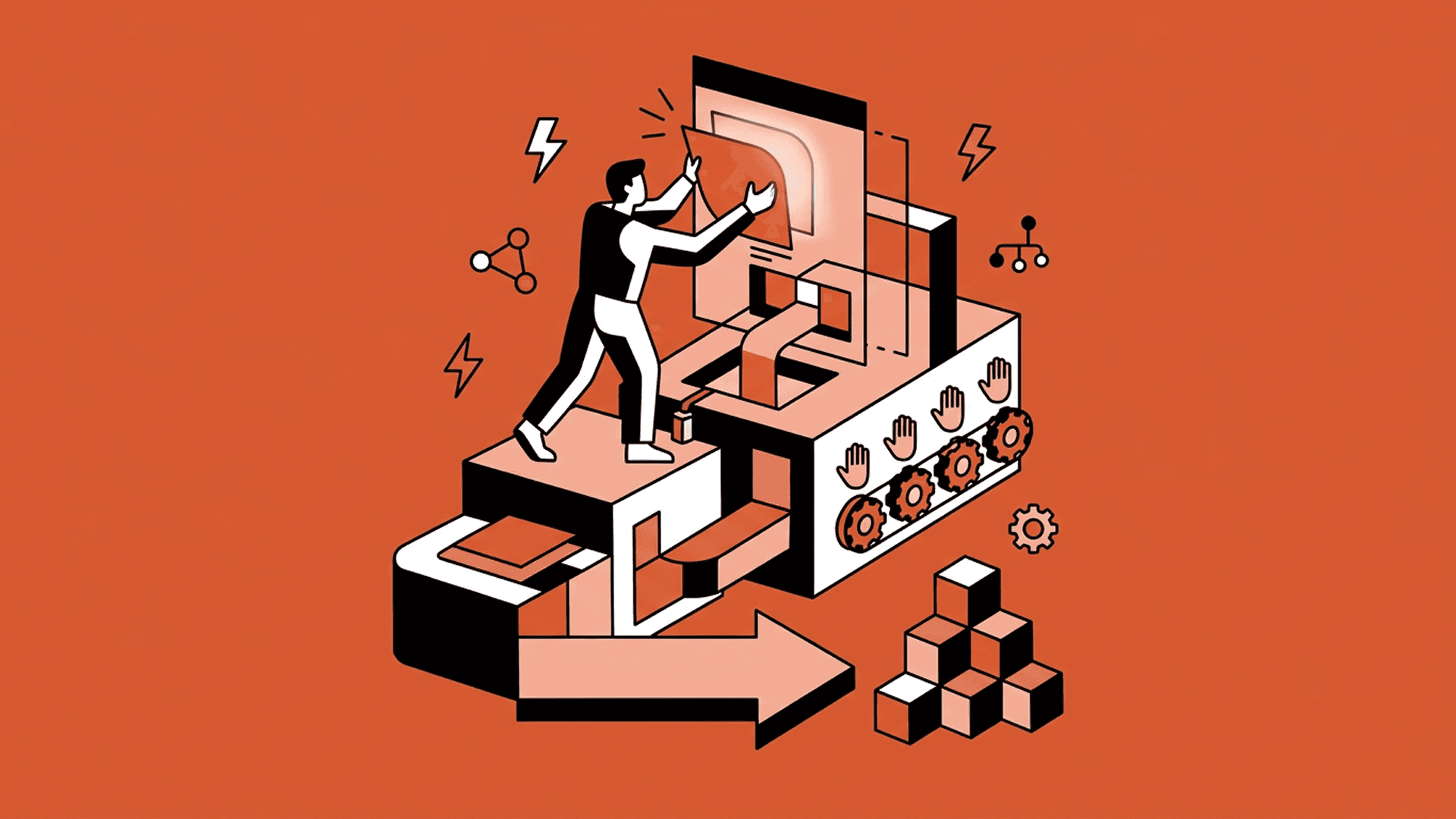
The Value of No-Code for Building and Maintaining Digital Experiences
The playbook for digital experiences in physical spaces is broken. No-code and Zibit is the future.

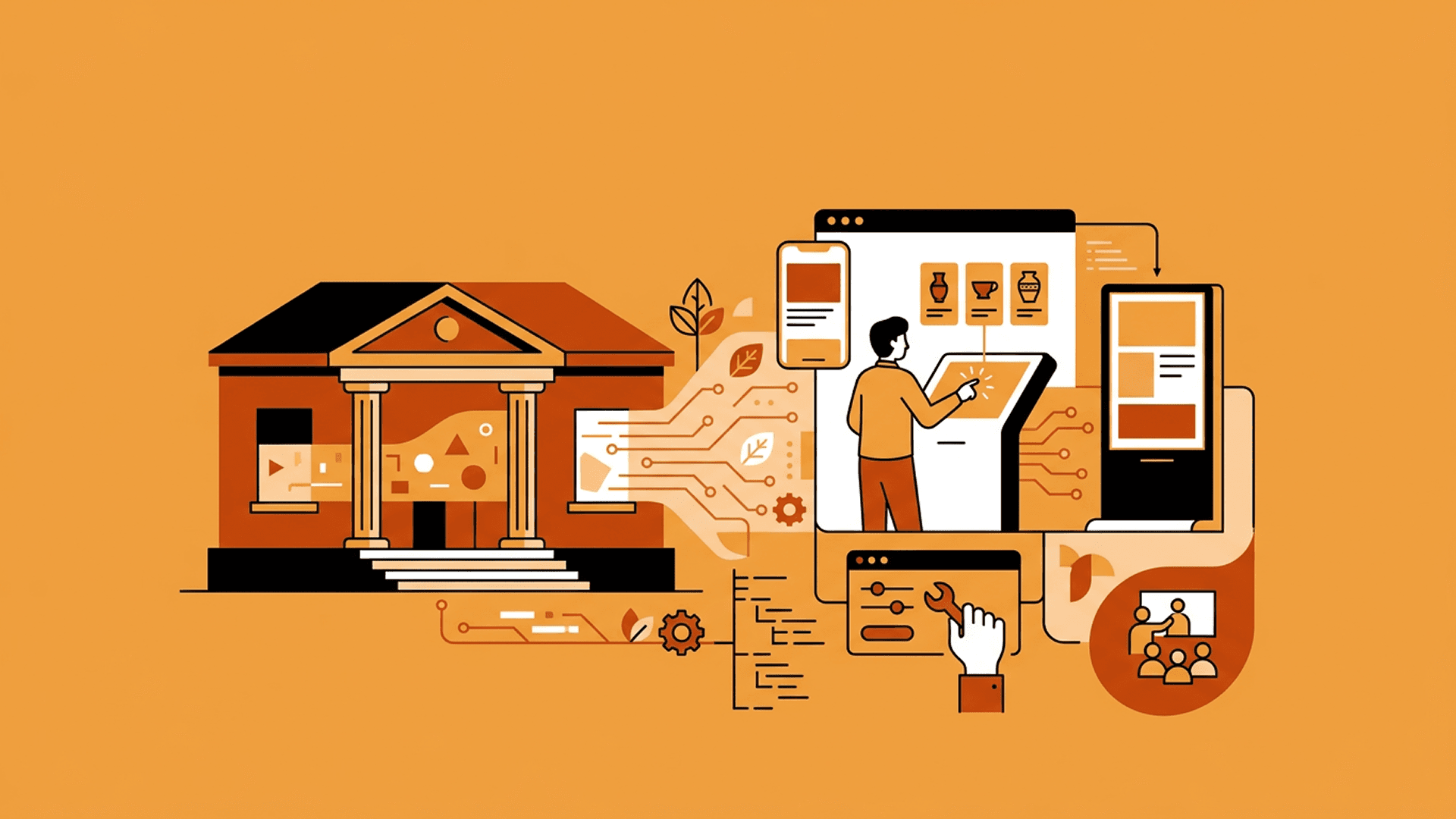
Prototyping Interactive Exhibits Without Technical Teams
The idea is never the hard part. Getting an interactive exhibit into a state where people can actually try it is where non-technical teams stall—and where Zibit changes the economics of iteration.