
Museums & cultural
What is a museum interactive exhibit?
A museum interactive exhibit is a digital experience in a gallery that visitors use to explore collections, stories, or data—kiosks, multi-screen stories, donor walls. Unlike a printed label, it can be updated after install day without a developer standing in the gallery.
The people closest to the story—curators, educators, exhibit designers—are usually the furthest from the tool that builds it. When every iteration needs custom development, teams ration feedback and ship untested assumptions.
No-code authoring lets those teams prototype on the real display, then keep interpreting after opening. Digital interpretation is the broader practice; the interactive exhibit is the object on the floor.
Related FAQs
What can I build with Zibit?
Teams use Zibit to build:
- Interactive kiosks and touchscreen exhibits
- Museum and gallery exhibits
- Wayfinding displays
- Digital signage
- Education displays
Projects can share styles, collections, and files across a Space, so teams aren't rebuilding from scratch each time.
Is Zibit good for museums, retail, hotels, and other industries?
Zibit works for any organization that needs interactive displays without hiring developers—museums and galleries, retail and restaurants, hotels and visitor centers, libraries and campuses, government and nonprofit spaces, and corporate lobbies or trade show booths.
Related Insights
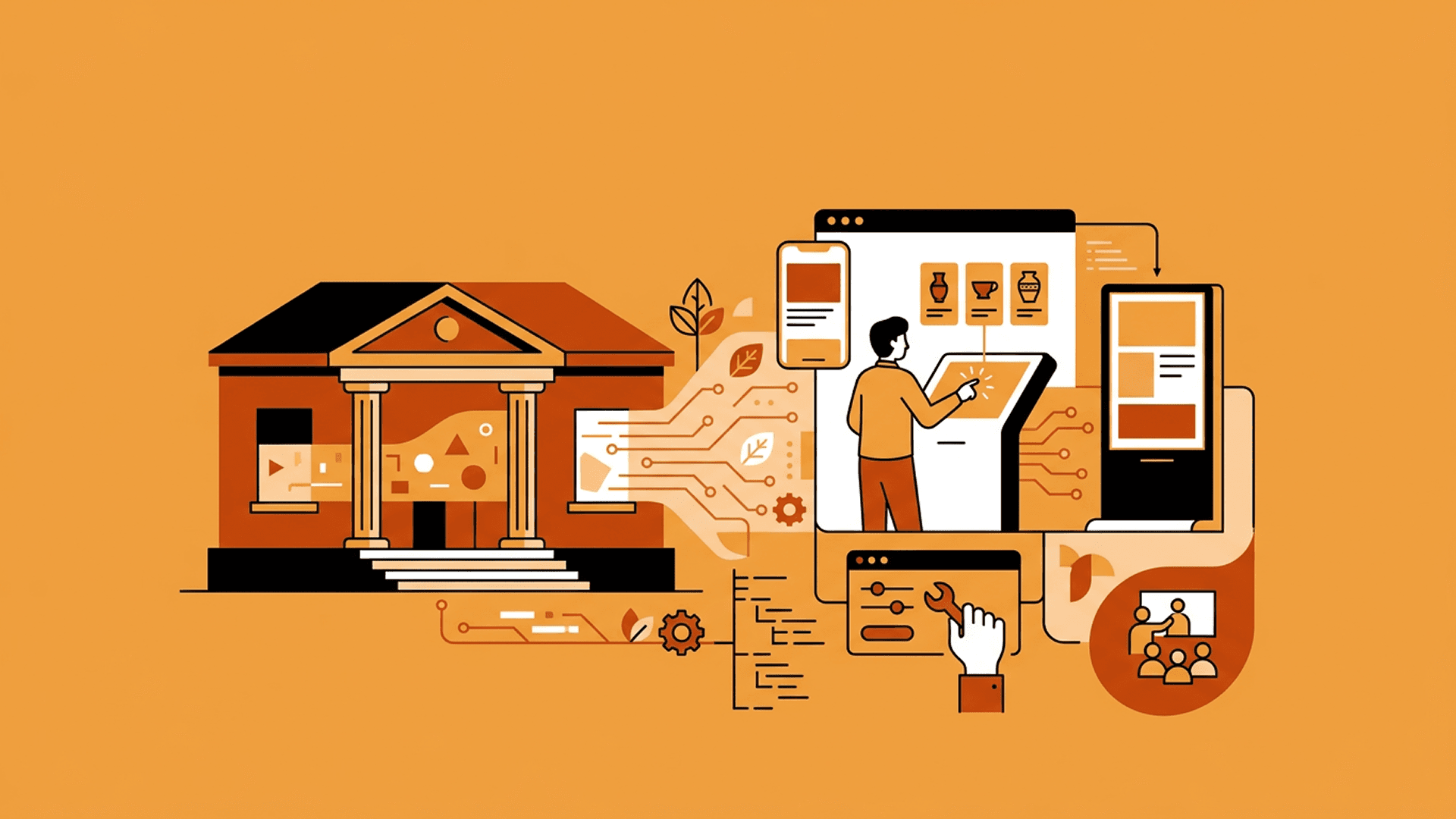
Prototyping Interactive Exhibits Without Technical Teams
The idea is never the hard part. Getting an interactive exhibit into a state where people can actually try it is where non-technical teams stall—and where Zibit changes the economics of iteration.


How Small Museums Can Plan and Deploy Digital Interpretation on a Limited Budget
Small institutions have the same ambitions as large ones with a fraction of the resources. Here's why custom builds rarely fit and how Zibit lets small teams do more with less.

Building Multi-Screen Experiences with Zibit
Zibit isn’t limited to a single display. Here’s how multi-screen setup, real-world scale, and side-by-side preview work—and where teams are using it.
