
Museums & cultural
What is a touchscreen exhibit?
A touchscreen exhibit is an interactive installed on a touch display—visitors tap, swipe, or scroll through content in the gallery. It is a common form of museum interactive and a subset of interactive kiosk software, and it has to be tested on the real screen, not only on a laptop.
Laptop mockups hide the problems: resolution, aspect ratio, touch targets, and gallery lighting. Prototyping on the actual display is what turns a concept into something people will use.
Touchscreens often pair with a larger companion display so a group can watch while one person drives. That is multi-screen sync, not two unrelated videos.
Related FAQs
Is Zibit a no-code kiosk software?
Yes. Zibit is a no-code platform for building interactive kiosks and touchscreen experiences—you design, brand, and publish to your hardware without writing any code.
What can I build with Zibit?
Teams use Zibit to build:
- Interactive kiosks and touchscreen exhibits
- Museum and gallery exhibits
- Wayfinding displays
- Digital signage
- Education displays
Projects can share styles, collections, and files across a Space, so teams aren't rebuilding from scratch each time.
Related Insights
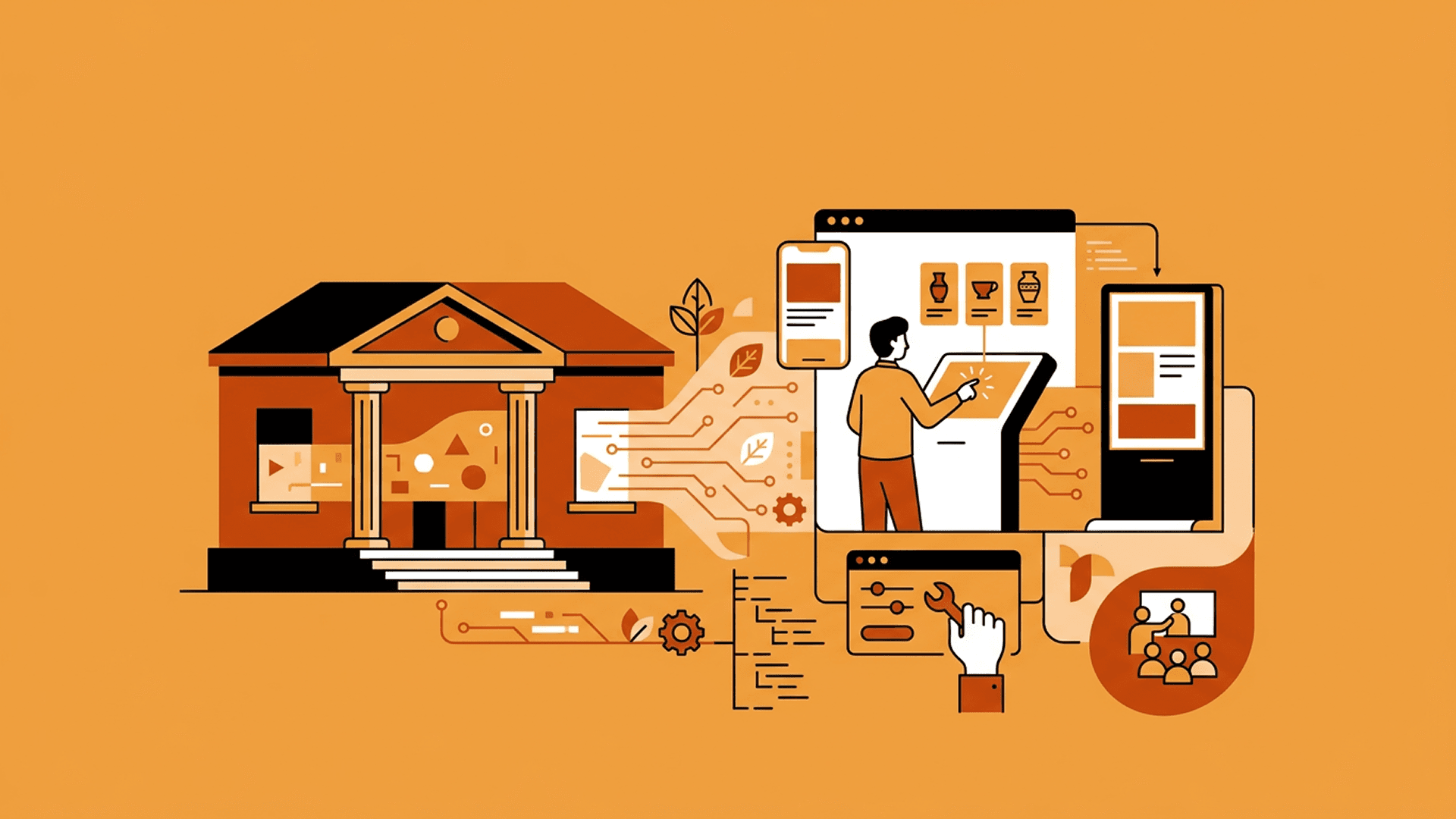
Prototyping Interactive Exhibits Without Technical Teams
The idea is never the hard part. Getting an interactive exhibit into a state where people can actually try it is where non-technical teams stall—and where Zibit changes the economics of iteration.


Building Multi-Screen Experiences with Zibit
Zibit isn’t limited to a single display. Here’s how multi-screen setup, real-world scale, and side-by-side preview work—and where teams are using it.
